


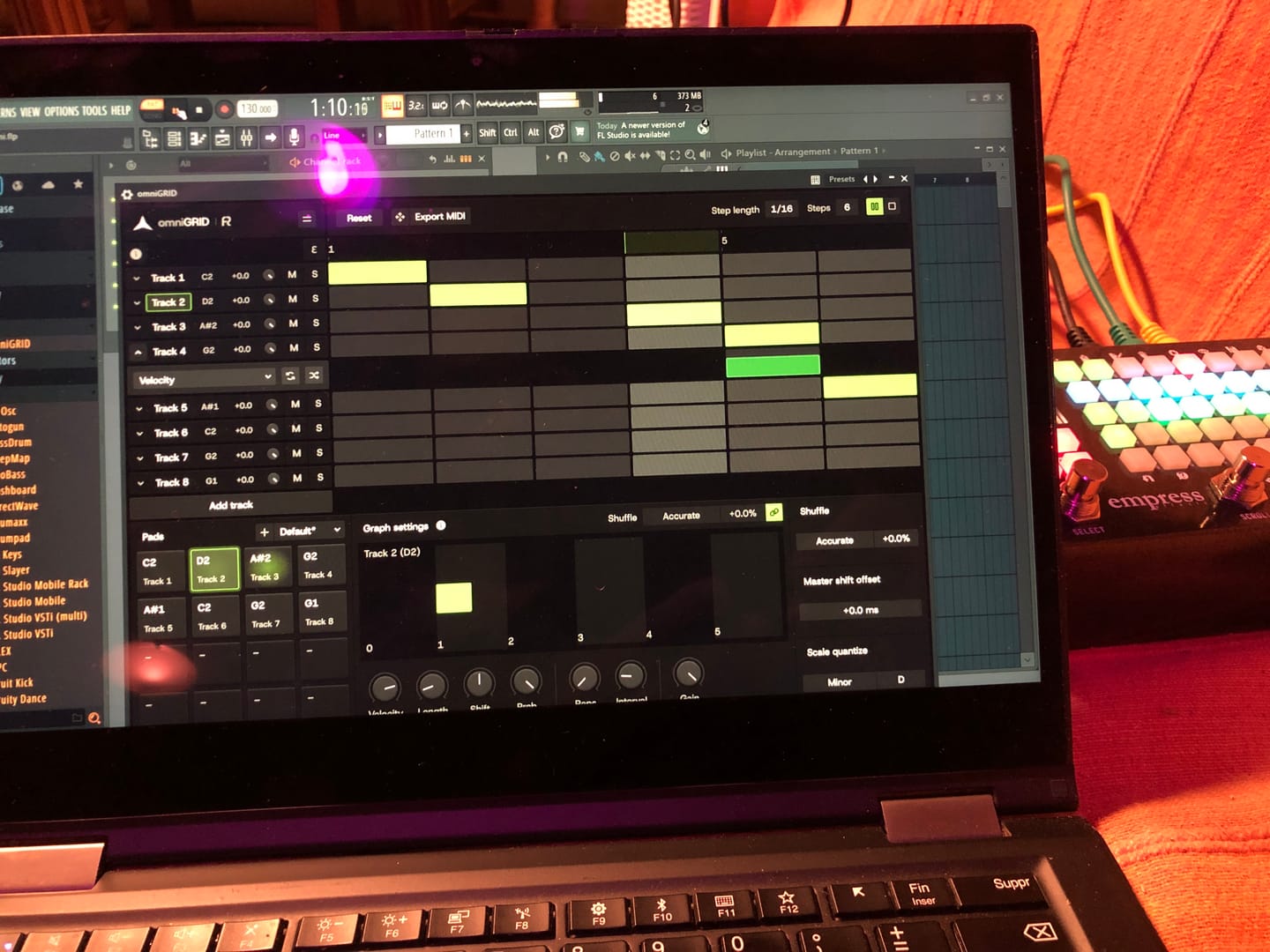
Lots of potential, and just at v1 :)

EUCLIDEAN BY DESIGN. HUMAN BY FEEL
omniGRID V1.1 is here, free for all existing owners. Record in real time, trigger Scenes live, transpose sequences from MIDI, create custom scales, change playback directions, shape repeats, and more.
Build rolling grooves, unexpected basslines and hypnotic arpeggios with Euclidean sequencing, scale-aware note generation and hardware-inspired shuffle, all from one grid.
 25,995
producers
25,995
producers


omniGRID V1.1 now gives you more ways to capture ideas, perform patterns and take sequences in new directions. Record directly into the sequencer in real time, switch between Scenes while you play, transpose patterns from MIDI input, and explore new variations with per-track playback directions, triplet and dotted step lengths, and custom scales.

Turn simple patterns into grooves that roll, shift, disappear and repeat in unexpected ways. Shape individual steps with velocity, length, timing, probability, repeats and interval, then drag the result straight into your DAW as MIDI.
Custom scales, user presets, live MIDI transpose, keyboard step recording and 8 scenes that switch on the beat.
Tour of omniGRID's arpeggiation & euclidian sequencing features
Why these mathematically-spaced patterns are used in techno and house
Demo and overview how to setup omniGRID with MIDI, CV, Plugins and MIDI controllers

Built-in tutorials guide you through the new tools, so you can get started quickly. Then record, reshape and perform evolving patterns in real time without constantly stopping to edit.

Apply one groove globally or give individual tracks their own shuffle, then use ±64 ms timing shifts to push each part exactly where it feels right.

omniGRID locks every step to your chosen key and scale, so you can build arpeggios by ear, experiment freely, and stumble into melodic patterns you’d never have programmed on purpose.

Use Euclidean sequencing to create rolling hats, shifting percussion, toms and rhythmic loops without placing every hit by hand. Adjust the pulses and offset on each track to quickly find patterns that naturally cycle, repeat and evolve.


Inspired by the timing behavior of legendary machines, bringing legendary vintage shuffle feel into your DAW without external hardware.

Roland TR-909

MFB Tanzbar

AKAI MPC60

E-MU SP-12

AKAI MPC 3000

Oberheim DMX

Linndrum LM-1
Roland TR-909
MFB Tanzbar
AKAI MPC60
E-MU SP-12
AKAI MPC 3000
Oberheim DMX
Linndrum LM-1
16 Tracks. 64 Steps. Endless Ways to Shape a Groove.

Standard Sequencers
omniGRID


omniGRID puts a complete 16-track sequencing workflow directly inside your DAW. Build, shape and control your patterns from one interface, no external sequencer, MIDI controller or additional hardware required.
Scale omniGRID from 50% to 400%, drag the window wider for more space between steps, and switch between Light and Dark themes to fit your screen and studio setup.


Overall rating: 4.7 / 5 from 45 reviews.
Lots of potential, and just at v1 :)
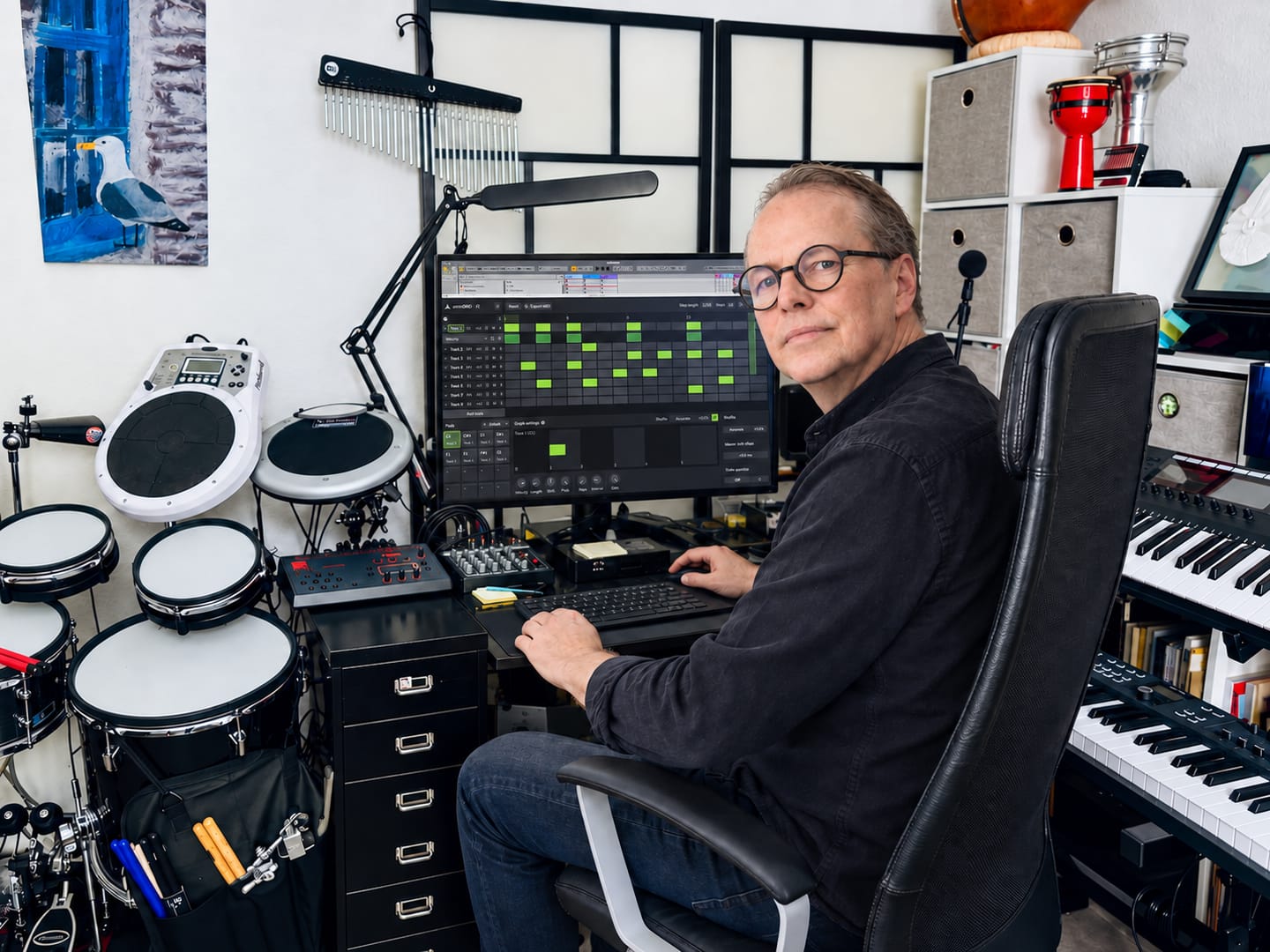
★★★★★ Omnigrid by Rapidflow is clear, fast, and pleasant to use. The features are well structured, the interface feels clean, and working with it is reliable. I especially like how easy it is to find your way around and get results without unnecessary steps. For me, it is a very well-made solution that does exactly what it should.
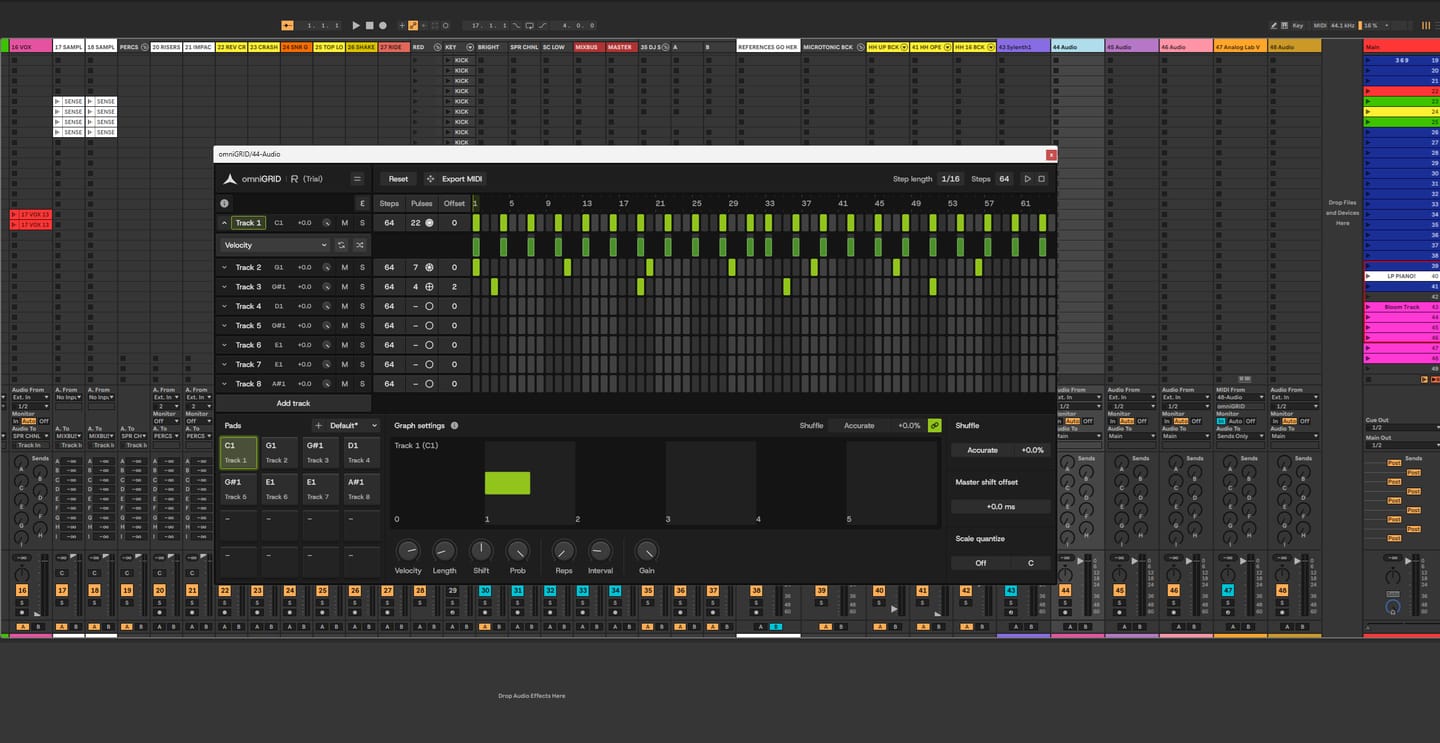
It’s been fantastic exploring new sequences and combinations! It’s impossible not to love omniGRID; before you know it, you have multiple instances running simultaneously—on the kick, bass, clap, and even synthesizers. It’s definitely a "must-have"!

Love it! Our new go to sequencer. Great for throwing a bit of ‘feel’ in to your loops and patterns. Highly recommend 👍🏻

Omni Grid is very cool, early days of using it but so far I love it, the small amounts of randomization and shuffle that can be applied to anything is something I have been looking far for ages! will post a video when I've finished something. Very exciting!

Amazing

Right! So I’ve had more time to try out omniGRID! I didn’t wait until the end of the trial period to buy it, as this time I was working whilst travelling: I simply used LIVE for a few tracks and LAUNCHPAD X (Novation)! I’ve had some great results… And I’m going to keep experimenting with everything this little gem has to offer! (...)

Finally the good stuff has arrived! Like having an Eurorack sequencer in your DAW thank you so much🔥🔥👌🏻

Omnigrid has all the features that made Minigrid an instant hit. The ability to quickly and easily tweak the midi output so it grooves perfectly for all parts. Omnigrid is the first sequencer I have come accross that perfectly adds euclidean features and normal step sequencing in one interface. Up to 64 steps for any of the 16 tracks shows that this sequencer is intended to be versatile. This sequencer really shines at making your sounds hit the right spot. At present there is no way to record midi or to drop a midi file into Omnigrid to take advantage of the various track controls that transform the midi output. I think something along those lines would be a great addition for a future update.
After the initial learning curve, i had immense experience with experimenting with snare drum fills for a very complex project of mine. The fact that omnigrid is only triggered by instrument vsts, forces me to operate at what might be regarded as a purely technical and analogue state of mind. it has also become a future staple tool as o migrate further away from the inefficiency of FLSTUDIO. i am currently using omnigrid within the REAPER DAW.
Fun and easy to use!
Playing around with zensphere and the Omni and rediscovered the joy of producing music. Great soundlibrary and amazing plugins
Love it 🙏😀🎶🔥
The bomb... simply the best sequencer out there.
Perfect to add some hardware groove.
Top Sequenzer
Superb sequencer i use it in Live 12 and Gig Performer 😁
Really cool Sequencer. It will be awesome to have a global transpose function!
Overall, I really like omniGRID and, once you get into it, it can be a lot of fun and a very creative tool. That said, the initial learning curve is a little steep. It feels more geared towards users who already have a clear idea of what they are looking for, rather than guiding you naturally through the possibilities of the plugin. One of the things I particularly enjoy is how it goes beyond its initial concept. For example, being able to repurpose the drum sequencer and adjuster to create melodic sequences and arpeggios opens up some really interesting possibilities. It’s a great way of generating unexpected results and those “happy accidents” that can often lead to original sounds and ideas. For future improvements, I would love to see more arpeggio and sequencing patterns, as this could make the melodic side of omniGRID even more powerful. I also think the overall workflow and user experience could be made a little more intuitive, especially when you are exploring the plugin for the first time. Regarding the drum section, it would be really useful to be able to drag individual sounds directly from the library into omniGRID. At the moment, the workflow relies on triggering sounds from an Ableton Drum Rack, which works, but feels like an extra step compared with having the sounds directly accessible within the plugin.
A very, very good sequencer, but with a lot to add during its updates. I guess it was made with Codex or smth like that, but who cares as long as it is supported and the creator adds missing features and listens to the customers. In my opinion, the pattern saving feature is missing and I would totally add simultaneous randomisation for all tracks at once. Everything else is pretty good. Would rate it 5 if there was saving.
Truly practical and intuitive to use recommended.
Great plugin which I have used for a few weeks now. I use it mostly to quickly write some patterns for either soft or hardware synths. Then you can quickly add swing to the sound with a few clicks. Easy to install and easy to use in Logic Pro. Converting the plugin data to midi in your DAW is a breeze.
excellent stuff
Still getting used to working with it, love the ability to shift the notes to fit the pocket and like the shuffle modes
Amazing creative tool. I own most of the best vst step sequencers and this is my new go-to. Thank you for bringing the fun back!
Next level sequencer experience. Where have you been all my life 🔥🔥🔥🔥🔥!!
Great
Cool
Absolutely loving omniGrid! I haven’t made music for quite a while as I had lost interest in it but after watching Erik’s videos using omniGrid I have been creating a few hours each day since! Keep up the great work!
Just the tool I have been looking for with all the features I wanted, easy to use and quick results
Very intuitive and great for experimenting.
One of its kind magic - gives drum parts, arpeggios and bass lines that 'feel' you can only normally get from hardware. Essential for any DAW user.
From my experience, It is not a good sequencing drums tool at all. I can't drop my samples Into the plugin like I can in Atlas or XO, and make drum patterns that way and easily switch out samples If need be. I have to route It to my drum rack in Ableton, then add the samples to the drum rack. Then make sure the key letter "C2" for example matches both in the plugin and in the drum rack in order to play that sample. It is so un intuitive and might I might as well write drums inside midi 2x-3x faster. One key note that when you add samples to the drum rack you also cannot see which key is it on, to match it in the plugin so it is a nightmare. Imagine matching the corresponding keys both the drum rack and omnigrid for like 15 drum samples loaded... or If you add more new ones.. It kills the whole creative process. On top of that You can't see what type of sample is routed to the track in omnigrid so if you have 15 drums routed you are just guessing which is where Anyway if this was made to be a drum sequencer this would be freaking awesome, something simillar to fl sequencer but much better, but unfortunately It does not feel like it was made for that. In it's current form it's a nightmare workflow wise and both midi/arrangement view sequencing is 1000x faster
Very versatile and easy to use
I’m totally new to sequencers, and this is pretty easy to use!! Once you discover something, it makes you want to try something else. Rhythms, velocity, pitch, it’s all right in front of you. Give it a go. You won’t be sorry!
Easy, funny, unexpected results!!
Great 👍
Love it! Innovative and easy to use plugin. Very versatile tool!
Getting some ethic.
very functional and melodic!

omniGRID runs as a lightweight plugin inside your DAW, designed to integrate seamlessly with your system and existing workflow.

VST3 64-bit

AU 64-bit, VST3 64-bit

Windows version on Wine + bridging VST3 with Yabridge

No physical dongle necessary
Our plug-ins should work with any compatible DAW. We test against the following:


