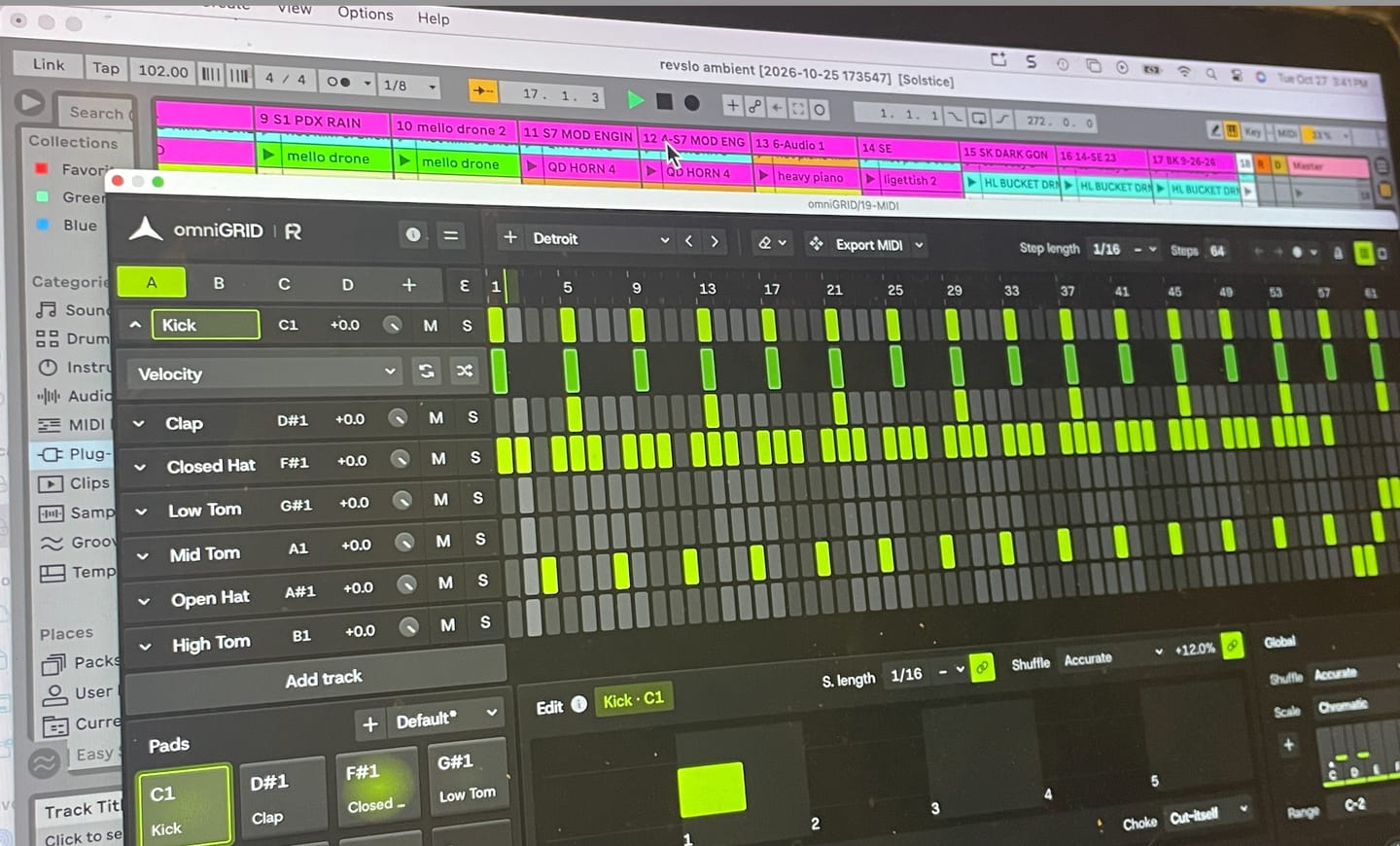
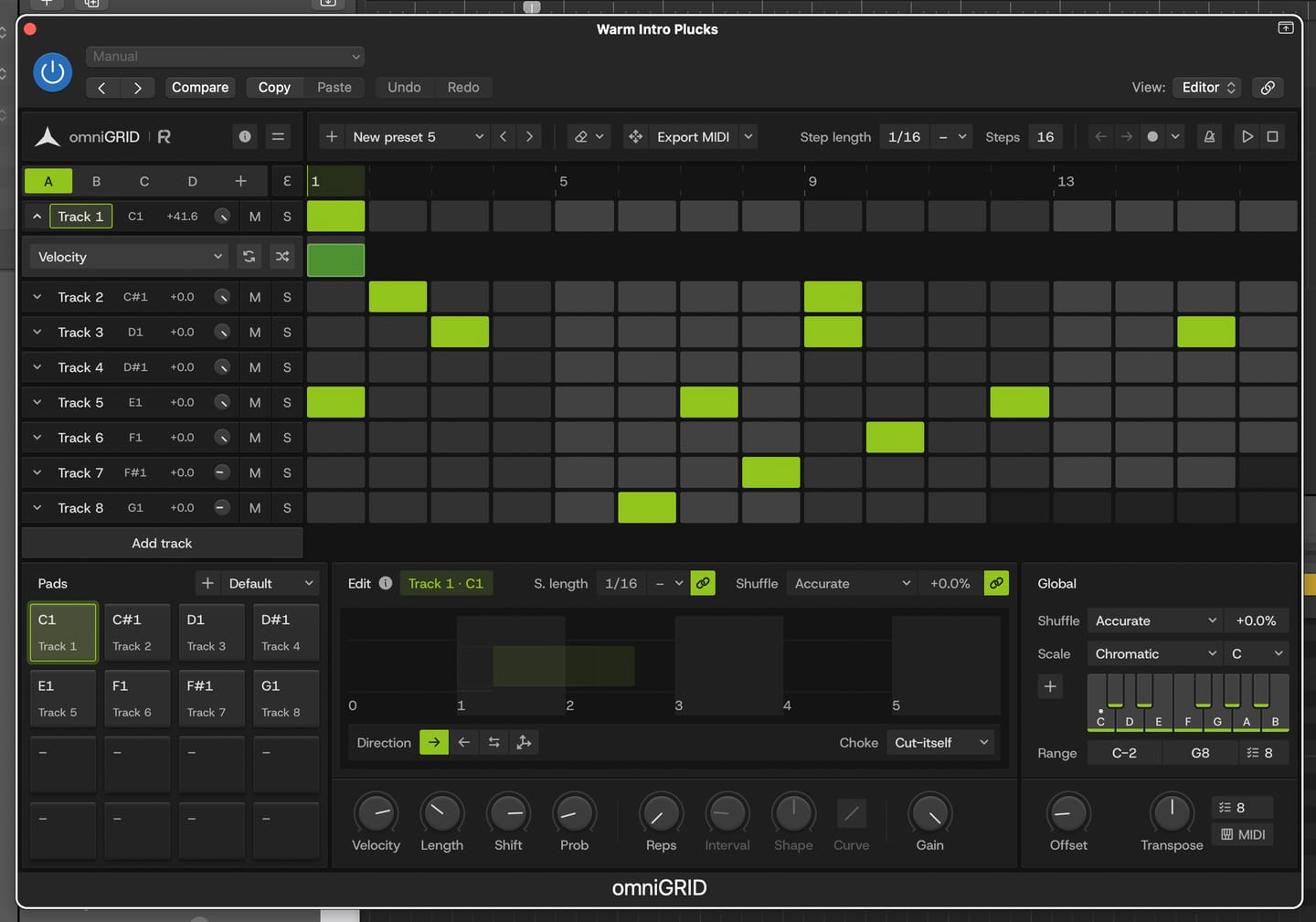
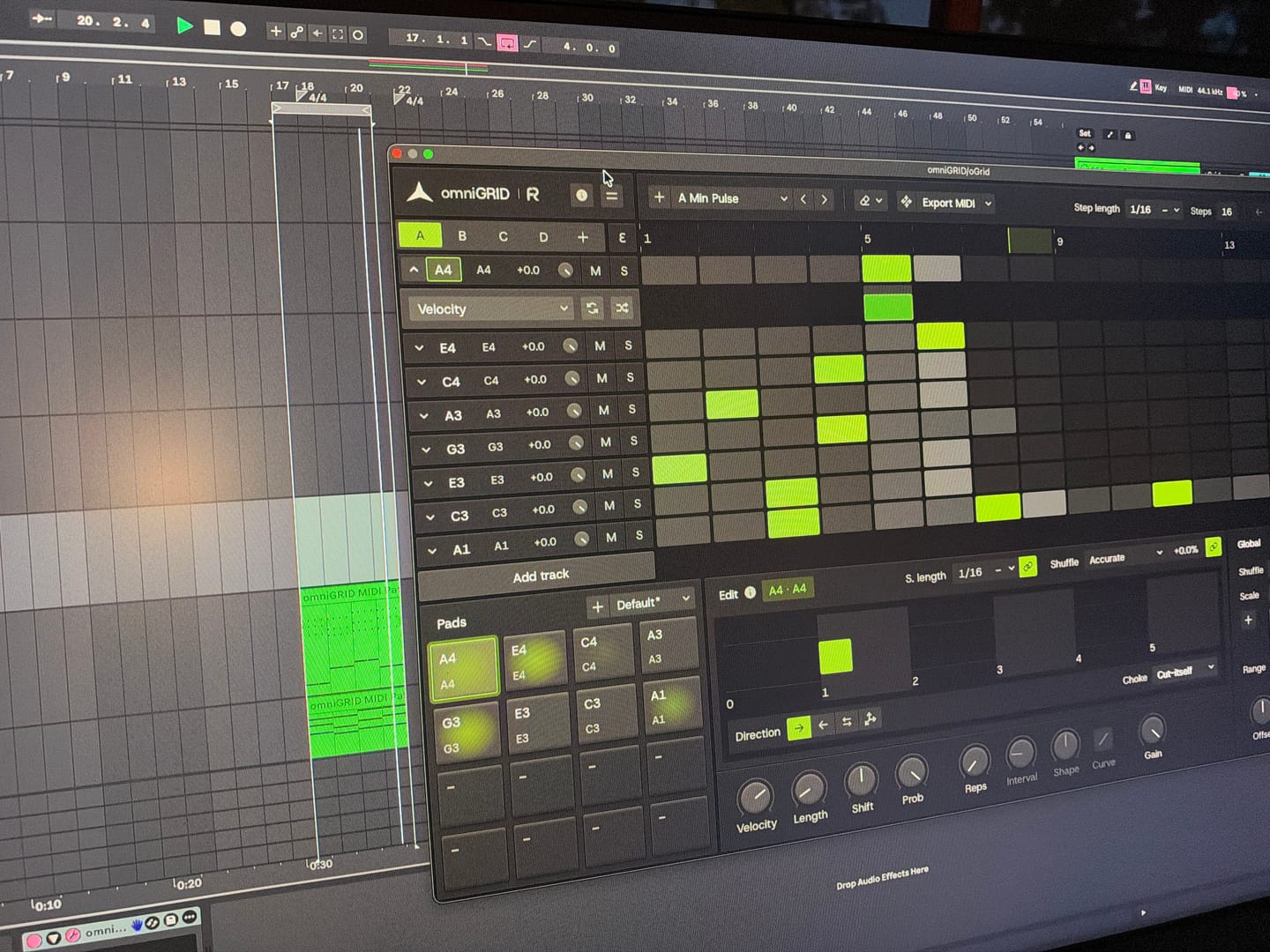
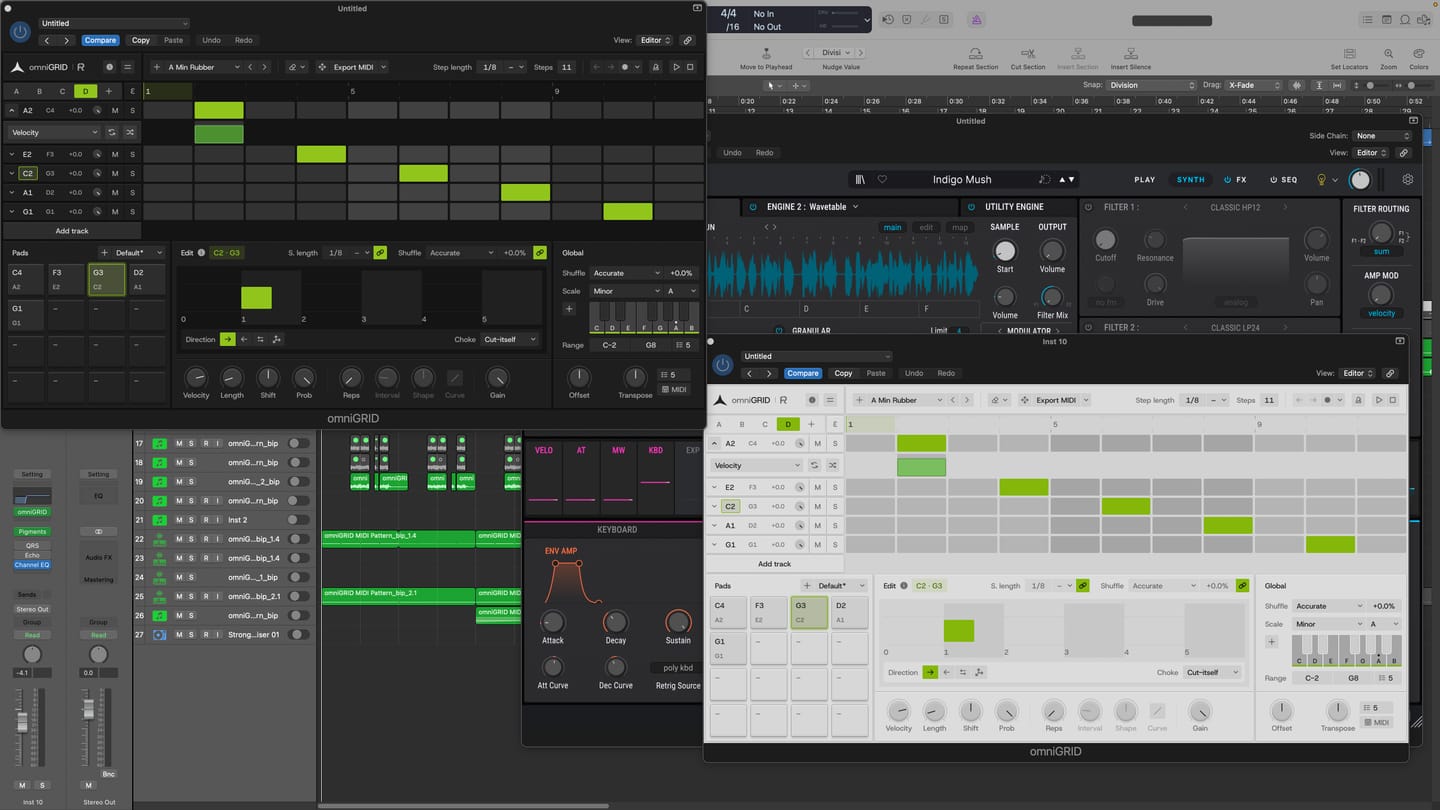
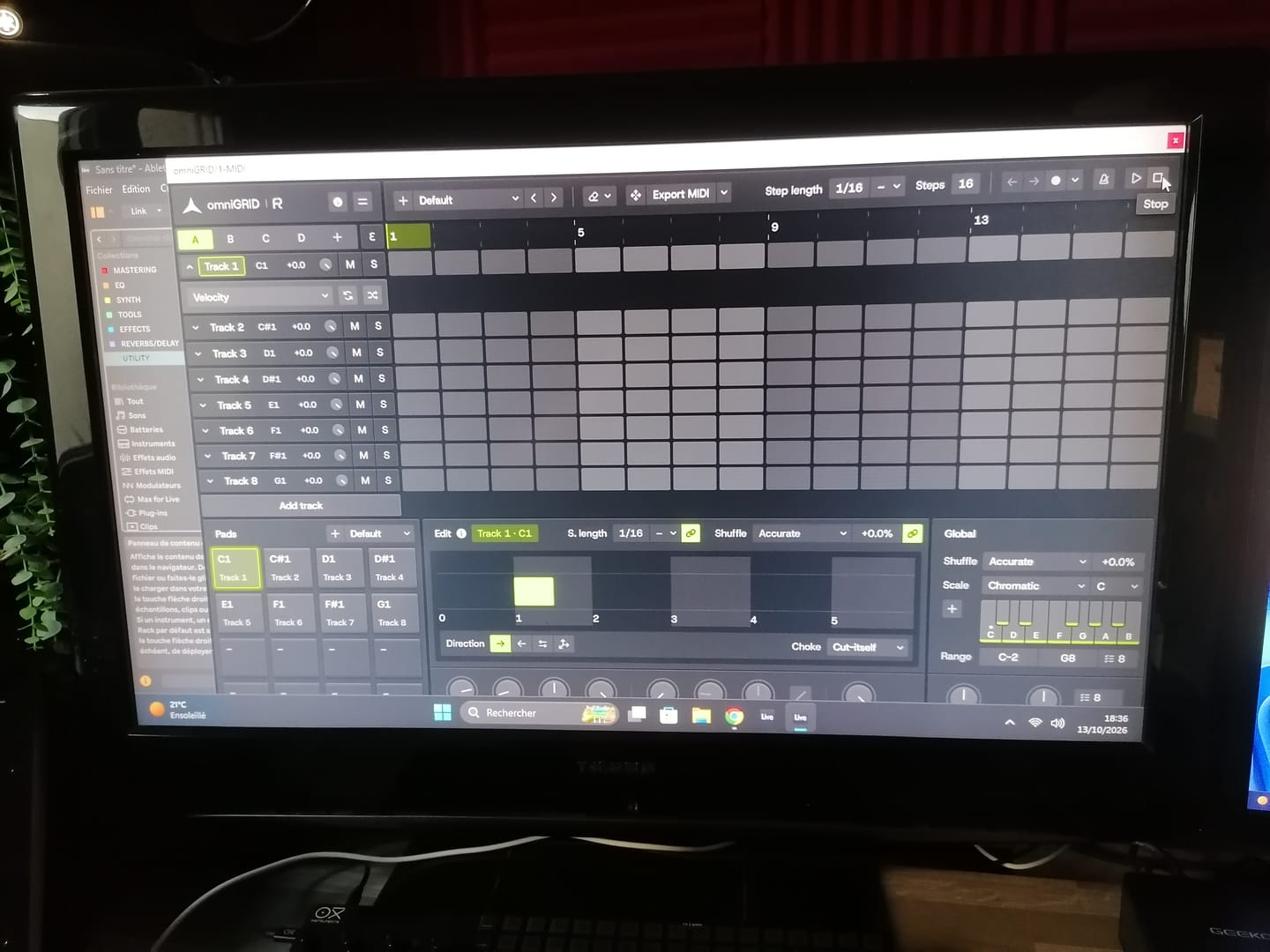
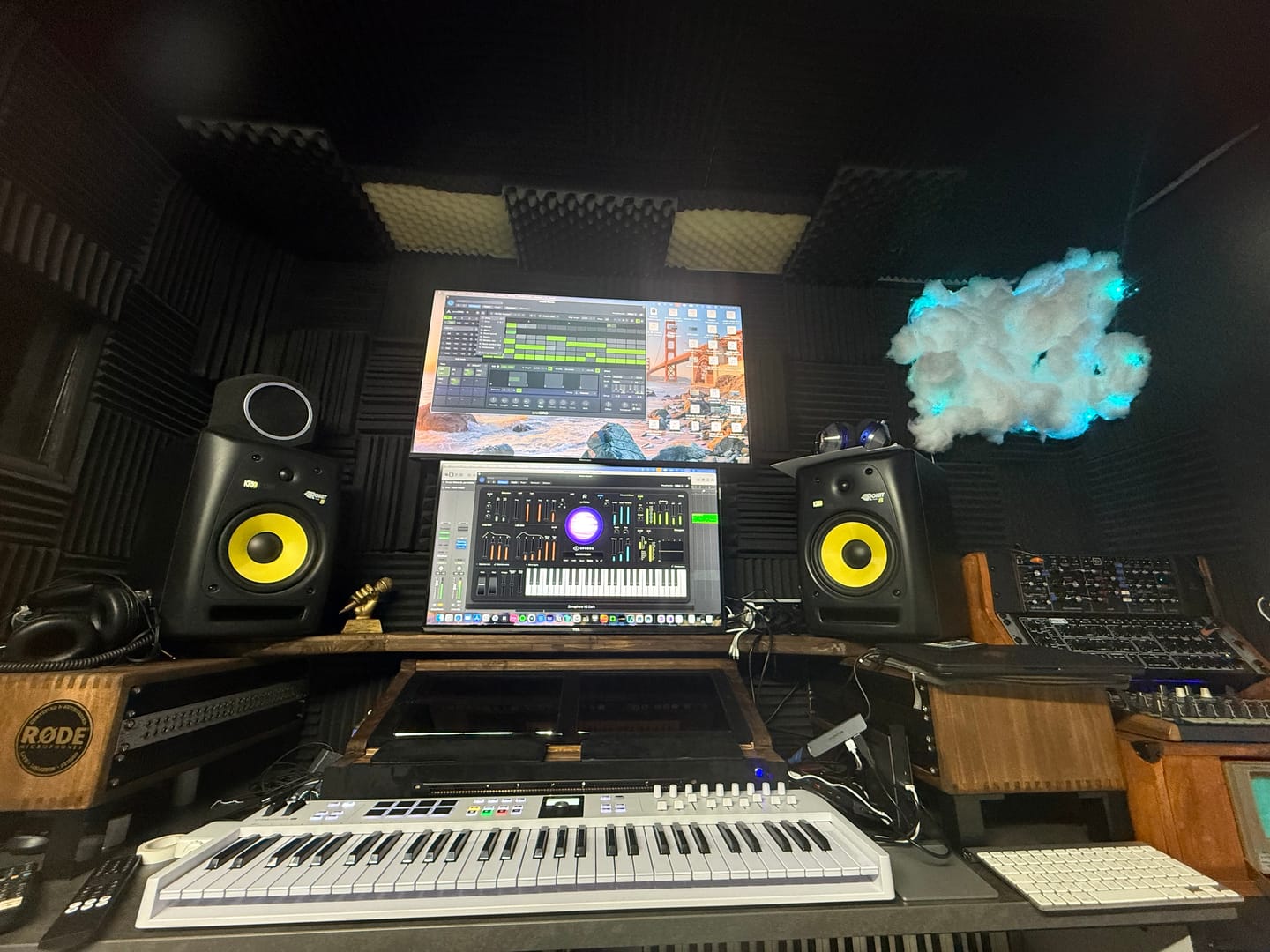
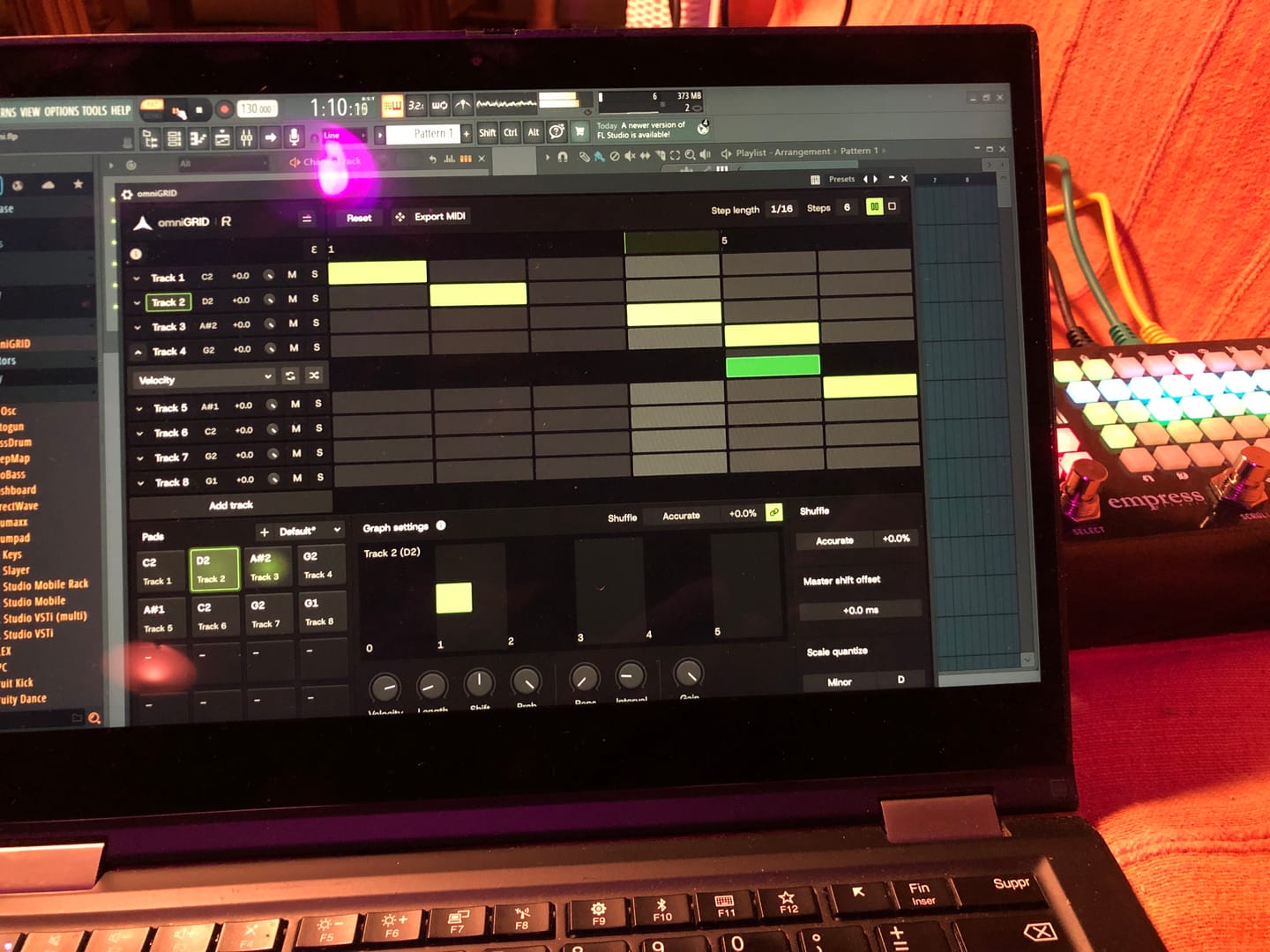
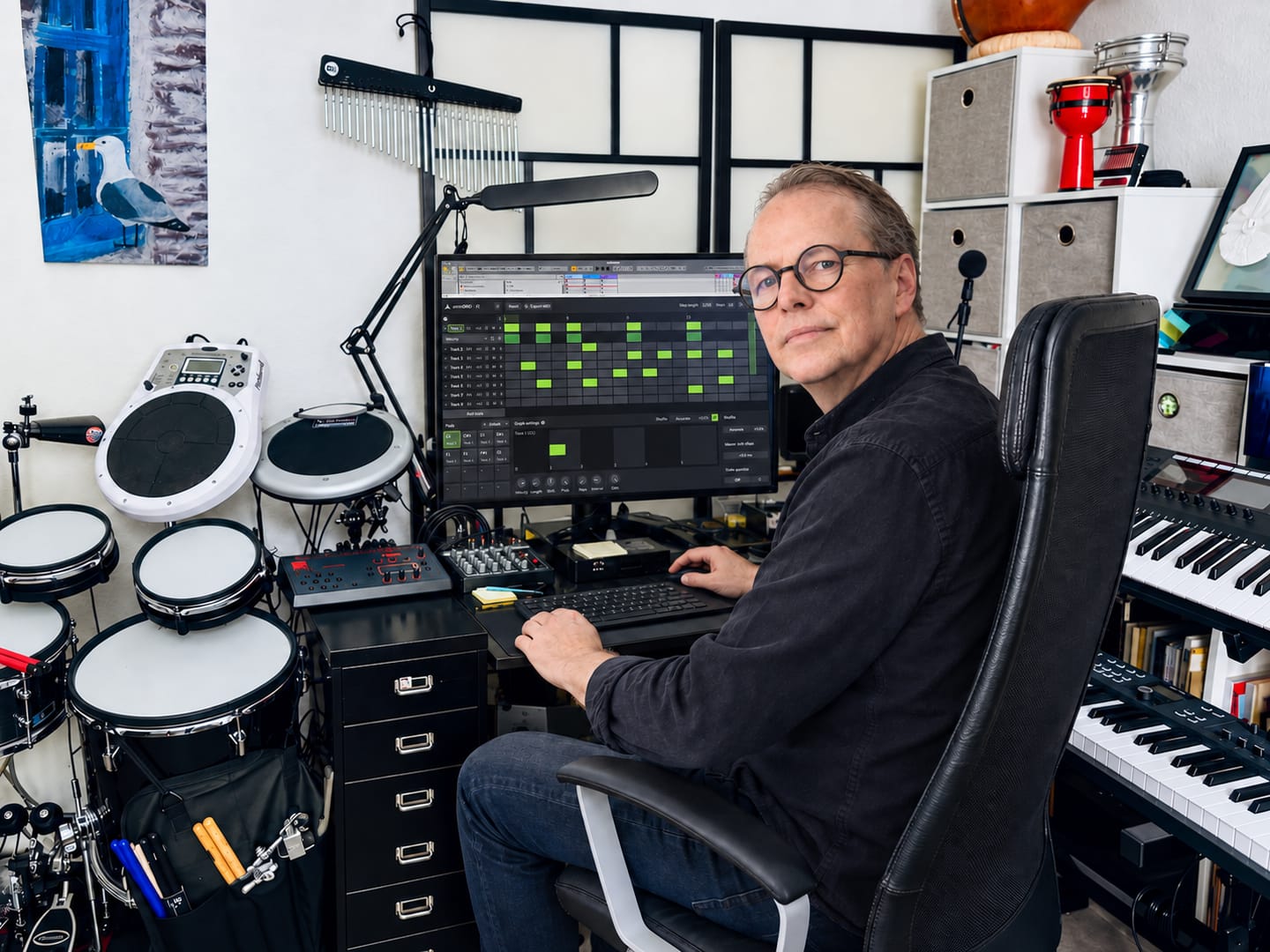
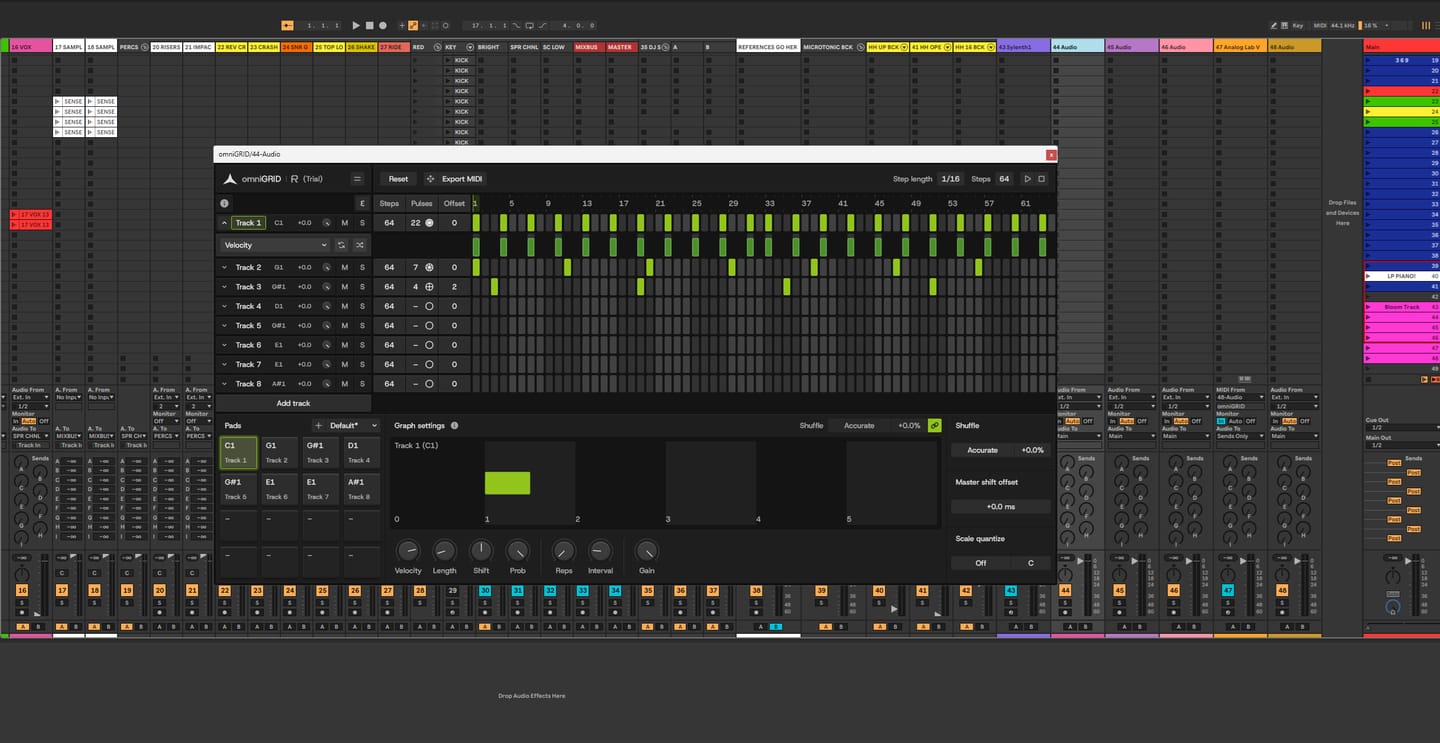
omniGRID V1.1 is here, free for all existing owners. Record in real time, trigger Scenes live, transpose sequences from MIDI, create custom scales, change playback directions, shape repeats, and more. Build rolling grooves, unexpected basslines and hypnotic arpeggios with Euclidean sequencing, scale-aware note generation and hardware-inspired shuffle, all from one grid.
omniGRID V1.1 now gives you more ways to capture ideas, perform patterns and take sequences in new directions. Record directly into the sequencer in real time, switch between Scenes while you play, transpose patterns from MIDI input, and explore new variations with per-track playback directions, triplet and dotted step lengths, and custom scales.
Live Recording with Overdub & Replace
Switch Scenes Live via MIDI or QWERTY
Live Transpose, Custom Scales & New Playback Directions
Get More Movement From Fewer Notes.
Turn simple patterns into grooves that roll, shift, disappear and repeat in unexpected ways. Shape individual steps with velocity, length, timing, probability, repeats and interval, then drag the result straight into your DAW as MIDI.
Per-Lane Macro Editing
Probability & Repeats Per Step
Instant Drag-and-Drop MIDI
omniGRID Videos
Overview
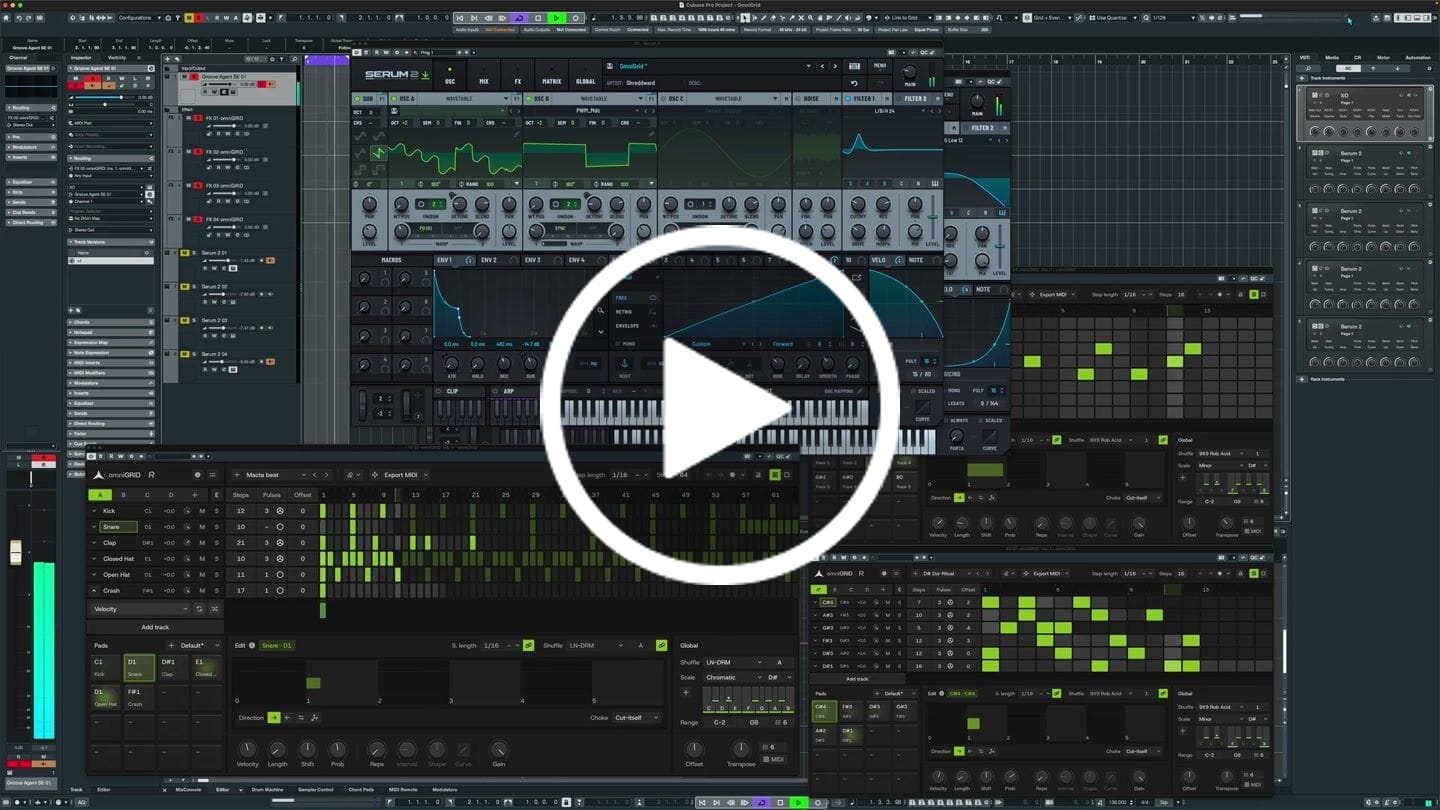
Tour of omniGRID's arpeggiation & euclidian sequencing features
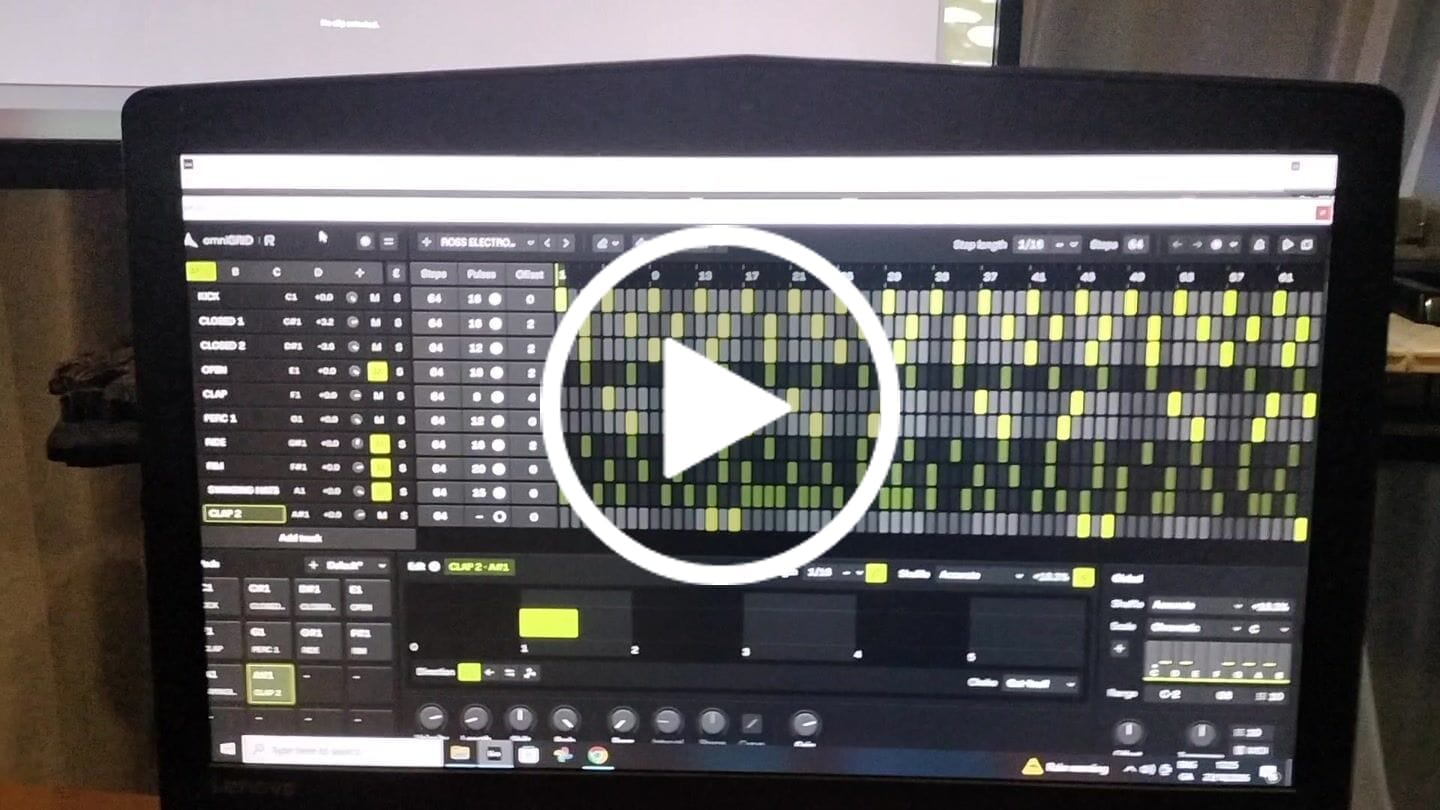
New in V1.1
Custom scales, user presets, live MIDI transpose, keyboard step recording and 8 scenes that switch on the beat.
Get started tutorial for omniGRID
A Complete Beginner’s Tutorial on How to get started with OmniGrid
omniGRID V1.1 in use
Live studio session stream from the Rapid Flow Studio with omniGRID 1.1 & The DNA Suite
Built-in tutorials guide you through the new tools, so you can get started quickly. Then record, reshape and perform evolving patterns in real time without constantly stopping to edit.
Overdub & Replace Recording Modes
Manual & MIDI-Controlled Transpose
Per-Track Playback Direction
Give Every Track its own Hardware Groove.
Apply one groove globally or give individual tracks their own shuffle, then use ±64 ms timing shifts to push each part exactly where it feels right.
8 Iconic Shuffle Profiles
Master Shift Offset ±64 ms
Shuffle Mode Host Automation
Create Rolling, Hypnotic Arpeggios
omniGRID locks every step to your chosen key and scale, so you can build arpeggios by ear, experiment freely, and stumble into melodic patterns you’d never have programmed on purpose.
Explore 12 Keys & 7 Scales
Shift Intervals Without Leaving the Scale
Build Repeats Into Individual Steps
Build Chords that define Modern House and Techno
Use Euclidean sequencing to create rolling hats, shifting percussion, toms and rhythmic loops without placing every hit by hand. Adjust the pulses and offset on each track to quickly find patterns that naturally cycle, repeat and evolve.
Per-Track Euclidean Pulses & Offsets
Independent Pattern Lengths Per Track
Euclidean + Manual Step Layering
Trusted by the biggest names in Music Tech
Inspired By
7 Iconic Sequencers
Inspired by the timing behavior of legendary machines, bringing legendary vintage shuffle feel into your DAW without external hardware.
Drum Machine
Roland TR-909
€6.000
INCLUDED
Drum Machine
MFB Tanzbar
€1.000
INCLUDED
Sampler / Drum Machine
AKAI MPC60
€3.900
INCLUDED
Sampler / Drum Machine
E-MU SP-12
€2.700
INCLUDED
Sampler / Drum Machine
AKAI MPC 3000
€4.200
INCLUDED
Drum Machine
Oberheim DMX
€3.900
INCLUDED
Drum Machine
Linndrum LM-1
€10.000
INCLUDED
Drum Machine
Roland TR-909
€6.000
INCLUDED
Drum Machine
MFB Tanzbar
€1.000
INCLUDED
Sampler / Drum Machine
AKAI MPC60
€3.900
INCLUDED
Sampler / Drum Machine
E-MU SP-12
€2.700
INCLUDED
Sampler / Drum Machine
AKAI MPC 3000
€4.200
INCLUDED
Drum Machine
Oberheim DMX
€3.900
INCLUDED
Drum Machine
Linndrum LM-1
€10.000
INCLUDED
Give simple MIDI the feel of iconic hardware.
16 Tracks. 64 Steps. Endless Ways to Shape a Groove.
omniGRID puts a complete 16-track sequencing workflow directly inside your DAW. Build, shape and control your patterns from one interface, no external sequencer, MIDI controller or additional hardware required.
Works Entirely In-The-Box
No MIDI Controller Required
One Interface for All 16 Tracks
Flexible Themes And Zoom Control
Scale omniGRID from 50% to 400%, drag the window wider for more space between steps, and switch between Light and Dark themes to fit your screen and studio setup.
I imported my own chord progression into OmniGrid and then went from there with some of the Euclidian controls and such, with OG playing Serum 2. Blendind in nicely.
The on thing I would like to see is having individual MIDI outputs for each OG lane...that way I can assign different lanes to play different VI's however I want.
I've watched Erik use omniGRID multiple times on YouTube, and I enjoyed it even before having it in my workflow. Now that I have it, I can easily say it was a good call.
I put this together in just a few minutes; granted, it still needs further development, but the inspiration you get from Omnigrid is truly immense. Thanks!
This is by far the best plugin I have bought for a long time. It's absolute fire for creating catchy melodies and basslines that I would never even think of trying to program in piano roll etc. It's also wicked for creating complex drum patterns in just a few clicks. Awesome job guys. Thanks
It's a great tool to have under your belt. Once you get the basic setup is done, it's engaging. Makes it more fun to play around. Also I've received two free updates. That shows team is constantly working on it to improve the features. Great plugin!
Answering requests for feedback is usually not something that I want to waste my time on, but for you I gladly make an exception.
Working with Omnigrid and Zensphere in combination with the DNA master chain and RapidFlow templates has been really enlightening.
What a joy! I am re-discovering working in session view. I used to work in arrangement view most of the time, but I definitely see the advantages of using session view the way you propose.
Omnigrid provides an unlimited amount of options for sequencing. I started using it in combination with GrooveAgent for drum sequencing and Zensphere for melodic sequences for example. Omnigrid challenged me to start making more use of midi mapping than I did before so I am getting to know Ableton Live much better too.
I love the extremely low amount of cpu usage of Zensphere compared to Serum and Diva. The included sounds offer enough options to experiment with.
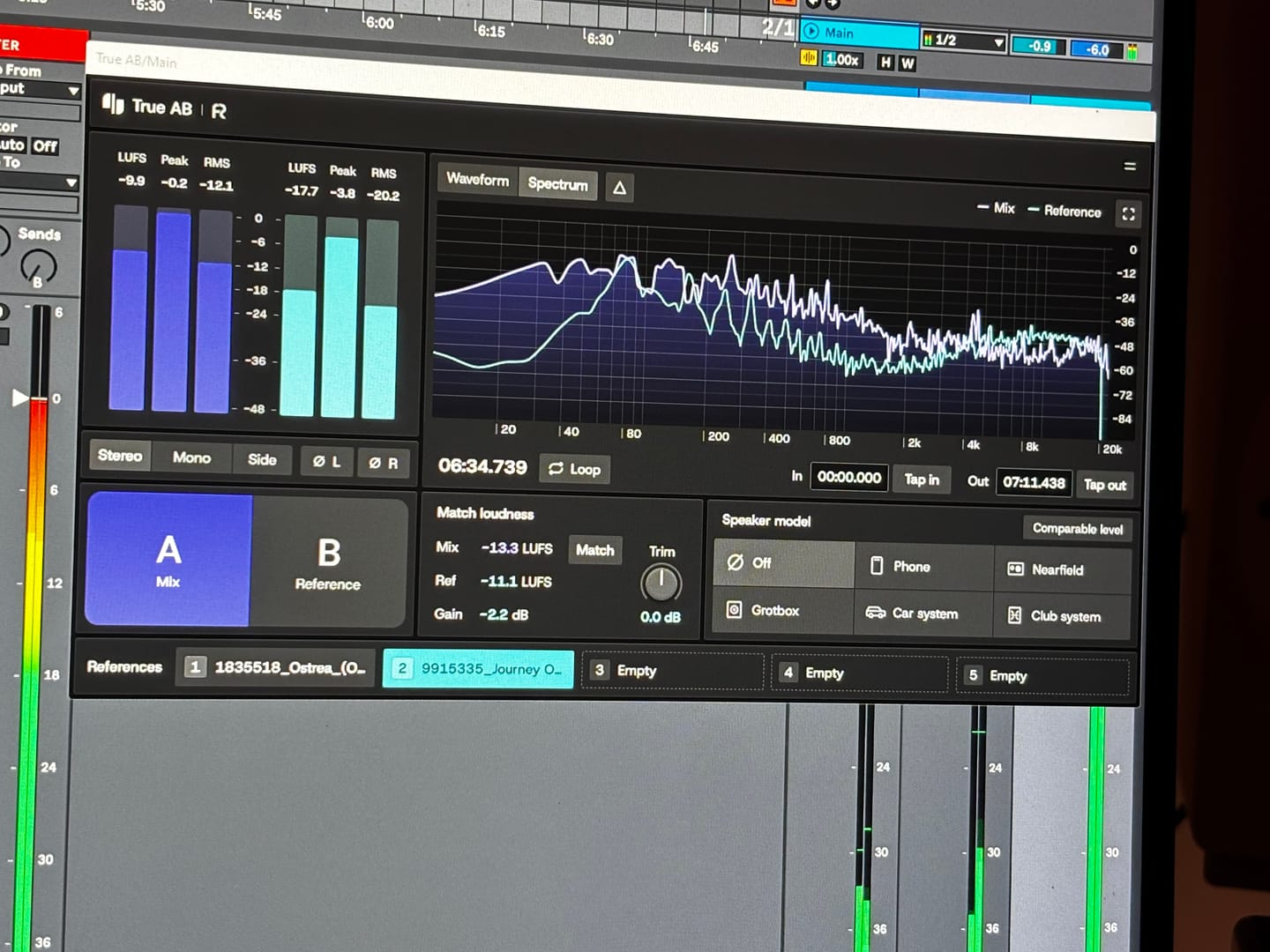
The RapidFlow referencing plugin offers more information at a glance and is way more intuitive to use than what I was used to until now.
There is still a lot to figure out and explore like sound design and customization of the templates and the DNA masterchain to my likings but I can already tell you that I love making music that way. Very inspiring indeed! 🫶🏼
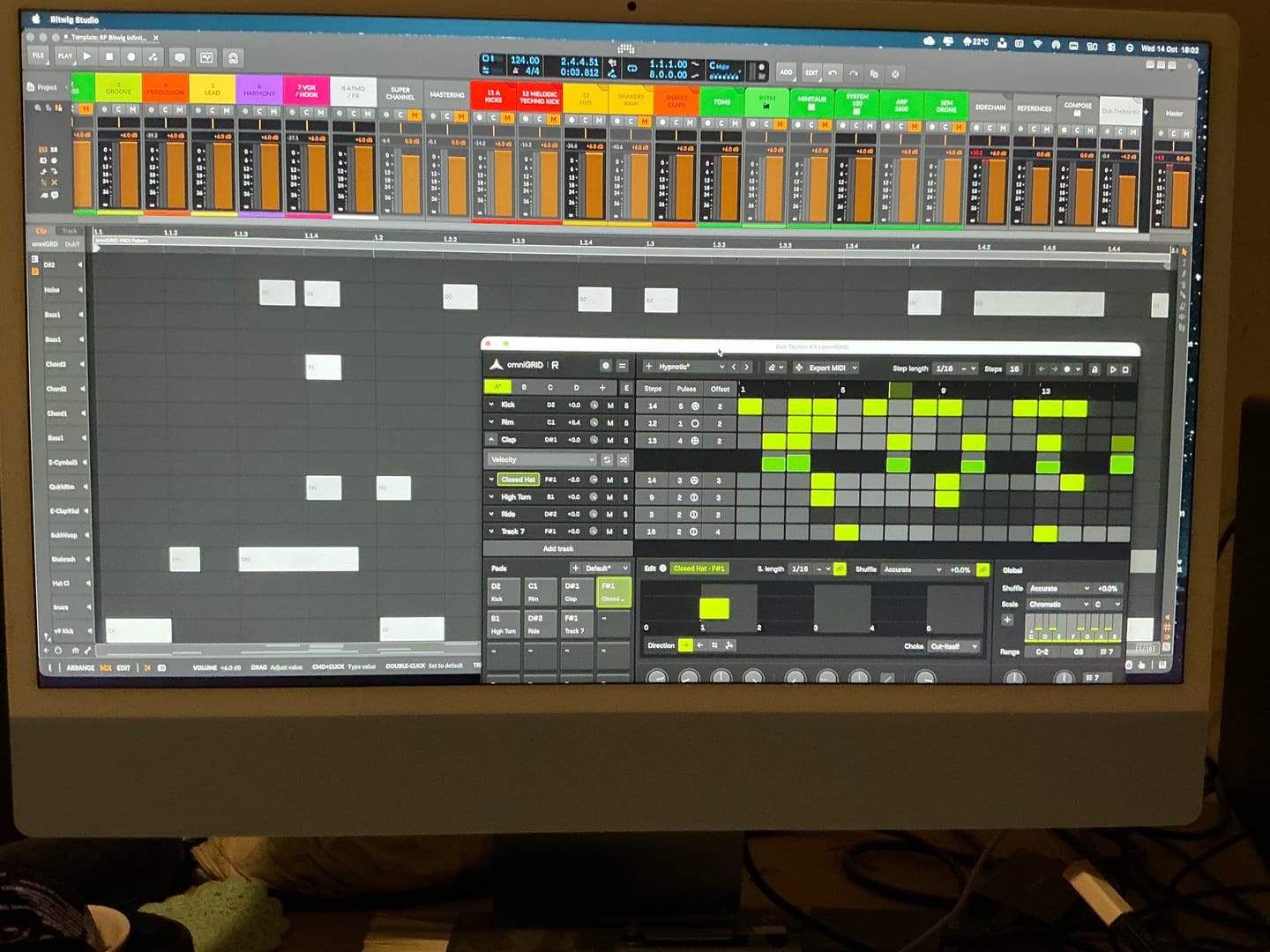
It’s taken me a great deal of tutorial-watching, manual-reading, and hours of just trying crazy stuff, but I’m at the point where I can start to make some headway with OMNIGRID, especially combined with RF’s Infinity Bundle and the DNA Suite (see photo).
I do appreciate the Beginners level videos you’ve made about these new tools just recently. It’s because of those that I had some idea how to get going. Because the written documentation has been almost no use at all. The text refers to features of Ableton that I couldn’t find, even when stepping through those instructions one line at a time.
And please update your instructions on instruments, instrument tracks, MIDI tracks, and audio tracks. I wasted hours and hours trying to figure out exactly where to put everything, and how to get the routing to work. Wasn’t fun. Strongly considered asking for a refund.
HOWEVER, I did get it to work. In the photo I sent, I’m in the process of making dub techno. And it was actually starting to sound about right!
There needs to be an easier way to stop the host and the plugin playing back simultaneously.
Looking forward to version 3.0!
Warmly, Adrian Bedford (who sometimes uses his wife Michelle’s credit card. But it’s all just me. Hi! :)
★★★★★
Omnigrid by Rapidflow is clear, fast, and pleasant to use. The features are well structured, the interface feels clean, and working with it is reliable. I especially like how easy it is to find your way around and get results without unnecessary steps. For me, it is a very well-made solution that does exactly what it should.
It’s been fantastic exploring new sequences and combinations! It’s impossible not to love omniGRID; before you know it, you have multiple instances running simultaneously—on the kick, bass, clap, and even synthesizers. It’s definitely a "must-have"!
Omni Grid is very cool,
early days of using it but so far I love it, the small amounts of randomization and shuffle that can be applied to anything is something I have been looking far for ages! will post a video when I've finished something.
Very exciting!
Right! So I’ve had more time to try out omniGRID! I didn’t wait until the end of the trial period to buy it, as this time I was working whilst travelling: I simply used LIVE for a few tracks and LAUNCHPAD X (Novation)! I’ve had some great results… And I’m going to keep experimenting with everything this little gem has to offer! (...)
Omnigrid has all the features that made Minigrid an instant hit. The ability to quickly and easily tweak the midi output so it grooves perfectly for all parts. Omnigrid is the first sequencer I have come accross that perfectly adds euclidean features and normal step sequencing in one interface. Up to 64 steps for any of the 16 tracks shows that this sequencer is intended to be versatile. This sequencer really shines at making your sounds hit the right spot. At present there is no way to record midi or to drop a midi file into Omnigrid to take advantage of the various track controls that transform the midi output. I think something along those lines would be a great addition for a future update.
Dear Erik, I absolutely love the omnigrid – I get carried away every time I use it. It would be nice, though, if the plugin didn't run in a separate window. But since I am not an expert, I don't know whether this is possible with this kind of plugin.
Omniclock war für mich ein super Weg um mein Latenzproblem zwischen Software und Hardware zu lösen. Es funktioniert einwandfrei.
OmniGrid ist für mich ein Gamechanger. Super intuitiv und effektiv. Es macht einfach Spaß. Da ich mehr im Hardware Universum unterwegs bin ist OmniGrid eins der wenigen Softwareprodukte das ich in den letzten Jahren angeschafft habe. Ist jeden einzelnen Cent wert.
I am a professional composer / producer since 2002. And I have loads of plugins. But there's nothing like this.
I really love using OmniGrid! Keep up the good work!
Definitely having fun, working through my own shortcomings with Ableton but once I figured out the midi and channel thing - with your help - it triggers away fine I wonder how many instances might be possible. Sorry for delay with feedback, trialing the Zensphere and now you've introduced Drumgrid sheesh! Kid in a sweetshop etc. Thank you.
So far, I’m really impressed with OmniGrid. Looks great and not difficult to set up. Still exploring so not fully up to speed but am sure there are many more useful features.
omniGRID runs as a lightweight plugin inside your DAW, designed to integrate seamlessly with your system and existing workflow.
Windows 10+
VST3, AAX 64-bit
macOS 10.13.6+, Intel, Apple Silicon
AU, VST3, AAX 64-bit
Linux
Windows version on Wine + bridging VST3 with Yabridge
iLok Not Required
No physical dongle necessary
Compatibility
Our plug-ins should work with any compatible DAW. We test against the following:
Ableton
Logic Pro
Cubase
FL Studio
Reaper
Pro Tools
FAQs
Do I need Omniclock to use this?
No. omniGRID is a completely standalone plugin and does not require Omniclock or any other Rapid Flow product. Load omniGRID in your DAW, route its MIDI to your chosen instrument or hardware, and start sequencing.
What does omniGRID do?
omniGRID is a 16-track MIDI step sequencer built for creating and shaping grooves inside your DAW. Build patterns up to 64 steps, generate rhythms with Euclidean sequencing, control individual steps with probability, repeats, timing, velocity and more, then route the MIDI to your plugins or external hardware.
How do I transition from Trial Mode to a purchased license?
License activation updates automatically. Just make sure to use the exact same email address when purchasing the license as you used when activating the trial
Can omniGRID be used to trigger external synths?
Yes.omniGRID functions as a flexible MIDI processor. You can assign custom MIDI note outputs and channels to each of its 16 tracks, allowing you to trigger internal VST/AU instruments or route MIDI out through your audio interface to drive external hardware synths, drum machines, and rack units
Shift doesn’t work properly. How do I fix it?
Make sure the instrument you are sending MIDI into doesn't quantize the incoming MIDI. This can cause the time shift or shuffle in omniGRID to misbehave.
Does omniGRID generate sound?
No. omniGRID is a MIDI effect and does not generate sound on its own. It sends MIDI to your software instruments or external hardware, giving you control over the patterns, notes, timing, groove, and movement.
How do I get the 0.02 ms step resolution for the Shift parameter?
Hold the Shift modifier key while dragging the Shift (time shift) control to use a 0.02 ms step resolution. Otherwise, the default step resolution is 0.2 ms.
Can I use omniGRID with any instrument plugin?
Yes. omniGRID can sequence any instrument plugin that accepts MIDI input. Simply route omniGRID’s MIDI output to your chosen instrument and start building your sequence.
How do I route omniGRID in Ableton Live?
1. Add omniGRID to a new MIDI track.
2. Create a second MIDI track with your target instrument.
3. On the instrument track, set MIDI From to the omniGRID track, then select omniGRID in the dropdown directly below (channel selector).
4. Set the instrument track’s Monitor to In and leave omniGRID’s Monitor set to Auto.
How do I route omniGRID in FL Studio?
Insert omniGRID into a Mixer slot (Master insert recommended).
Open omniGRID’s plugin wrapper menu (v) → Settings, and choose a free MIDI output port (e.g., Port 1).
Open the wrapper settings on your target plugin generator and set its MIDI input port to match (Port 1).
Under omniGRID’s wrapper Processing tab, turn Allow smart disable off.
How do I set up omniGRID in Logic Pro?
1. Create a Software Instrument track with your synth or sampler.
2. Click the top MIDI FX slot on the track’s channel strip.
3. Select Rapid Flow → omniGRID. (MIDI FX feed the instrument directly on the same channel strip without extra routing.)
Why does the AU version of omniGRID not show up in my DAW?
The AU version of omniGRID only appears in DAWs that support MIDI FX slots. If your DAW doesn’t support MIDI FX, please use the VST3 version instead.
How do I route omniGRID in Cubase / Nuendo?
1. Insert omniGRID on any track (Audio, Group, or Instrument slot).
2. Create an Instrument track with your target instrument.
3. Set the instrument track’s MIDI Input to omniGRID.
4. Enable Input Monitoring on the instrument track.
How do I route omniGRID in Pro Tools?
1. Insert omniGRID on a track as an AAX effect.
2. Create an Instrument track with your software instrument.
3. Switch the fader I/O display to Instrument I/O.
4. Select omniGRID as the track’s MIDI input.
What is the easiest way to run omniGRID in Bitwig or REAPER?
Place omniGRID directly before your instrument in the same device/FX chain. Both DAWs automatically pass omniGRID’s generated MIDI to the instrument that follows it.
The first step doesn’t seem to send MIDI to my instrument. How do I fix it?
If you set a negative time shift, the first step would have to play before you start the transport. Every time you restart the transport or loop back to the beginning of your loop arrangement, the first steps with negative time shift in all lanes will be “skipped.”
Do you offer refunds?
Our products are delivered instantly. At checkout you ask for immediate access and confirm that you lose your 14-day right of withdrawal once the download or access begins, so we don't offer refunds for change of mind. If a product is faulty, email support(at)rapidflow.shop and we'll repair or replace it, or refund you. Try it free for 45 days before you buy. Full terms: Refund policy.
Is there a manual?
Yes. You can read the full omniGRID manual here: omniGRID manual.
How is omniGRID different from Ableton 13’s step sequencer?
omniGRID offers much more functionality, including custom user scales, transposition, per-lane and per-note editing, randomization, and MIDI-mappable scenes. It also features a design that makes it much easier to use.
Trademark and Compatibility Disclaimer
All product names, logos, brands, and imagery of third-party hardware (such as those from AKAI, Oberheim, E-MU, or others) featured on this page are the property of their respective owners. These references and images are used solely for illustrative purposes to demonstrate suggested workflows. Use of these names and images does not imply any affiliation with, endorsement by, or sponsorship from the hardware manufacturers. Rapid Flow makes no claim of ownership over these trademarks and acknowledges that the "feel" or timing behavior described is a creative interpretation and not an official collaboration with the original manufacturers.
Choosing a selection results in a full page refresh.