
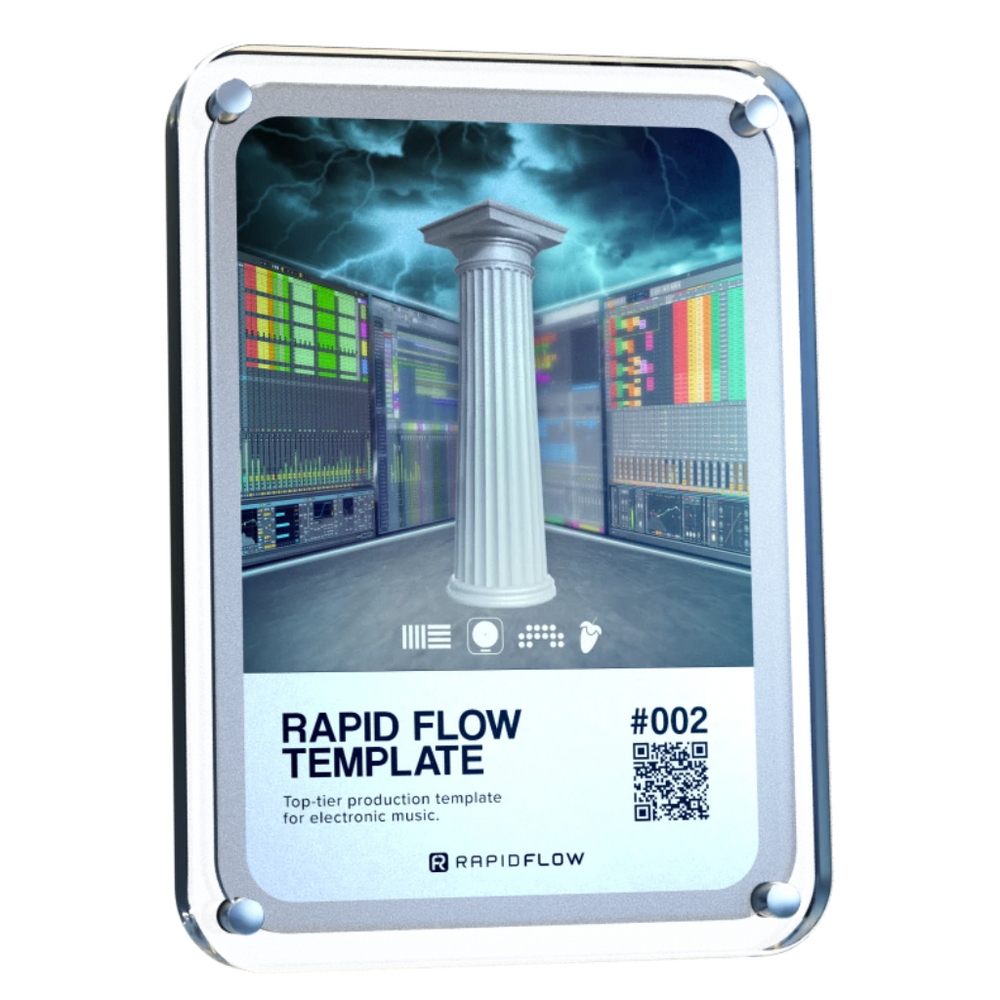
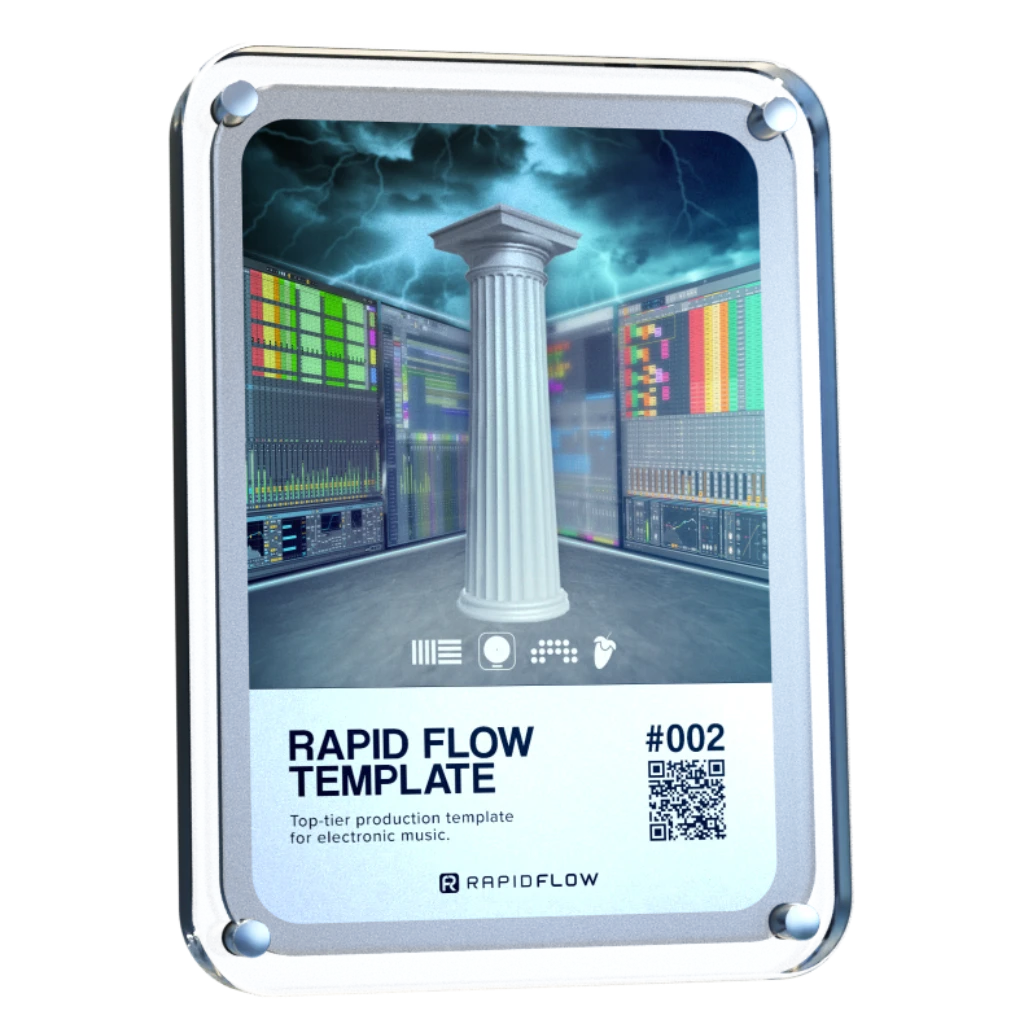

Love it! Our new go to sequencer. Great for throwing a bit of ‘feel’ in to your loops and patterns. Highly recommend 👍🏻
Der preisgekrönte „Rapid Flow“-Workflow, mit dem du deine Tracks endlich fertigstellst. Stell dir das wie einen „Fertigstellen“-Button vor. Täglich wird er von über 15.000 Produzenten genutzt, um das endlose Herumtüfteln an Loops zu beenden und endlich Tracks zu erstellen, auf die du wirklich stolz bist.
Nie wieder „fast fertig“. Einfach fertig.
Inklusive Ableton Live-, Bitwig Studio-, FL Studio- und Logic Pro-Dateien.
 17,589
15.000 Erzeuger
17,589
15.000 Erzeuger


Für Anfänger geeignet
Öffne das Projekt. Alles ist bereits enthalten: Mischketten, Mastering und Live-Effekte. Füge einfach deine Idee hinzu. Das Ganze wurde mit Abletons eigenen Tools erstellt, es funktioniert also einfach. Dein Track klingt schon klarer und voller und ist bereit für die Bühne.

Kurzanleitungen
Schau dir das kurze Video an. Wir zeigen dir, wie du deinen Controller einrichtest, zügig und übersichtlich arbeitest und einfache Tricks anwendest – zum Beispiel, wie du Tracks mit den richtigen Werkzeugen referenzierst, damit du immer sicher entscheiden kannst.

Strecken sicher bewältigen
Hier kommt alles zusammen. In nur einer Sitzung erstellst du einen clubtauglichen Track. Hör auf, jedes Mal bei Null anzufangen. Bring mehr Musik zur Fertigstellung und nimm einen professionell klingenden Track mit, der bereit für den Live-Einsatz ist.


Overall rating: 4.8 / 5 from 701 reviews.
Love it! Our new go to sequencer. Great for throwing a bit of ‘feel’ in to your loops and patterns. Highly recommend 👍🏻

Omni Grid is very cool, early days of using it but so far I love it, the small amounts of randomization and shuffle that can be applied to anything is something I have been looking far for ages! will post a video when I've finished something. Very exciting!

Amazing

Love it

Very Nice sound

Right! So I’ve had more time to try out omniGRID! I didn’t wait until the end of the trial period to buy it, as this time I was working whilst travelling: I simply used LIVE for a few tracks and LAUNCHPAD X (Novation)! I’ve had some great results… And I’m going to keep experimenting with everything this little gem has to offer! (...)

Finally the good stuff has arrived! Like having an Eurorack sequencer in your DAW thank you so much🔥🔥👌🏻

Omnigrid has all the features that made Minigrid an instant hit. The ability to quickly and easily tweak the midi output so it grooves perfectly for all parts. Omnigrid is the first sequencer I have come accross that perfectly adds euclidean features and normal step sequencing in one interface. Up to 64 steps for any of the 16 tracks shows that this sequencer is intended to be versatile. This sequencer really shines at making your sounds hit the right spot. At present there is no way to record midi or to drop a midi file into Omnigrid to take advantage of the various track controls that transform the midi output. I think something along those lines would be a great addition for a future update.

Such an amazing plugin
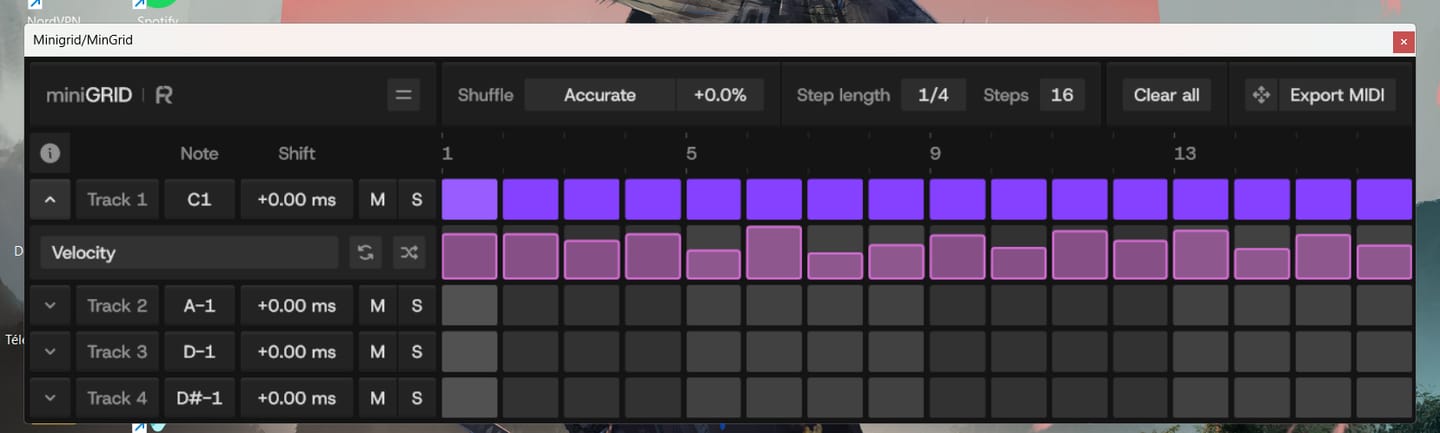
MinGrid is easy to use, and you can quickly create grooves and rhythms. Just be careful if you're using a laptop—make sure to place the VST on the main screen, not the secondary one. It's just for fun—kudos to the Rapid Flow team!!!

I’m so glad I bought this plugin. 😄

Swings like nothing else 😍
AMAZING COURSE, I´VE LEARNED A LOT OF THINGS AND TECHNICS. I REALLY LOVE IT. THANKS ERIK FOR YOUR KNOWLEDGE!

bonn materiel super de sortir de bon vst minigrid
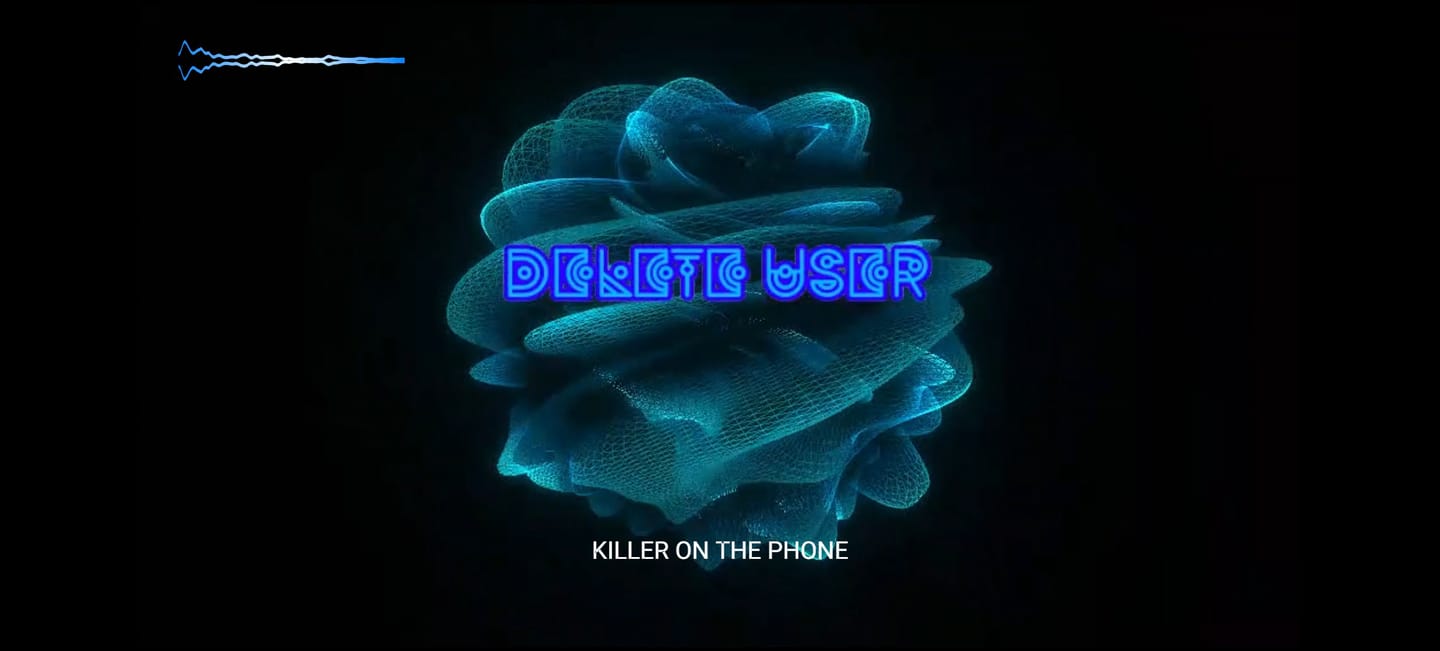
I love all the different movements and colors. I add sphere v3 to each one of my projects now as a visualizer. What I think would be a really cool update would be different shaped to mess with pyramids, cubes, etc. great work so far. I really dig it.

And I also have to say this now that I’ve had the chance to experience Zensphere V2 myself: **this synthesizer is simply divine.** I am genuinely amazed by its sound. There is such a beautiful warmth, depth and character to it that it truly feels like I am listening to real hardware rather than just another software instrument. That warm, analog-like hardware character is exactly what I had been searching for for so many years. The sound feels alive, rich and incredibly musical. Every time I play it, I just want to keep playing and creating. So once again, thank you — not only for your incredible generosity, but also for creating such a beautiful instrument. Zensphere V2 is truly something special. ❤️🙏

Je passe de trés bons moments avec... sà me fait gagner énormément de temps em studio. merci ;o)
Everything Bundle + FREE Zensphere V2

Amazing plugin!!!

Super!

Super!

a great product : You have put the finger in a rabbit hole as the possibilities are endless like as proven by Touchdesigner. This fills a gap of : . VST video plugins for sync to audio . easier programing than other plugins. Improvement points : . more "canvasses" . sharper reactive engine.

You know you've found the right synth for you, when its patches instantly inspire you to create. Well done, Zensphere rocks.

Putting Zensphere 2 to the test.The creator asked for a honest look, so I built a video that gets straight to the point: letting the sound do the talking. In Part 1, I dive into an Ableton session, loading up an Arp. Synths and a Pad using Zensphere 2. You can immediately hear how those multi-sampled analog layers and new processing options translate into a live arrangement. In Part 2, I switch over to a direct A/B comparison against the official release version. No over-explaining needed, just listen closely to how the warmth, texture, and mix-ready nature hold up. Check out the video to hear the difference for yourself.

I am always looking for the sounds that make a Track different and memorable, and putting it in genre's they have not been used in before to see what I can come up with... This Vsti is unique and user friendly ...A must for any in the box producer that can't afford the hardware tools.
I love this product! It was super easy to setup and the midi clock between my daw and mpc key 37 is super tight!!

I already had the first version of Zensphere, and frankly it was already excellent for what I intend to do in my music, but this second version is out of this world! Just the fact that we can raise the modulator wheel is a huge plus, but when we start exploring the filters and reverb, we quickly realize it's much more than just a VST. And together with the DNA Suite, everything becomes easier, more intuitive, and sounds amazing.

I just love it! Omniclock is so easy to use everything is in sync and the different algorithms breath life into any machine that’s to tight. In this case I’m using it on my LXR-02 and it make its sound even better than it does by it self anyway. Great plugin!

I wasn't very hopeful with Omniclock. However, I'd been having timing issues with my Virus TI2, so I thought I'd try it out. Well, it not only improved the TI2's timing but it also made my TD-3 sync it's internal clock instantly with my DAW, which it did not do before. Thank you again.

Anyone who syncs hardware synthesizers with a DAW knows the problem: MIDI jitter, latency, and imprecise synchronization that simply lacks groove. It usually just wastes time and frays your nerves. Omniclock offers a radical solution, setting new standards for timing precision. The Omniclock plugin converts imprecise MIDI timecode into an absolutely stable, sample-accurate audio signal that serves as a clock source. The result is rock-solid synchronization that remains steady even in complex setups. Once you’ve heard the difference between a standard MIDI connection and the razor-sharp timing of Omniclock, you’ll never want to go back. Its clear layout lets you achieve perfect results in seconds. Plus, Omniclock offers immense creative potential thanks to a host of integrated patterns from legendary machines—all accessible with a single click. As far as I know, there is nothing else like it on the market, and for that reason alone, this pioneering work deserves five stars. Highly recommended!

Zensphere V2 is an incredibly creative tool and an absolute must-have for any producer who values authentic analog textures. The absolute core feature of the Zensphere V2 is its incomparable sound character. It brings the punch and premium warmth of a dream analog studio straight to your computer, all within a fast, modern workflow. The sounds are perfectly "mix-ready" right out of the box—they cut through the arrangement immediately, without the need for hours of tweaking with EQ and compression. The visual appearance and interface design (available in either light or dark mode) also deserve high praise. Zensphere V2 is pleasantly uncluttered and by no means overloaded. This masterpiece comes highly recommended and earns a well-deserved 5 out of 5 stars!

What a great update. Loving the visuals, soooo good, tried on a ceiling projector as limited for space in here and decided to make a pepper ghost, why not😜 version 1 , gonna need a bigger dome. Go big or go home. It’s just a joy to have and watch whilst making music and getting the vibe. Would be a great addition if you could fit to screen and maybe lose the white bar at the top 👍

I followed my intuition and put it on black buy purchasing the DNA suite and an AKAI APC40mk2. At first I thought what have I done, it was overwhelming, I have a lot of Ableton experience but in arrangement mode. After a few nights the penny started to drop and the shear power of this system begun to make sense. By Friday (purchased Monday) I was able to live jam and arrangement and record and edit the timing and automation plus add parts after the bulk was done. All I can say is wow, thank you for sharing your knowledge and being generous too

No delays, no issues with sync, everything works like a charm!

We needed a rock-solid, cost-effective solution for syncing all the different hardware in the live setup (which is usually a big hassle) for our Saturday Synth Club jam sessions, and Omni Clock works very well, and having all those extra swing flavours is the icing on the cake.

Nice vibe when jamming in Ableton and can have flubber dance along. Would be improved with a 2d option and being able to set an LFO style modulator rather than purely sound reactive.

Incredibly, it has become a source of inspiration. I've always liked visualizing the music I make in my mind. Now I can see it and even find inspiration in the shapes it creates when reacting to the music. The Lagoon preset is by far my favorite. I wish it had an option for auto-resizing with a double-click on the bar, but it's not a deal-breaker.

I already had the Infinity Bundle and I was having a lot of fun experimenting with new sounds, however something told me it was time for something more and the path would inevitably lead to the DNA Suite. It turned out to be far beyond what I could have expected. It's not at all beginner-friendly, but it has excellent support. From Erik's videos explaining how to map the MIDI controllers and what each one does, to José's patience (the brains behind Omniclock). Now I just focus on letting my imagination run wild and then having fun experimenting a thousand ways to play all the elements until they become a whole. I find myself spending hours playing with little more than a kick, bass and lead because the rest flows naturally. This is a method I wasn't at all familiar with, but it quickly became part of the process.

great evolution for Sphere

It would be very useful if Sphere V3 could be triggered directly from Ableton’s transport, so recording always starts at exactly the same position. This would make it much easier to create multiple visual versions and align them later in any video editing software.

It solves some major sync problems I was having and saved me a bunch of money on hardware solutions. Tried various things but by far this is the best. Great product !!!