


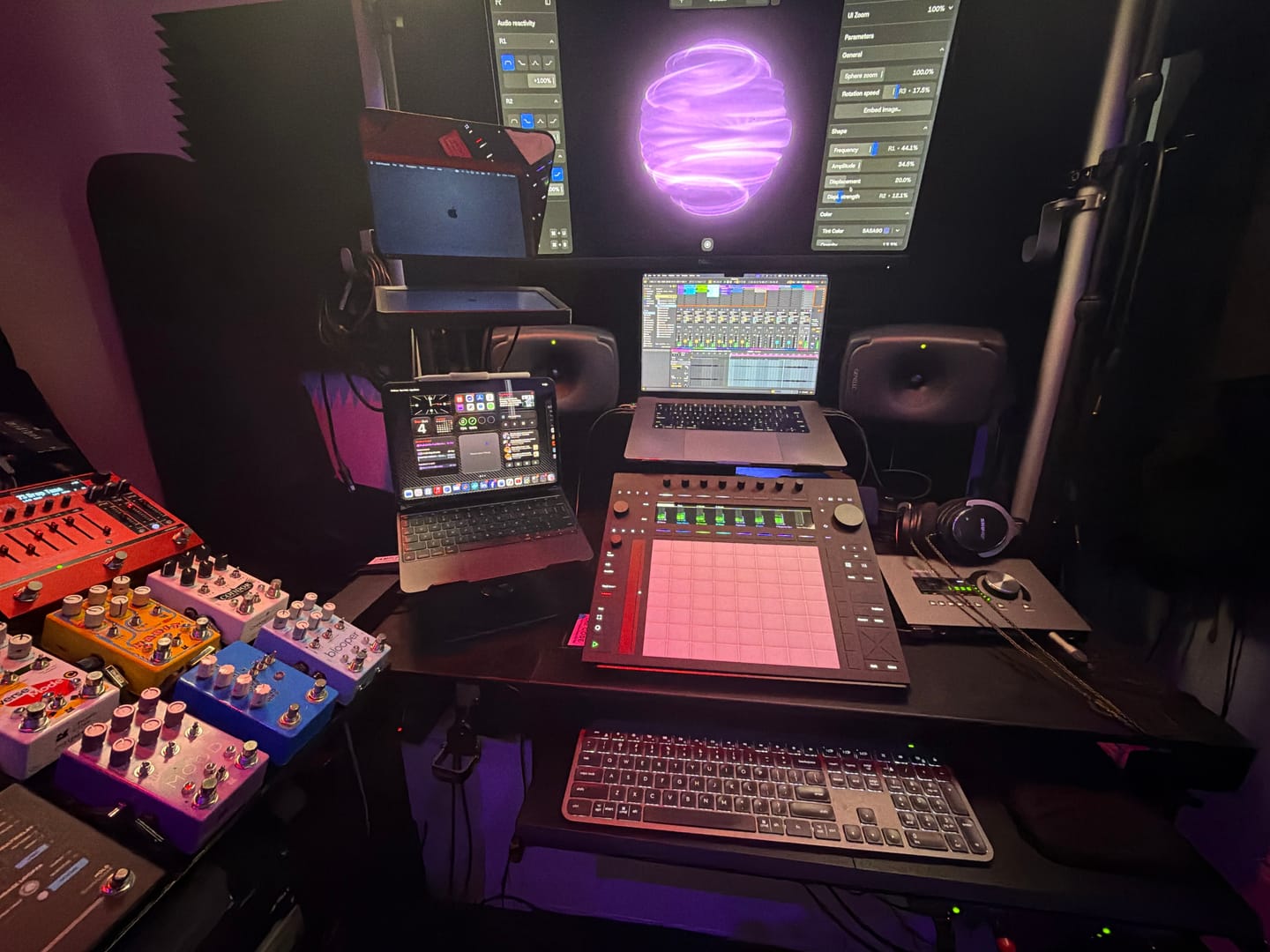
The best
Synästhesie in einem Plugin
Sphere V3 bietet eine audio-reaktive Steuerung mit wählbaren Frequenzbändern und Modulationszielen, eine integrierte Aufnahmefunktion zum Aufnehmen von Audio und Video direkt im Plugin sowie DAW-Modulation und MIDI-Mapping, um Parameter aus den LFOs und MIDI-Controllern Ihrer DAW und mehr zuzuordnen. Es unterstützt VST3-, AU- und AAX-Hosts (*funktioniert derzeit nicht mit Reaper unter macOS – Behebung in Arbeit).
 29,499
Über 16.000 Erzeuger
29,499
Über 16.000 Erzeuger
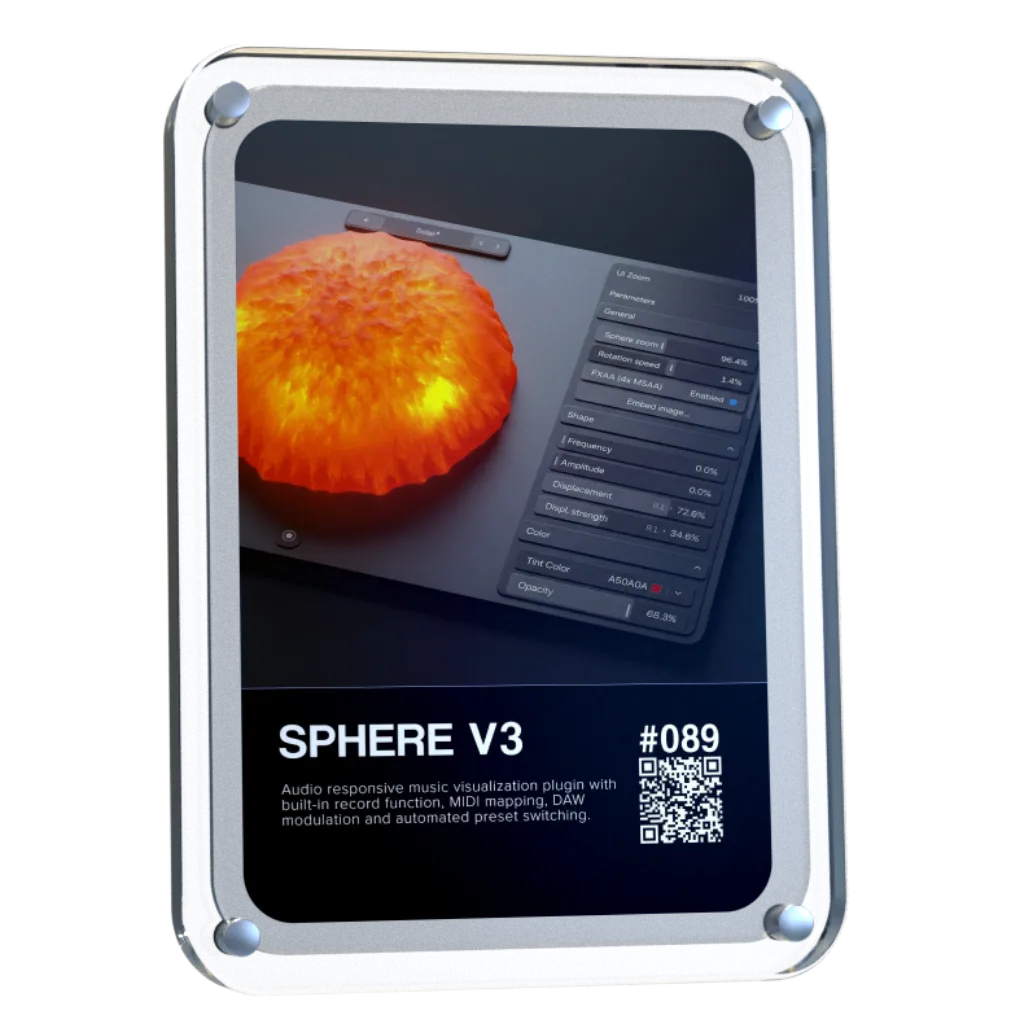


Sphere V3 verwandelt Ihren Ton in eine lebendige visuelle Umgebung, die in Echtzeit auf jede Frequenz, jede Bewegung und jedes Detail Ihrer Musik reagiert. Von subtilen Bewegungen bis hin zu vollständig synchronisierten Darbietungen – Sphere eröffnet Ihnen eine völlig neue Art, Ihren Klang zu erleben.


Teilen Sie Ihr Audiomaterial in unabhängige Frequenzbänder auf und ziehen Sie die Modifikatoren per Drag & Drop auf visuelle Parameter wie Zoom, Verschiebung, Farbe, Bewegung und mehr. Mit Sphere V3 können Sie präzise steuern, wie die visuellen Effekte auf Ihre Musik reagieren.

Ordnen Sie LFOs visuellen Parametern zu und erzeugen Sie kontinuierliche Bewegungen, die sich unabhängig von Ihrem Audiomaterial entwickeln. Erzeugen Sie mühelos subtile Bewegungen, rhythmische Modulationen und sich ständig verändernde visuelle Effekte.

Die am häufigsten nachgefragte Funktion von Sphere ist endlich da. Nehmen Sie hochauflösende Videos direkt in Sphere auf und exportieren Sie Inhalte, die sofort für die Veröffentlichung bereit sind, ohne auf externe Aufzeichnungstools zurückgreifen zu müssen.

Sphere V3 unterstützt MIDI-Steuerung, sodass Sie visuelle Parameter direkt über Ihren bevorzugten Hardware-Controller anpassen können – für ein haptischeres und ausdrucksstärkeres kreatives Erlebnis.

Speichern Sie Ihre bevorzugten visuellen Konfigurationen und integrieren Sie Ihr eigenes Branding direkt in die Benutzeroberfläche. Sphere V3 erstellt visuelle Elemente, die einheitlich wirken und unverkennbar Ihre Handschrift tragen.

Sphere V3 passt sich mit anpassbaren Darstellungseinstellungen an Ihr System an und bietet Ihnen so die Flexibilität, den Schwerpunkt auf Leistung, visuelle Qualität oder die perfekte Balance zwischen beiden zu legen.


Overall rating: 4.7 / 5 from 25 reviews.
The best
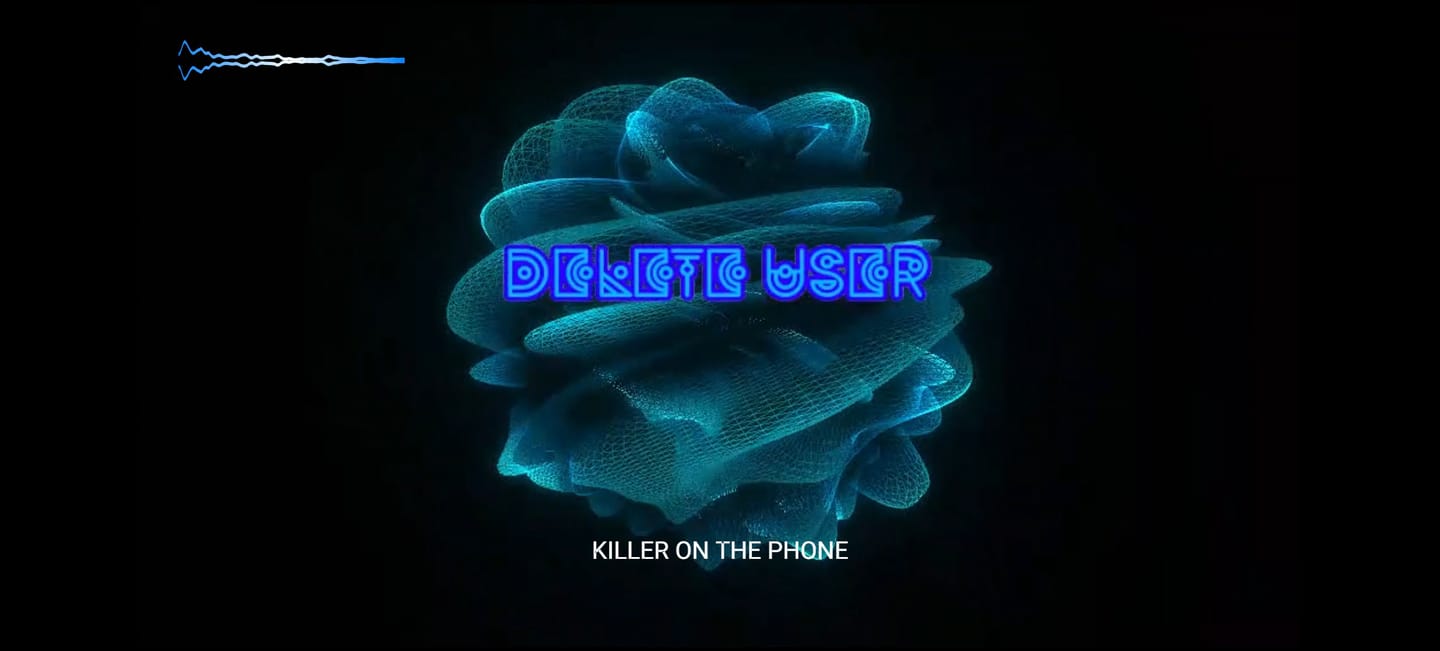
I love all the different movements and colors. I add sphere v3 to each one of my projects now as a visualizer. What I think would be a really cool update would be different shaped to mess with pyramids, cubes, etc. great work so far. I really dig it.

a great product : You have put the finger in a rabbit hole as the possibilities are endless like as proven by Touchdesigner. This fills a gap of : . VST video plugins for sync to audio . easier programing than other plugins. Improvement points : . more "canvasses" . sharper reactive engine.

What a great update. Loving the visuals, soooo good, tried on a ceiling projector as limited for space in here and decided to make a pepper ghost, why not😜 version 1 , gonna need a bigger dome. Go big or go home. It’s just a joy to have and watch whilst making music and getting the vibe. Would be a great addition if you could fit to screen and maybe lose the white bar at the top 👍

Nice vibe when jamming in Ableton and can have flubber dance along. Would be improved with a 2d option and being able to set an LFO style modulator rather than purely sound reactive.

Incredibly, it has become a source of inspiration. I've always liked visualizing the music I make in my mind. Now I can see it and even find inspiration in the shapes it creates when reacting to the music. The Lagoon preset is by far my favorite. I wish it had an option for auto-resizing with a double-click on the bar, but it's not a deal-breaker.

great evolution for Sphere

It would be very useful if Sphere V3 could be triggered directly from Ableton’s transport, so recording always starts at exactly the same position. This would make it much easier to create multiple visual versions and align them later in any video editing software.
sensational!!
Great Stuff
Love it
Very inspiring visuals!
Awesome plug in! A great relief for those tedious mixing sessions. Get yours now!
Great customer service
Nice plugin to build reactive visuals to my audios.
I think its a fantastic visualizer. However both my friend and i bought it, hoping for transparent background in order to fully utilize it for in depth mp4 video creation.
A very interesting piece of software : interface is great, a lot of parameters on colours. It would be great to have more control on the reaction parameters (eg +/- responses speed or amplitude), other shapes or even working on specific imported images areas.
feels limited but the price was right
Love it only criticism would be a community preset option ??
I'm very much in the early stages of playing with Sphere. So far, I'm loving it. I need to spend far more time with it and I hope to do this in the coming weeks.
Upgrading was simply a no-brainer for me. All these fantastic new options make it quite a quantum leap. A marvelous playground I can´t wait to explore - big thx for this outstanding work!
A phenomenal improvement over the previous V2 edition of this plugin. I'm a sucker for a cool visualizer, and you definitely stepped it up a notch with V3 of Sphere. Looks very, very nice.
Great Visualizer PlugIN.
Really love Sphere v3. What a great introduction to Rapid Flow, with it's beautiful graphics, artistic AND funtional UI/UX that also doesn't get in the way! The design is just very well thought out and complete. This group is definately doing things right. Well done!
Cool widget!

Sphere V3 läuft als Plugin in Ihrer DAW und ist so konzipiert, dass es sich nahtlos in Ihr System und Ihren bestehenden Arbeitsablauf einfügt.

VST3 64-Bit

AU 64-Bit, VST3 64-Bit

Windows-Version unter Wine + Anbindung von VST3 über Yabridge

Es ist kein physischer Dongle erforderlich
Unsere Plug-ins sollten mit jeder kompatiblen DAW funktionieren. Wir testen sie mit folgenden Programmen:


Overall rating: 4.8 / 5 from 1010 reviews.
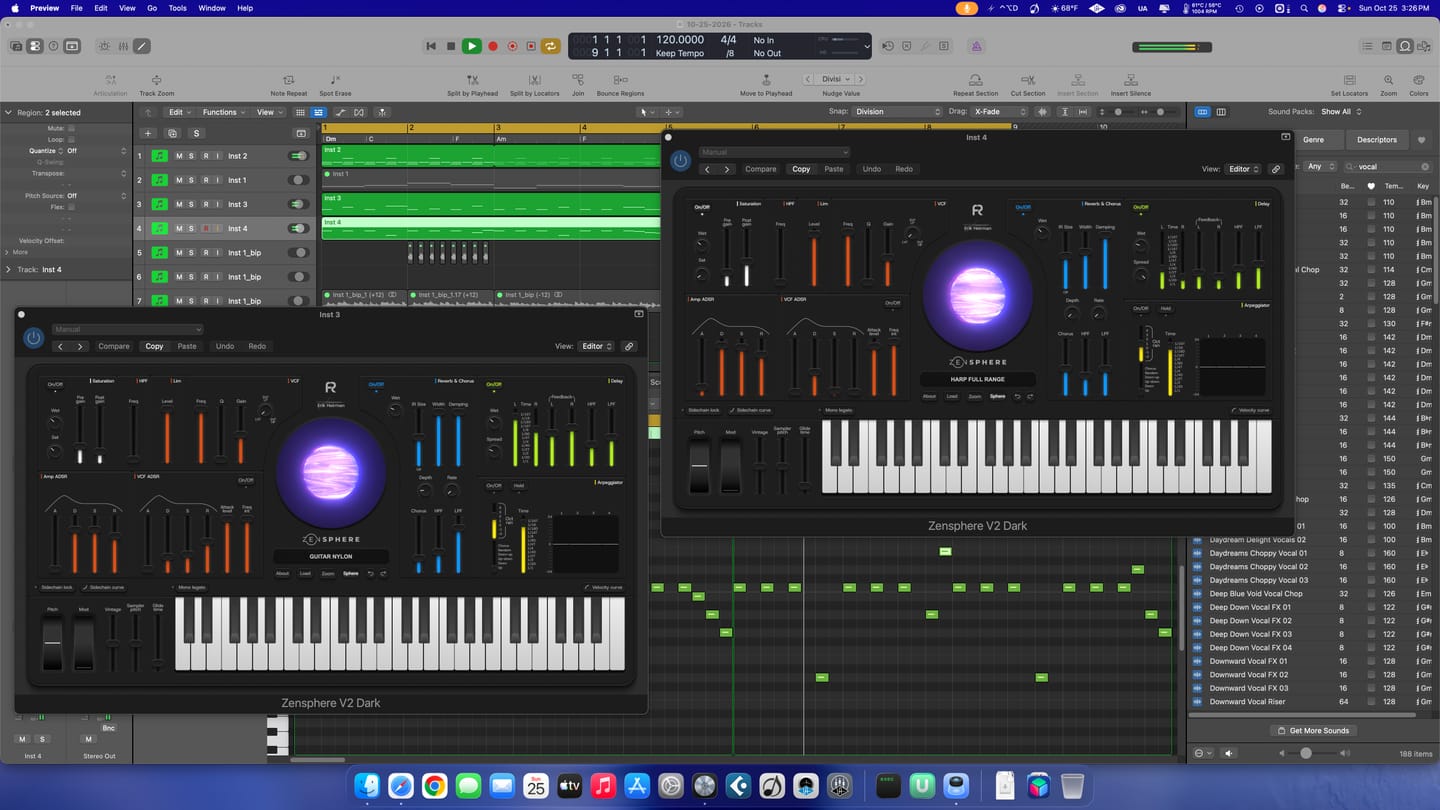
Great! Lots of sounds to work with.
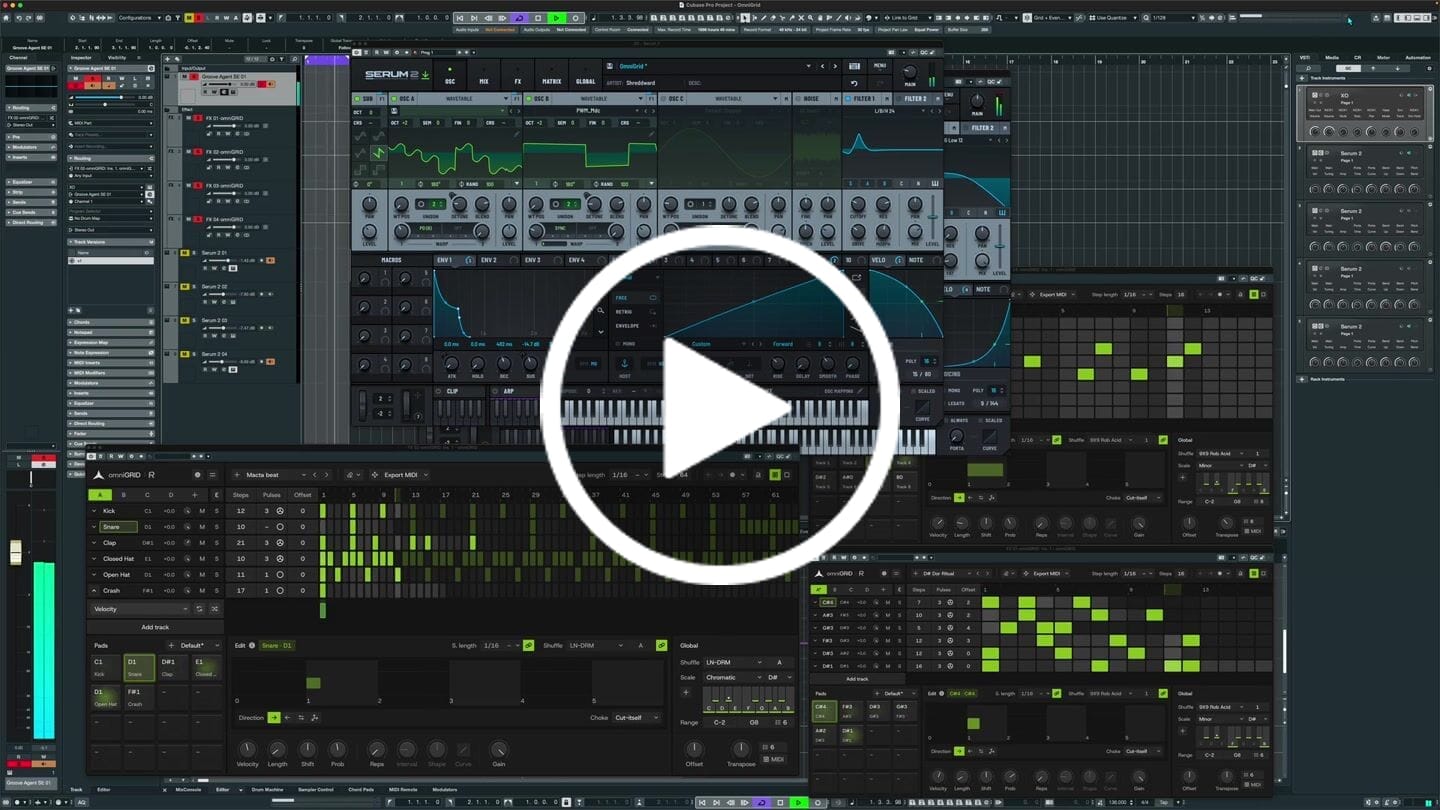
I put this together in just a few minutes; granted, it still needs further development, but the inspiration you get from Omnigrid is truly immense. Thanks!
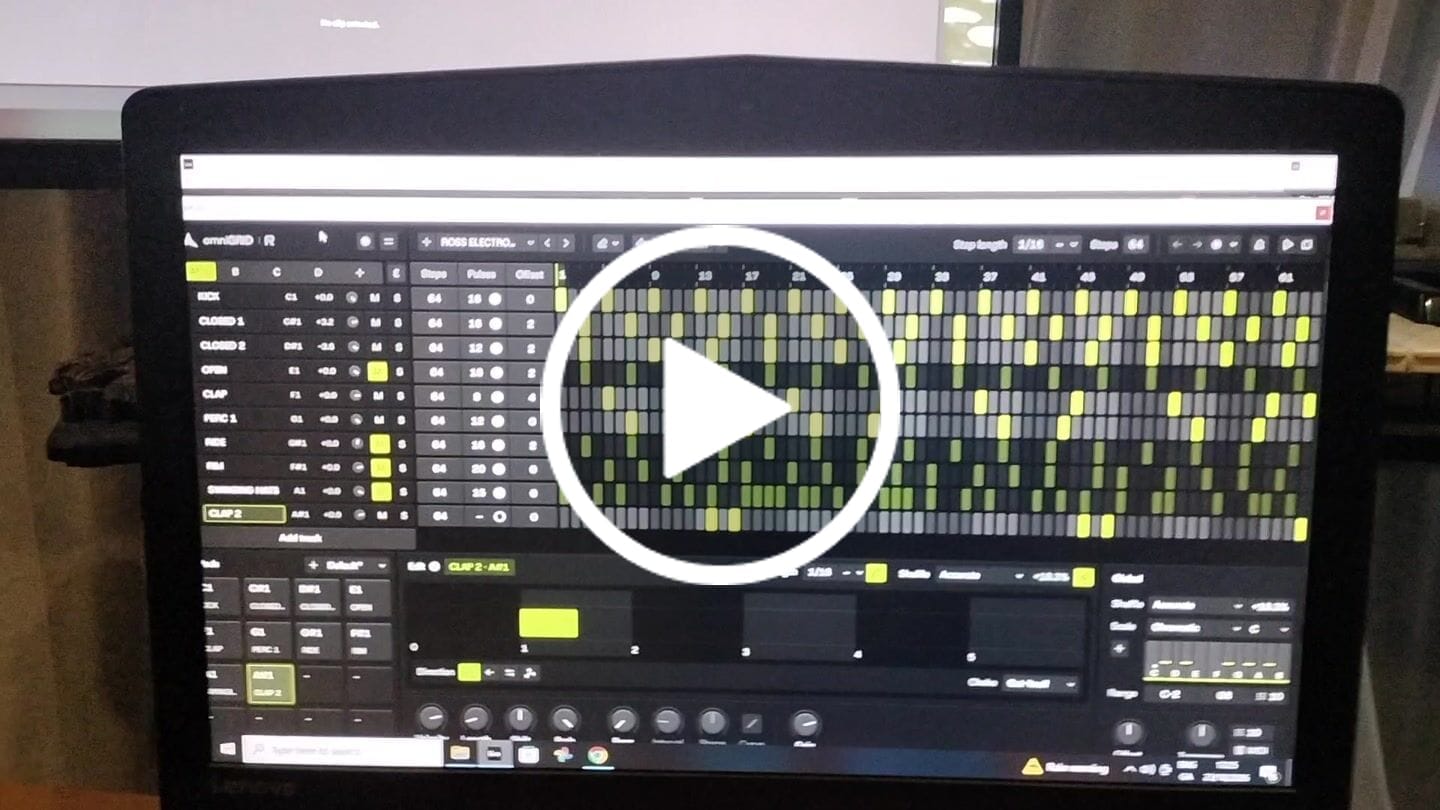
This is by far the best plugin I have bought for a long time. It's absolute fire for creating catchy melodies and basslines that I would never even think of trying to program in piano roll etc. It's also wicked for creating complex drum patterns in just a few clicks. Awesome job guys. Thanks
Helloooo! A great plugin, easy to use , 💪🔥🔥🔥💥🎛️🎛️🎚️
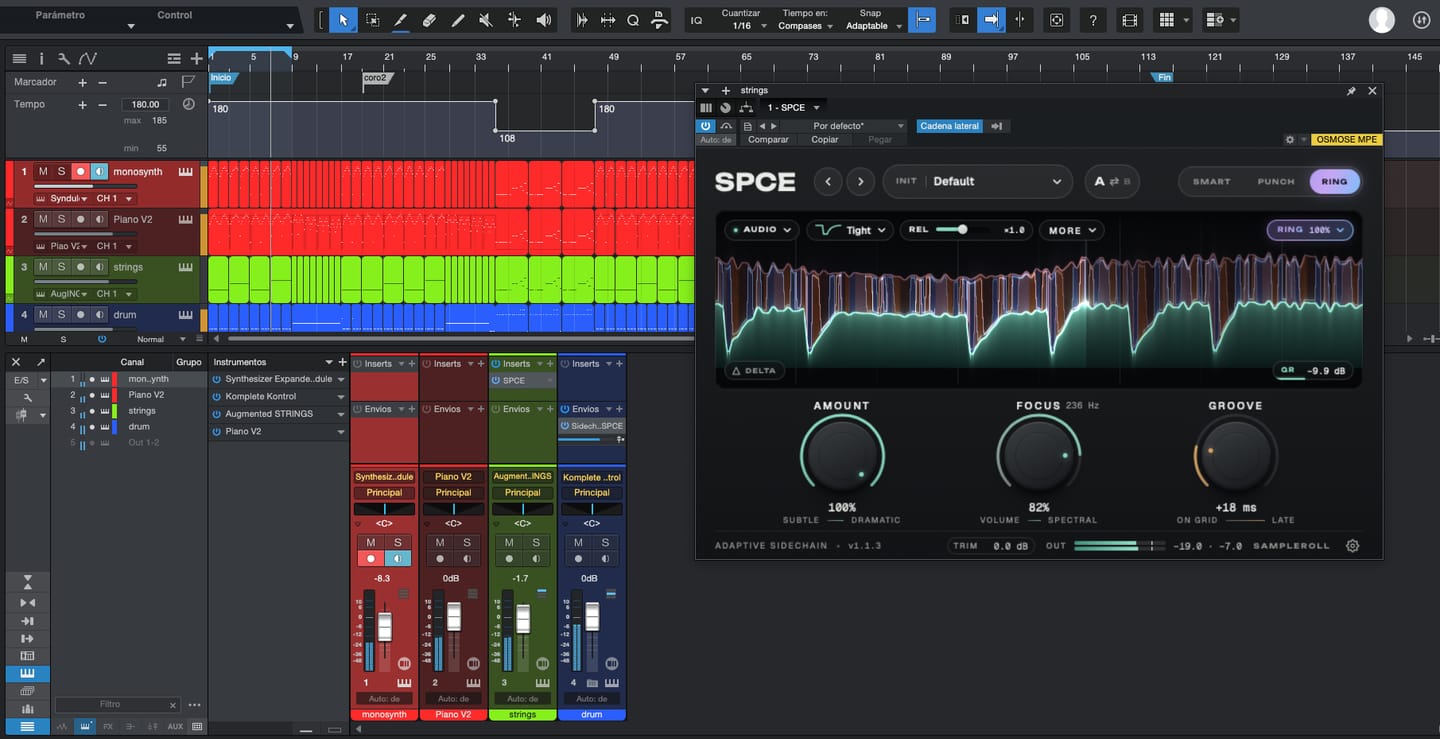
Great tool, lots of control both for mixing and creating new results, next level ducking

It's a great tool to have under your belt. Once you get the basic setup is done, it's engaging. Makes it more fun to play around. Also I've received two free updates. That shows team is constantly working on it to improve the features. Great plugin!

An absolutely essential plugin when it comes to mixing and mastering a track! I love how you can have up to 5 references and play them back in real time by just switching between them. This has doubled my mixing workflow when mixing and made producing the final track so easier! 10 out 10 stars!

Excellent plugin. Although I already have something more advanced I find it very useful in my arsenal of tools and I've put it at work.

It helps me see the big picture and make decisions in the job more easily.
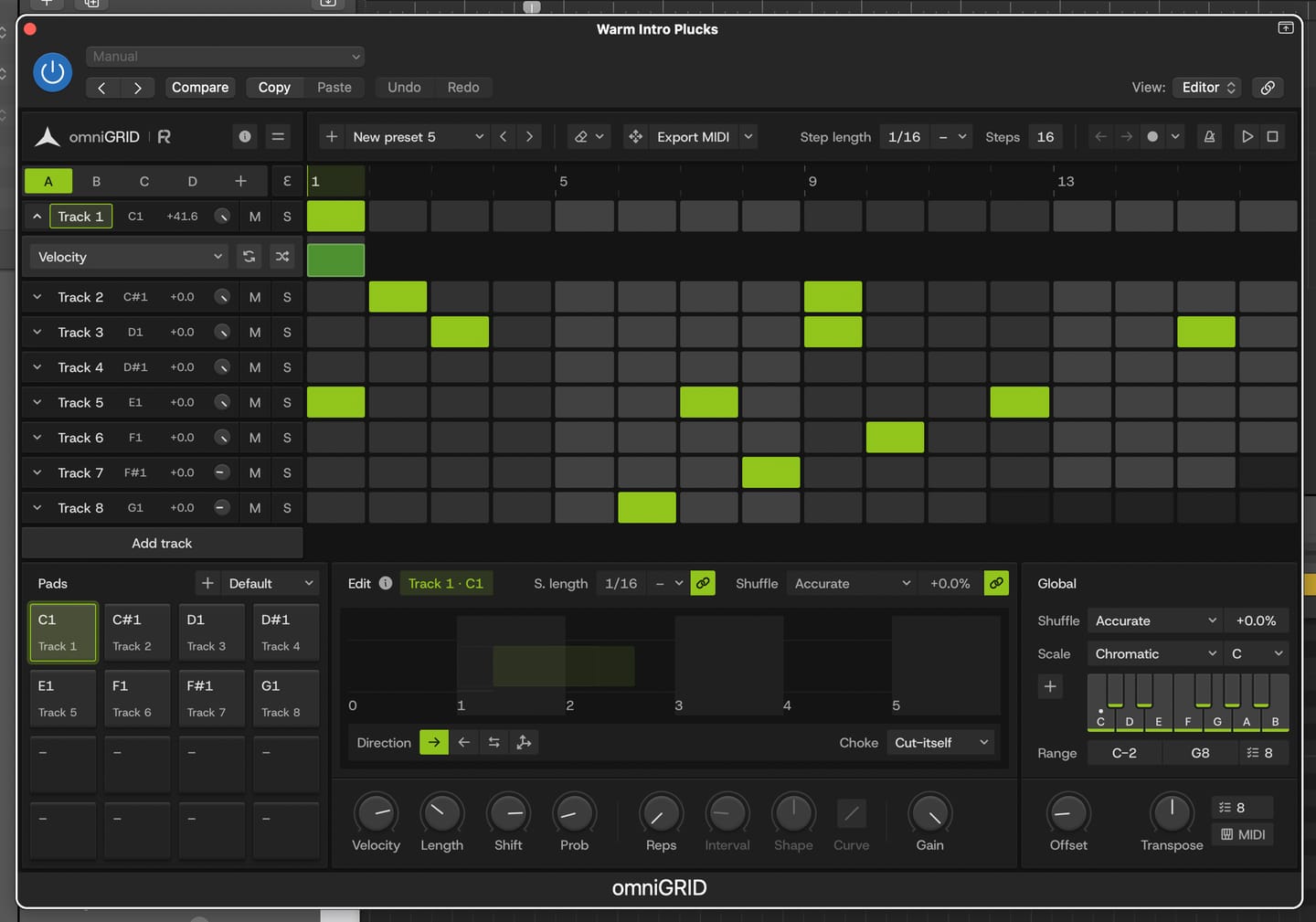
Great for experimenting with melody and drums
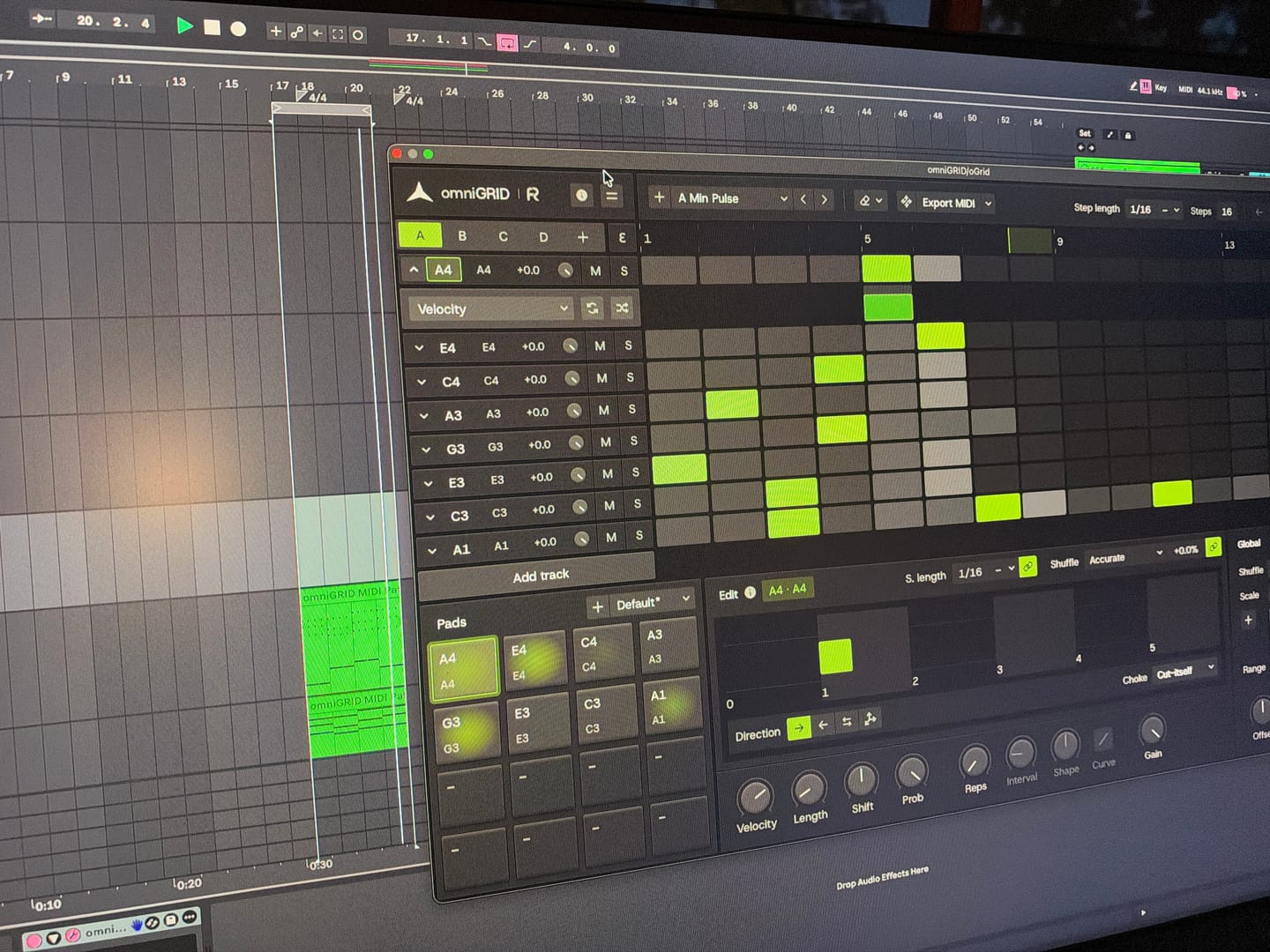
Endless possibilities and inspiration! Would love to see specific tutorials on arranging live!
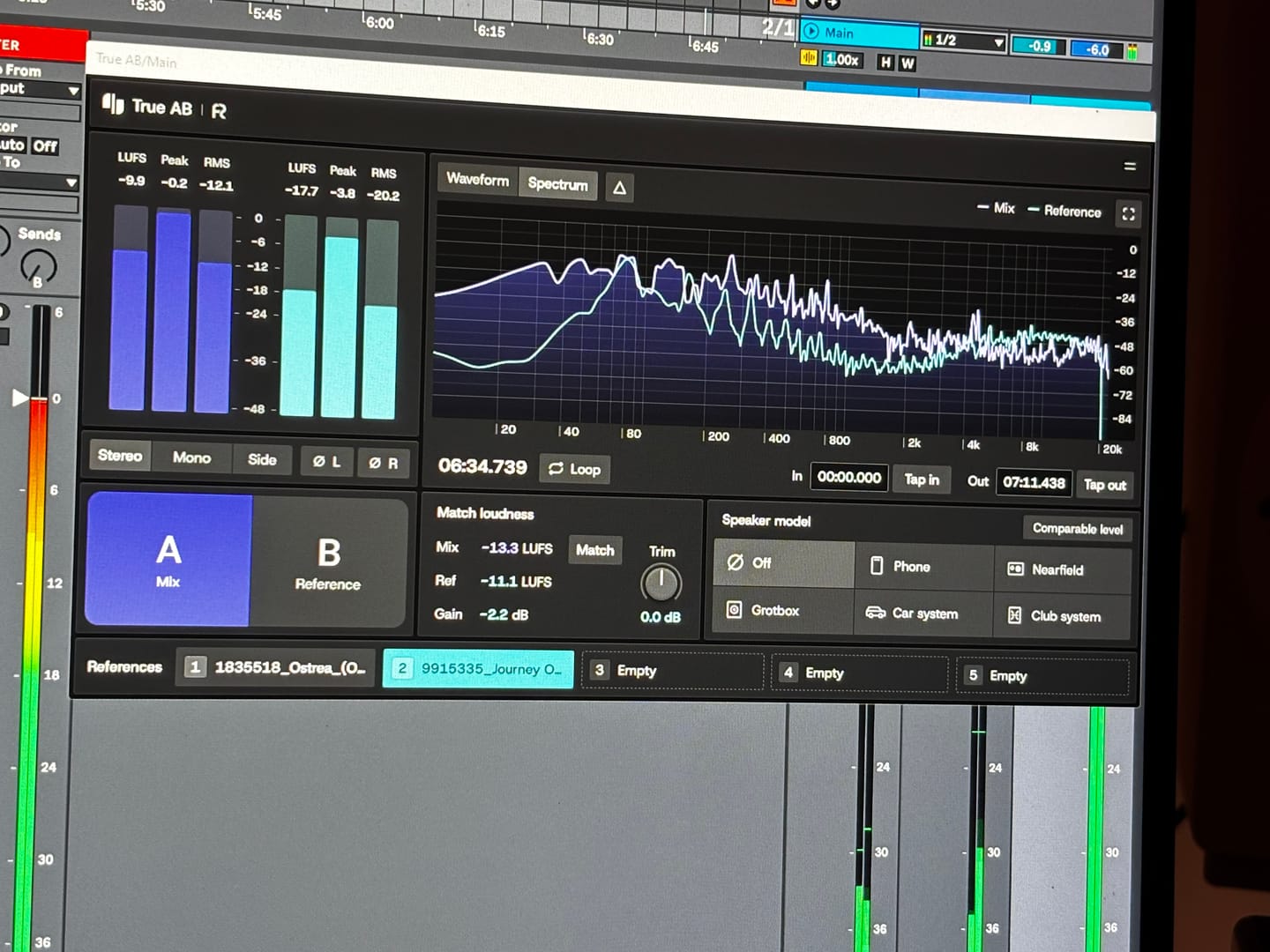
Answering requests for feedback is usually not something that I want to waste my time on, but for you I gladly make an exception. Working with Omnigrid and Zensphere in combination with the DNA master chain and RapidFlow templates has been really enlightening. What a joy! I am re-discovering working in session view. I used to work in arrangement view most of the time, but I definitely see the advantages of using session view the way you propose. Omnigrid provides an unlimited amount of options for sequencing. I started using it in combination with GrooveAgent for drum sequencing and Zensphere for melodic sequences for example. Omnigrid challenged me to start making more use of midi mapping than I did before so I am getting to know Ableton Live much better too. I love the extremely low amount of cpu usage of Zensphere compared to Serum and Diva. The included sounds offer enough options to experiment with. The RapidFlow referencing plugin offers more information at a glance and is way more intuitive to use than what I was used to until now. There is still a lot to figure out and explore like sound design and customization of the templates and the DNA masterchain to my likings but I can already tell you that I love making music that way. Very inspiring indeed! 🫶🏼
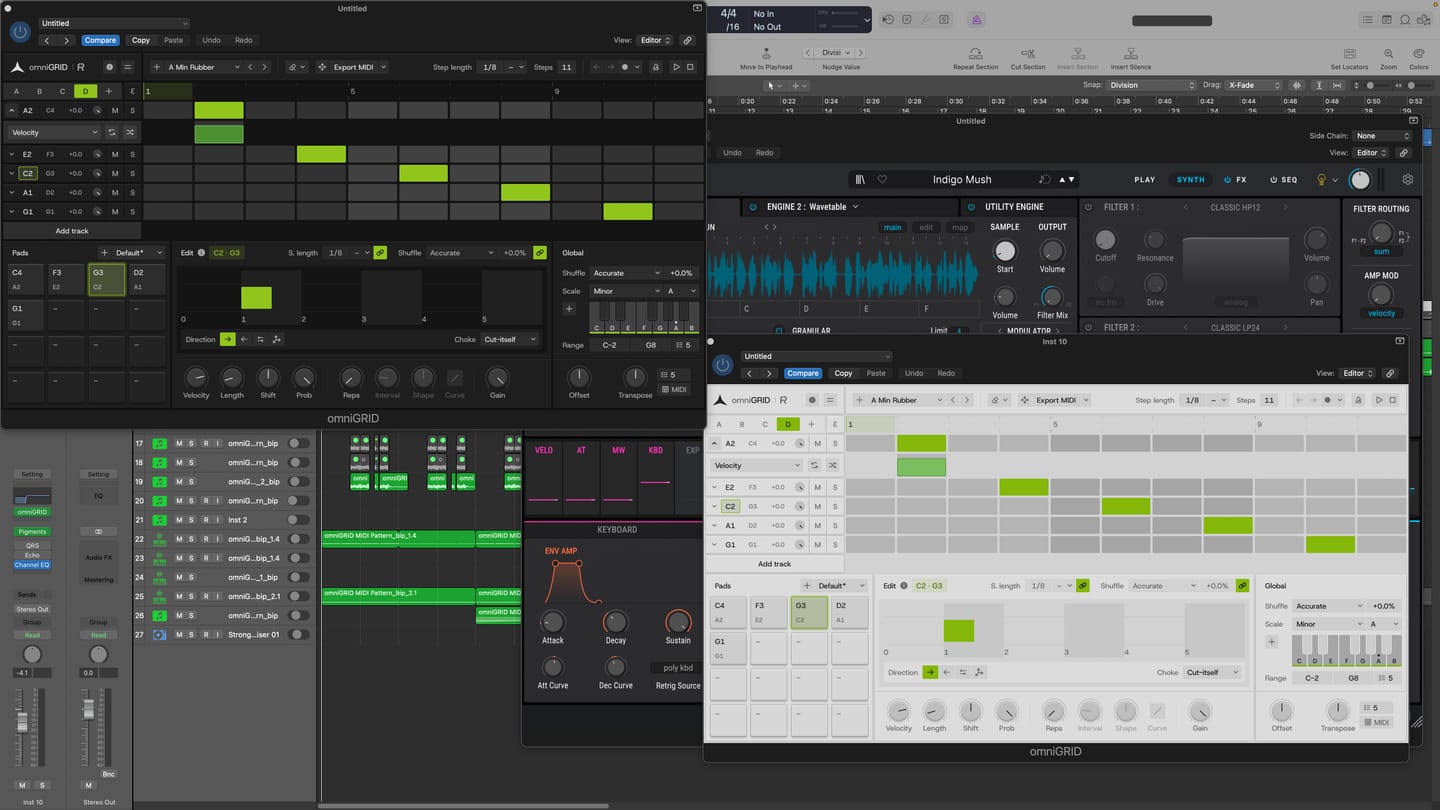
I am thoroughly impressed with the product. It has made the process of creating melodies more fun. BoySquared
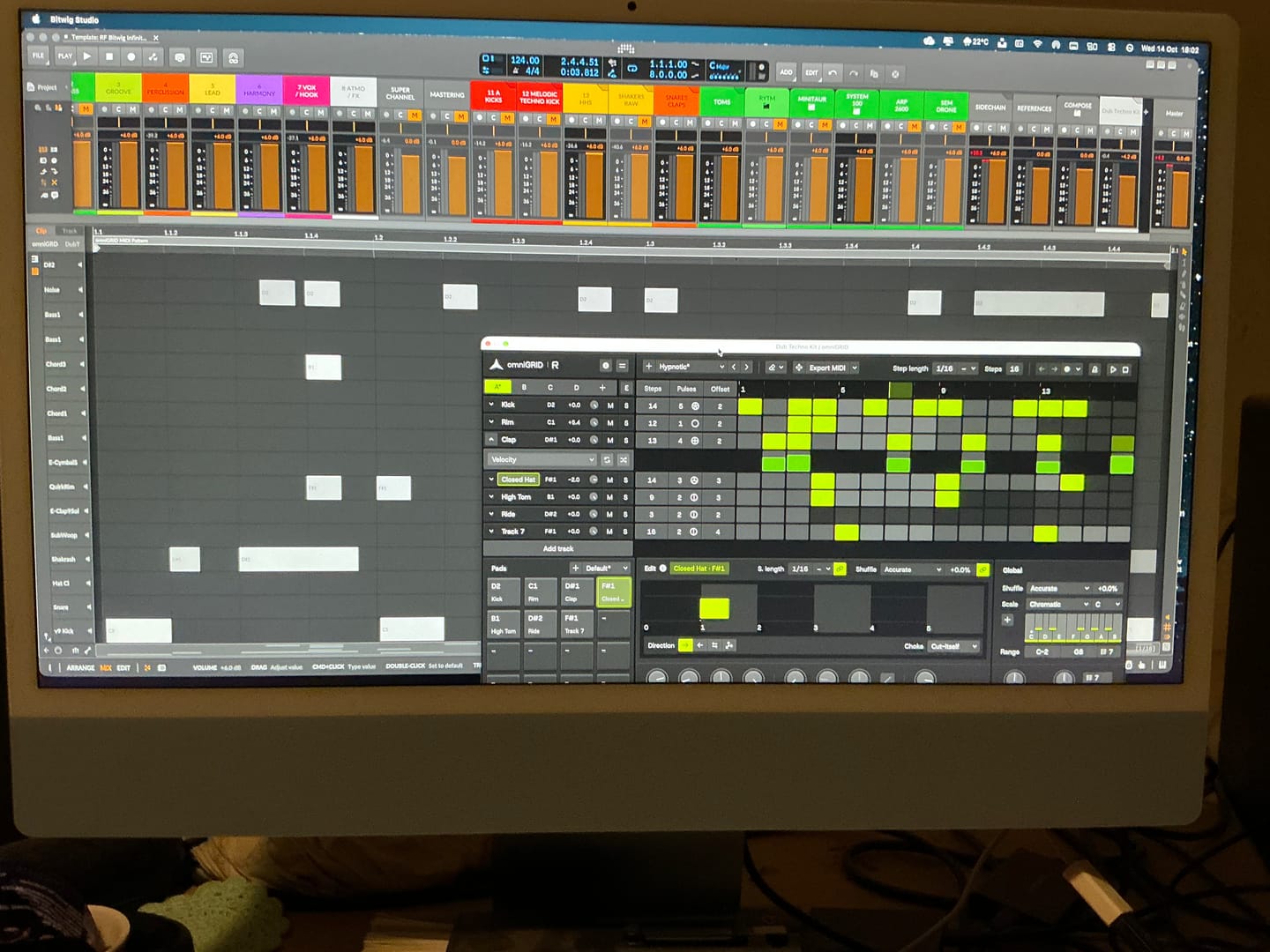
It’s taken me a great deal of tutorial-watching, manual-reading, and hours of just trying crazy stuff, but I’m at the point where I can start to make some headway with OMNIGRID, especially combined with RF’s Infinity Bundle and the DNA Suite (see photo). I do appreciate the Beginners level videos you’ve made about these new tools just recently. It’s because of those that I had some idea how to get going. Because the written documentation has been almost no use at all. The text refers to features of Ableton that I couldn’t find, even when stepping through those instructions one line at a time. And please update your instructions on instruments, instrument tracks, MIDI tracks, and audio tracks. I wasted hours and hours trying to figure out exactly where to put everything, and how to get the routing to work. Wasn’t fun. Strongly considered asking for a refund. HOWEVER, I did get it to work. In the photo I sent, I’m in the process of making dub techno. And it was actually starting to sound about right! There needs to be an easier way to stop the host and the plugin playing back simultaneously. Looking forward to version 3.0! Warmly, Adrian Bedford (who sometimes uses his wife Michelle’s credit card. But it’s all just me. Hi! :)

When you’re making dance music, especially trance, progressive house and anything built around a proper low-end, you can spend hours tweaking a mix and convince yourself it sounds incredible. Then you play it against a professionally mastered record, and suddenly you realise your kick is too heavy, your top end is harsh, or your whole mix lacks the weight and definition you thought it had. That’s where Rapid Flow True AB Referencing comes into its own. The first thing that stands out is the spectrum comparison. Having two tracks displayed together makes it much easier to spot differences in the overall tonal balance. You can see where your bass energy sits, how the mids are behaving, and whether your high frequencies are getting carried away. It’s particularly useful when you’re working on that tight, driving low end that trance and progressive house depend on. I also like the fact that it brings several analysis tools together in one place. Spectrum, correlation, stereo image, dynamics and loudness are all accessible from the same interface. Rather than constantly jumping between different plugins, you have a central point for checking how your mix compares with a reference. The reference library is another practical feature. Being able to load different records and switch between them is useful when you're trying to understand why one track feels huge and open, while another sounds thin or congested. For electronic music, I’d be comparing against properly mastered records in the same ballpark as my own production, not some random track from a completely different genre. But here's the important bit: the analyser is a guide, not a mixing engineer. A spectrum curve isn't a recipe for a professional master. A record with a massive bass peak isn't necessarily better than one with a tighter, more controlled low end. Different arrangements, kicks, basslines and mastering choices will produce different curves. And if you haven't level-matched your reference properly, you can end up making the wrong decisions simply because the louder track sounds more impressive.

Had a good Tones!

super de bon produit merci eric pour ton beau travail

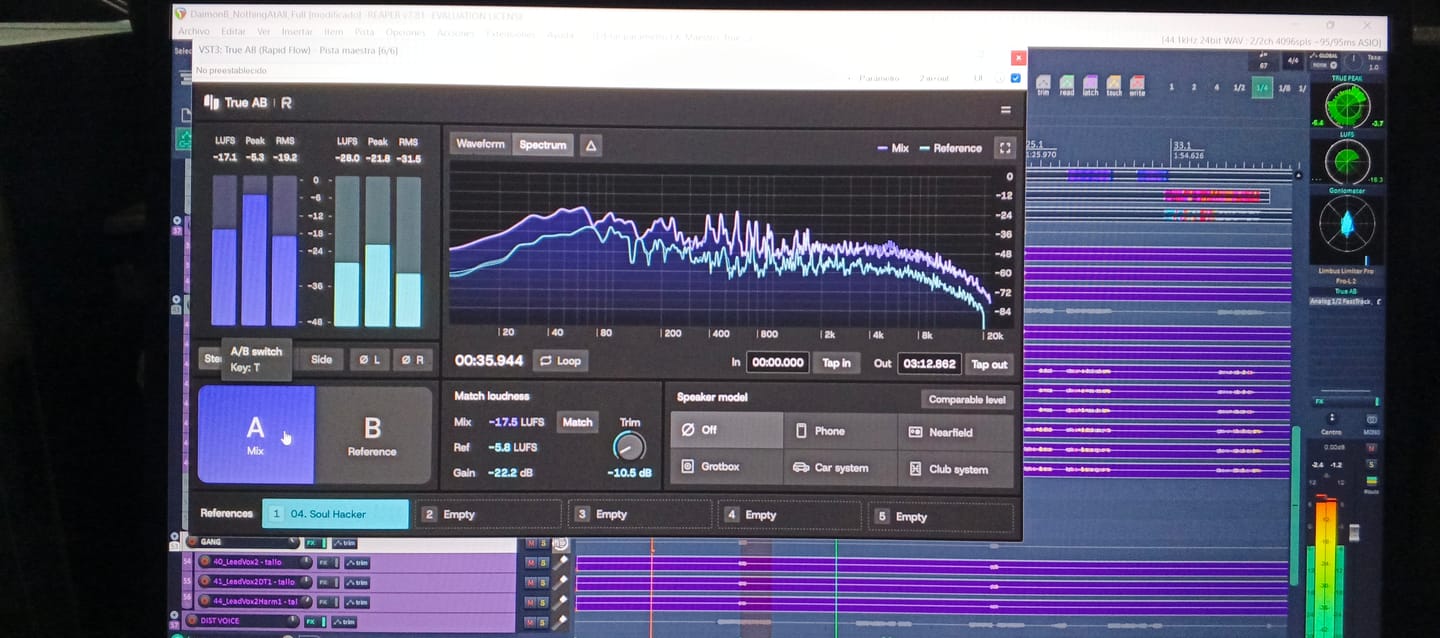
First of all, giving this to the community as you did is 5 stars alone...especially for those of us in countries with horrendous exchange rates (Kenya). Secondly, to have THIS plugin do more than the other 'popular' one in my arsenal is pure gold. Third, the functionality just pushed my mixing skills to the international stage! Most importantly to me currently is that my old Macbook Pro 2014 on Big Sur, which often flatlines my CPU usage at the sight of a third party plugin is BARELY using any memory. You can literally see it in the screenshot! THANK YOU RAPID FLOW!

Its great. Love the features it has. In protools it worked perfectly good.

I won't say where from, but I only just purchase an A/B app and it only just about comes up to scratch to this amazing and FREE release! It will be my go-to for sure!

Everyone should get it! CPU easy and easy to navigate!!

I love it, I wish they would add more monitoring options or something like that, but it's good.

Loving the swiftness and simplicity of True AB from Rapidflow. There's so many useful features packed into this tool. I especially love how everything is essentially "right there". Nice one!

Great plugin—you can do so many important things with it ! thank's a lot !
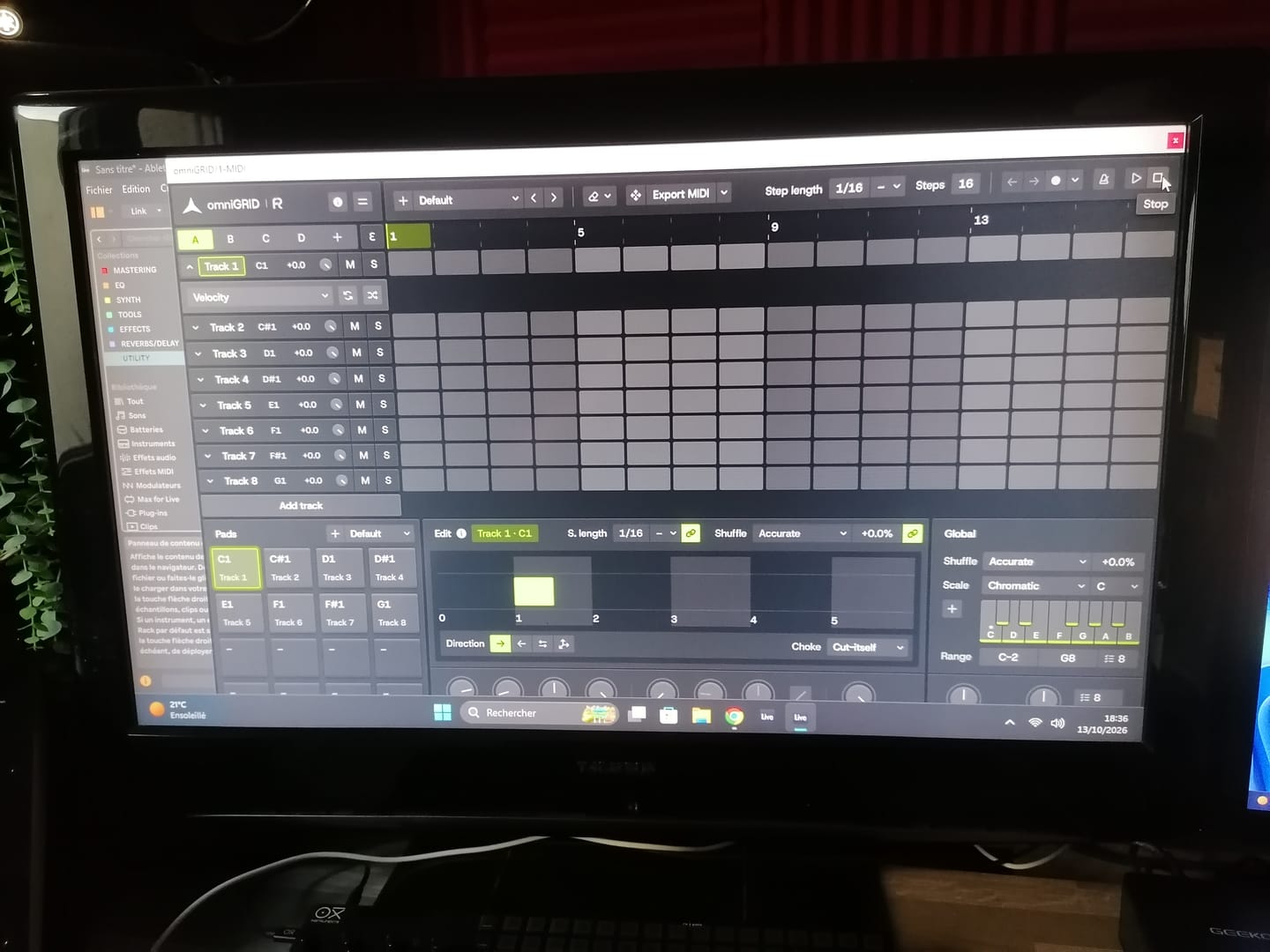
Great tool !! excelent !!

Perfect tool, for made perfect job !! love it !!

I was able to fix some issues with this tool in a quick way. Thank you

low on cpu usage and pretty helpful!

The speaker model function has been a game changer for me. I really love it. It gives fantastic simulation of different environments, something I've been searching for in a while and found it here.

Most easy to use and understand reference vst

I Love this product!

super bon produit j,adore merci a toi

I really found this helpful using a reference track to compare my mix with. I made changes that I wouldn’t have otherwise made. Thank you for helping my mixes sound more professional.

Un plugin increíble, era usuaria del A/B de otra compañia y lo reemplace por completo, mas claro, más intuitivo, hace todo lo que tiene que ser, realmente útil y preciso!! Feliz!!

You literally saved my life and my mixes. As a music producer it's always a bother to setup monitoring (cause I primarily use headphones) to know how your mix & masters are against references. Now I don't ever have to again thanks to you guys. A one stop shop for monitoring like a pro is priceless literally. Such a blessing...🙏🏾💯

Very nice plugin!

True AB by Rapid Flow has quickly replaced my previous EQ reference plugin. It outperforms other market leaders thanks to several standout features: • Real-time visual feedback for both active and reference tracks • Seamless level matching • Delta monitoring • Support for up to 5 reference tracks simultaneously

It's awesome, autogain is a bit finicky, maybe add different modes? Like one for, peak, rms, etc, some filtering options - being able to hone in on any part of the spectrum, compare lows, high mids etc, stereo image, correlation and dynamics would be great, also different slope options, I prefer 4.5, and optimised sync...

It´s a good sounding all-around PlugIn, easy to use, full of very well sounding patches. I like and use it in every session.

It’s a great tool; I also have Melda MCompare—that one is just as good, plus it has a spectrum analyzer. Thanks a lot!

