


Really cool program!... SO easy to use, lots of presets, randomization, controls... just love it!

DESIGN EUCLIDIANO. SENSIBILIDADE HUMANA
Transforme passos simples em grooves, linhas de baixo e arpejos que nunca terias imaginado programar. O omniGRID foi concebido para «acidentes felizes» — combinando sequenciamento euclidiano, geração de notas sensível à escala e groove inspirado no hardware para manter o fluxo de novas ideias enquanto crias. (Proprietários do miniGRID: se ainda não estão inscritos na nossa newsletter ou não receberam um código de desconto, contactem o apoio ao cliente.)
LIMITED TIME OFFER
 30,887
produtores


O omniGRID V1.1 oferece-lhe agora mais formas de registar ideias, executar padrões e dar novos rumos às sequências. Grave diretamente no sequenciador em tempo real, alterne entre cenas enquanto toca, transponha padrões a partir de entrada MIDI e explore novas variações com direções de reprodução por faixa, comprimentos de passo em tripletos e pontuados, e escalas personalizadas.

Transforme padrões simples em grooves que fluem, mudam, desaparecem e se repetem de formas inesperadas. Defina cada passo individualmente com velocidade, duração, sincronização, probabilidade, repetições e intervalo e, em seguida, arraste o resultado diretamente para a sua DAW como MIDI.
Visão geral das funcionalidades de arpejo e sequenciamento euclidiano do omniGRID
Escalas personalizadas, predefinições do utilizador, transposição MIDI em tempo real, gravação por passos no teclado e 8 cenas que mudam ao ritmo da batida.
Um tutorial completo para principiantes sobre como dar os primeiros passos com o OmniGrid
Transmissão em direto de uma sessão de estúdio a partir do Rapid Flow Studio com o omniGRID 1.1 e o The DNA Suite

Os tutoriais integrados orientam-no na utilização das novas ferramentas, para que possa começar rapidamente. Depois, grave, remodele e execute padrões em evolução em tempo real, sem ter de parar constantemente para editar.

Aplica um padrão de shuffle a todas as faixas ou atribui a cada faixa o seu próprio padrão de shuffle e, em seguida, utiliza deslocamentos temporais de ±64 ms para posicionar cada parte exatamente onde parecer mais adequado.

O omniGRID fixa cada passo na tonalidade e na escala que escolher, para que possa criar arpejos de ouvido, experimentar à vontade e descobrir padrões melódicos que nunca teria programado de propósito.

Utilize o sequenciamento euclidiano para criar «rolling hats», percussão em movimento, tom-toms e loops rítmicos sem ter de posicionar cada batida manualmente. Ajuste os pulsos e o desfasamento em cada faixa para encontrar rapidamente padrões que se repitam, evoluam e formem ciclos de forma natural.


Inspirado no comportamento de sincronização de máquinas lendárias, trazendo aquela sensação lendária de shuffle vintage para a sua DAW sem necessidade de hardware externo.

Roland TR-909

MFB Tanzbar

AKAI MPC60

E-MU SP-12

AKAI MPC 3000

Oberheim DMX

Linndrum LM-1
Roland TR-909
MFB Tanzbar
AKAI MPC60
E-MU SP-12
AKAI MPC 3000
Oberheim DMX
Linndrum LM-1
16 faixas. 64 passos. Infinitas formas de criar um ritmo.

Sequenciadores padrão
omniGRID


O omniGRID integra um fluxo de trabalho completo de sequenciamento de 16 faixas diretamente na sua DAW. Crie, modele e controle os seus padrões a partir de uma única interface, sem necessidade de sequenciador externo, controlador MIDI ou hardware adicional.
Ajuste o omniGRID entre 50% e 400%, arraste a janela para alargar e aumentar o espaço entre os passos e alterne entre os temas «Claro» e «Escuro» para se adaptar ao seu ecrã e à configuração do seu estúdio.


Overall rating: 4.9 / 5 from 97 reviews.
Really cool program!... SO easy to use, lots of presets, randomization, controls... just love it!
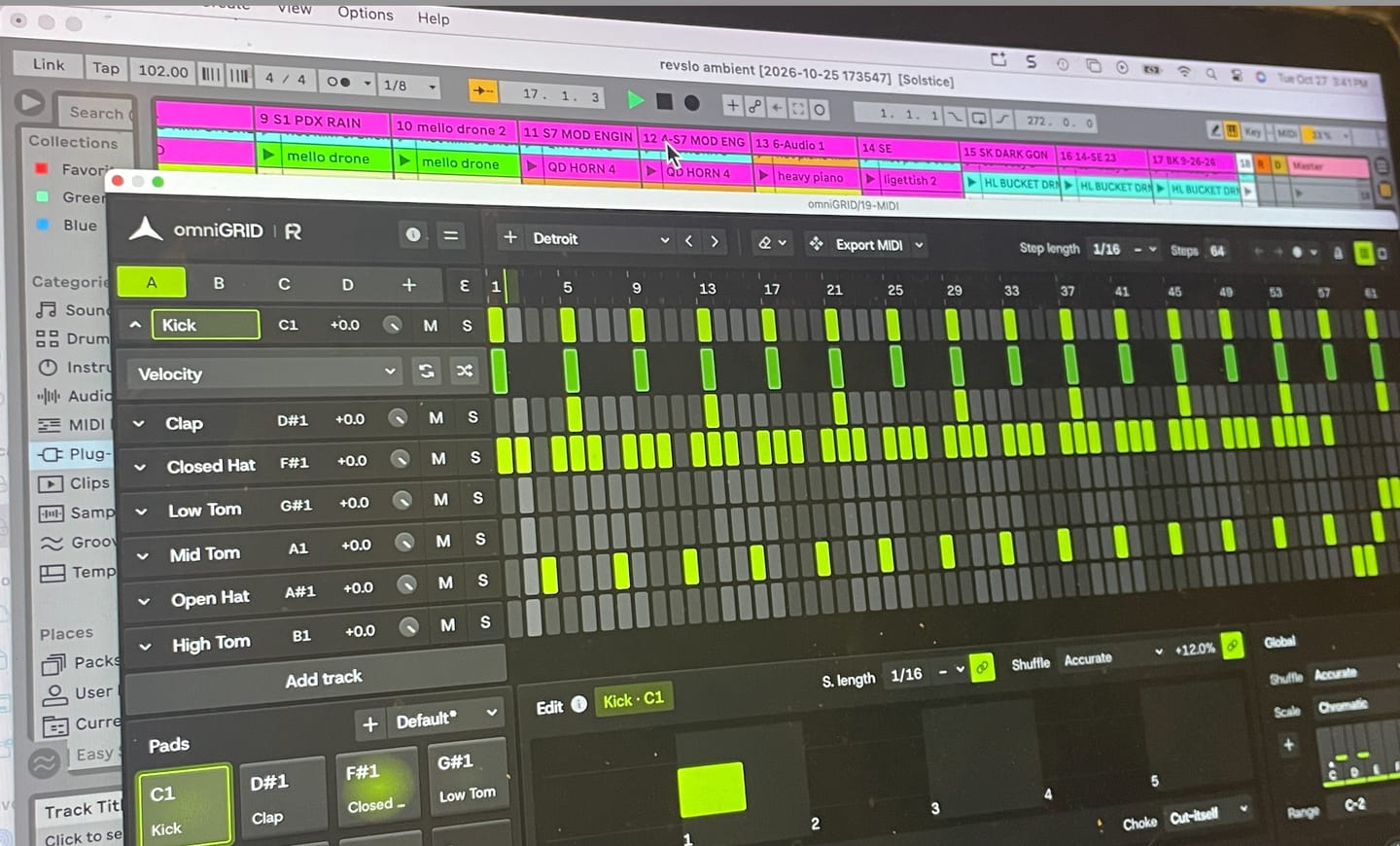
Omnigrid is a really versatile and intuitive tool to use with my DAW. I'm looking forward to discovering all the ways it can improve my music.
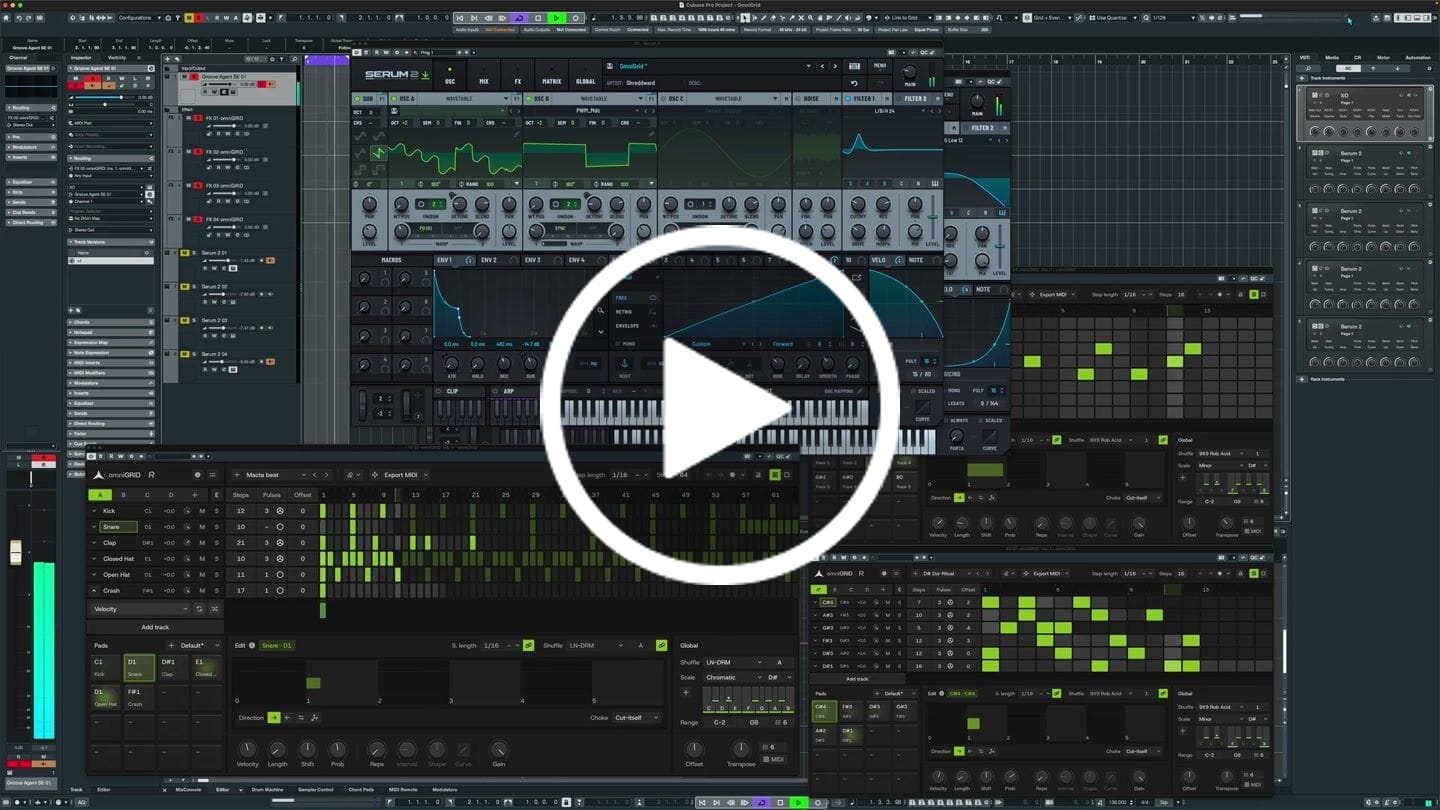
I put this together in just a few minutes; granted, it still needs further development, but the inspiration you get from Omnigrid is truly immense. Thanks!
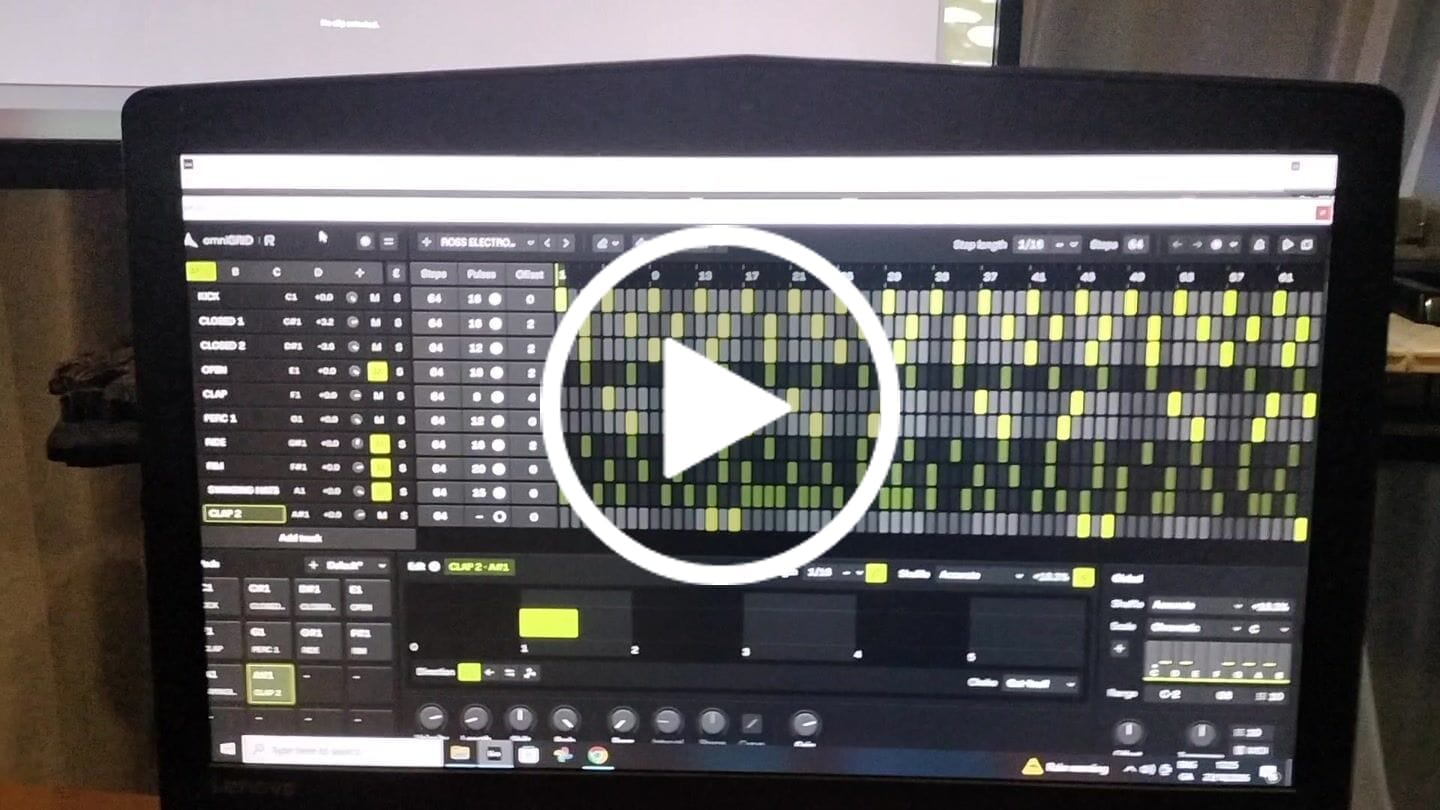
This is by far the best plugin I have bought for a long time. It's absolute fire for creating catchy melodies and basslines that I would never even think of trying to program in piano roll etc. It's also wicked for creating complex drum patterns in just a few clicks. Awesome job guys. Thanks

It's a great tool to have under your belt. Once you get the basic setup is done, it's engaging. Makes it more fun to play around. Also I've received two free updates. That shows team is constantly working on it to improve the features. Great plugin!
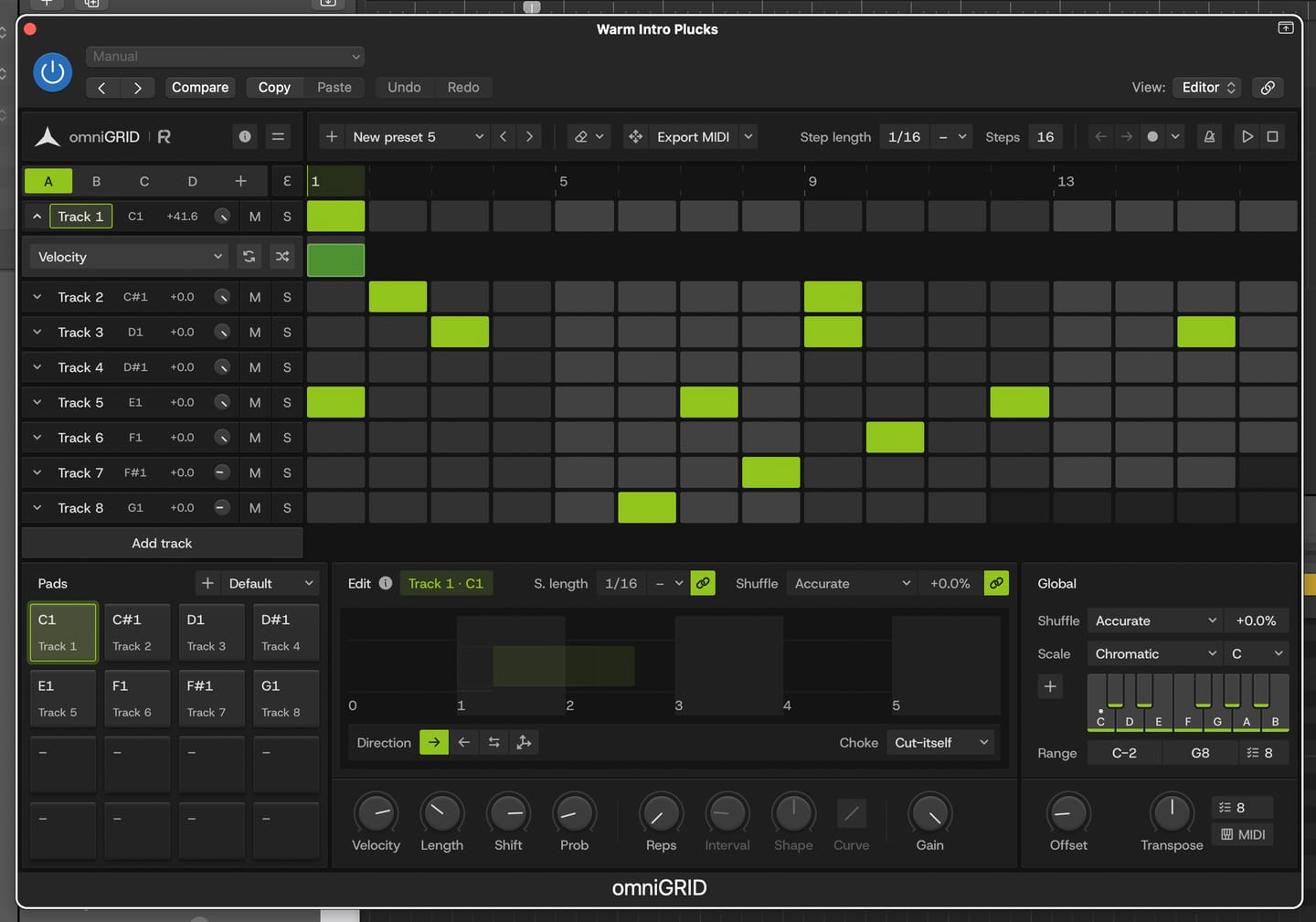
Great for experimenting with melody and drums
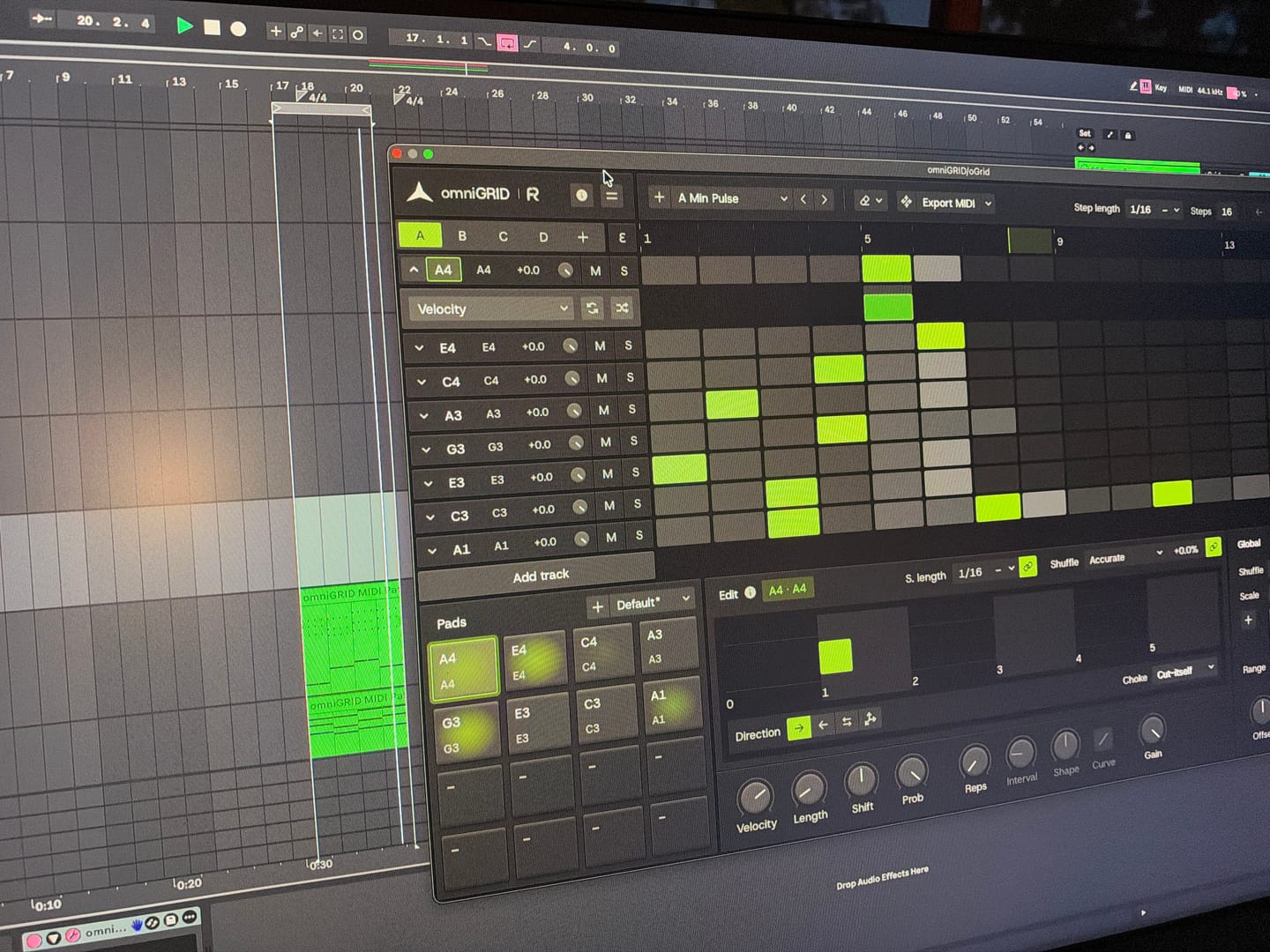
Endless possibilities and inspiration! Would love to see specific tutorials on arranging live!
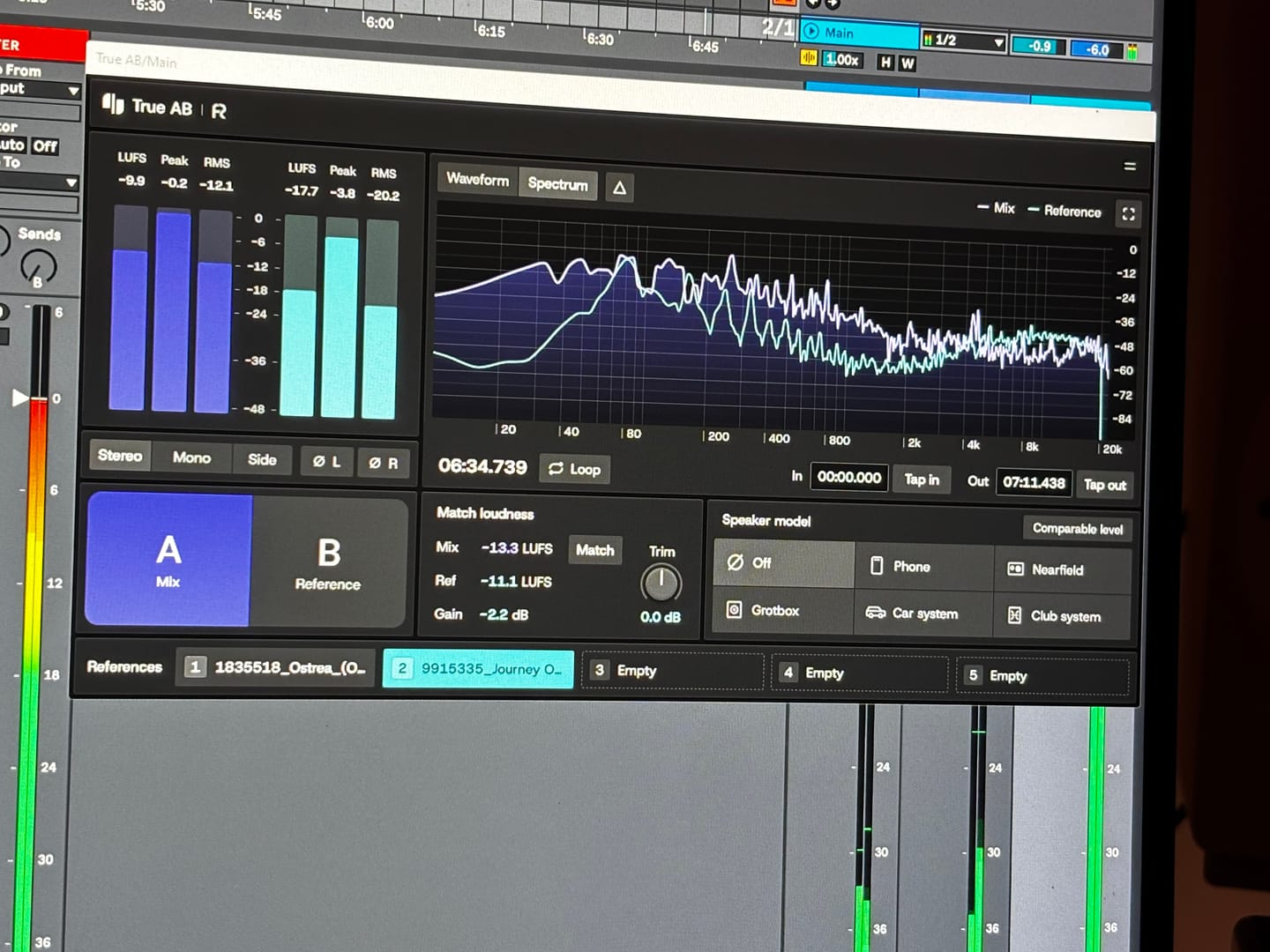
Answering requests for feedback is usually not something that I want to waste my time on, but for you I gladly make an exception. Working with Omnigrid and Zensphere in combination with the DNA master chain and RapidFlow templates has been really enlightening. What a joy! I am re-discovering working in session view. I used to work in arrangement view most of the time, but I definitely see the advantages of using session view the way you propose. Omnigrid provides an unlimited amount of options for sequencing. I started using it in combination with GrooveAgent for drum sequencing and Zensphere for melodic sequences for example. Omnigrid challenged me to start making more use of midi mapping than I did before so I am getting to know Ableton Live much better too. I love the extremely low amount of cpu usage of Zensphere compared to Serum and Diva. The included sounds offer enough options to experiment with. The RapidFlow referencing plugin offers more information at a glance and is way more intuitive to use than what I was used to until now. There is still a lot to figure out and explore like sound design and customization of the templates and the DNA masterchain to my likings but I can already tell you that I love making music that way. Very inspiring indeed! 🫶🏼
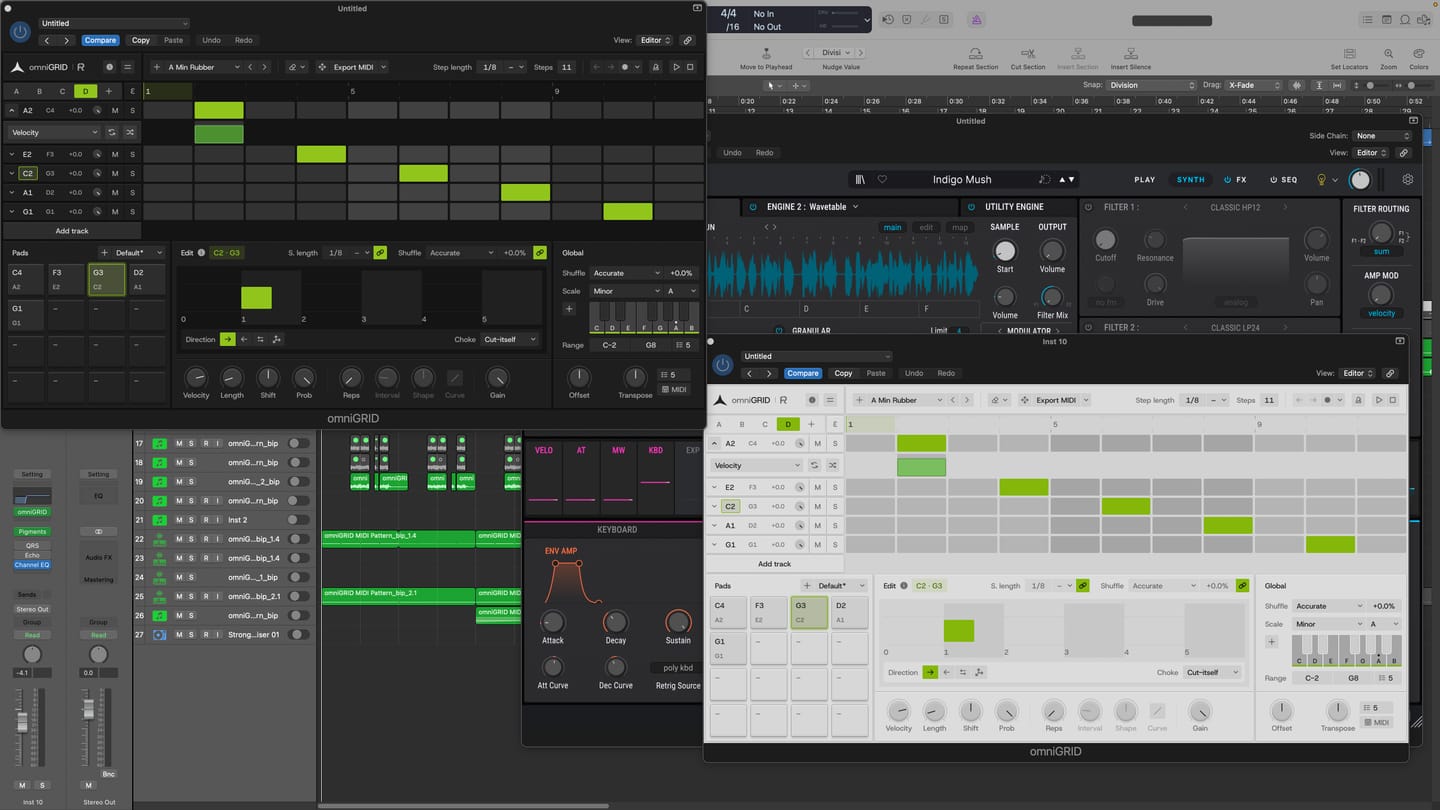
I am thoroughly impressed with the product. It has made the process of creating melodies more fun. BoySquared
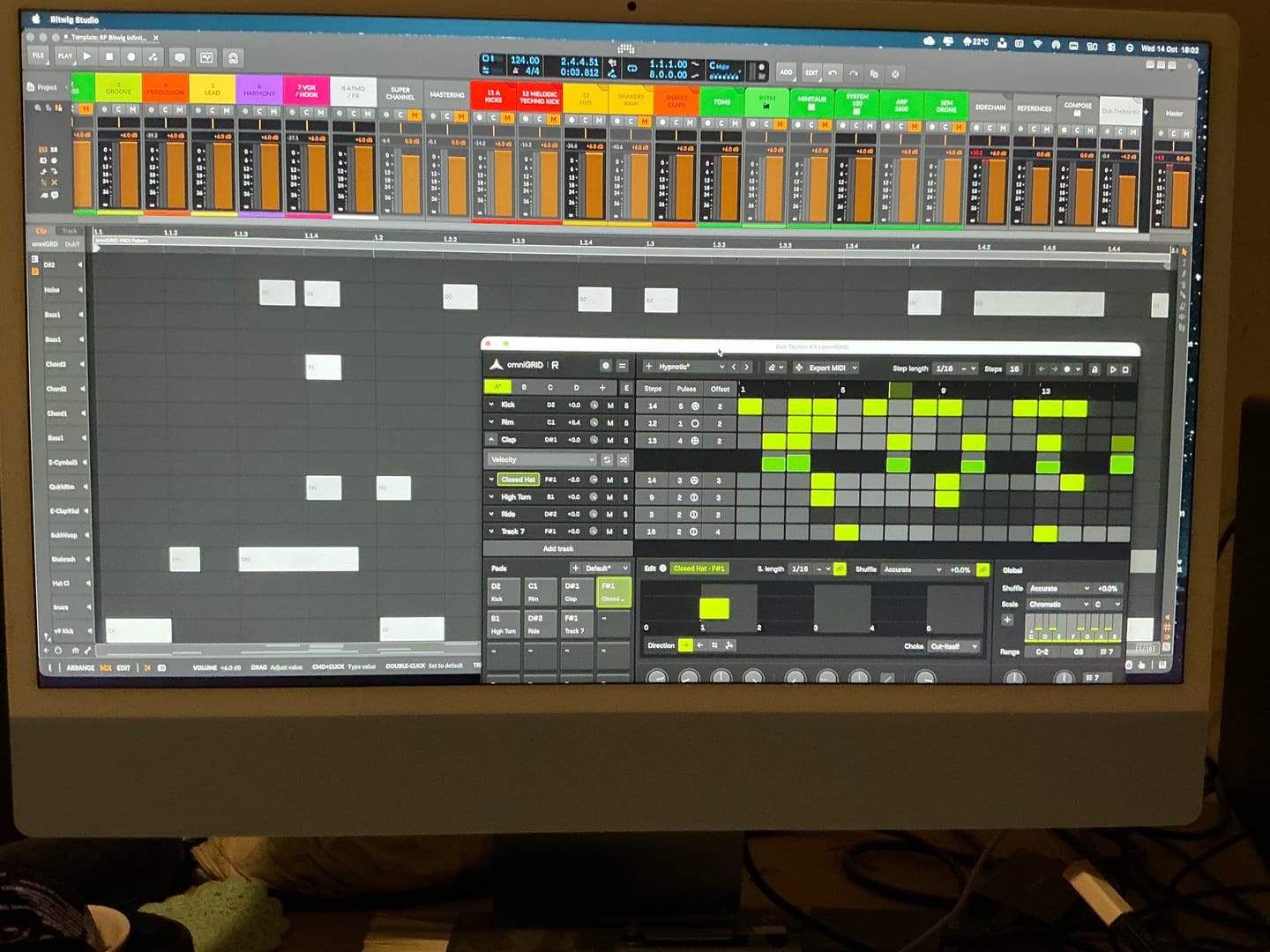
It’s taken me a great deal of tutorial-watching, manual-reading, and hours of just trying crazy stuff, but I’m at the point where I can start to make some headway with OMNIGRID, especially combined with RF’s Infinity Bundle and the DNA Suite (see photo). I do appreciate the Beginners level videos you’ve made about these new tools just recently. It’s because of those that I had some idea how to get going. Because the written documentation has been almost no use at all. The text refers to features of Ableton that I couldn’t find, even when stepping through those instructions one line at a time. And please update your instructions on instruments, instrument tracks, MIDI tracks, and audio tracks. I wasted hours and hours trying to figure out exactly where to put everything, and how to get the routing to work. Wasn’t fun. Strongly considered asking for a refund. HOWEVER, I did get it to work. In the photo I sent, I’m in the process of making dub techno. And it was actually starting to sound about right! There needs to be an easier way to stop the host and the plugin playing back simultaneously. Looking forward to version 3.0! Warmly, Adrian Bedford (who sometimes uses his wife Michelle’s credit card. But it’s all just me. Hi! :)

super de bon produit merci eric pour ton beau travail
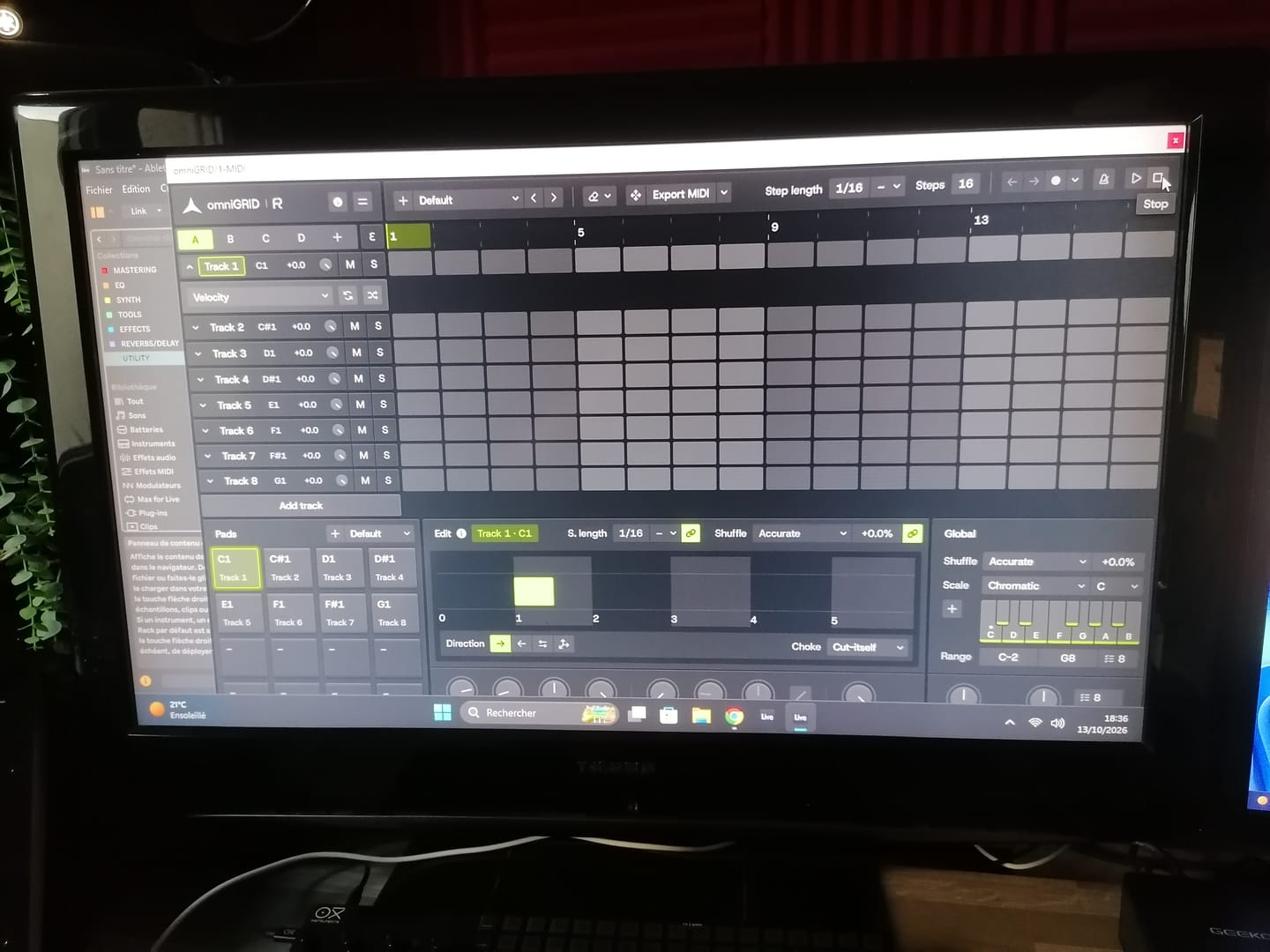
Great tool !! excelent !!
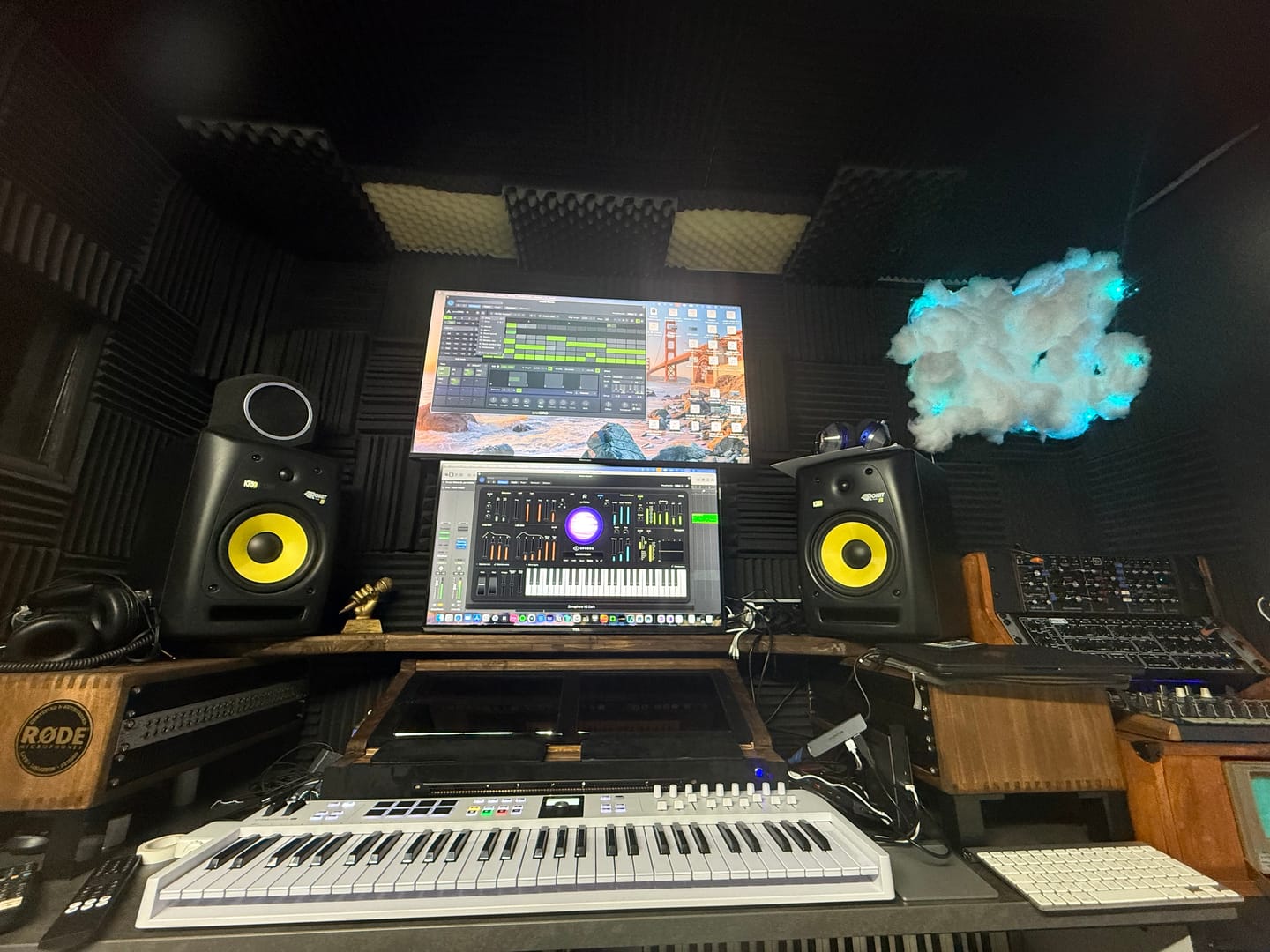
Love it. OmniGrid can control my analog synths as other drum INSTRUMENTS, software instruments….and all perfectly synced. Very helpful
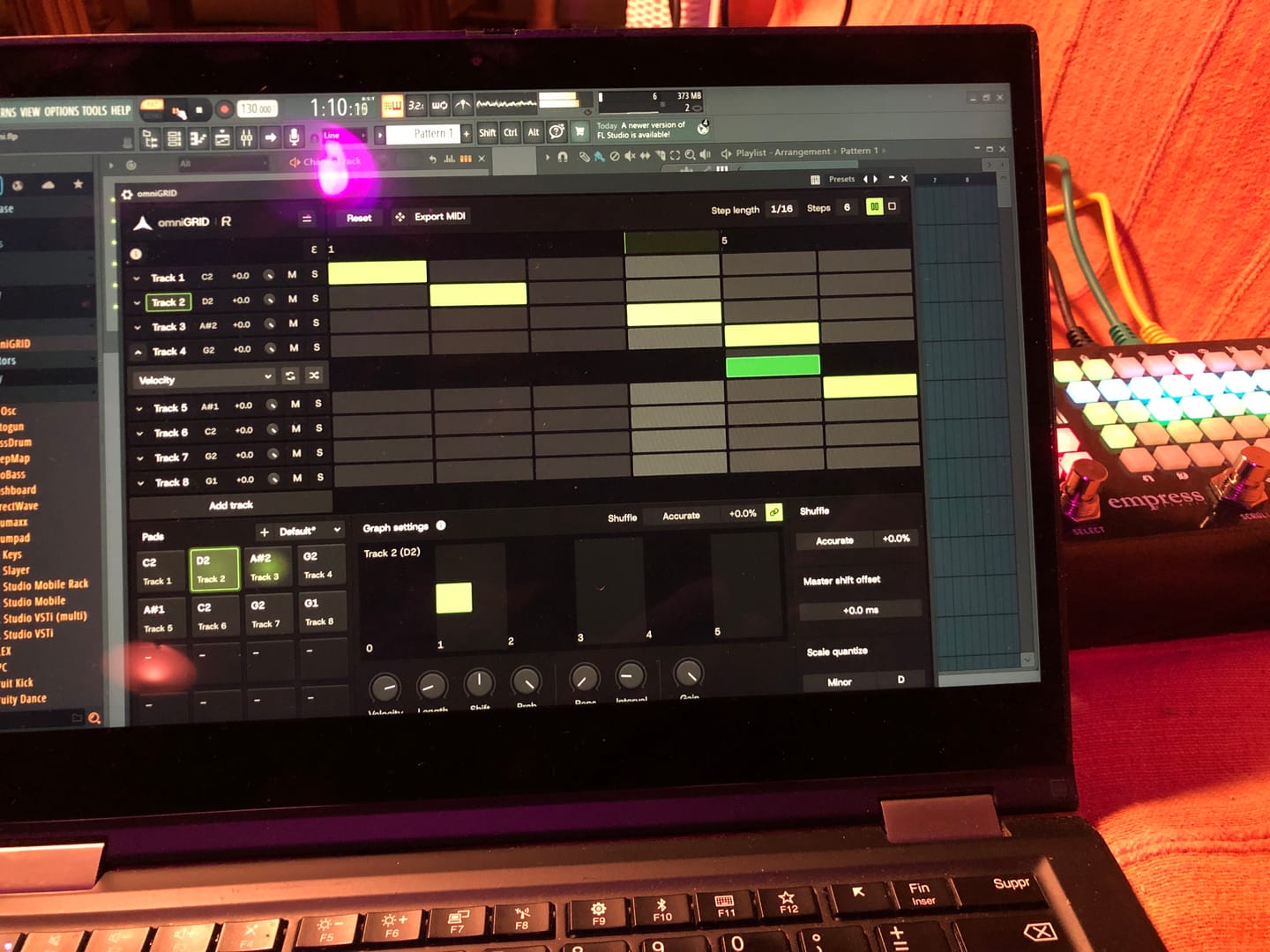
Lots of potential, and just at v1 :)
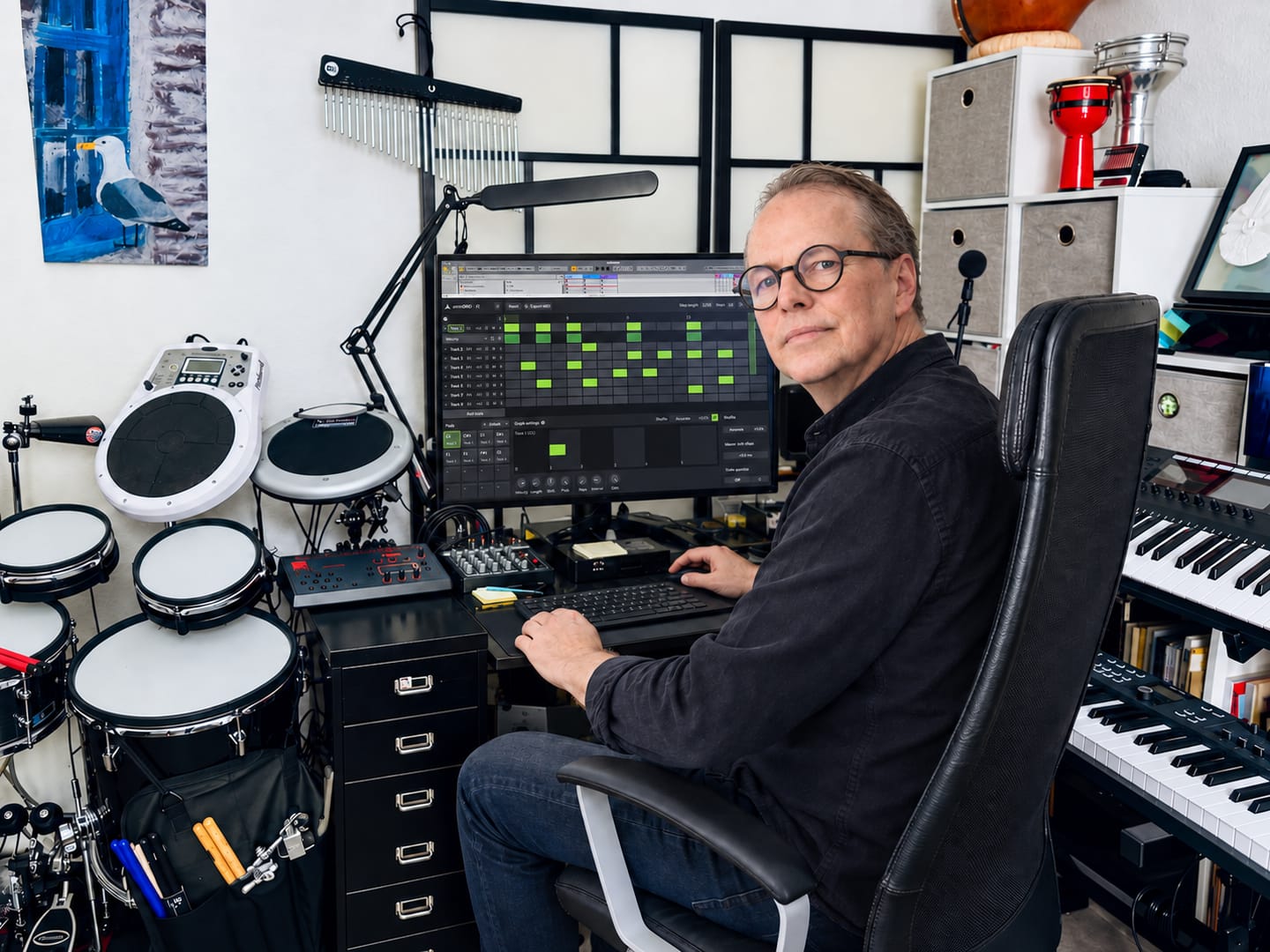
★★★★★ Omnigrid by Rapidflow is clear, fast, and pleasant to use. The features are well structured, the interface feels clean, and working with it is reliable. I especially like how easy it is to find your way around and get results without unnecessary steps. For me, it is a very well-made solution that does exactly what it should.
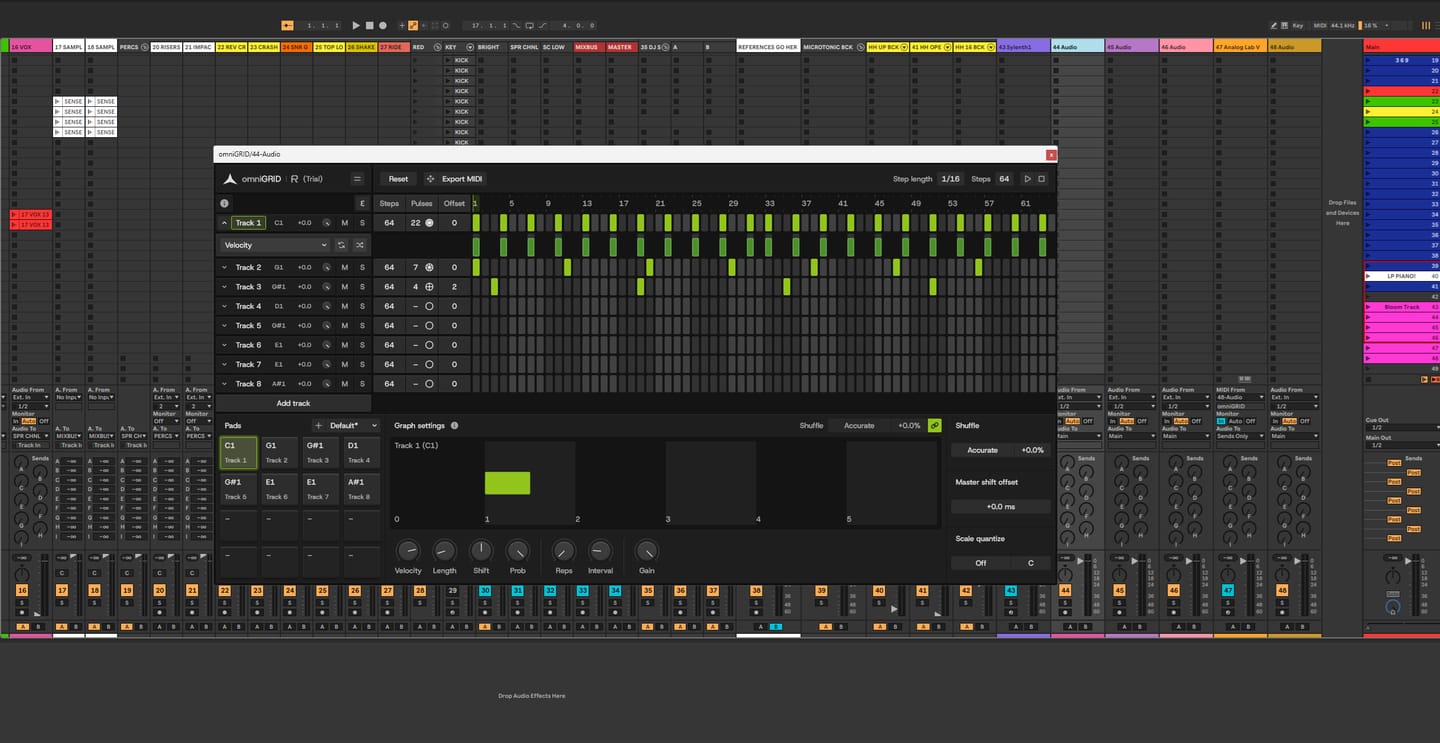
It’s been fantastic exploring new sequences and combinations! It’s impossible not to love omniGRID; before you know it, you have multiple instances running simultaneously—on the kick, bass, clap, and even synthesizers. It’s definitely a "must-have"!

Love it! Our new go to sequencer. Great for throwing a bit of ‘feel’ in to your loops and patterns. Highly recommend 👍🏻

Omni Grid is very cool, early days of using it but so far I love it, the small amounts of randomization and shuffle that can be applied to anything is something I have been looking far for ages! will post a video when I've finished something. Very exciting!

Amazing

Right! So I’ve had more time to try out omniGRID! I didn’t wait until the end of the trial period to buy it, as this time I was working whilst travelling: I simply used LIVE for a few tracks and LAUNCHPAD X (Novation)! I’ve had some great results… And I’m going to keep experimenting with everything this little gem has to offer! (...)

Finally the good stuff has arrived! Like having an Eurorack sequencer in your DAW thank you so much🔥🔥👌🏻

Omnigrid has all the features that made Minigrid an instant hit. The ability to quickly and easily tweak the midi output so it grooves perfectly for all parts. Omnigrid is the first sequencer I have come accross that perfectly adds euclidean features and normal step sequencing in one interface. Up to 64 steps for any of the 16 tracks shows that this sequencer is intended to be versatile. This sequencer really shines at making your sounds hit the right spot. At present there is no way to record midi or to drop a midi file into Omnigrid to take advantage of the various track controls that transform the midi output. I think something along those lines would be a great addition for a future update.
Excellent sequencer facile à utiliser
Excellent générateur de midi
It's exactly what i wanted to program my drums and tweak them in real time
So much fun, and so intuitive. Played with it for hours until I even looked at the manual. An object lesson in GUI design.
Absolutely great product!
I'm yet to experience anything better than this when it comes to it features and possibilities.
The tool you made is great. The rest is up to me to make good use of it
Waited years for sequencer like this. Easy in use and still full of advanced features.
I am a professional composer / producer since 2002. And I have loads of plugins. But there's nothing like this. I really love using OmniGrid! Keep up the good work!
Definitely having fun, working through my own shortcomings with Ableton but once I figured out the midi and channel thing - with your help - it triggers away fine I wonder how many instances might be possible. Sorry for delay with feedback, trialing the Zensphere and now you've introduced Drumgrid sheesh! Kid in a sweetshop etc. Thank you.
So far, I’m really impressed with OmniGrid. Looks great and not difficult to set up. Still exploring so not fully up to speed but am sure there are many more useful features.
Great sequencer
Very nice tool indeed, I'm loving it
This sequencer brings some stuff others don't like the independent timing tweaks and it does it on a way that's easily accessible and visually supported. I like it. There's some stuff to improve on but it's looking really promising and I'll be following along. Thanks 👍🏻
Don’t get me wrong. I love this device. For studio it’s great. I just wish I could use it Live. Omniclock has completely transformed my live set. The groove I get from it and from this device is amazing. . The only reason I’m giving this 3 stars is because I personally need some Push Integration so that I can punch in the steps without having to make any mouse clicks. Hopefully that’s something that can be integrated in a future update. It does respond to midi inputs via the record and overdub function but since I can’t remove steps without using my mouse I can’t really use it in a live contretext. In the studio and for production however, it gets a solid 5 star
OmniGrid works as described. I really like the flexibility and it's great when I'm tired of using the stock sequencer in Logic. I don't like that Rapid Flow requires an online callback from the software every so often to keep it usable. In my 20+ years in the industry I've seen countless companies making plugins come and go. If Rapid Flow shuts down business one day I will no longer have access to the product I purchased. I will no longer be able to open an old project where I used OmniGrid and continue work. That makes me hesitant to make further purchases from them. I understand it's a security measure to prevent piracy. I'd like to see it replaced with some other security format that would allow their customers to use the products if Rapid Flow servers are powered down at some point in the future.
A great new tool prom a brand that takes good care of its customers. Highly recommended
A very responsive and creative midi tool - get totally different outcomes depending on which instrument you decide to use it with, so a very versatile tool as well - am using it in everything I do as a start up and to then add something a bit different on projects already on the go. A must have for any serious electronic music producer.

O omniGRID funciona como um plugin leve no interior da sua DAW, concebido para se integrar perfeitamente no seu sistema e no seu fluxo de trabalho atual.

VST3, AAX de 64 bits

AU, VST3, AAX de 64 bits

Versão para Windows no Wine + integração de VST3 com o Yabridge

Não é necessário um dongle físico
Os nossos plug-ins devem funcionar com qualquer DAW compatível. Testamo-los com as seguintes plataformas:


