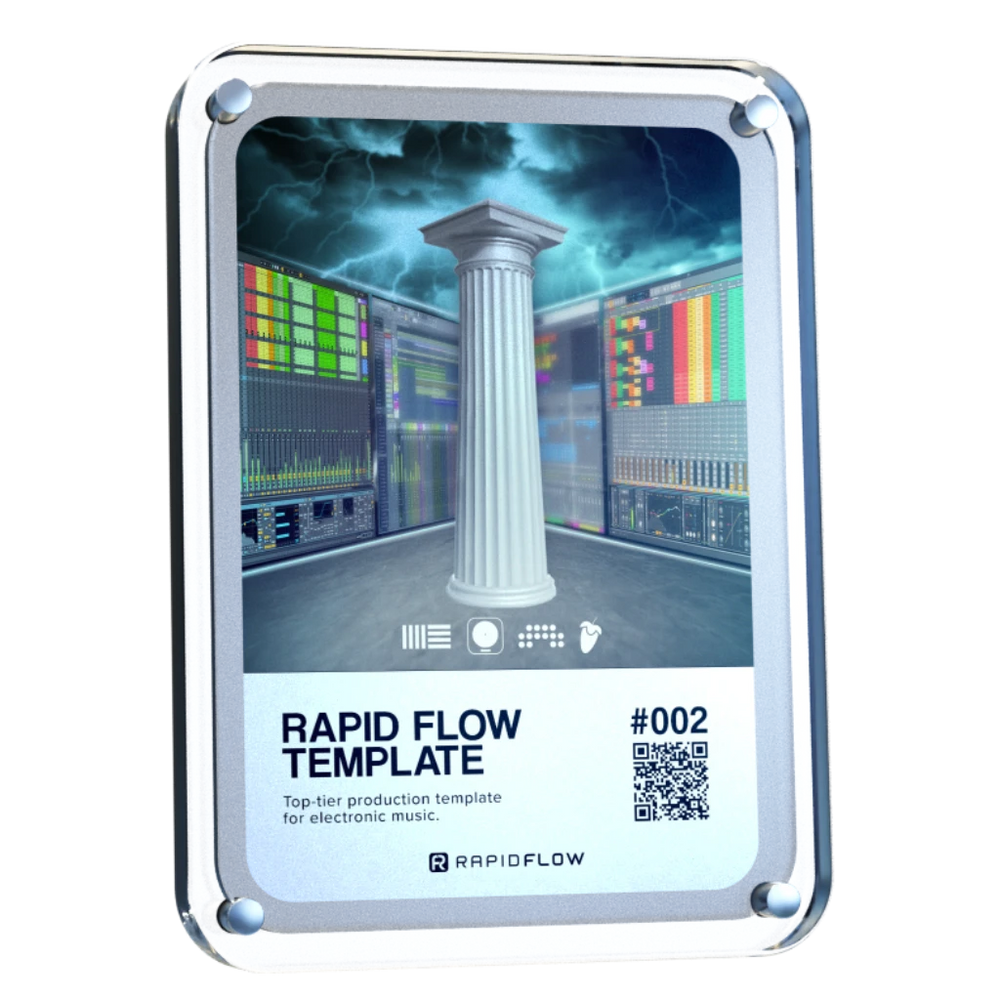
The award-winning Rapid Flow workflow that finally gets your tracks finished.Think of it as your finish-button. Used daily by over 15,000 producers to stop the endless loop-tweaking and finally create tracks you're genuinely proud of.
No more "almost done." Just done.
Ableton Live, Bitwig Studio, FL Studio & Logic Pro files included.
Your best track is stuck in a loop. Let's set it free.
Hit a creative ceiling? Let's break through it together.
You know that feeling when your tracks just don't sound finished? Like they're missing that pro polish?
That's the exact problem the Rapid Flow Template solves. It’s the framework that takes your solid ideas and transforms them into complete, release-ready tracks.
Think of it as your insider shortcut. We handle the technical setup—the mixing chains, the mastering, the structure—so you can focus purely on the creative fun.
Even if you’ve always found mixing confusing... Even if you get lost after the first drop... Even if you only have basic plugins...
This template guides your hand. In about an hour, you'll be arranging with a clarity you didn't think was possible. You'll finish tracks not just faster, but smarter.
Trusted by the biggest names in Music Tech
"I built Rapid Flow because I was tired of watching great ideas die in a loop."
I built this template to solve one problem: finishing tracks.
It worked for me. It worked for thousands.
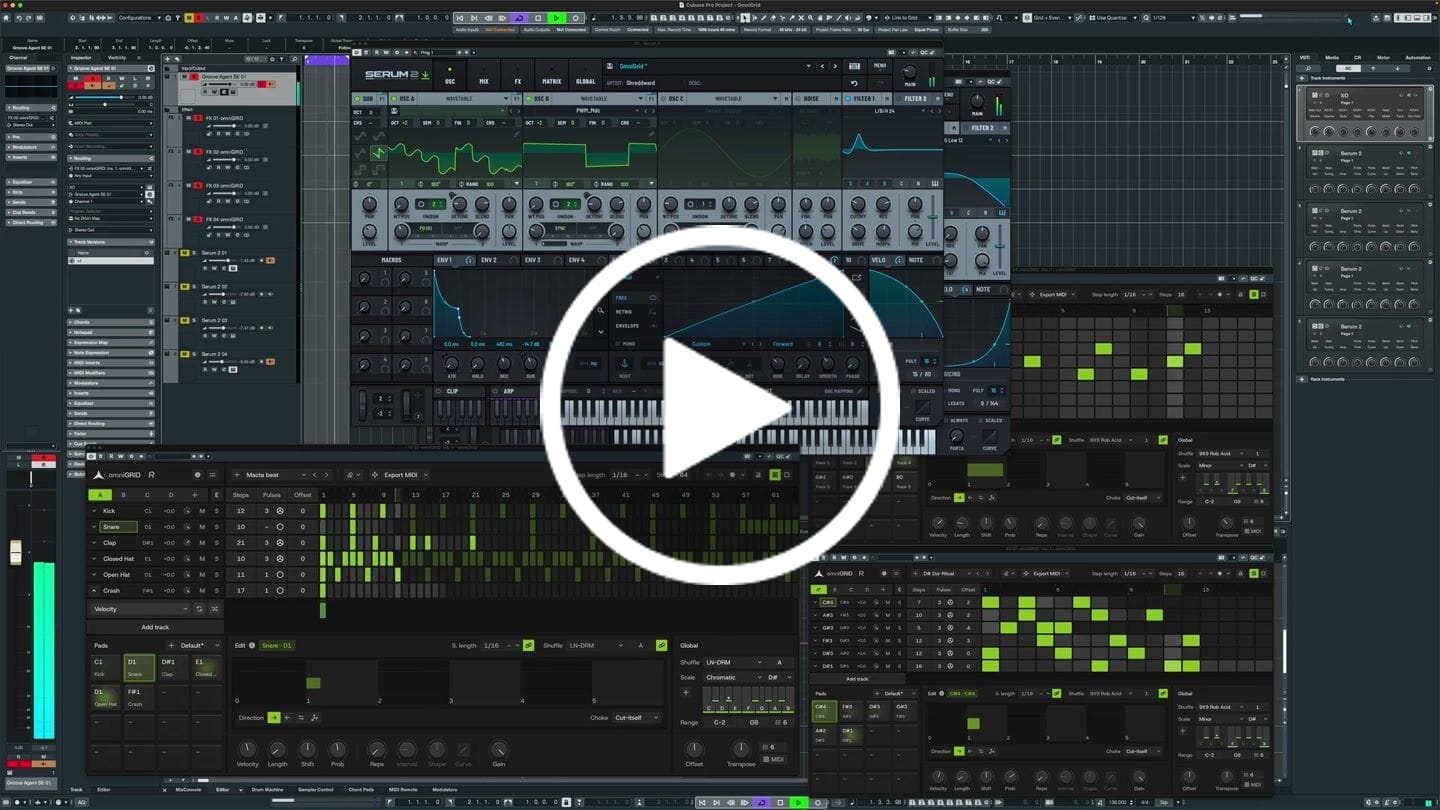
See how in 2 minutes.
×
Go from idea to finished track the easy way in 3 simple steps.
Beginner-friendly
Your new home studio
Open the project. Everything’s already inside: mixing chains, mastering, and live FX. Just drop in your idea. It’s all built with Ableton’s own tools, so it just works. Your track already sounds clearer, fuller, and is ready for the stage.
Quick Tutorials
Your personal guide
Watch the quick video. We’ll show you how to set up your controller, move fast without the clutter, and use simple tricks—like referencing tracks with the right tools, so your decisions are always confident.
finish tracks with confidence
Your finished track
This is where it all clicks. You’ll build a club-ready track in a single session. Stop starting from zero every time. Start finishing more music, and walk away with a pro-sounding track that’s ready to be played live.
What Ableton / Bitwig / FL Studio / Logic Pro version do I need?
The templates and sample packs are compatible with Ableton Standard V11.2.11+ Bitwig Studio V4.2+ FL Studio V21.0.3+ and Logic Pro 10.7.8+
Can I use my own sounds?
Definitely, that's the plan! The Rapid Flow template is only a starting point to show you sounds that work. Adding your sounds is much easier once you hear proven kicks, basses, hi-hats, etc. feeding into a killer mastering chain. 🚀
Will this help my mixing?
Absolutely! Once you have a proven starting point, it is easy to add new kicks, basses, melodies, etc., and know when they sound right. There are limiters on every channel, so you get a good balance when adding new elements. The video also explains what to look for in the Ableton Spectrum Analyzer. The final ingredient is the A/B Crossfader workflow to compare your track to reference tracks instantly. You will not be mixing in the blind.
Is this for studio or live use?
Both! The Rapid Flow template uses a structure that is really simple and fast in the studio, and powerful for live performance. The best thing: every track you work on will immediately be ready to be played on stage. No transfer or further editing is necessary.
I didn't receive my product?
If you ordered through Apple Pay or Instagram please check that the email associated with those accounts is correct. Did the mail from support(at)rapidflow.shop land in your spam? Clicking on the order confirmation mail accesses the download page. You can also reach out to me in the chat on this page or by email, and we will make sure you get your files ASAP.
How Can I Save Rapid Flow As My Default Ableton Template?
Saving Rapid Flow as your default Ableton Live template ensures that it's loaded automatically whenever you start a new project. Here's how to do it:
Open: Open the Rapid Flow Template in Ableton Live.
Save As Template: Go to the "File" menu and select "Save As Template."
Name Your Template: Give your template a name, such as "Rapid Flow Default Template," and choose a location to save it.
Set as Default: In the Save As Template dialog box, check the option that says "Set as Default Set."
Save: Click "Save" to save your template as the default Ableton Live template.
Now, whenever you start a new project in Ableton Live, Rapid Flow will be loaded automatically as your default template.
Do I need a controller? Does it work with Push?
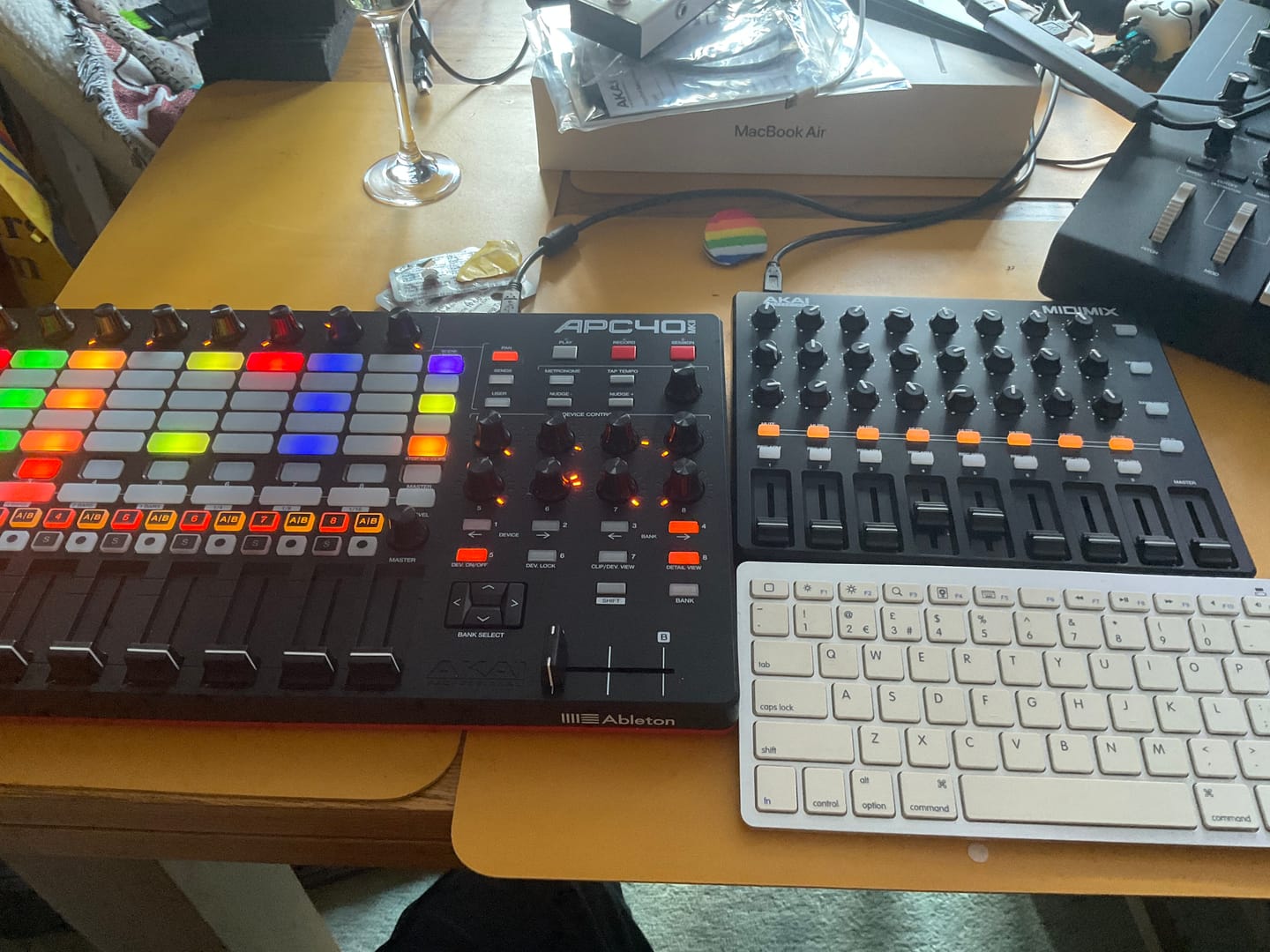
This is optional but much more fun. I recommend either the AKAI APC40 MKII or, if you're on a budget, the AKAI MIDIMIX. Basically, any controller with 8 faders and 8 rotary knobs will do. I take you through the setup in the video. (Using Push: as a few people have asked...people have it working.)
Customer Reviews
Overall rating: 4.8 / 5 from 1208 reviews.
These guys really know how to make a software drum machine feel like hardware! You can hear how much care has gone into the factory sounds - everything feels thoughtfully chosen and fine-tuned. The grid layout makes programming a killer drum groove so much more enjoyable, and ideas seem to come together effortlessly. Add a great UI and a rock-solid feel, and you’ve got a plugin that’s an absolute joy to use!
I’m having a blast! The quality of the sound samples is phenomenal, allowing me to get the absolute best out of my music. omniGIRD is fantastic, but drumDRID is out of this world!! Even my M-Audio Studiophile AV 40s sound like professional-grade speakers.
Rapid Flow DNA suite is a game changer. Instead of spending hours on scrolling through sounds and FX to pull together an idea, it has allow me to create music with immediacy and fun. DNA suite brings Ableton to life like an instrument on steroids!
Worth every penny!!! Probably the best sounding Synth I now own. Been playing with it for a few days now and I absolutely love it! I highly recommend you purchase it as soon as possible.
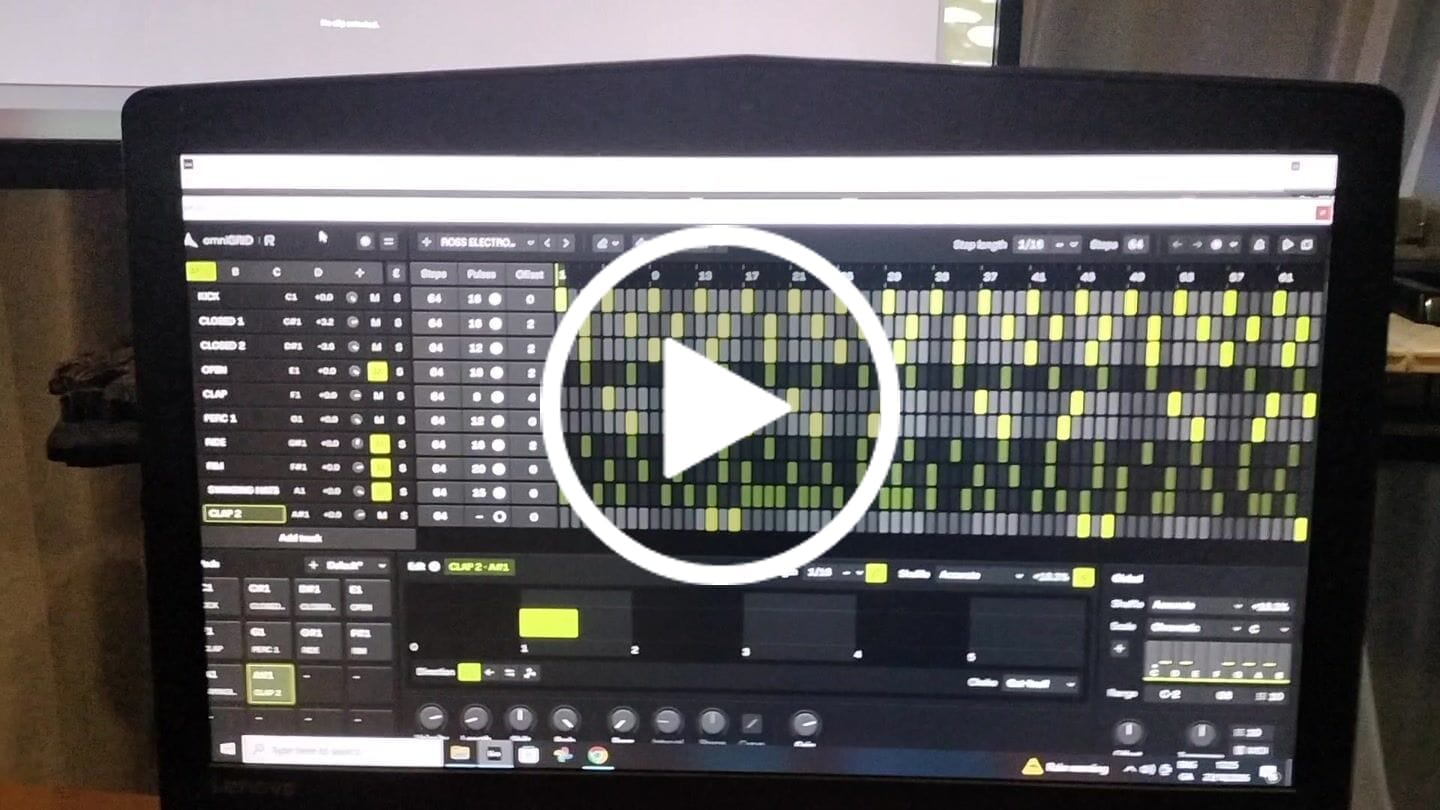
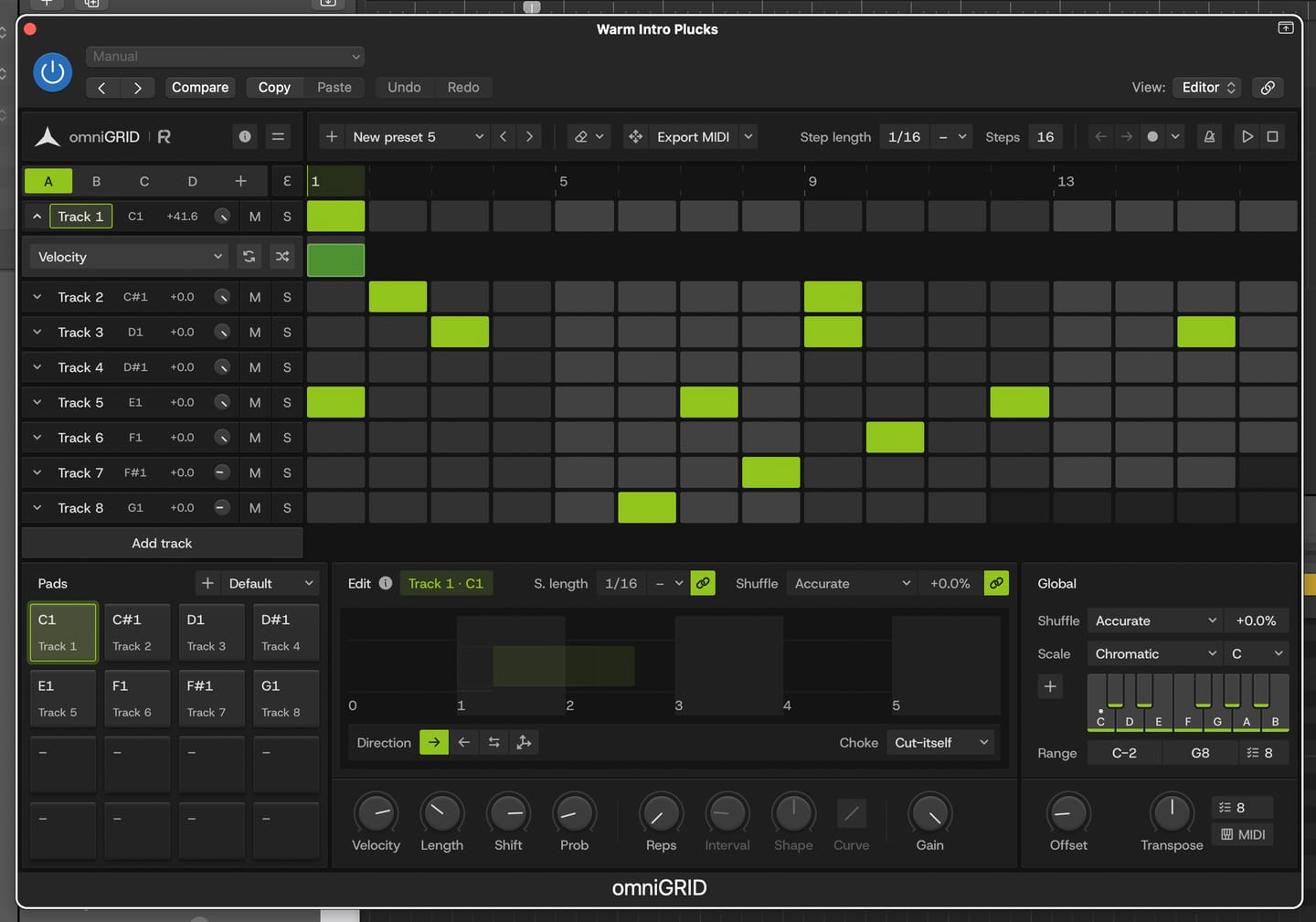
I put this together in just a few minutes; granted, it still needs further development, but the inspiration you get from Omnigrid is truly immense. Thanks!
This is by far the best plugin I have bought for a long time. It's absolute fire for creating catchy melodies and basslines that I would never even think of trying to program in piano roll etc. It's also wicked for creating complex drum patterns in just a few clicks. Awesome job guys. Thanks
It's a great tool to have under your belt. Once you get the basic setup is done, it's engaging. Makes it more fun to play around. Also I've received two free updates. That shows team is constantly working on it to improve the features. Great plugin!
An absolutely essential plugin when it comes to mixing and mastering a track! I love how you can have up to 5 references and play them back in real time by just switching between them. This has doubled my mixing workflow when mixing and made producing the final track so easier! 10 out 10 stars!
Answering requests for feedback is usually not something that I want to waste my time on, but for you I gladly make an exception.
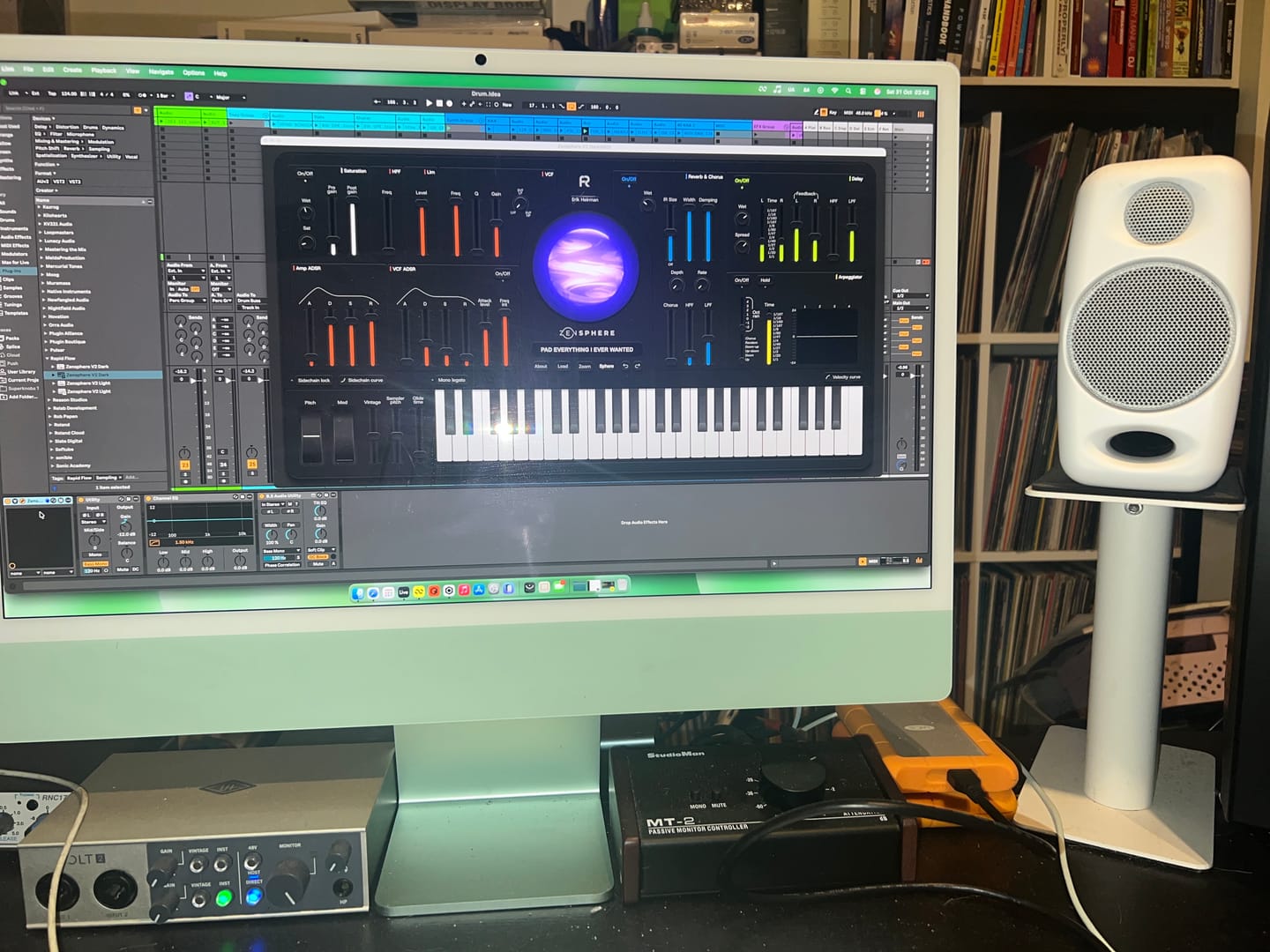
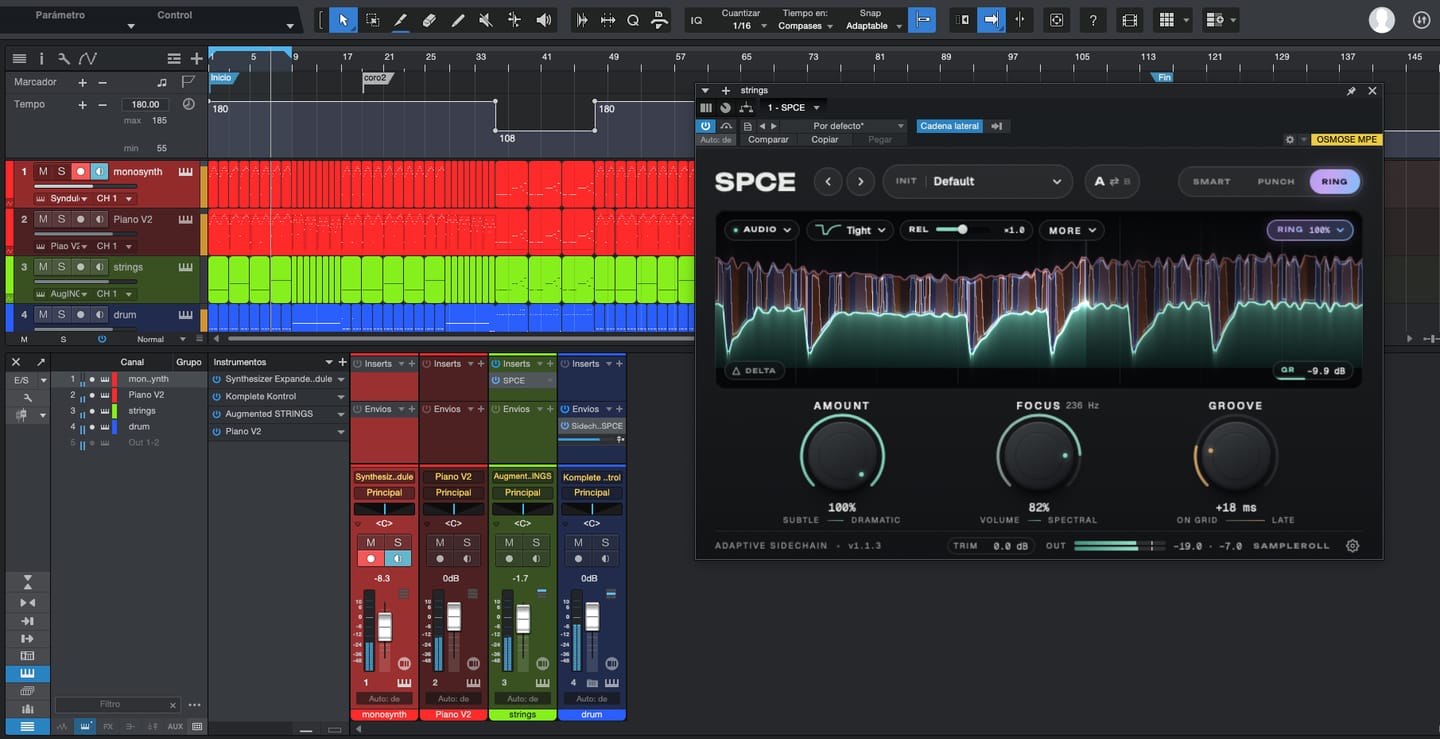
Working with Omnigrid and Zensphere in combination with the DNA master chain and RapidFlow templates has been really enlightening.
What a joy! I am re-discovering working in session view. I used to work in arrangement view most of the time, but I definitely see the advantages of using session view the way you propose.
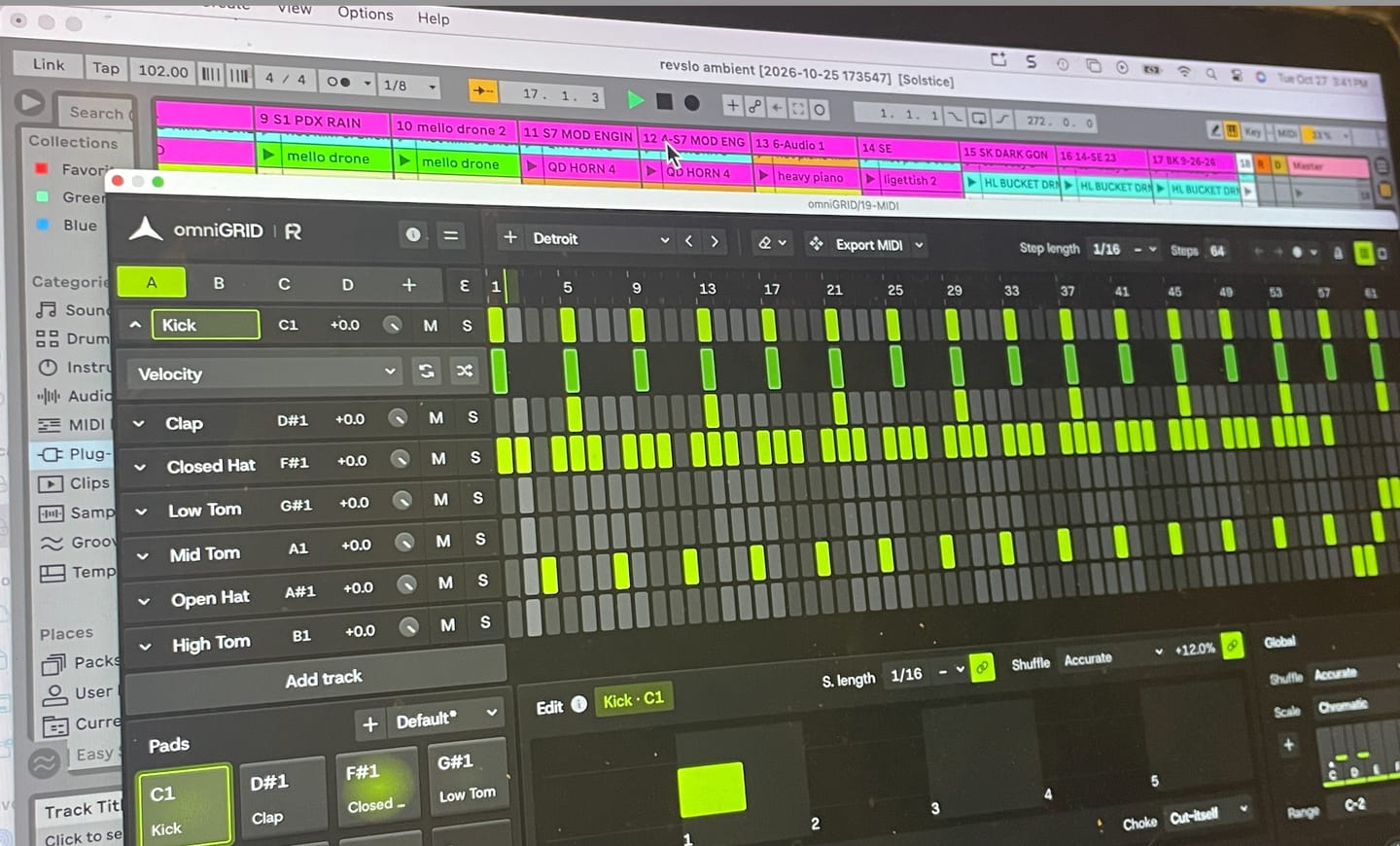
Omnigrid provides an unlimited amount of options for sequencing. I started using it in combination with GrooveAgent for drum sequencing and Zensphere for melodic sequences for example. Omnigrid challenged me to start making more use of midi mapping than I did before so I am getting to know Ableton Live much better too.
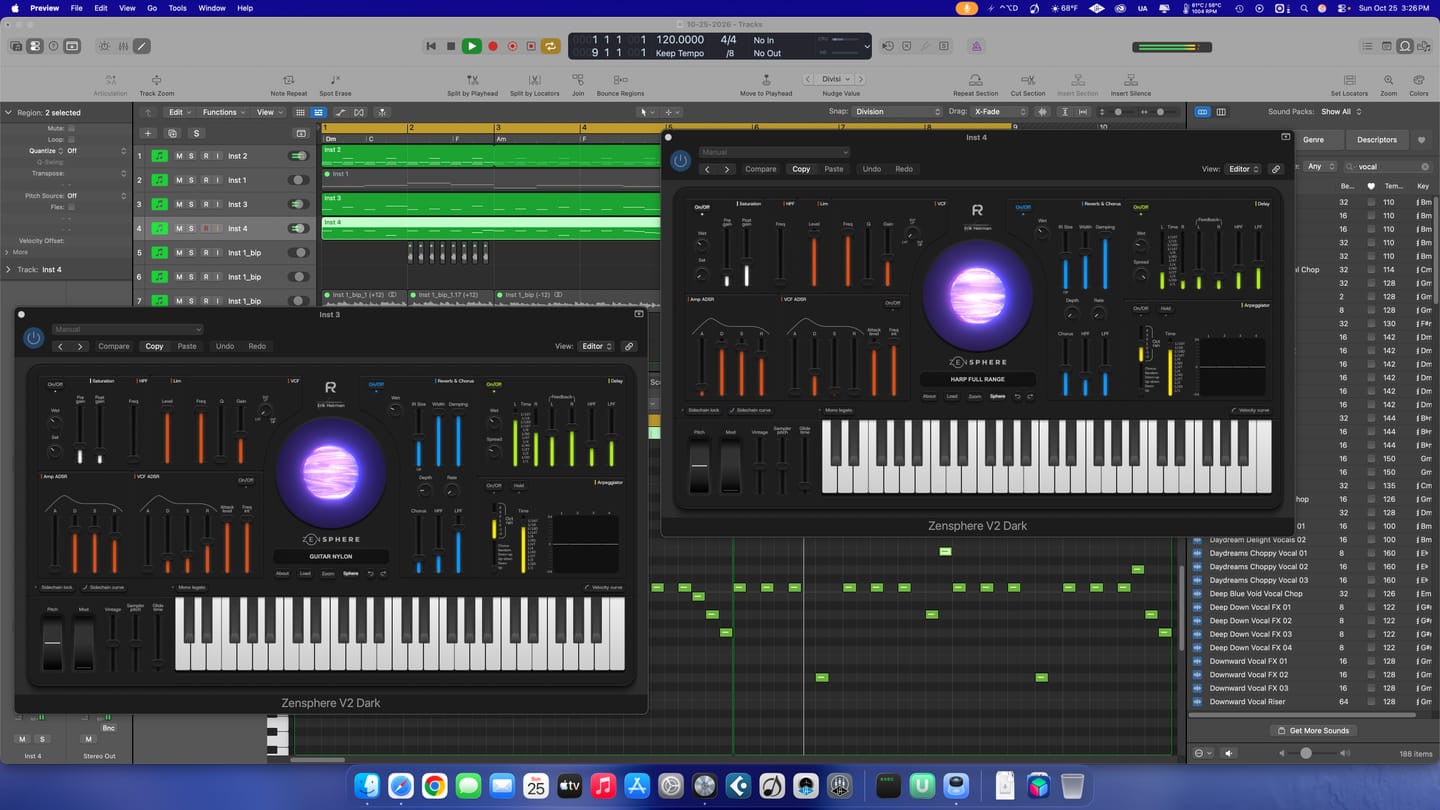
I love the extremely low amount of cpu usage of Zensphere compared to Serum and Diva. The included sounds offer enough options to experiment with.
The RapidFlow referencing plugin offers more information at a glance and is way more intuitive to use than what I was used to until now.
There is still a lot to figure out and explore like sound design and customization of the templates and the DNA masterchain to my likings but I can already tell you that I love making music that way. Very inspiring indeed! 🫶🏼
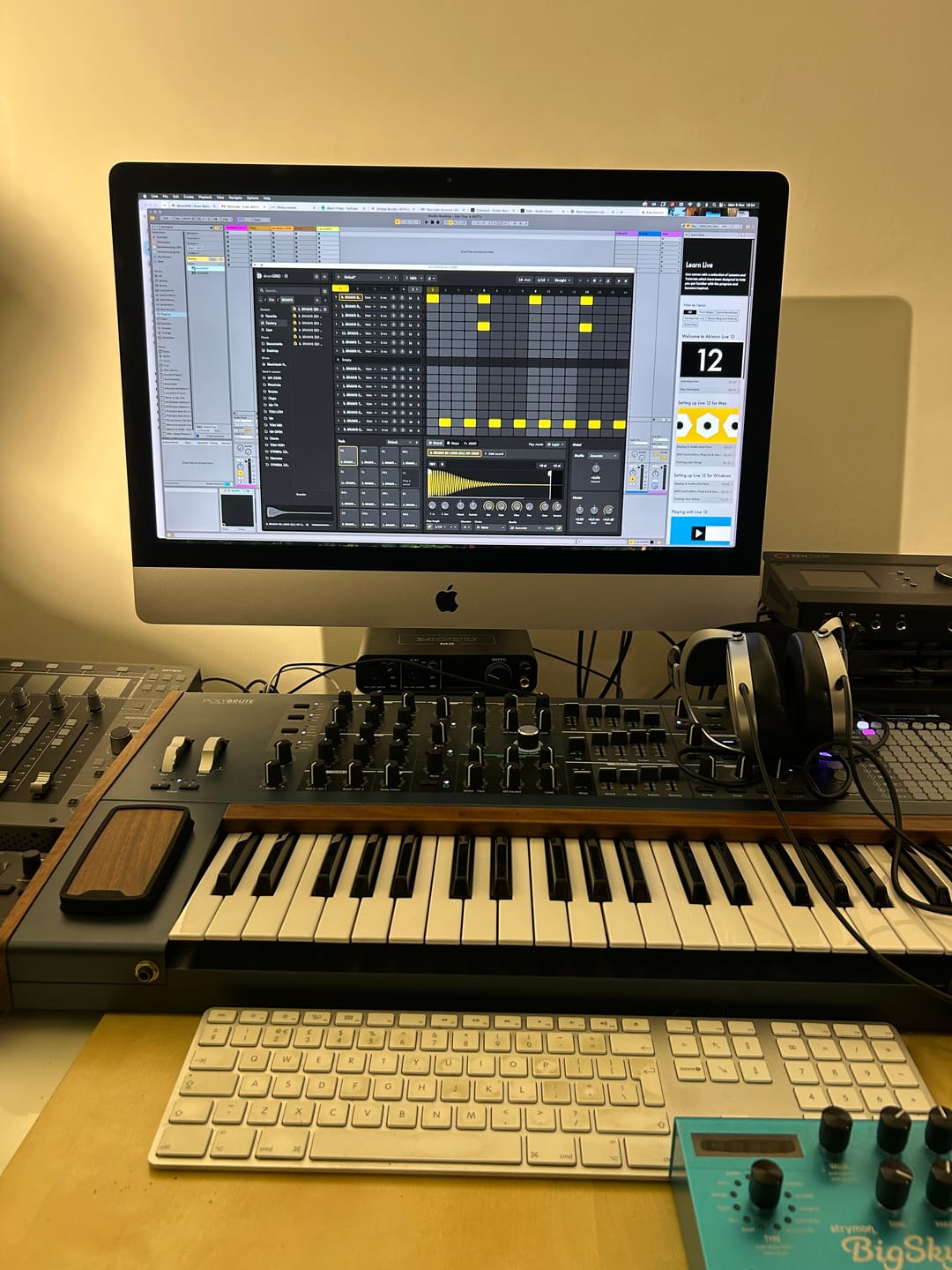
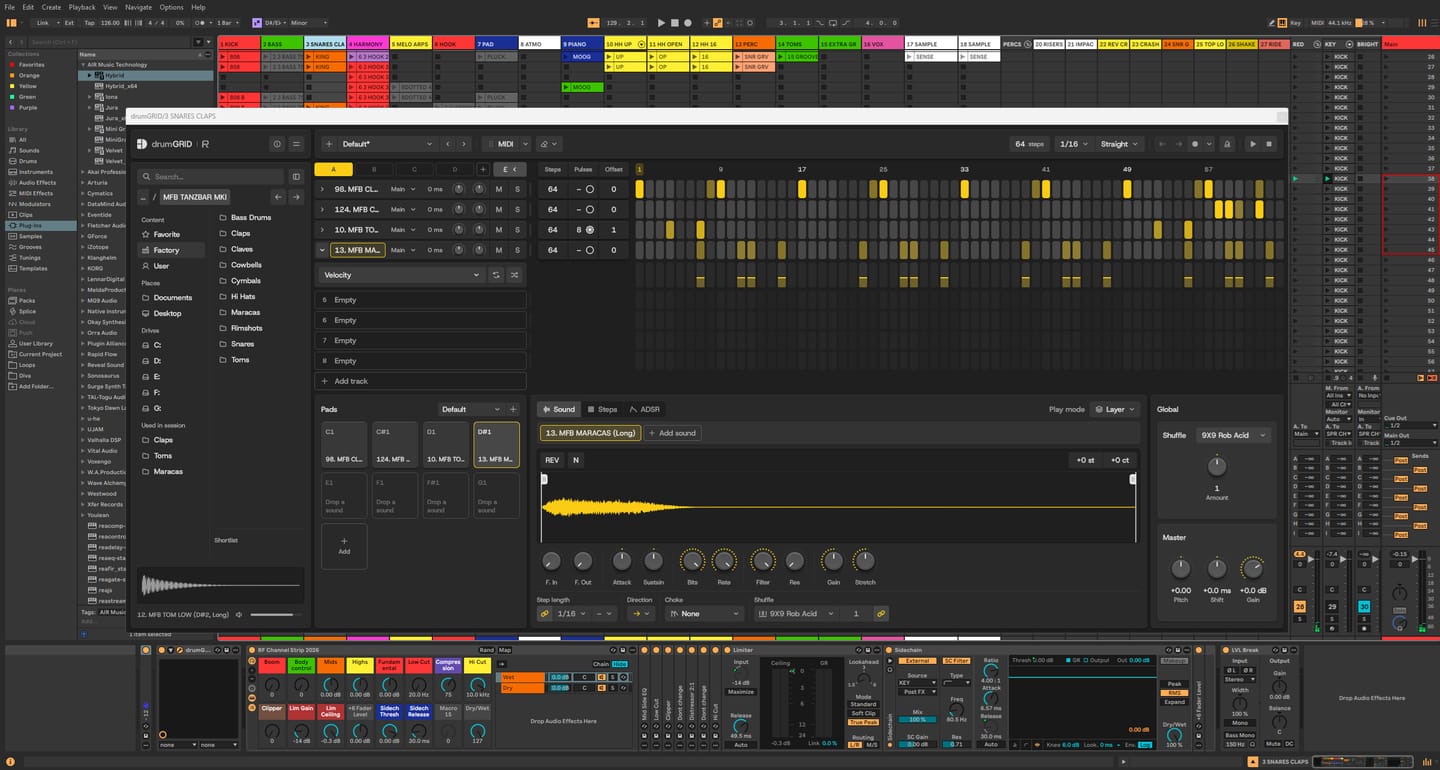
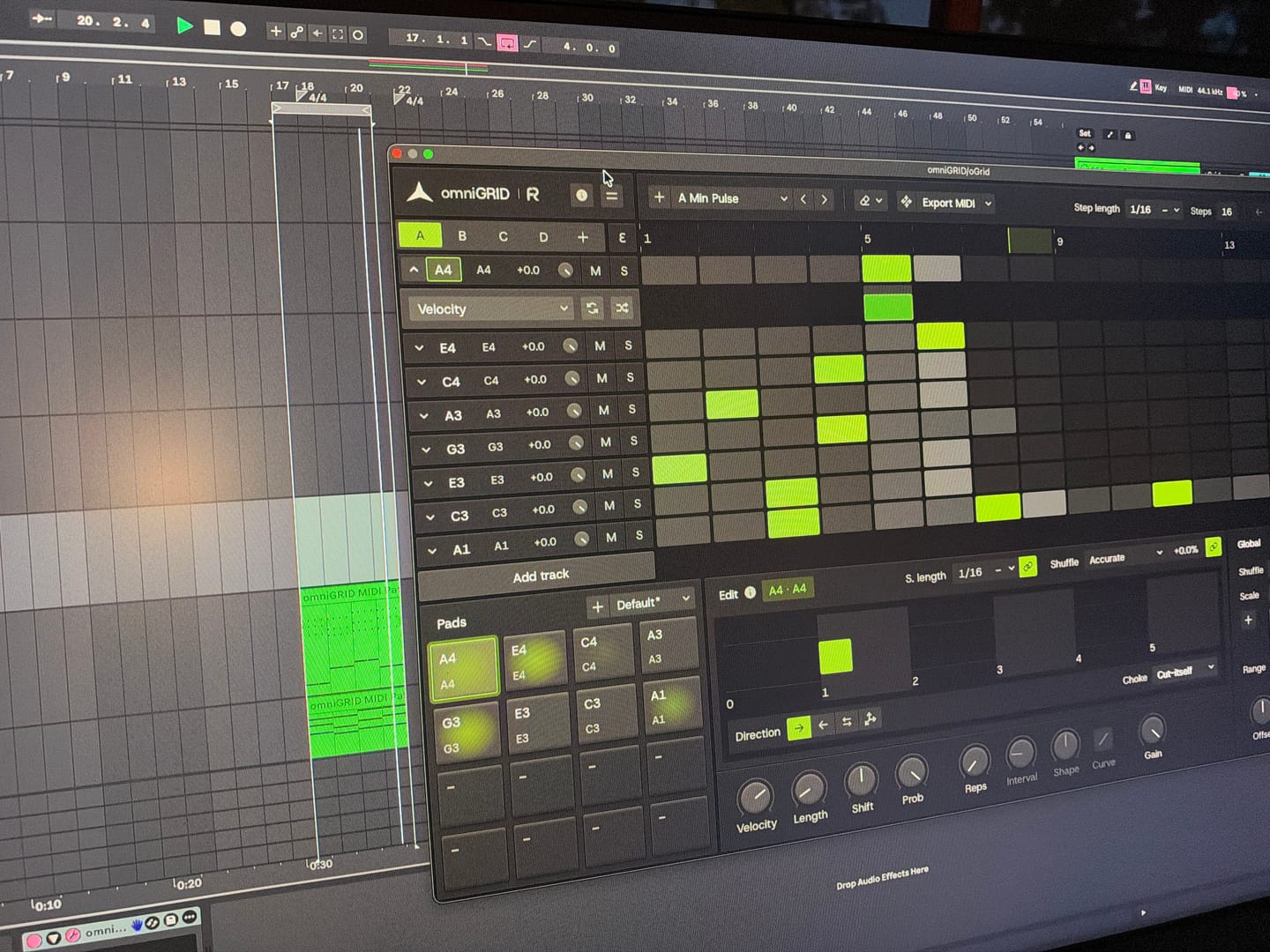
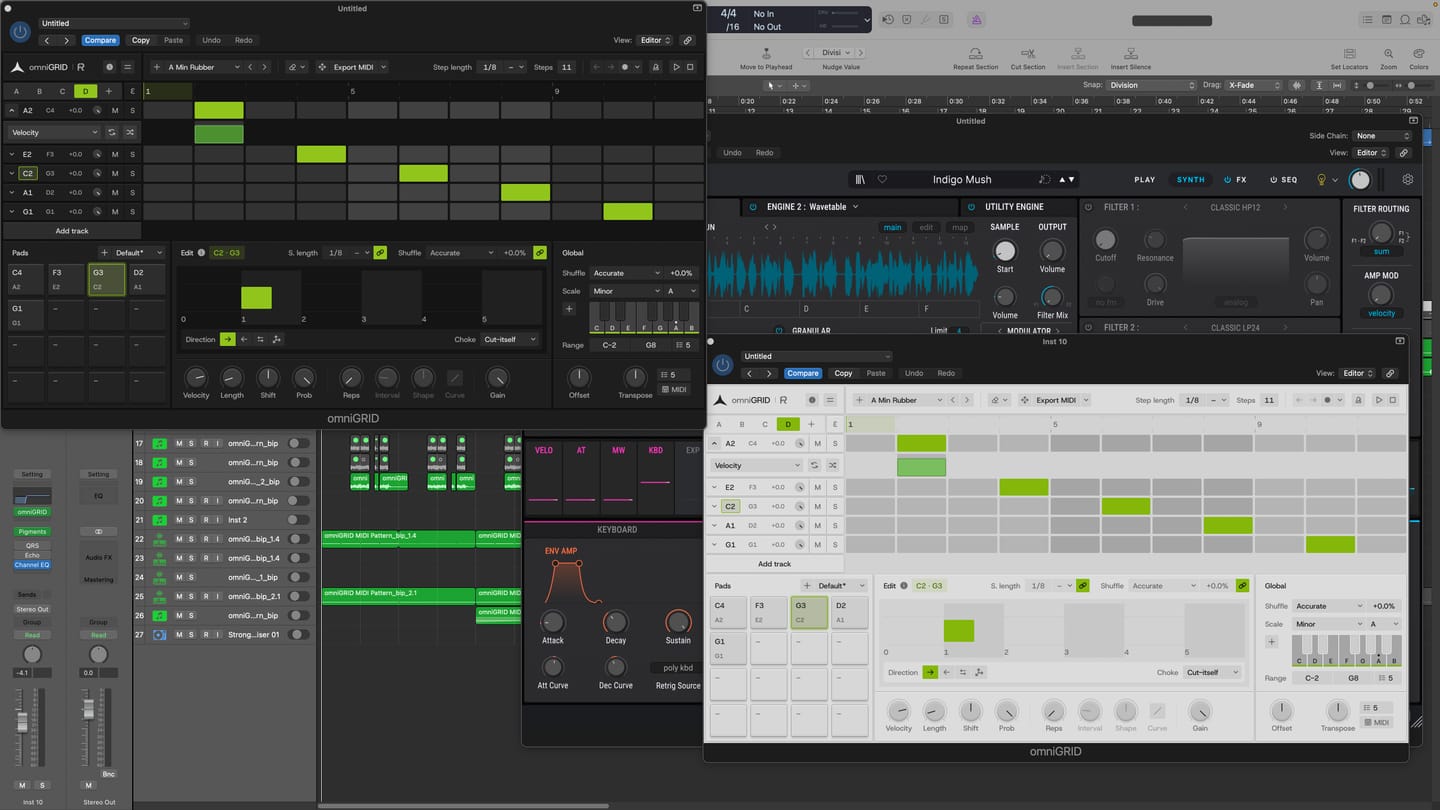
It’s taken me a great deal of tutorial-watching, manual-reading, and hours of just trying crazy stuff, but I’m at the point where I can start to make some headway with OMNIGRID, especially combined with RF’s Infinity Bundle and the DNA Suite (see photo).
I do appreciate the Beginners level videos you’ve made about these new tools just recently. It’s because of those that I had some idea how to get going. Because the written documentation has been almost no use at all. The text refers to features of Ableton that I couldn’t find, even when stepping through those instructions one line at a time.
And please update your instructions on instruments, instrument tracks, MIDI tracks, and audio tracks. I wasted hours and hours trying to figure out exactly where to put everything, and how to get the routing to work. Wasn’t fun. Strongly considered asking for a refund.
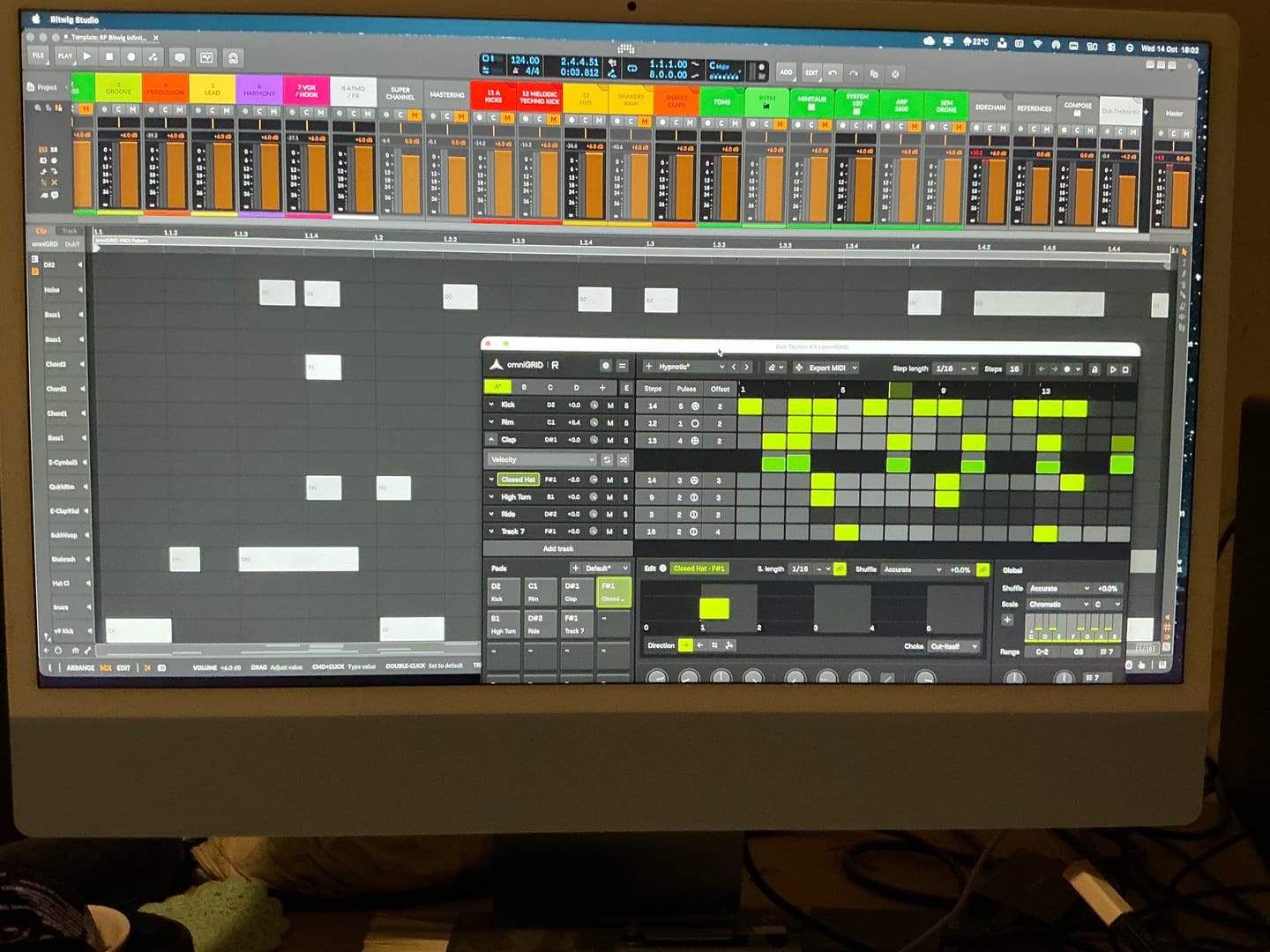
HOWEVER, I did get it to work. In the photo I sent, I’m in the process of making dub techno. And it was actually starting to sound about right!
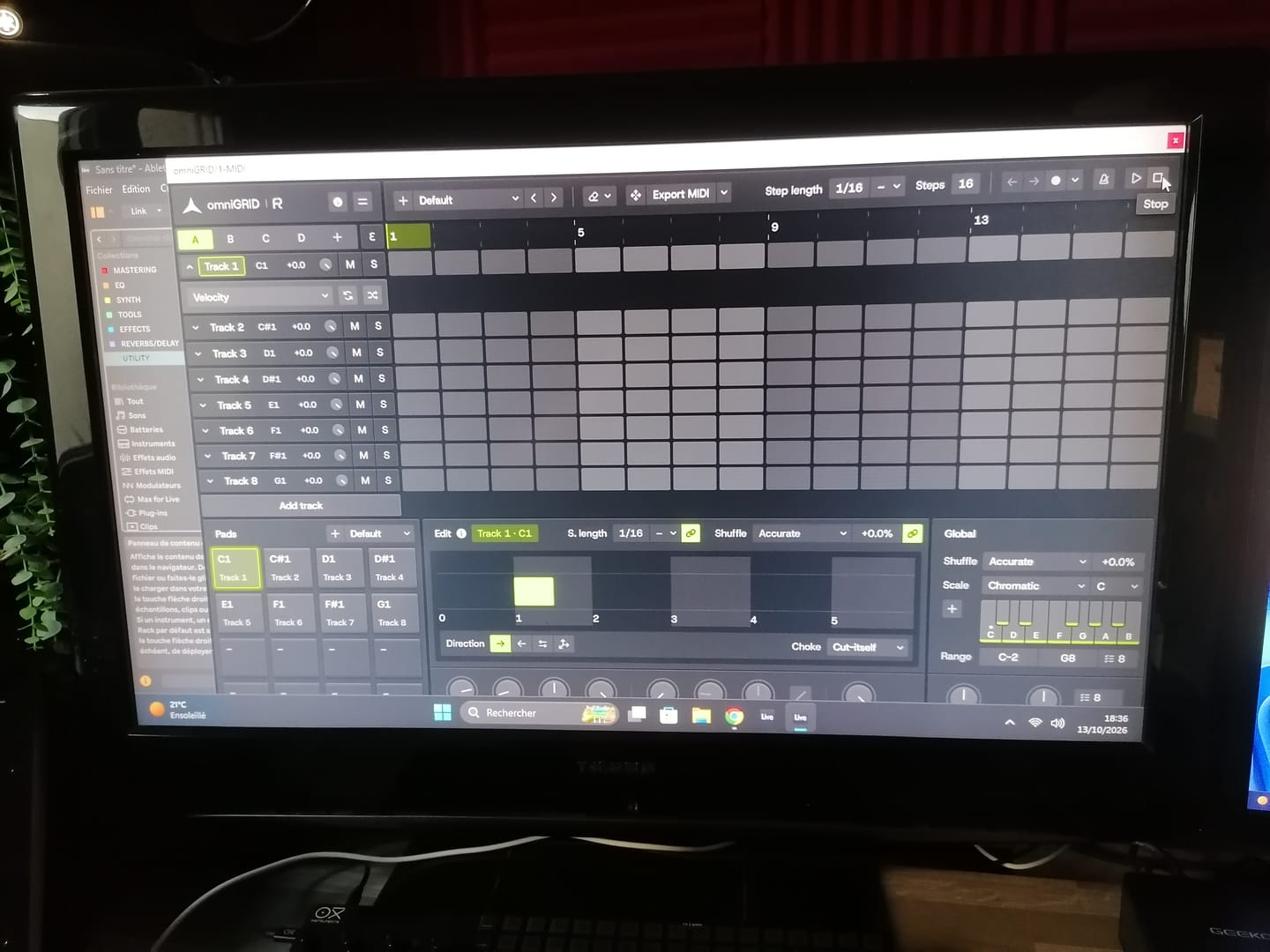
There needs to be an easier way to stop the host and the plugin playing back simultaneously.
Looking forward to version 3.0!
Warmly, Adrian Bedford (who sometimes uses his wife Michelle’s credit card. But it’s all just me. Hi! :)
When you’re making dance music, especially trance, progressive house and anything built around a proper low-end, you can spend hours tweaking a mix and convince yourself it sounds incredible. Then you play it against a professionally mastered record, and suddenly you realise your kick is too heavy, your top end is harsh, or your whole mix lacks the weight and definition you thought it had.
That’s where Rapid Flow True AB Referencing comes into its own.
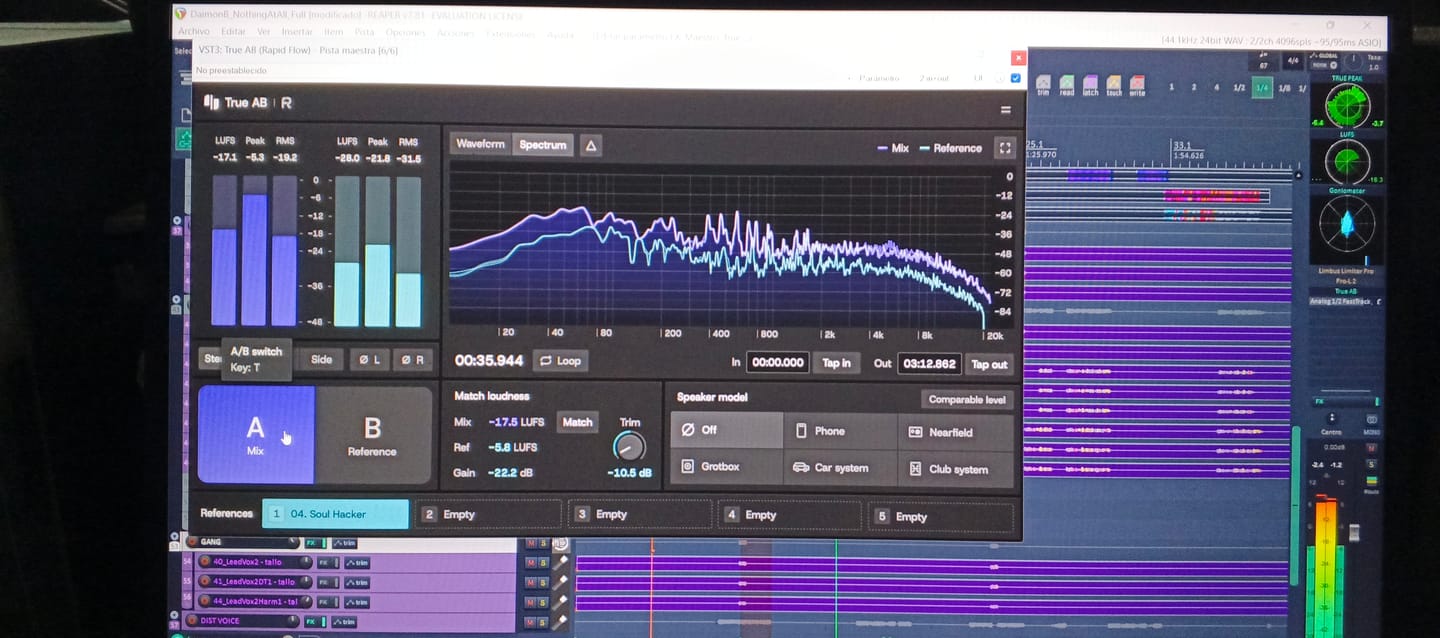
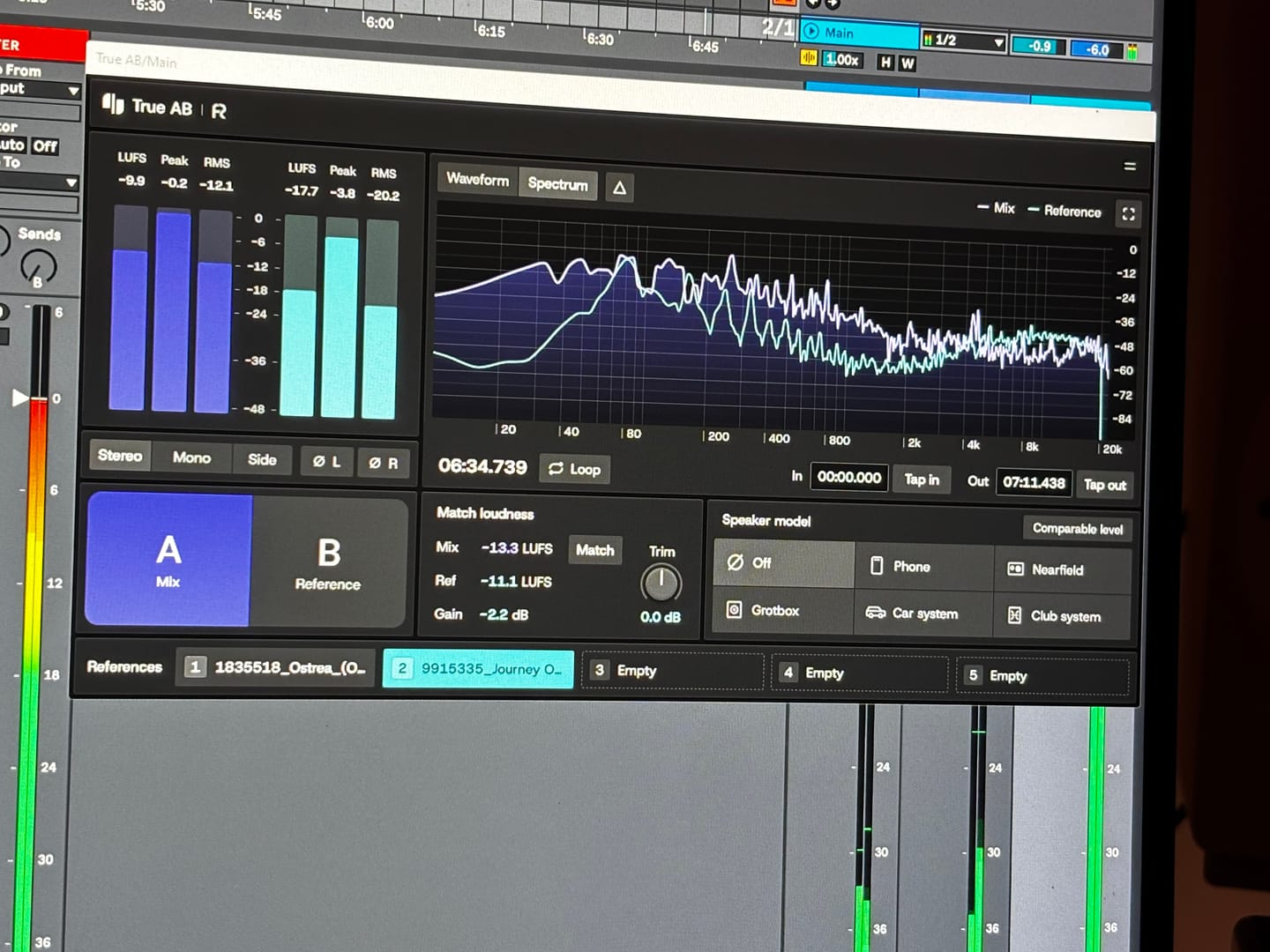
The first thing that stands out is the spectrum comparison. Having two tracks displayed together makes it much easier to spot differences in the overall tonal balance. You can see where your bass energy sits, how the mids are behaving, and whether your high frequencies are getting carried away. It’s particularly useful when you’re working on that tight, driving low end that trance and progressive house depend on.
I also like the fact that it brings several analysis tools together in one place. Spectrum, correlation, stereo image, dynamics and loudness are all accessible from the same interface. Rather than constantly jumping between different plugins, you have a central point for checking how your mix compares with a reference.
The reference library is another practical feature. Being able to load different records and switch between them is useful when you're trying to understand why one track feels huge and open, while another sounds thin or congested. For electronic music, I’d be comparing against properly mastered records in the same ballpark as my own production, not some random track from a completely different genre.
But here's the important bit: the analyser is a guide, not a mixing engineer.
A spectrum curve isn't a recipe for a professional master. A record with a massive bass peak isn't necessarily better than one with a tighter, more controlled low end. Different arrangements, kicks, basslines and mastering choices will produce different curves. And if you haven't level-matched your reference properly, you can end up making the wrong decisions simply because the louder track sounds more impressive.
First of all, giving this to the community as you did is 5 stars alone...especially for those of us in countries with horrendous exchange rates (Kenya). Secondly, to have THIS plugin do more than the other 'popular' one in my arsenal is pure gold. Third, the functionality just pushed my mixing skills to the international stage! Most importantly to me currently is that my old Macbook Pro 2014 on Big Sur, which often flatlines my CPU usage at the sight of a third party plugin is BARELY using any memory. You can literally see it in the screenshot! THANK YOU RAPID FLOW!
It’s absolutely fantastic! I’ve already used it in the creation of my new track. It’s another great release from Rapid Flow!!! Congratulations on the hard work and effort you put into your products.
I won't say where from, but I only just purchase an A/B app and it only just about comes up to scratch to this amazing and FREE release! It will be my go-to for sure!
Loving the swiftness and simplicity of True AB from Rapidflow. There's so many useful features packed into this tool. I especially love how everything is essentially "right there". Nice one!
The speaker model function has been a game changer for me. I really love it. It gives fantastic simulation of different environments, something I've been searching for in a while and found it here.