


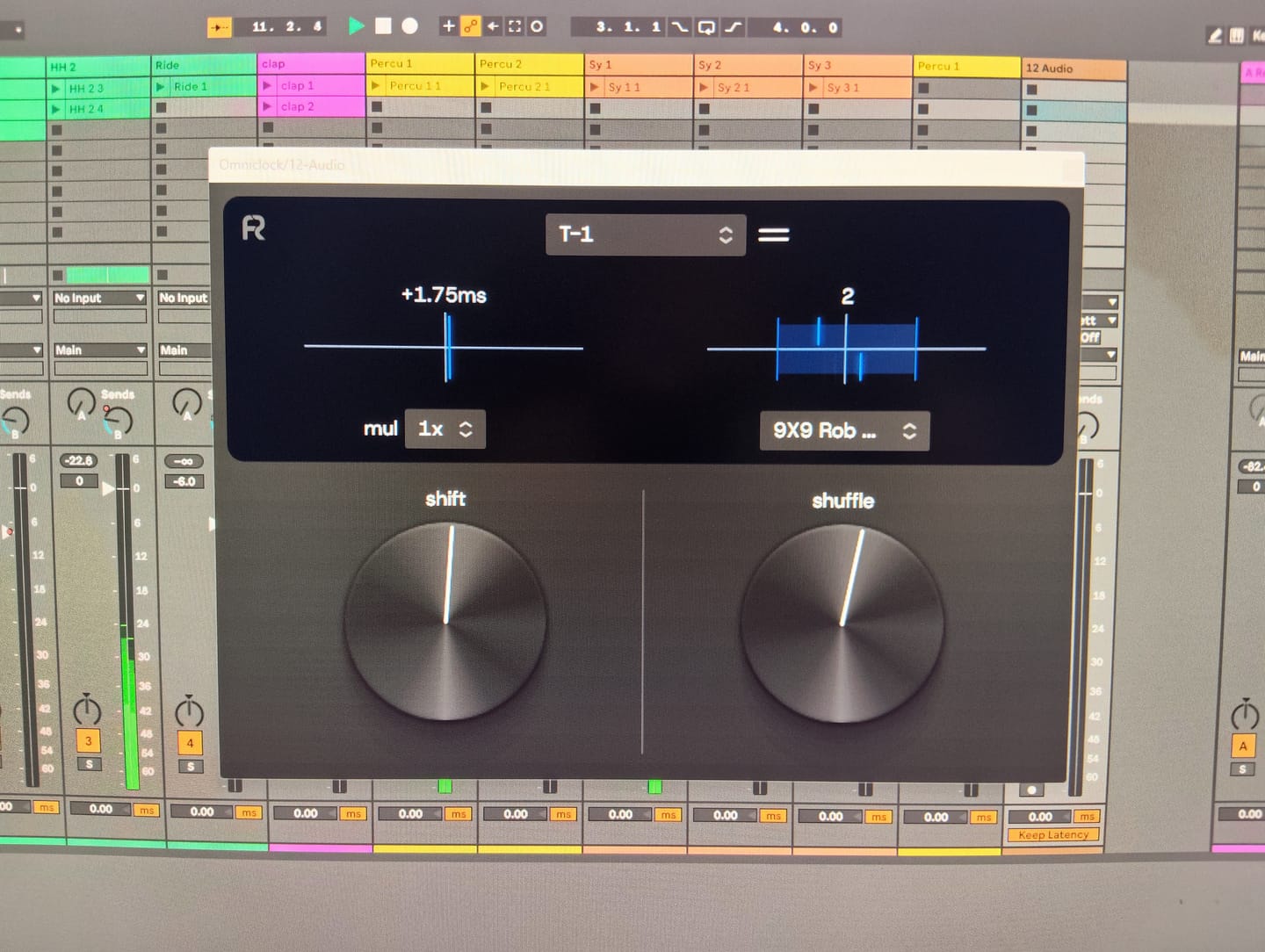
perfectly synchronize with all my hardware : Tonverk, Torso T1
同期を修正。グルーヴを加える。
当社のMIDIクロックプラグインを使えば、USBおよび5ピンMIDIを跨いだ、独立かつ安定したMIDIクロック生成と、完全なルーティングの自由度を実現できます。伝説的なハードウェアから着想を得た象徴的なシャッフルプロファイルを搭載しており、ハードウェアによる同期設定にかかるコストや複雑さを伴わずに、リズムの個性と揺るぎない同期性能を提供します。
 30,433
17,000社以上の生産者
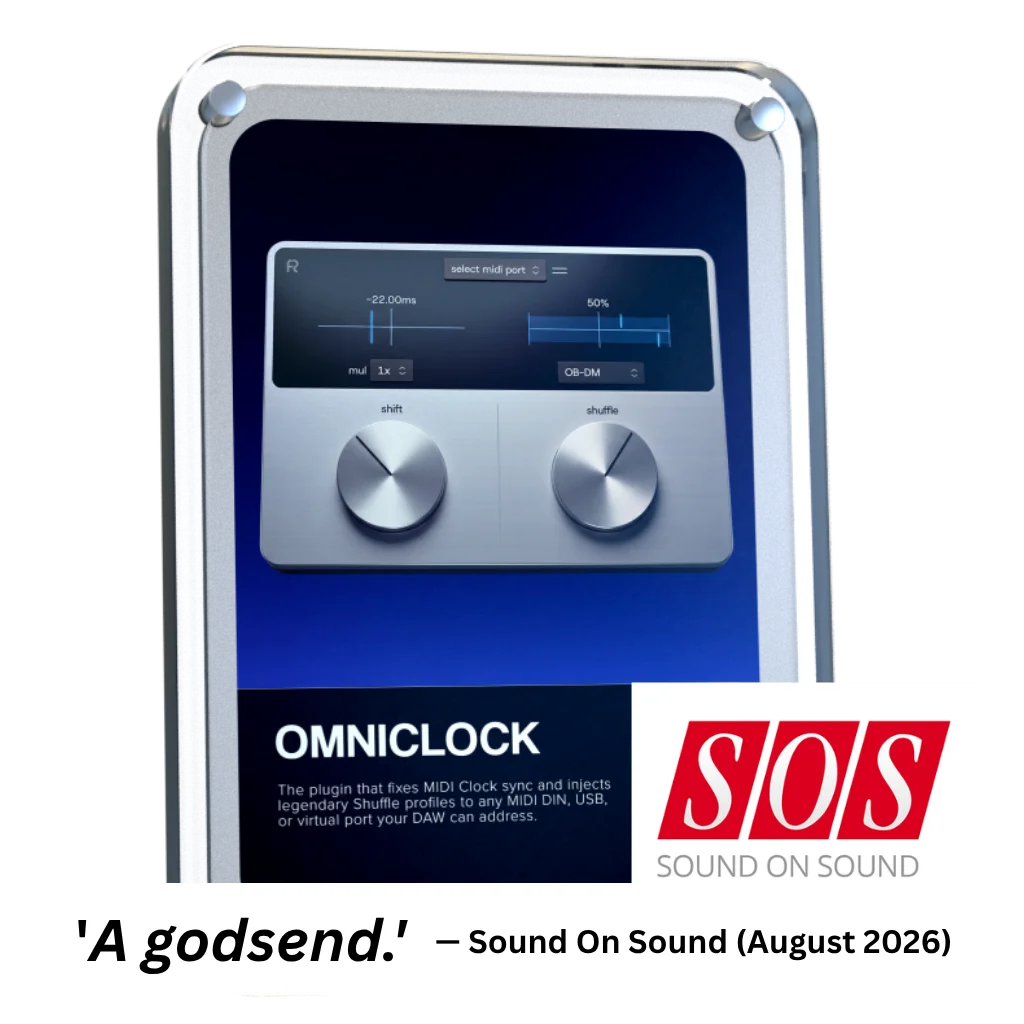


Omniclockは、5ピンDINコネクタを介して、ビート間のジッターが1マイクロ秒未満という、極めて安定したMIDIクロックをハードウェアに供給します。これは『Sound On Sound』(2026年8月号)による独立したテストで実証済みです。標準的なタイミングの枠を超えたい
ときは、当社の伝説的なシャッフルモードのいずれかを有効にするだけです。 DAWから直接、ハードウェアに命を吹き込むように完璧に調整された、クラシックなスウィング・パターンの瞬時の「魔法」を体験してください。

ハードウェアボックス
オムニクロック

「Shift」を使用すると、ハードウェアの応答に合わせてMIDIクロックを調整でき、セットアップ全体の同期を保つことができます。

「Shuffle」はMIDIクロックにスイング効果を適用し、ハードウェア全体にわたってフィーリングを形作ります。伝説的なシーケンサーから着想を得ており、ハードウェアならではの魔法のようなシャッフルやスイングパターンをDAWにもたらします。さらに、最大限のリアルさを実現するために、ジッターやドリフトも再現しています。

幅広いハードウェアに対応し、きめ細かなレスポンスを実現する「シャッフル・カーブ」は、スイングがMIDIクロックにどのように反映されるかを最適化します。また、独自の方法でグルーヴを形成し、精度と創造的なコントロールの両方を提供します。

USB、MIDI DIN、およびバーチャルポートを介した柔軟なルーティングにより、各マシンに独自のグルーヴを吹き込みます。正確なクロックシフトとDAWの完全なリコール機能を備えたOmniclockは、セットアップをタイトで音楽的、そして生き生きとしたものに保ちます。

伝説的なマシンのタイミング特性に着想を得て、外部ハードウェアを使わずに、DAWに伝説的なヴィンテージ・シャッフル・フィーリングをもたらします。

ローランド TR-909

MFB タンツバー

AKAI MPC60

E-MU SP-12

AKAI MPC 3000

オーバーハイム DMX

Linndrum LM-1
ローランド TR-909
MFB タンツバー
AKAI MPC60
E-MU SP-12
AKAI MPC 3000
オーバーハイム DMX
Linndrum LM-1
世界初:MIDIクロック&ヴィンテージ・シャッフル・プラグイン
Omniclockの全機能とシャッフルパターンの概要
Arturia Beatstep Pro および Torso T-1 での Omniclock の使用方法
Elektron、Moog、AKAI、Roland、Korg、Torso、Arturia、Behringer、MFB、Nord を使用したセットアップ動画
MIDIコントローラーとOmniclockを活用し、複数のDAWプロジェクト間でセットアップを複製することで、ワークフローを最適化しましょう

伝説的なマシンのタイミング特性に着想を得た「Omniclock」は、グルーヴを形作る微妙な不完全さを、あなたのセットアップに再び取り戻します。
Omniclockには、さまざまなクリエイティブ環境に合わせてデザインされた複数のスキンが組み込まれており、好みに合わせてカスタマイズできます。ズーム倍率を調整できるため、快適で集中力が高まり、操作しやすいワークフローを実現します。

ハードウェアのセットアップは徐々に同期がずれてしまい、タイミングが厳密であるだけではグルーヴは保証されません。Omniclockは、DAW内でタイミング、グルーヴ、ルーティングを統合し、すべての機器に自然な動きとフィーリングを保ちつつ、正確な同期を実現します。


Overall rating: 4.8 / 5 from 68 reviews.
perfectly synchronize with all my hardware : Tonverk, Torso T1
I love this product! It was super easy to setup and the midi clock between my daw and mpc key 37 is super tight!!

I just love it! Omniclock is so easy to use everything is in sync and the different algorithms breath life into any machine that’s to tight. In this case I’m using it on my LXR-02 and it make its sound even better than it does by it self anyway. Great plugin!

Anyone who syncs hardware synthesizers with a DAW knows the problem: MIDI jitter, latency, and imprecise synchronization that simply lacks groove. It usually just wastes time and frays your nerves. Omniclock offers a radical solution, setting new standards for timing precision. The Omniclock plugin converts imprecise MIDI timecode into an absolutely stable, sample-accurate audio signal that serves as a clock source. The result is rock-solid synchronization that remains steady even in complex setups. Once you’ve heard the difference between a standard MIDI connection and the razor-sharp timing of Omniclock, you’ll never want to go back. Its clear layout lets you achieve perfect results in seconds. Plus, Omniclock offers immense creative potential thanks to a host of integrated patterns from legendary machines—all accessible with a single click. As far as I know, there is nothing else like it on the market, and for that reason alone, this pioneering work deserves five stars. Highly recommended!

No delays, no issues with sync, everything works like a charm!

We needed a rock-solid, cost-effective solution for syncing all the different hardware in the live setup (which is usually a big hassle) for our Saturday Synth Club jam sessions, and Omni Clock works very well, and having all those extra swing flavours is the icing on the cake.

It solves some major sync problems I was having and saved me a bunch of money on hardware solutions. Tried various things but by far this is the best. Great product !!!
I purchased Omniclock because I was having problems trying to synchronize Cubase to Traktor Pro using my S8 control surface. The problem was I was using two different audio interfaces on the same PC and this was introducing a lot of latency issues that I was unable to resolve just using Cubase alone. Omniclock has helped me fixed the audio latency issue, and I was able to synchronize Traktor to Cubase by using + 195 ml.
Big helper for external synths.
Seems to be working vey well with all my external gear ! Thanks !
Great
This just works. Absolutely love it and so simple to use. Great work 👍
Great developer support them
Sync between daw and external gear can be solved in a few different ways using hardware. Omniclock is indispensable on its own, it even contributes to setups with hardware sync solutions and it adds options like recall and swing on top.
thxxx 😃👍🏻
This plugin is a simple idea that will transform your workflow with hardware and DAW integrated setups. The fact it solves a problem and goes on to apply that creatively is so clever. Great little company.
Why does it not work with usb Midi?
Works as advertised.
Nice, steady clock. Recording multiple tracks in Logic Pro 12 with Omniclock running causes weird glitches, but could be just on my system.
Does exactly what it claims. One thing to watch for if you’re using it live: it occasionally drifts out of sync with hardware for a few bars before correcting itself. I’ve only tested this with an SP-404 MKII, so it may or may not happen with other gear. Worth keeping in mind for live setups.
Wanted something to give more robust and predictable midi clock for my keyboards and synths. Initial tests show definite improvements over DAW clock and not even started to adjust for individual latencies. A great value purchase that does what it says.
As a Eurorack user, I appreciated the simplicity and efficiency of this plugin to bridge the gap between software and hardware.
I was surprised this works so good! Honestly this is a magical plugin and with all the fun amazing hardware out there I can highly recommend to get this for your DAW!!
I finally learned how to use this today. I missed "Disable your DAW's built-in MIDI Clock output on that same port". Now, I could do "Traktor 4" as Tempo Master to synchronized "Ableton 12.4" on my WIN11 PC, and using this plugin, I could slightly random synchronized tempo tuning for "TR-6S" and others. This is really what I wanted ages. Thank you so much!
All locked in and tight !
I haven't used it fully yet. When i've got time i'll send a review thanks.
I'm really glad I bought it! It really tidied up my setup. The synchronization is rock-solid!
This VST Clock works very well. It feels like a good little helper and alternative to hardware clocks. I think that I need more Midi Outs to connect all my hardware proberly and parallel.
I must admit, I did not expect much from Omniclock but I was hoping it would help the sync problems I'm always having with my Virus TI2. However, to my surprise it not only sorted out the virus but also my TD-3. I was suddenly able to sync the internal patterns made in the TD-3 with Logic Pro. This was something I could not do before. Thank you
Solid clock
I was hoping to synchronise my MFB-522 in Logic with it, using its internal sequencer. However, due to some firmware problems of early 522 models, it doesn’t work in conjunction with Logic giving the start transport including a count-in or an empty measure. I always have to correct the shift further back for it to match the beat. I researched this and it’s notorious. I do have a used V1.0, and as the company doesn’t exist any longer, I can’t update the firmware (update files were only sent around via mail). So your software isn’t the problem, but my hardware. Everything else works fine, and I’m sure it will come in handy with my next hardware purchase :)
Super
Great Product, Some thought required when using an ethernet network. But it functions as specified. I felt somewhat railroaded into extra products during the purchasing process but it wasn't a deal breaker.
Cool accessory to add feel !
Didn't know that's possible without hardware, but it works :)
Simply brillant, the old fart that i am can say ‘those annoying sync shits are over’ but omniclock goes beyond my expectations it is a playground for finding new grooves,not that i discover shuffles( i own many drum machines ) but you can simply experiment things without to get into deep programming on each devices which is quite fantastic. Thank You for this!
Noticeable difference in how much tighter external hardware sequencers and arpeggiators are. Filled a need I hadn’t realized was there.
Love it , soo tight
Honestly new to the midi world but had acquired multiple controllers, and this really is an awesome method of clock controlling.
Works well. In my experience, it needs tweaking to compensate for each individual hardware item. I found myself wishing for a facility to store user presets for each device - but maybe there are too many variables in the mix to make this practical (DAW, session, hardware item and other plugins, etc.) However, it's an excellent plugin and deserves to do well.

Omniclockは、DAW内で動作する軽量なプラグインであり、お使いのシステムや既存のワークフローとシームレスに統合されるように設計されています。

VST3 64ビット

AU 64ビット、VST3 64ビット

Wine上のWindows版 + YabridgeによるVST3のブリッジング

物理的なドングルは不要です
当社のプラグインは、互換性のあるDAWであればどれでも動作するはずです。以下のDAWで動作確認を行っています:


Overall rating: 4.8 / 5 from 1178 reviews.
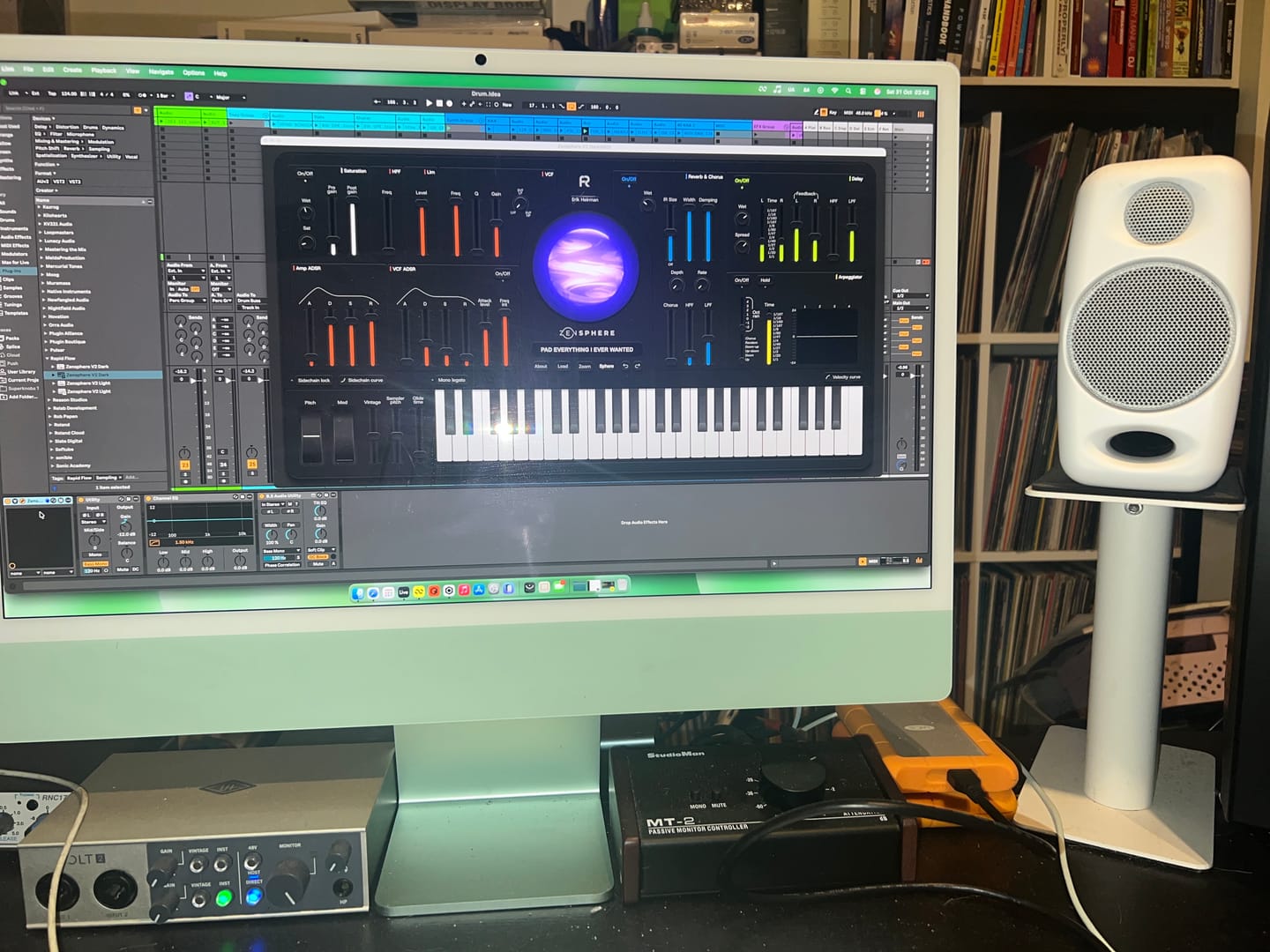
Worth every penny!!! Probably the best sounding Synth I now own. Been playing with it for a few days now and I absolutely love it! I highly recommend you purchase it as soon as possible.
perfectly synchronize with all my hardware : Tonverk, Torso T1
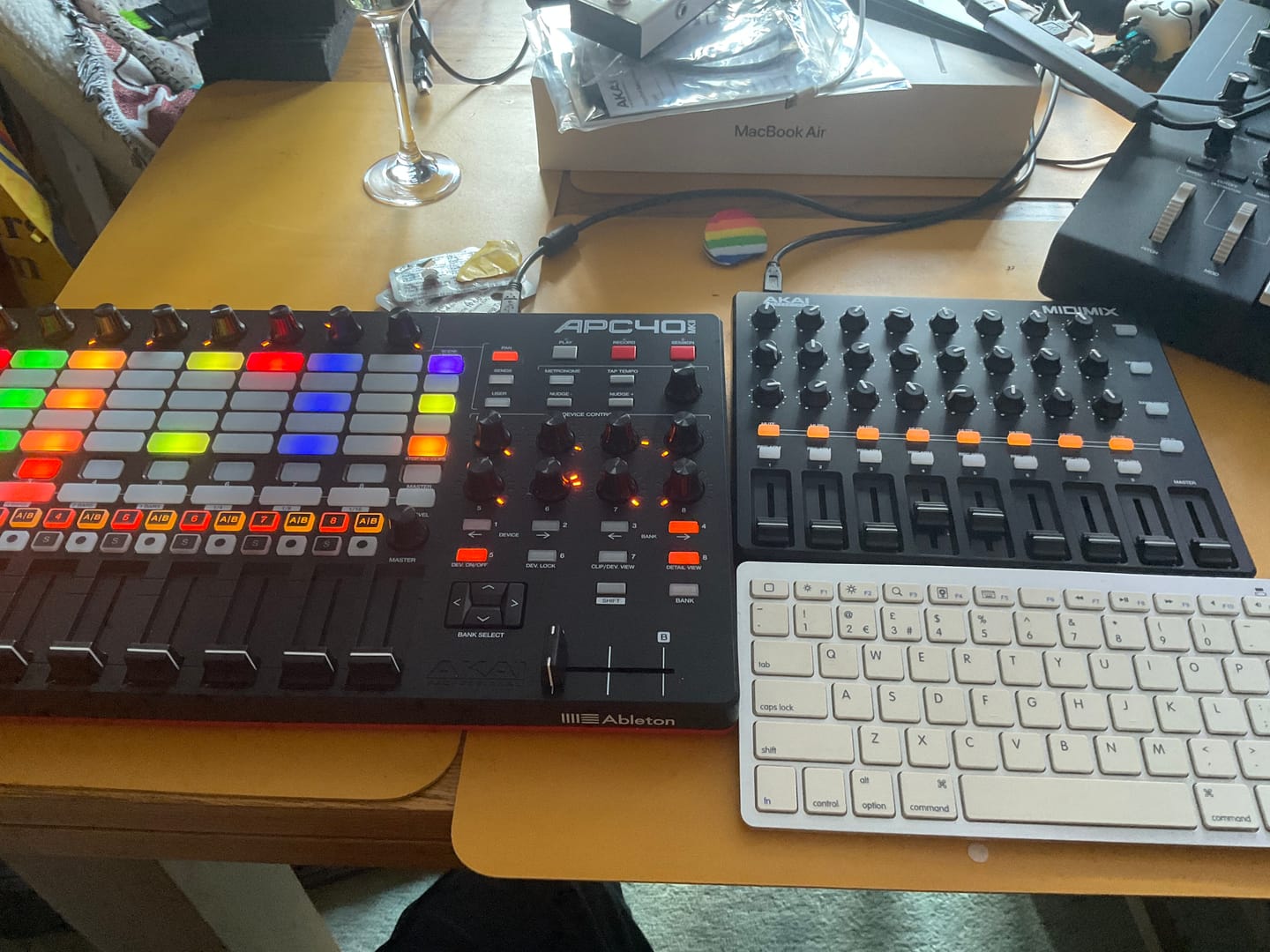
Rapid flow have taught me so much in 12 weeks thanks to Eric and the Team.
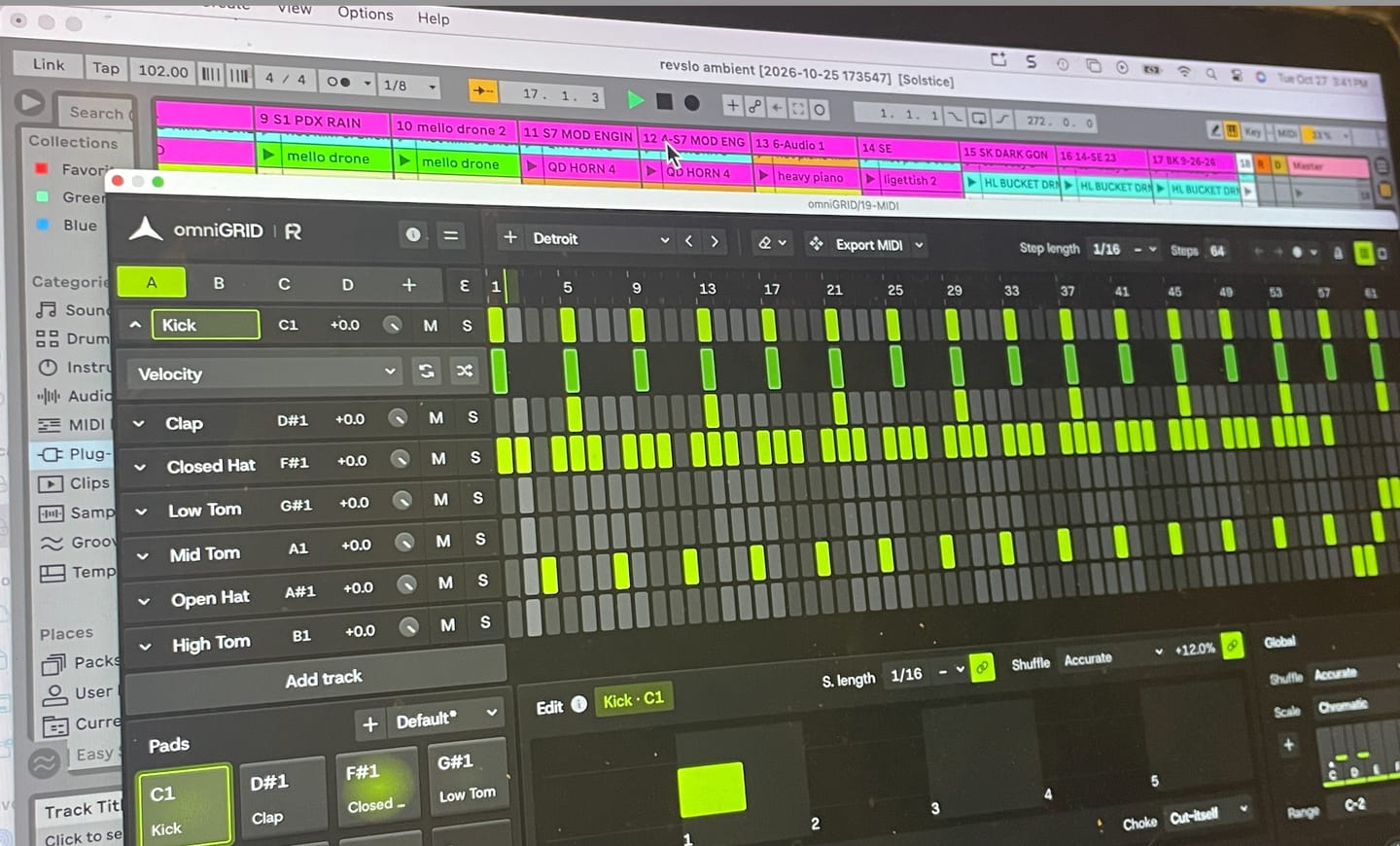
Omnigrid is a really versatile and intuitive tool to use with my DAW. I'm looking forward to discovering all the ways it can improve my music.
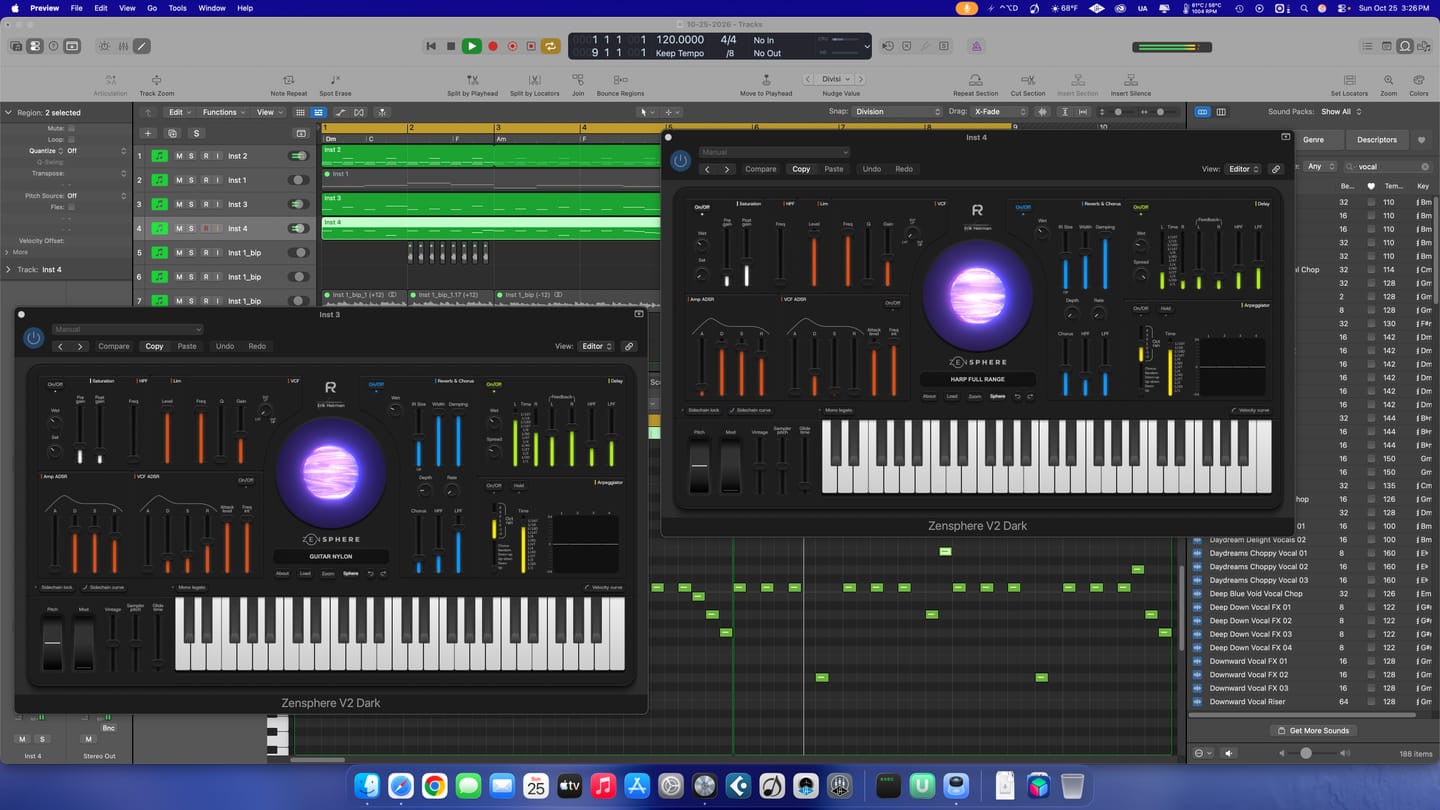
Great! Lots of sounds to work with.
I put this together in just a few minutes; granted, it still needs further development, but the inspiration you get from Omnigrid is truly immense. Thanks!
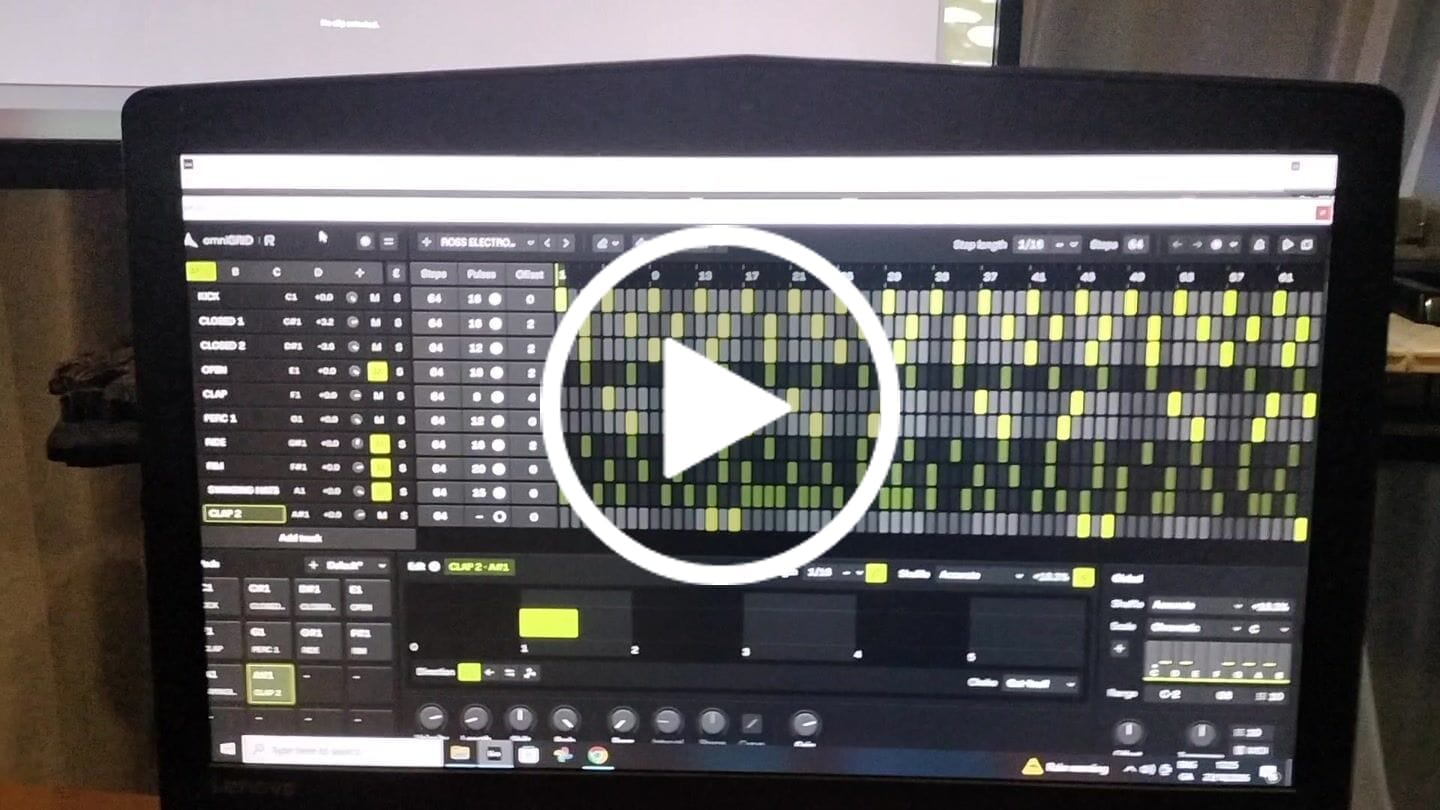
This is by far the best plugin I have bought for a long time. It's absolute fire for creating catchy melodies and basslines that I would never even think of trying to program in piano roll etc. It's also wicked for creating complex drum patterns in just a few clicks. Awesome job guys. Thanks
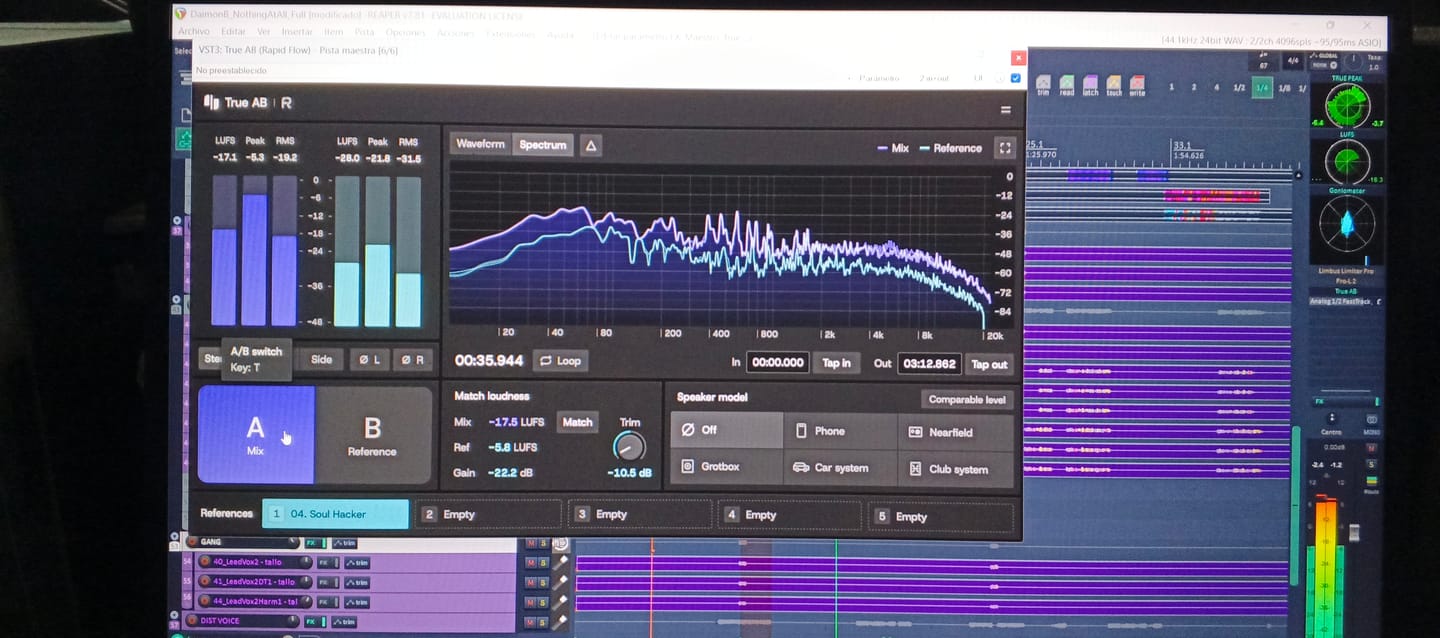
Helloooo! A great plugin, easy to use , 💪🔥🔥🔥💥🎛️🎛️🎚️
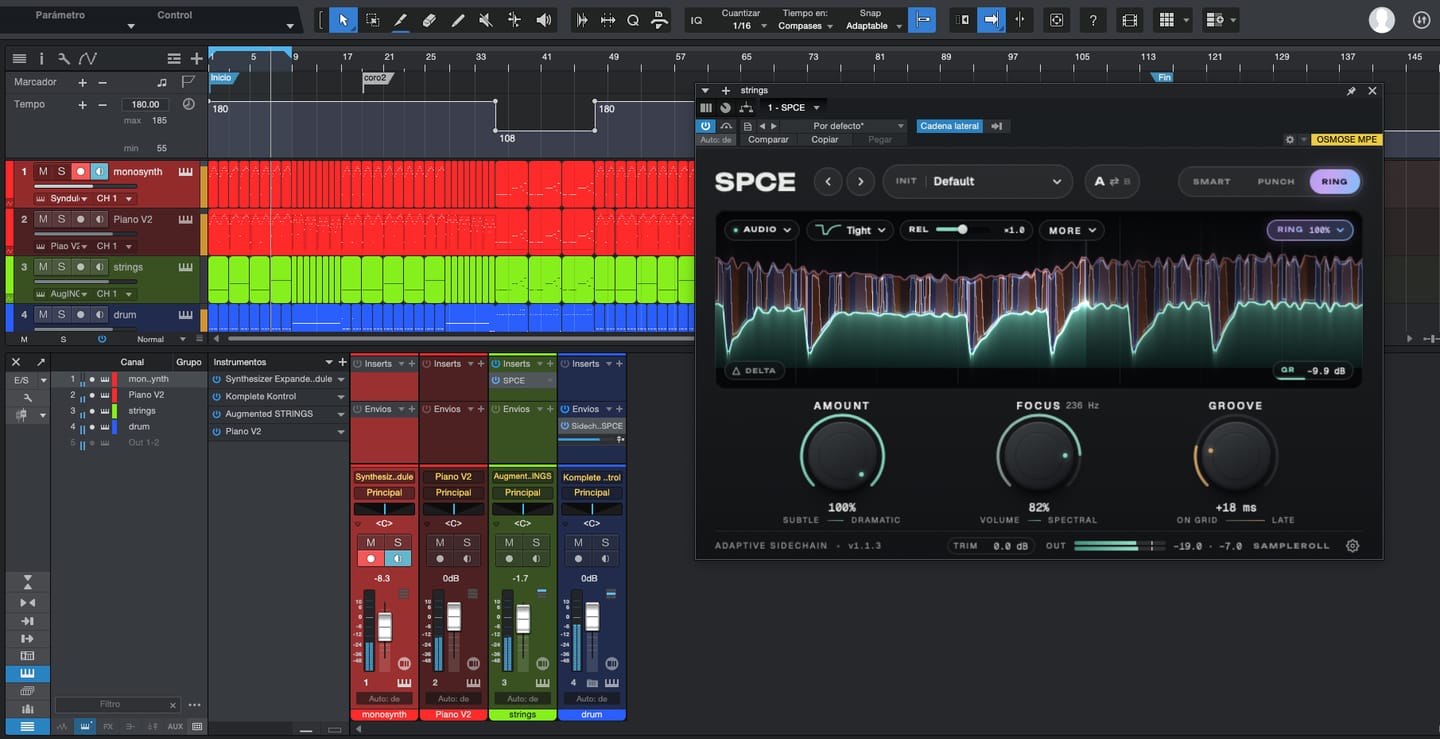
Great tool, lots of control both for mixing and creating new results, next level ducking

It's a great tool to have under your belt. Once you get the basic setup is done, it's engaging. Makes it more fun to play around. Also I've received two free updates. That shows team is constantly working on it to improve the features. Great plugin!

An absolutely essential plugin when it comes to mixing and mastering a track! I love how you can have up to 5 references and play them back in real time by just switching between them. This has doubled my mixing workflow when mixing and made producing the final track so easier! 10 out 10 stars!

Excellent plugin. Although I already have something more advanced I find it very useful in my arsenal of tools and I've put it at work.

It helps me see the big picture and make decisions in the job more easily.
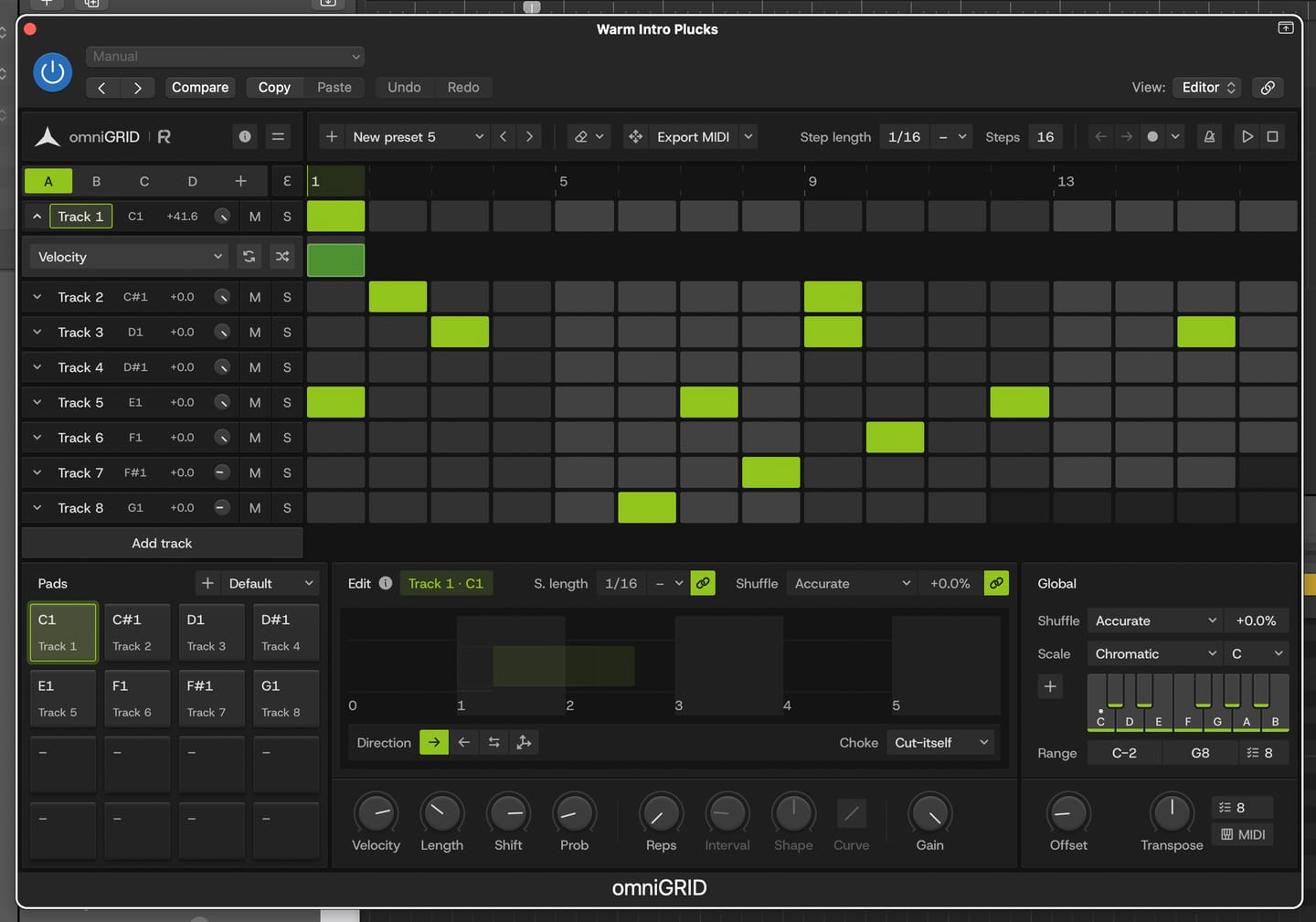
Great for experimenting with melody and drums
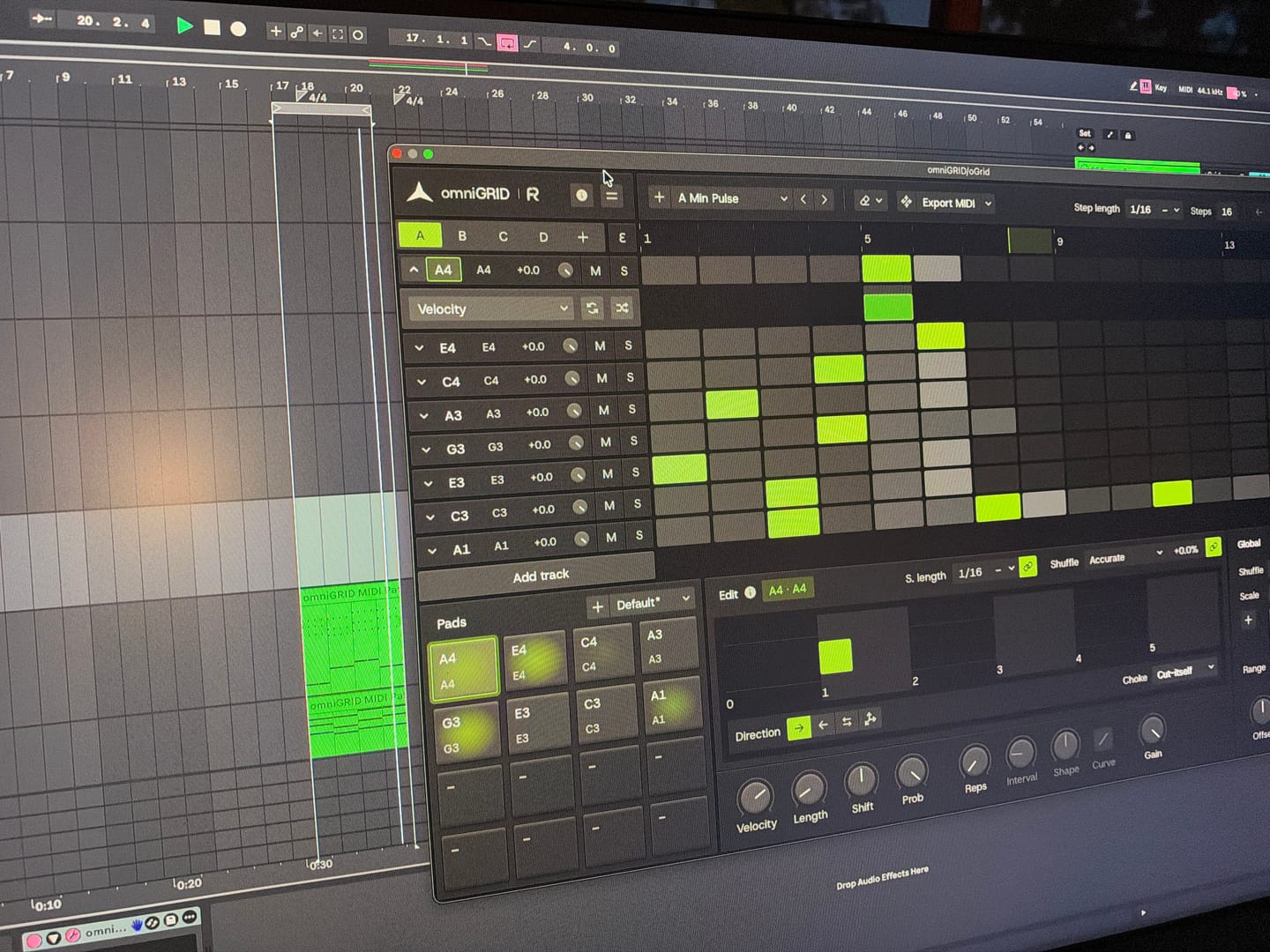
Endless possibilities and inspiration! Would love to see specific tutorials on arranging live!
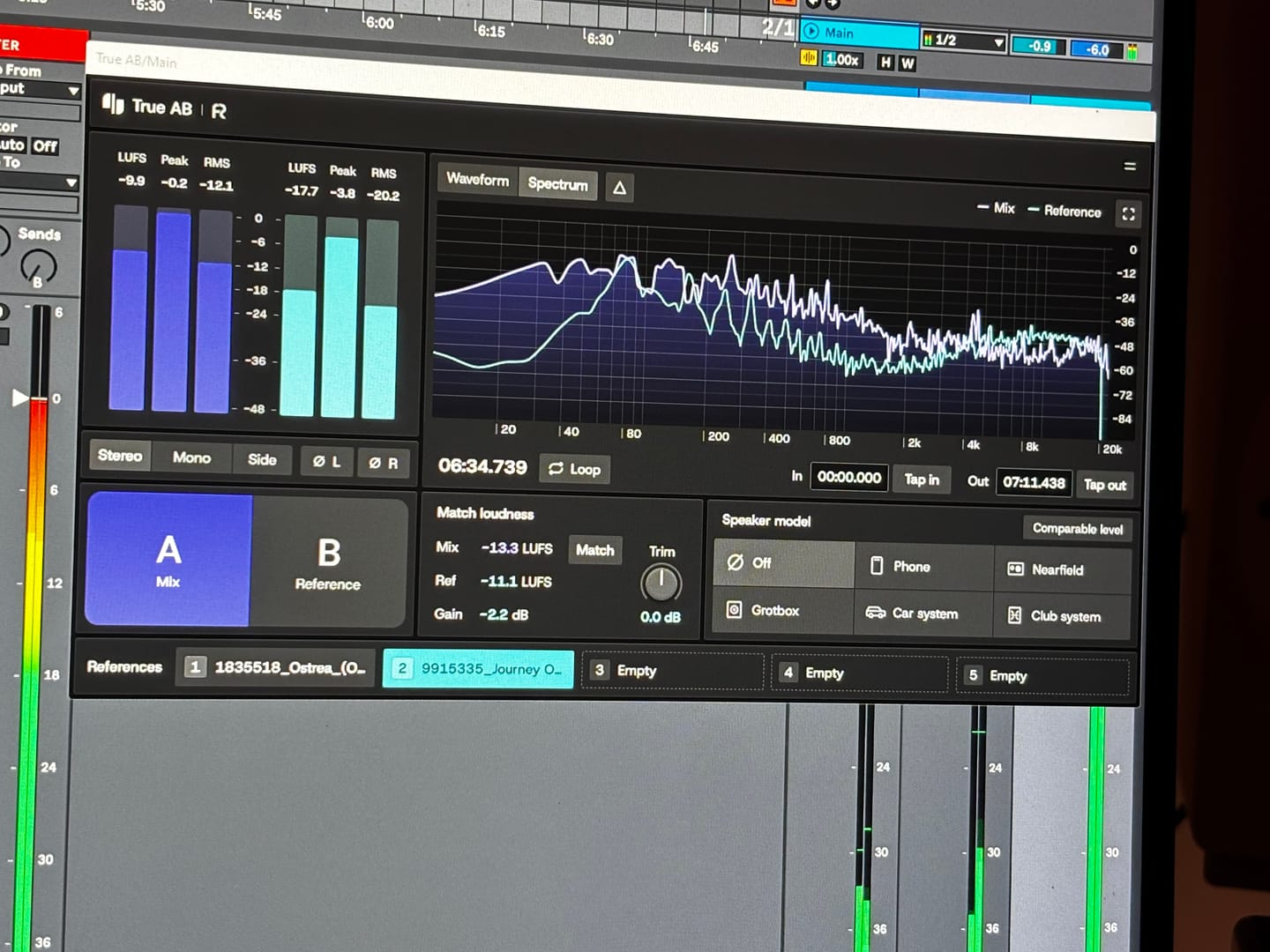
Answering requests for feedback is usually not something that I want to waste my time on, but for you I gladly make an exception. Working with Omnigrid and Zensphere in combination with the DNA master chain and RapidFlow templates has been really enlightening. What a joy! I am re-discovering working in session view. I used to work in arrangement view most of the time, but I definitely see the advantages of using session view the way you propose. Omnigrid provides an unlimited amount of options for sequencing. I started using it in combination with GrooveAgent for drum sequencing and Zensphere for melodic sequences for example. Omnigrid challenged me to start making more use of midi mapping than I did before so I am getting to know Ableton Live much better too. I love the extremely low amount of cpu usage of Zensphere compared to Serum and Diva. The included sounds offer enough options to experiment with. The RapidFlow referencing plugin offers more information at a glance and is way more intuitive to use than what I was used to until now. There is still a lot to figure out and explore like sound design and customization of the templates and the DNA masterchain to my likings but I can already tell you that I love making music that way. Very inspiring indeed! 🫶🏼
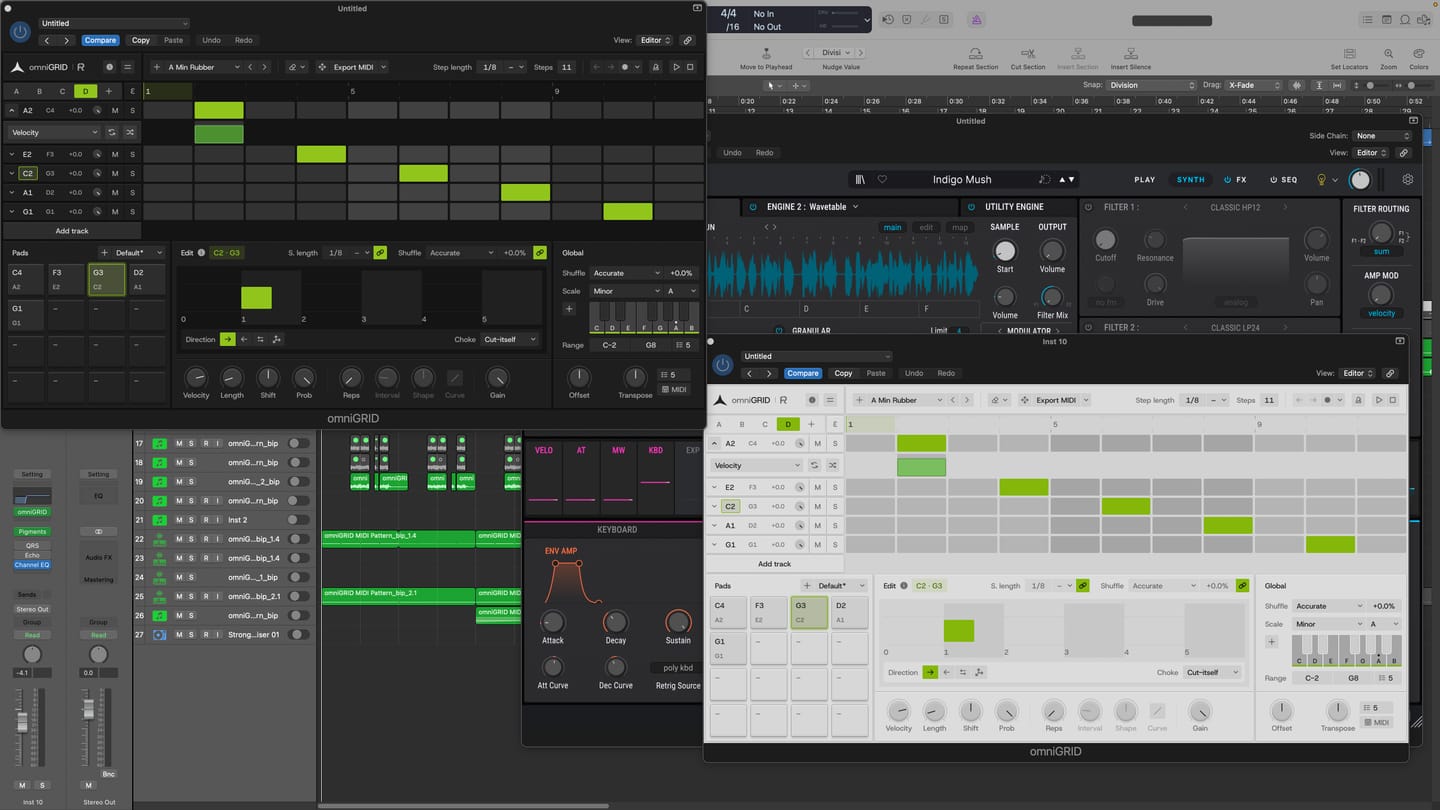
I am thoroughly impressed with the product. It has made the process of creating melodies more fun. BoySquared
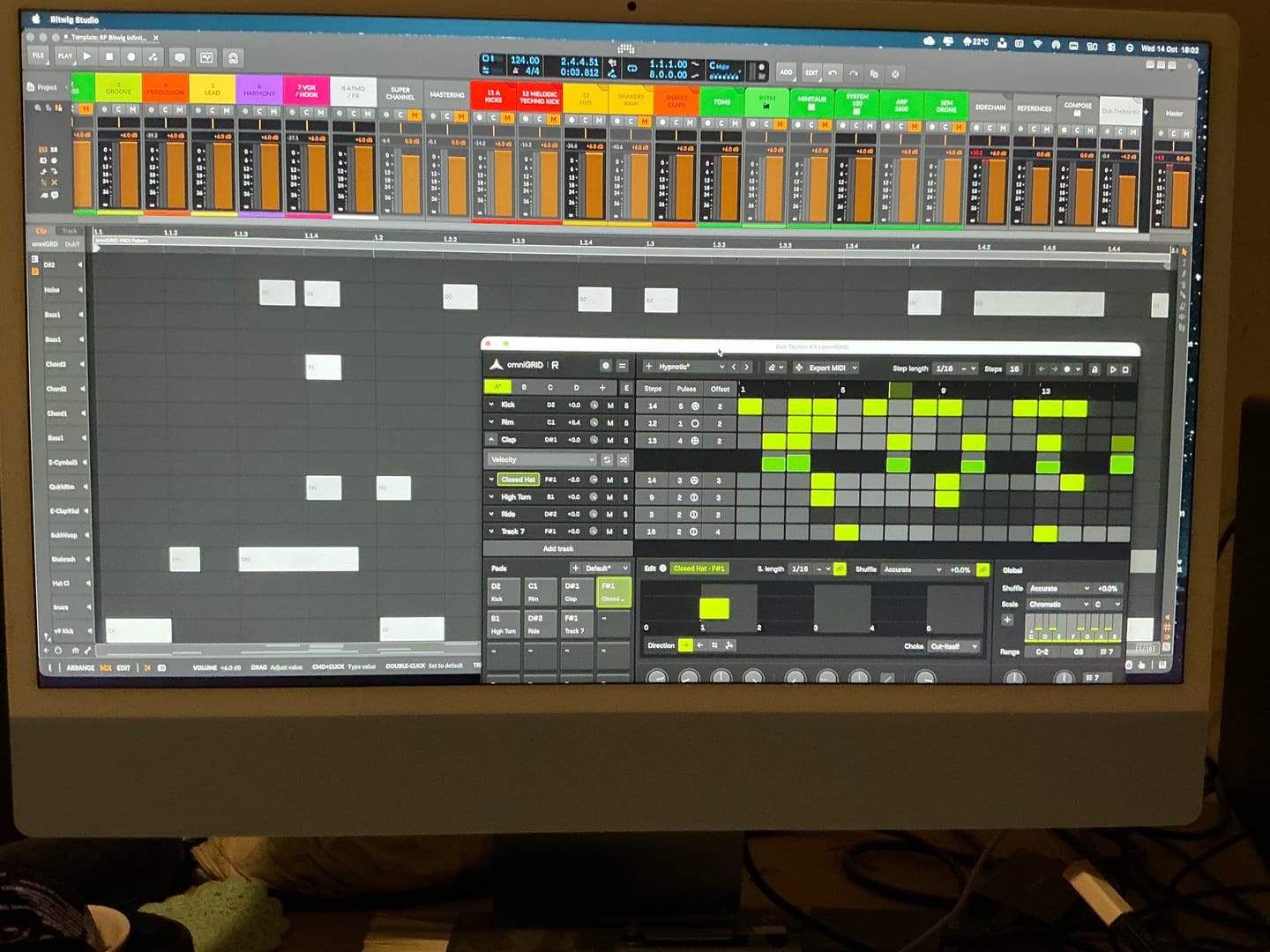
It’s taken me a great deal of tutorial-watching, manual-reading, and hours of just trying crazy stuff, but I’m at the point where I can start to make some headway with OMNIGRID, especially combined with RF’s Infinity Bundle and the DNA Suite (see photo). I do appreciate the Beginners level videos you’ve made about these new tools just recently. It’s because of those that I had some idea how to get going. Because the written documentation has been almost no use at all. The text refers to features of Ableton that I couldn’t find, even when stepping through those instructions one line at a time. And please update your instructions on instruments, instrument tracks, MIDI tracks, and audio tracks. I wasted hours and hours trying to figure out exactly where to put everything, and how to get the routing to work. Wasn’t fun. Strongly considered asking for a refund. HOWEVER, I did get it to work. In the photo I sent, I’m in the process of making dub techno. And it was actually starting to sound about right! There needs to be an easier way to stop the host and the plugin playing back simultaneously. Looking forward to version 3.0! Warmly, Adrian Bedford (who sometimes uses his wife Michelle’s credit card. But it’s all just me. Hi! :)

When you’re making dance music, especially trance, progressive house and anything built around a proper low-end, you can spend hours tweaking a mix and convince yourself it sounds incredible. Then you play it against a professionally mastered record, and suddenly you realise your kick is too heavy, your top end is harsh, or your whole mix lacks the weight and definition you thought it had. That’s where Rapid Flow True AB Referencing comes into its own. The first thing that stands out is the spectrum comparison. Having two tracks displayed together makes it much easier to spot differences in the overall tonal balance. You can see where your bass energy sits, how the mids are behaving, and whether your high frequencies are getting carried away. It’s particularly useful when you’re working on that tight, driving low end that trance and progressive house depend on. I also like the fact that it brings several analysis tools together in one place. Spectrum, correlation, stereo image, dynamics and loudness are all accessible from the same interface. Rather than constantly jumping between different plugins, you have a central point for checking how your mix compares with a reference. The reference library is another practical feature. Being able to load different records and switch between them is useful when you're trying to understand why one track feels huge and open, while another sounds thin or congested. For electronic music, I’d be comparing against properly mastered records in the same ballpark as my own production, not some random track from a completely different genre. But here's the important bit: the analyser is a guide, not a mixing engineer. A spectrum curve isn't a recipe for a professional master. A record with a massive bass peak isn't necessarily better than one with a tighter, more controlled low end. Different arrangements, kicks, basslines and mastering choices will produce different curves. And if you haven't level-matched your reference properly, you can end up making the wrong decisions simply because the louder track sounds more impressive.

Had a good Tones!

super de bon produit merci eric pour ton beau travail

First of all, giving this to the community as you did is 5 stars alone...especially for those of us in countries with horrendous exchange rates (Kenya). Secondly, to have THIS plugin do more than the other 'popular' one in my arsenal is pure gold. Third, the functionality just pushed my mixing skills to the international stage! Most importantly to me currently is that my old Macbook Pro 2014 on Big Sur, which often flatlines my CPU usage at the sight of a third party plugin is BARELY using any memory. You can literally see it in the screenshot! THANK YOU RAPID FLOW!

It’s absolutely fantastic! I’ve already used it in the creation of my new track. It’s another great release from Rapid Flow!!! Congratulations on the hard work and effort you put into your products.

Its great. Love the features it has. In protools it worked perfectly good.

I won't say where from, but I only just purchase an A/B app and it only just about comes up to scratch to this amazing and FREE release! It will be my go-to for sure!

Everyone should get it! CPU easy and easy to navigate!!

I love it, I wish they would add more monitoring options or something like that, but it's good.

Really nice interface and easy to use. Very clear

Loving the swiftness and simplicity of True AB from Rapidflow. There's so many useful features packed into this tool. I especially love how everything is essentially "right there". Nice one!

Great plugin—you can do so many important things with it ! thank's a lot !
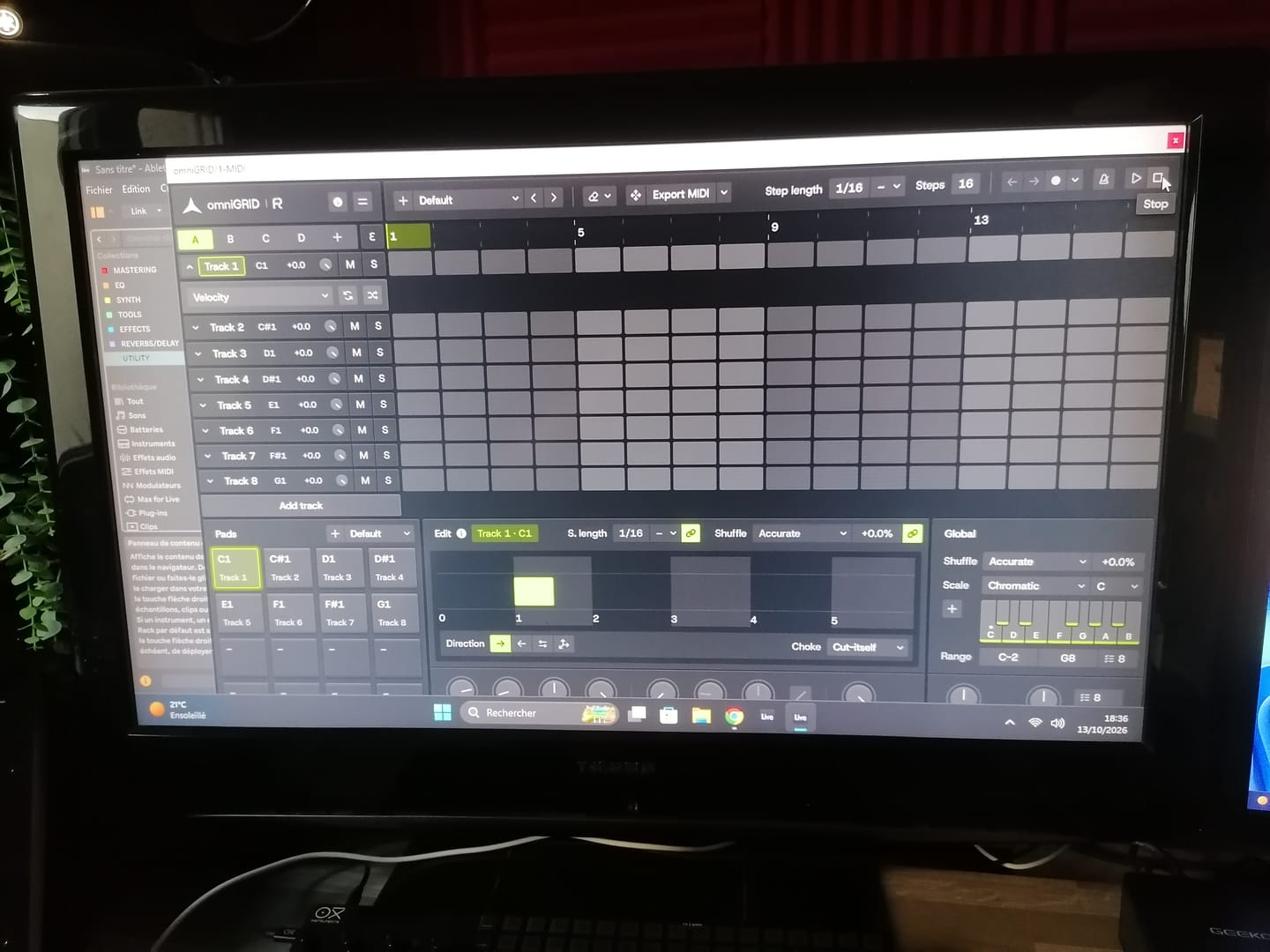
Great tool !! excelent !!

Perfect tool, for made perfect job !! love it !!

I was able to fix some issues with this tool in a quick way. Thank you

low on cpu usage and pretty helpful!

The speaker model function has been a game changer for me. I really love it. It gives fantastic simulation of different environments, something I've been searching for in a while and found it here.

Most easy to use and understand reference vst

I Love this product!

super bon produit j,adore merci a toi

I really found this helpful using a reference track to compare my mix with. I made changes that I wouldn’t have otherwise made. Thank you for helping my mixes sound more professional.

Un plugin increíble, era usuaria del A/B de otra compañia y lo reemplace por completo, mas claro, más intuitivo, hace todo lo que tiene que ser, realmente útil y preciso!! Feliz!!

