


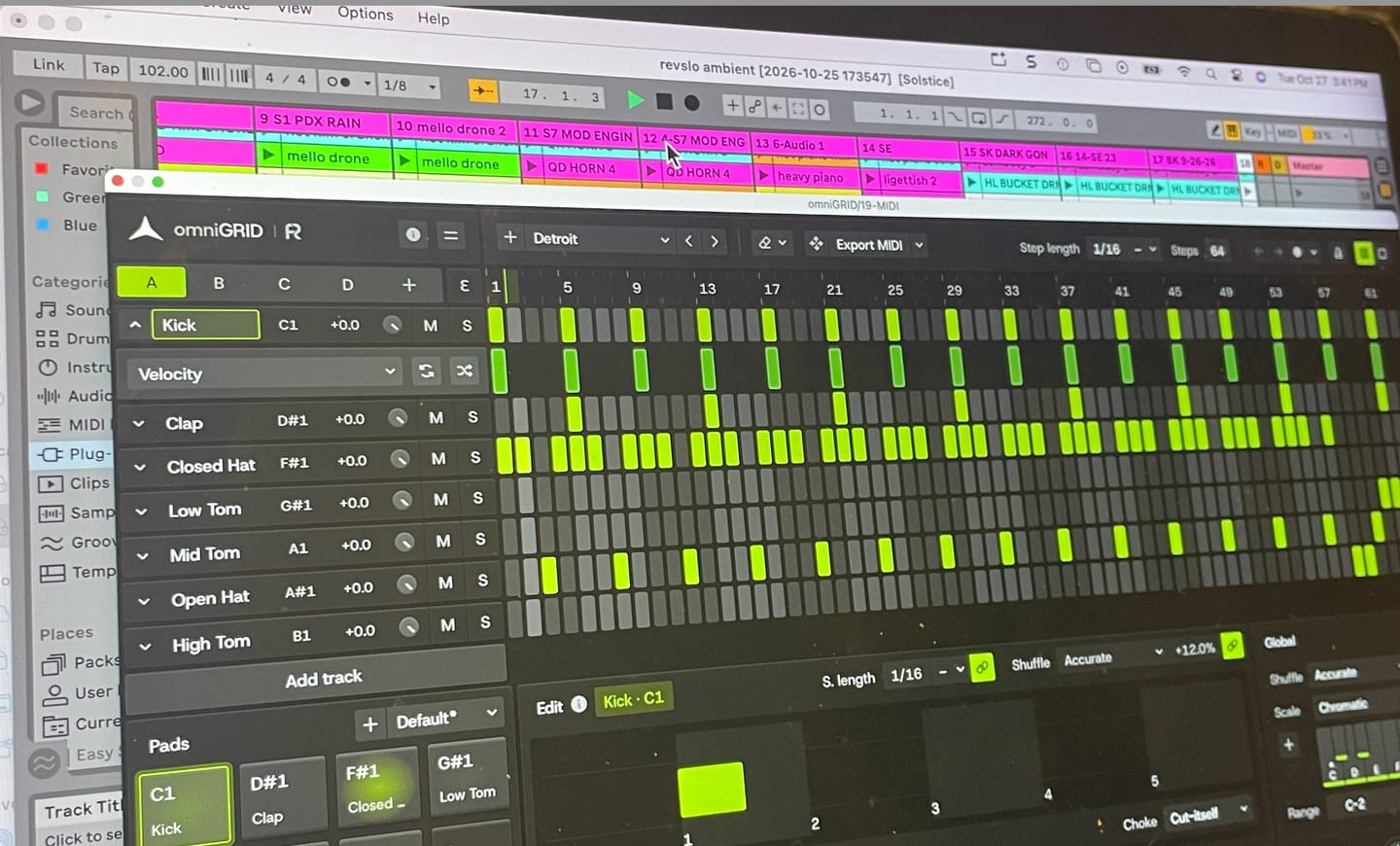
Omnigrid is a really versatile and intuitive tool to use with my DAW. I'm looking forward to discovering all the ways it can improve my music.

PROGETTATO SECONDO I PRINCIPI DI EUCLIDE. CON UN TOCCO UMANO
Trasforma semplici passaggi in groove, linee di basso e arpeggi che non avresti mai pensato di programmare. omniGRID è pensato per favorire gli “incidenti felici”: combina il sequencing euclideo, la generazione di note basata sulle scale e un groove ispirato all’hardware per stimolare nuove idee mentre crei. (Proprietari di miniGRID: se non siete iscritti alla nostra newsletter o non avete ricevuto un codice sconto, contattate l'assistenza.)
LIMITED TIME OFFER
 30,363
produttori
30,363
produttori


omniGRID V1.1 ti offre ora più modi per catturare idee, eseguire pattern e dare nuove direzioni alle sequenze. Registra direttamente nel sequencer in tempo reale, passa da una scena all’altra mentre suoni, trasponi i pattern dall’input MIDI ed esplora nuove variazioni con indicazioni di riproduzione specifiche per ogni traccia, lunghezze dei passi in terzine e puntate e scale personalizzate.

Trasforma semplici pattern in groove che scorrono, cambiano, scompaiono e si ripetono in modi inaspettati. Modifica i singoli passi regolando velocità, durata, tempismo, probabilità, ripetizioni e intervallo, quindi trascina il risultato direttamente nella tua DAW come file MIDI.
Panoramica sulle funzionalità di arpeggiazione e sequencing euclideo di omniGRID
Scale personalizzate, preset utente, trasposizione MIDI in tempo reale, registrazione passo-passo dalla tastiera e 8 scene che si alternano a tempo di battuta.
Una guida completa per principianti su come iniziare a utilizzare OmniGrid
Diretta in streaming dalla sessione in studio dal Rapid Flow Studio con omniGRID 1.1 e The DNA Suite

I tutorial integrati ti guidano alla scoperta dei nuovi strumenti, permettendoti di iniziare subito. Potrai così registrare, modificare e riprodurre sequenze in continua evoluzione in tempo reale, senza doverti fermare continuamente per apportare modifiche.

Applica un unico groove a livello globale oppure assegna a ogni traccia il proprio effetto shuffle, quindi utilizza spostamenti temporali di ±64 ms per posizionare ogni parte esattamente dove ti sembra più appropriato.

omniGRID sincronizza ogni passaggio alla tonalità e alla scala che hai scelto, così puoi creare arpeggi a orecchio, sperimentare liberamente e scoprire per caso schemi melodici che non avresti mai programmato di proposito.

Utilizza il sequenziamento euclideo per creare ritmi "rolling hats", percussioni in movimento, tom e loop ritmici senza dover impostare manualmente ogni singolo colpo. Regola gli impulsi e l'offset su ogni traccia per trovare rapidamente pattern che si ripetono, si evolvono e si susseguono in modo naturale.


Ispirato al comportamento temporale di macchine leggendarie, per portare nella tua DAW quella leggendaria sensazione di shuffle vintage senza bisogno di hardware esterno.

Roland TR-909

MFB Tanzbar

AKAI MPC60

E-MU SP-12

AKAI MPC 3000

Oberheim DMX

Linndrum LM-1
Roland TR-909
MFB Tanzbar
AKAI MPC60
E-MU SP-12
AKAI MPC 3000
Oberheim DMX
Linndrum LM-1
16 tracce. 64 step. Infiniti modi per creare un groove.

Sequencer standard
omniGRID


omniGRID integra un flusso di lavoro completo per il sequencing a 16 tracce direttamente nella tua DAW. Crea, modella e controlla i tuoi pattern da un'unica interfaccia, senza bisogno di sequencer esterni, controller MIDI o hardware aggiuntivo.
Regola la scala di omniGRID dal 50% al 400%, allarga la finestra per aumentare lo spazio tra i passaggi e passa dal tema chiaro a quello scuro per adattarlo allo schermo e alla configurazione del tuo studio.


Overall rating: 4.9 / 5 from 87 reviews.
Omnigrid is a really versatile and intuitive tool to use with my DAW. I'm looking forward to discovering all the ways it can improve my music.
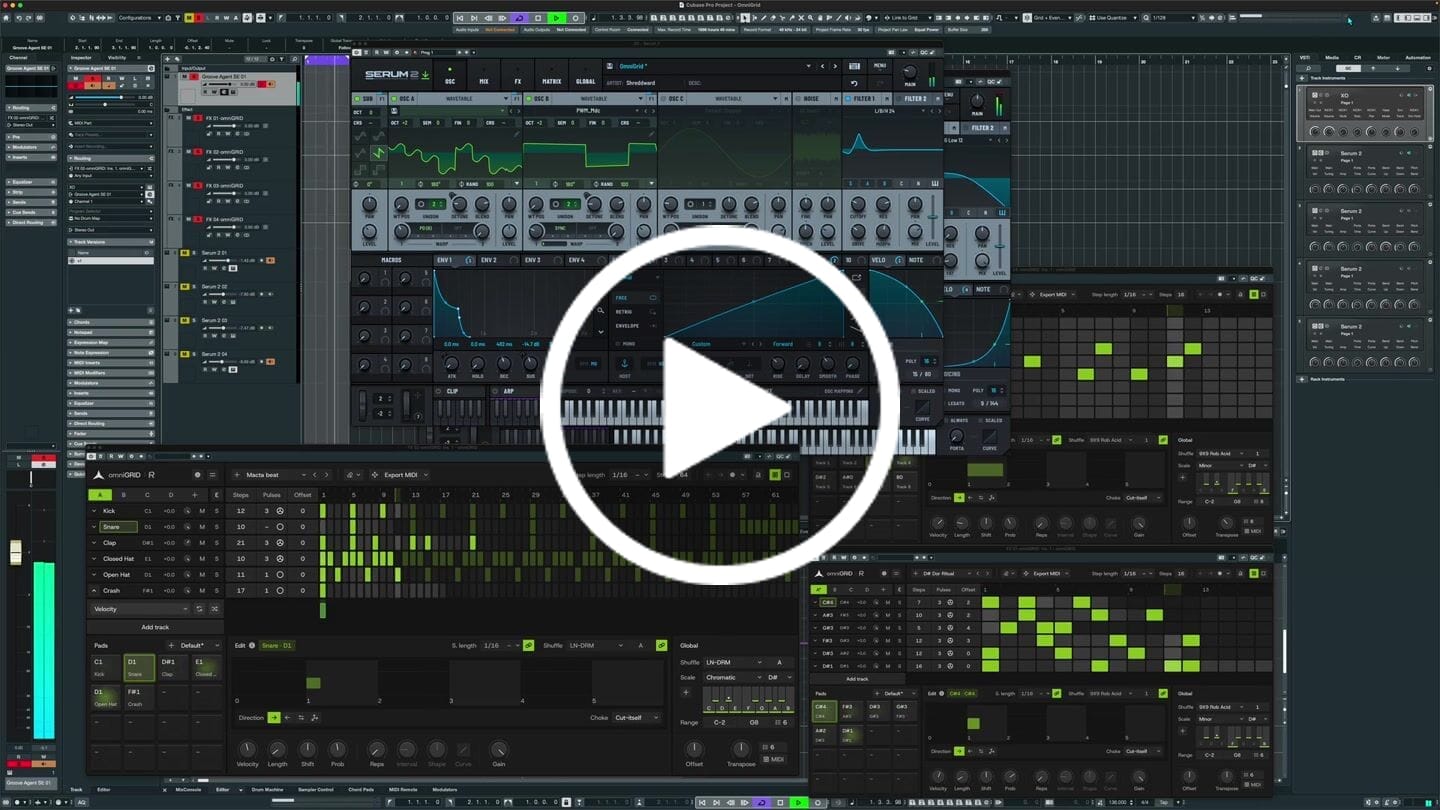
I put this together in just a few minutes; granted, it still needs further development, but the inspiration you get from Omnigrid is truly immense. Thanks!
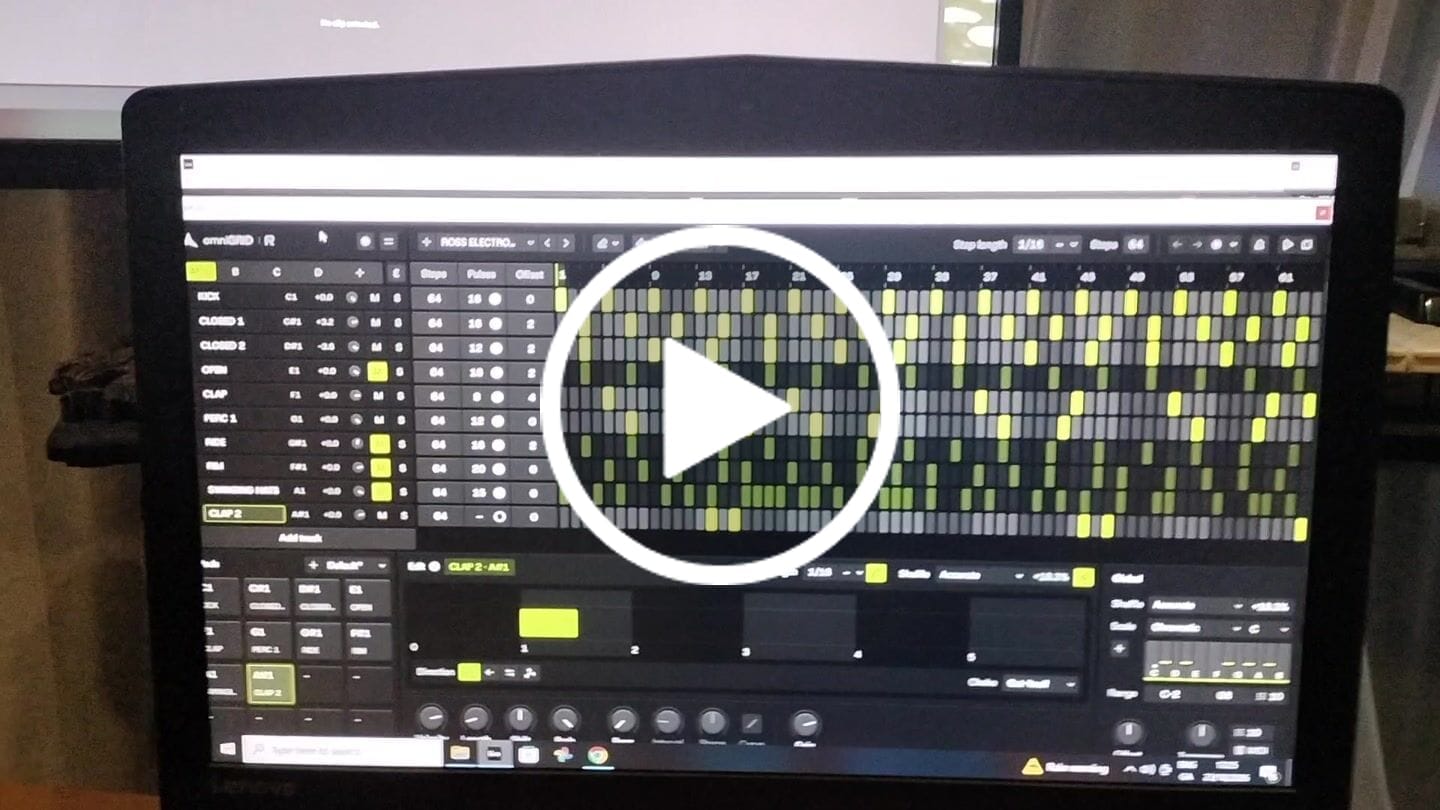
This is by far the best plugin I have bought for a long time. It's absolute fire for creating catchy melodies and basslines that I would never even think of trying to program in piano roll etc. It's also wicked for creating complex drum patterns in just a few clicks. Awesome job guys. Thanks

It's a great tool to have under your belt. Once you get the basic setup is done, it's engaging. Makes it more fun to play around. Also I've received two free updates. That shows team is constantly working on it to improve the features. Great plugin!
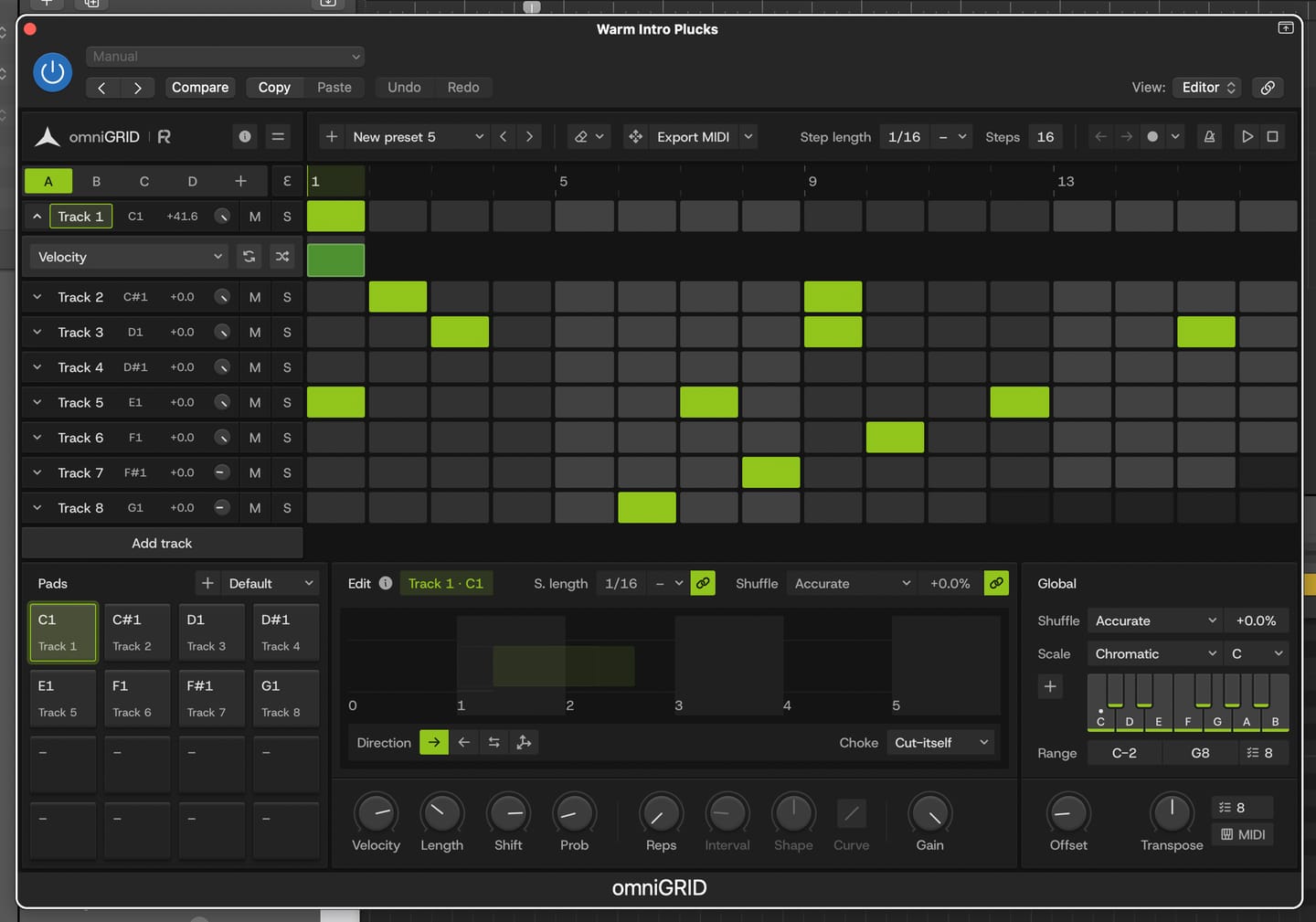
Great for experimenting with melody and drums
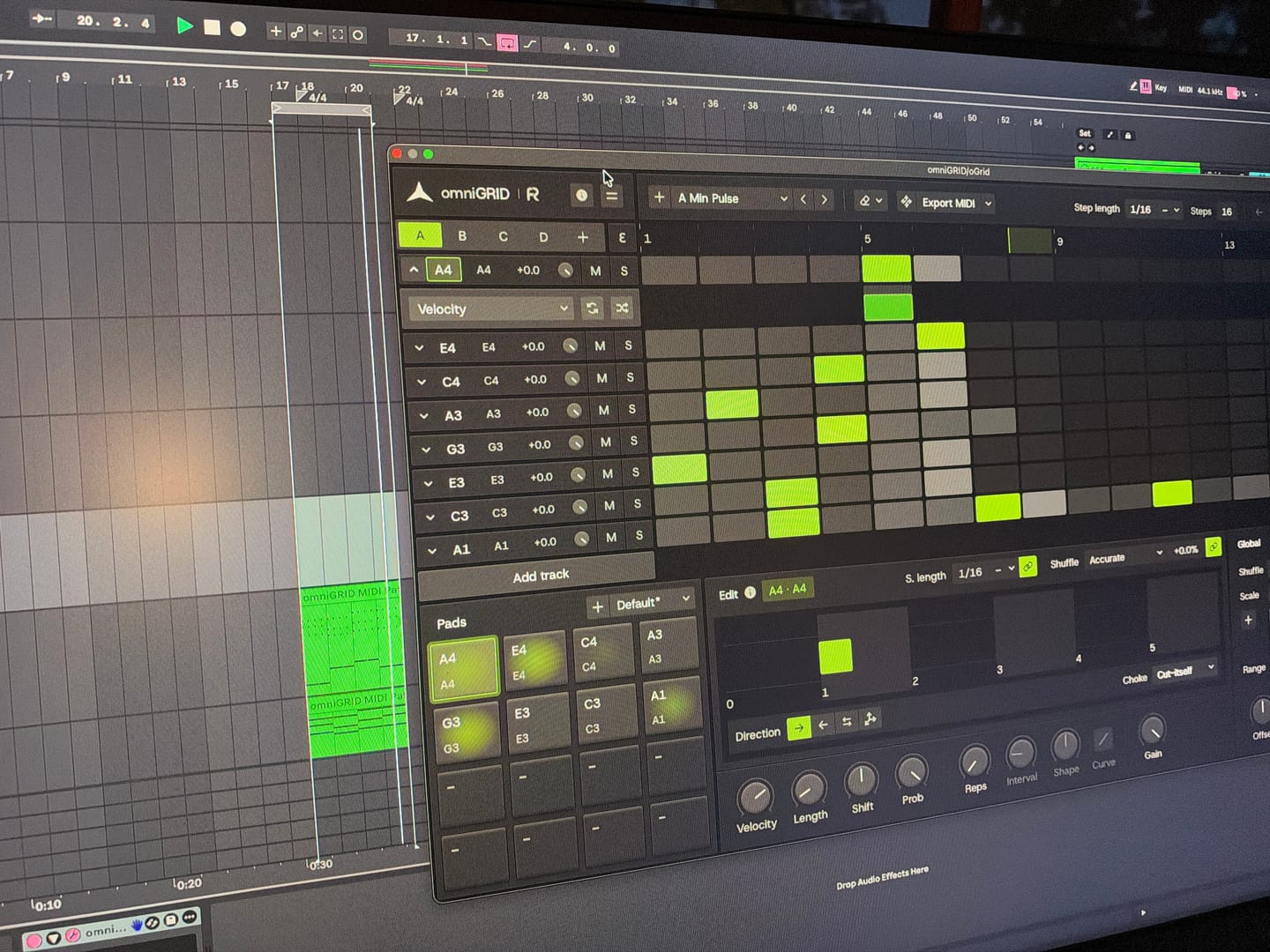
Endless possibilities and inspiration! Would love to see specific tutorials on arranging live!
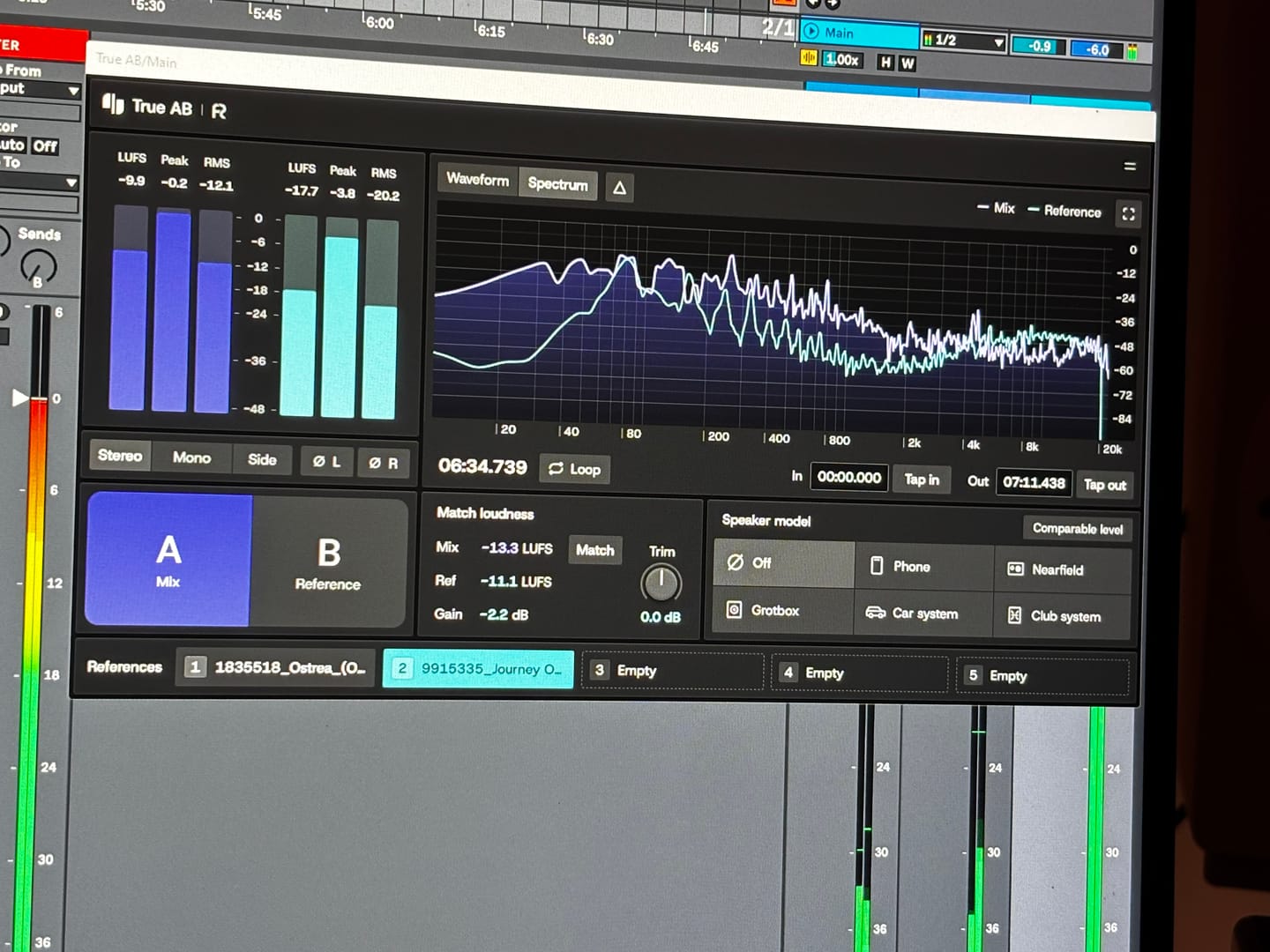
Answering requests for feedback is usually not something that I want to waste my time on, but for you I gladly make an exception. Working with Omnigrid and Zensphere in combination with the DNA master chain and RapidFlow templates has been really enlightening. What a joy! I am re-discovering working in session view. I used to work in arrangement view most of the time, but I definitely see the advantages of using session view the way you propose. Omnigrid provides an unlimited amount of options for sequencing. I started using it in combination with GrooveAgent for drum sequencing and Zensphere for melodic sequences for example. Omnigrid challenged me to start making more use of midi mapping than I did before so I am getting to know Ableton Live much better too. I love the extremely low amount of cpu usage of Zensphere compared to Serum and Diva. The included sounds offer enough options to experiment with. The RapidFlow referencing plugin offers more information at a glance and is way more intuitive to use than what I was used to until now. There is still a lot to figure out and explore like sound design and customization of the templates and the DNA masterchain to my likings but I can already tell you that I love making music that way. Very inspiring indeed! 🫶🏼
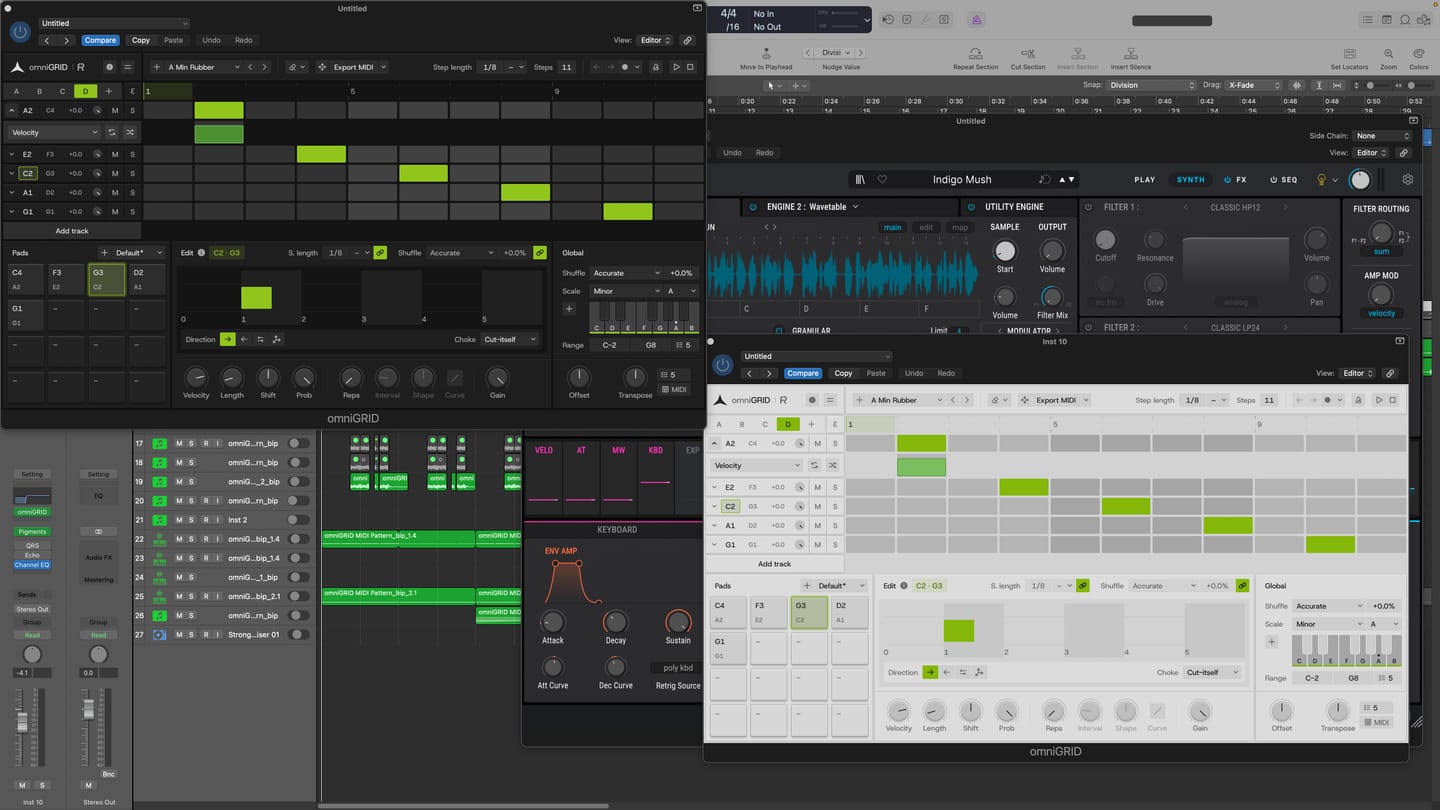
I am thoroughly impressed with the product. It has made the process of creating melodies more fun. BoySquared
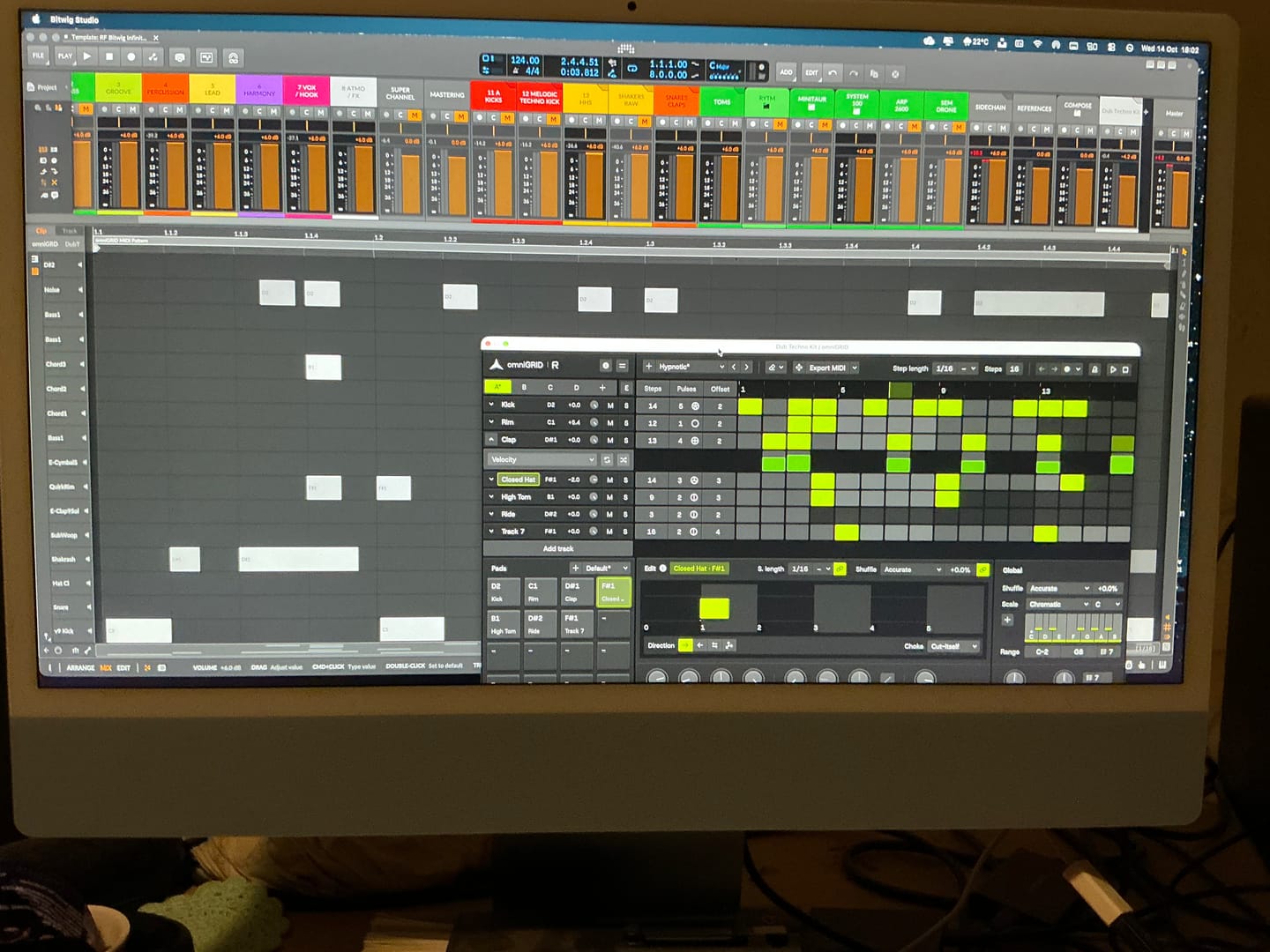
It’s taken me a great deal of tutorial-watching, manual-reading, and hours of just trying crazy stuff, but I’m at the point where I can start to make some headway with OMNIGRID, especially combined with RF’s Infinity Bundle and the DNA Suite (see photo). I do appreciate the Beginners level videos you’ve made about these new tools just recently. It’s because of those that I had some idea how to get going. Because the written documentation has been almost no use at all. The text refers to features of Ableton that I couldn’t find, even when stepping through those instructions one line at a time. And please update your instructions on instruments, instrument tracks, MIDI tracks, and audio tracks. I wasted hours and hours trying to figure out exactly where to put everything, and how to get the routing to work. Wasn’t fun. Strongly considered asking for a refund. HOWEVER, I did get it to work. In the photo I sent, I’m in the process of making dub techno. And it was actually starting to sound about right! There needs to be an easier way to stop the host and the plugin playing back simultaneously. Looking forward to version 3.0! Warmly, Adrian Bedford (who sometimes uses his wife Michelle’s credit card. But it’s all just me. Hi! :)

super de bon produit merci eric pour ton beau travail
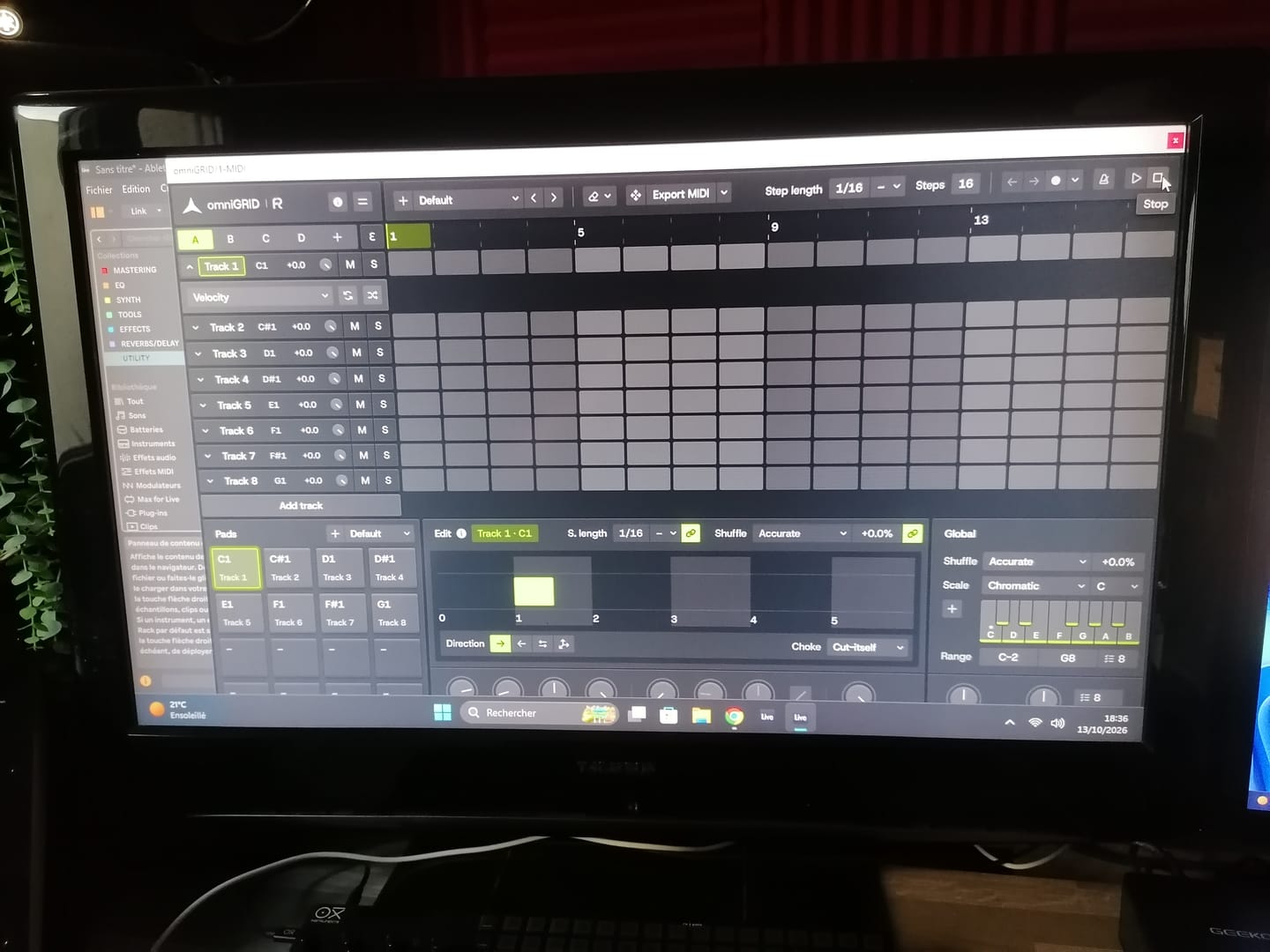
Great tool !! excelent !!
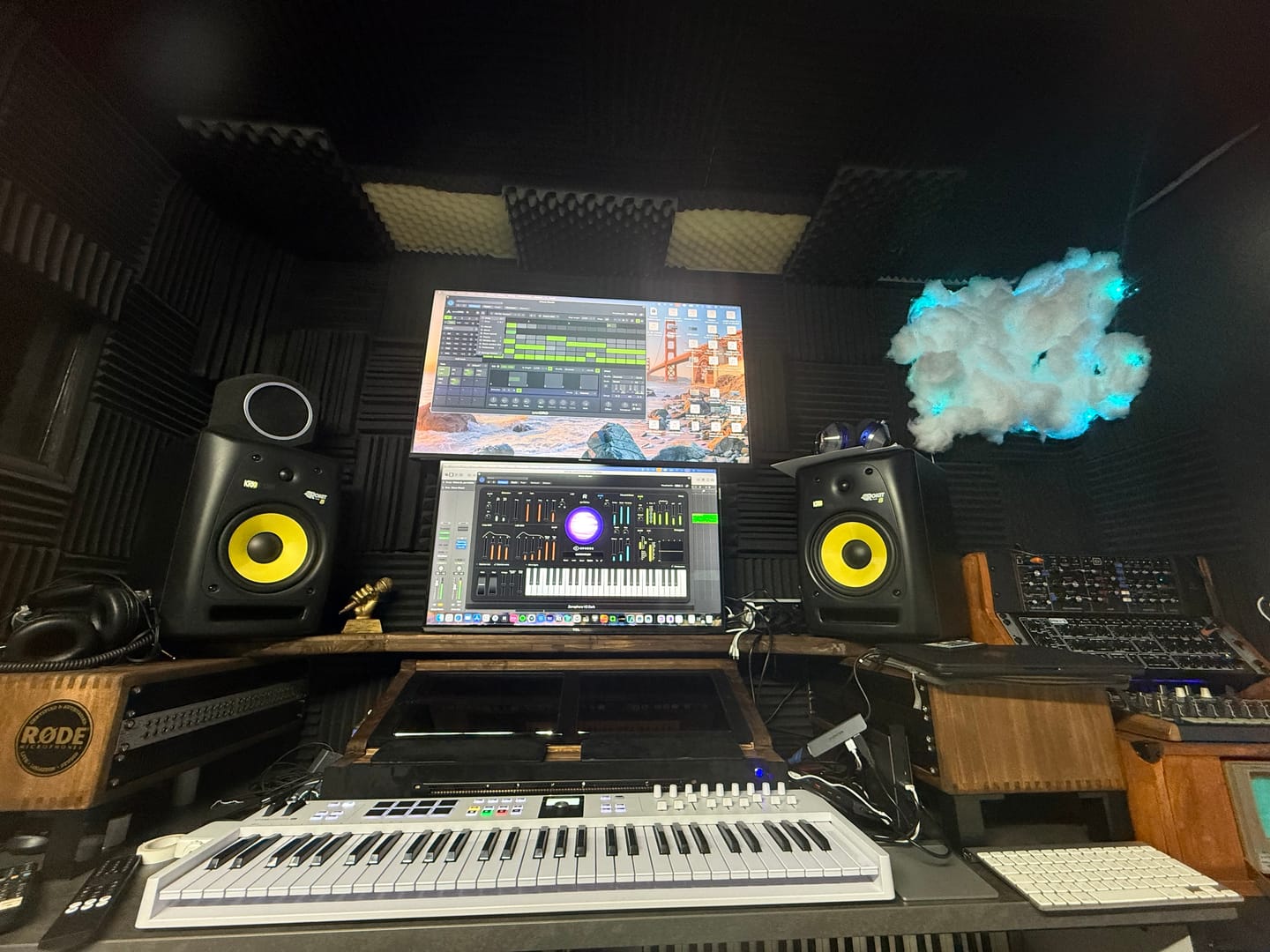
Love it. OmniGrid can control my analog synths as other drum INSTRUMENTS, software instruments….and all perfectly synced. Very helpful
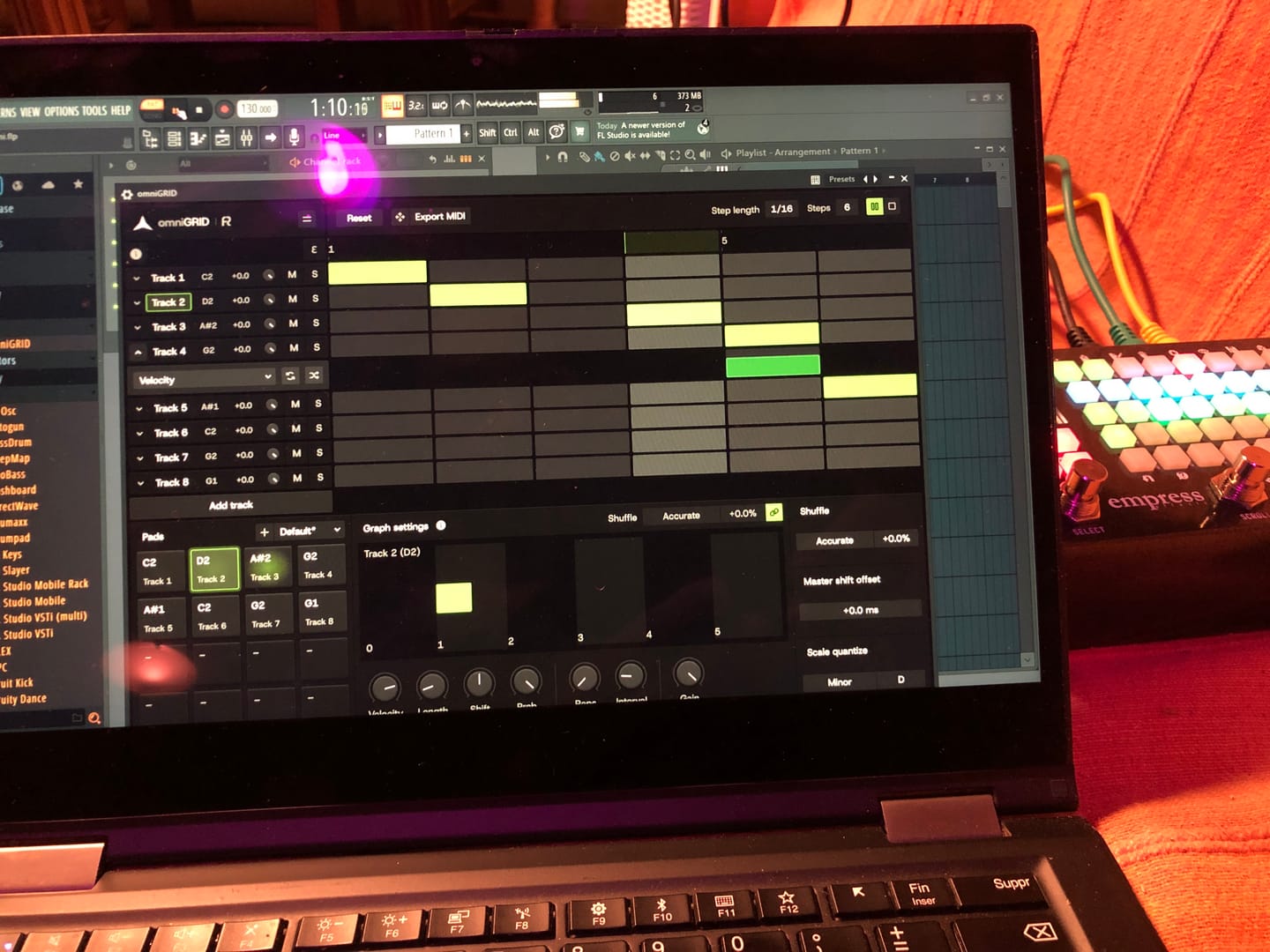
Lots of potential, and just at v1 :)
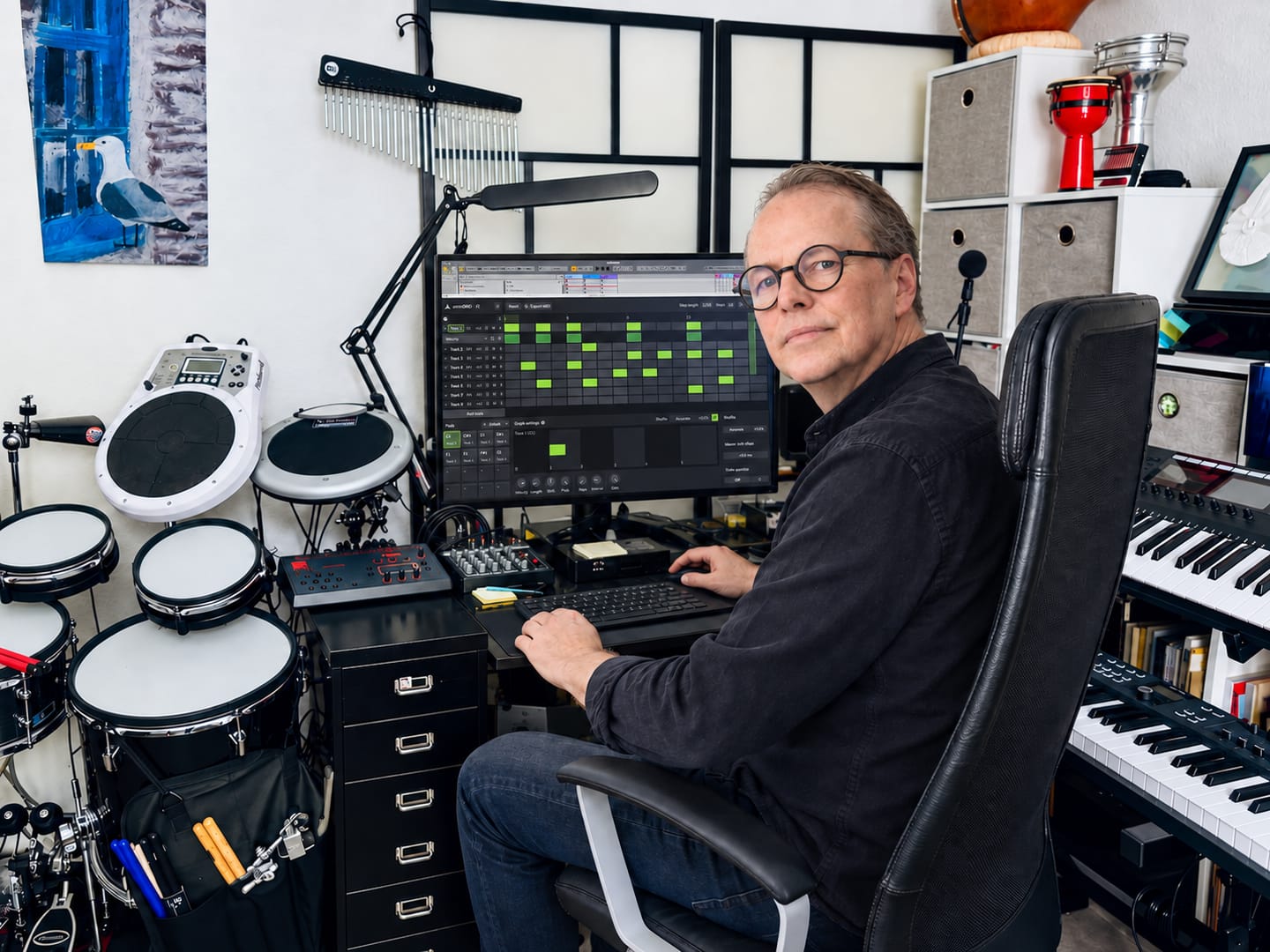
★★★★★ Omnigrid by Rapidflow is clear, fast, and pleasant to use. The features are well structured, the interface feels clean, and working with it is reliable. I especially like how easy it is to find your way around and get results without unnecessary steps. For me, it is a very well-made solution that does exactly what it should.
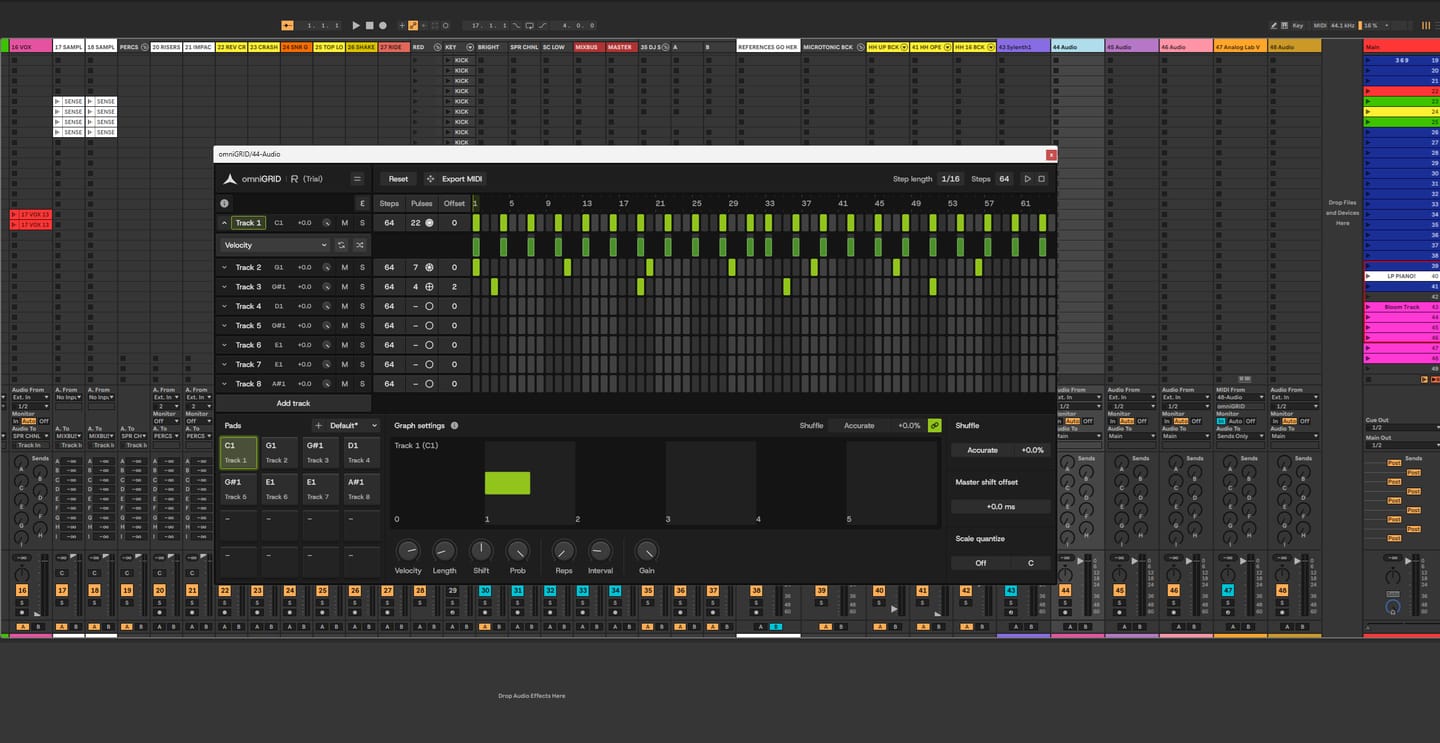
It’s been fantastic exploring new sequences and combinations! It’s impossible not to love omniGRID; before you know it, you have multiple instances running simultaneously—on the kick, bass, clap, and even synthesizers. It’s definitely a "must-have"!

Love it! Our new go to sequencer. Great for throwing a bit of ‘feel’ in to your loops and patterns. Highly recommend 👍🏻

Omni Grid is very cool, early days of using it but so far I love it, the small amounts of randomization and shuffle that can be applied to anything is something I have been looking far for ages! will post a video when I've finished something. Very exciting!

Amazing

Right! So I’ve had more time to try out omniGRID! I didn’t wait until the end of the trial period to buy it, as this time I was working whilst travelling: I simply used LIVE for a few tracks and LAUNCHPAD X (Novation)! I’ve had some great results… And I’m going to keep experimenting with everything this little gem has to offer! (...)

Finally the good stuff has arrived! Like having an Eurorack sequencer in your DAW thank you so much🔥🔥👌🏻

Omnigrid has all the features that made Minigrid an instant hit. The ability to quickly and easily tweak the midi output so it grooves perfectly for all parts. Omnigrid is the first sequencer I have come accross that perfectly adds euclidean features and normal step sequencing in one interface. Up to 64 steps for any of the 16 tracks shows that this sequencer is intended to be versatile. This sequencer really shines at making your sounds hit the right spot. At present there is no way to record midi or to drop a midi file into Omnigrid to take advantage of the various track controls that transform the midi output. I think something along those lines would be a great addition for a future update.
I am a professional composer / producer since 2002. And I have loads of plugins. But there's nothing like this. I really love using OmniGrid! Keep up the good work!
Definitely having fun, working through my own shortcomings with Ableton but once I figured out the midi and channel thing - with your help - it triggers away fine I wonder how many instances might be possible. Sorry for delay with feedback, trialing the Zensphere and now you've introduced Drumgrid sheesh! Kid in a sweetshop etc. Thank you.
So far, I’m really impressed with OmniGrid. Looks great and not difficult to set up. Still exploring so not fully up to speed but am sure there are many more useful features.
Great sequencer
Very nice tool indeed, I'm loving it
This sequencer brings some stuff others don't like the independent timing tweaks and it does it on a way that's easily accessible and visually supported. I like it. There's some stuff to improve on but it's looking really promising and I'll be following along. Thanks 👍🏻
OmniGrid works as described. I really like the flexibility and it's great when I'm tired of using the stock sequencer in Logic. I don't like that Rapid Flow requires an online callback from the software every so often to keep it usable. In my 20+ years in the industry I've seen countless companies making plugins come and go. If Rapid Flow shuts down business one day I will no longer have access to the product I purchased. I will no longer be able to open an old project where I used OmniGrid and continue work. That makes me hesitant to make further purchases from them. I understand it's a security measure to prevent piracy. I'd like to see it replaced with some other security format that would allow their customers to use the products if Rapid Flow servers are powered down at some point in the future.
A great new tool prom a brand that takes good care of its customers. Highly recommended
A very responsive and creative midi tool - get totally different outcomes depending on which instrument you decide to use it with, so a very versatile tool as well - am using it in everything I do as a start up and to then add something a bit different on projects already on the go. A must have for any serious electronic music producer.
OmniGrid has been so much fun!! I've set it up so that the tracks are in a pentatonic scale and then I map the Euclidean pulses to my MidiMix controller which turns the sequencer into a performance machine!
Well thought thru tool for anything rhythmic related like arps or drums as well as a scale connection for us with limited knowledge on that topic.
Fantastic addition to my workflow — V1.1 is a game changer! Rating: 4.5/5 Stars In short: A fantastic addition to my workflow. The V1.1 update really makes a huge difference. Top work on this one. Picked up omniGRID on launchdeal and it has completely transformed my production process. The fact that absolutely everything is MIDI mappable and controllable makes it incredibly powerful. I have mapped it to several hardware controllers in Bitwig Studio 6 using the DrivenByMoss script, creating a massive hands-on sequencing environment: Dual Akai Fire: Maps directly to omniGRID's internal sequencer for instant 32-step programming and per-step parameter locks without looking at the screen. Dual Akai LPD8 MK2s: Acts as a tactical command center, using multi-page setups to tweak dynamic parameters, performance macros, step modifiers, and FX/envelopes in real-time. Dual Akai APC Mini Mk2s: Provides a macroscopic view of the arrangement, easily handling pattern block triggering, scene changes, individual channel volumes, and track mutes for live performances. If I had one piece of constructive feedback or a wish list for future updates, it would be that expanding it up to 32 tracks would have been nice, or perhaps implementing a smart way to link several instances together seamlessly. Highly recommended for anyone looking to build a deeply tactile, hardware-style workflow inside the DAW.
I'm far away from a musician used to Step Sequencer (playing mostly Bass and Guitar), but i must tell, Omnigrid is so simple to understand, so tweakable, it's a real pleasure to use. I use it like a "Super Arpegiator", it's killer ! Thanks Erik. Mitch.
Fun and flexible!
WOW!! Addictive and should be illegal! Brings my music to another level!! I feel so creative
Like a very much
Until now I did not work with it, therefore 3 of 5 stars ( I think it's worth is 5 stars, when knowing how it works ). It would be very helpful if you could offer templates for Cubase in the future, too, to start projects in a more easy way.
The one i was praying for! Omnigrid is way too good!
Until now is a new toy I need to better understand Its very similare to Cubase patern generator BUT a lot more focused and with a far better GUI. I was not user of Patern generator (I am very visual and midi notes are better) but omniGRID is definitely something I will invest more time in learning. the mix of Drumes and synth is a very powerfull ways of geting new idea Brice

omniGRID funziona come un plugin leggero all'interno della tua DAW ed è progettato per integrarsi perfettamente con il tuo sistema e il tuo flusso di lavoro esistente.

VST3 a 64 bit

AU a 64 bit, VST3 a 64 bit

Versione per Windows su Wine + integrazione di VST3 con Yabridge

Non è necessario alcun dongle fisico
I nostri plug-in dovrebbero funzionare con qualsiasi DAW compatibile. Li testiamo con le seguenti applicazioni:


