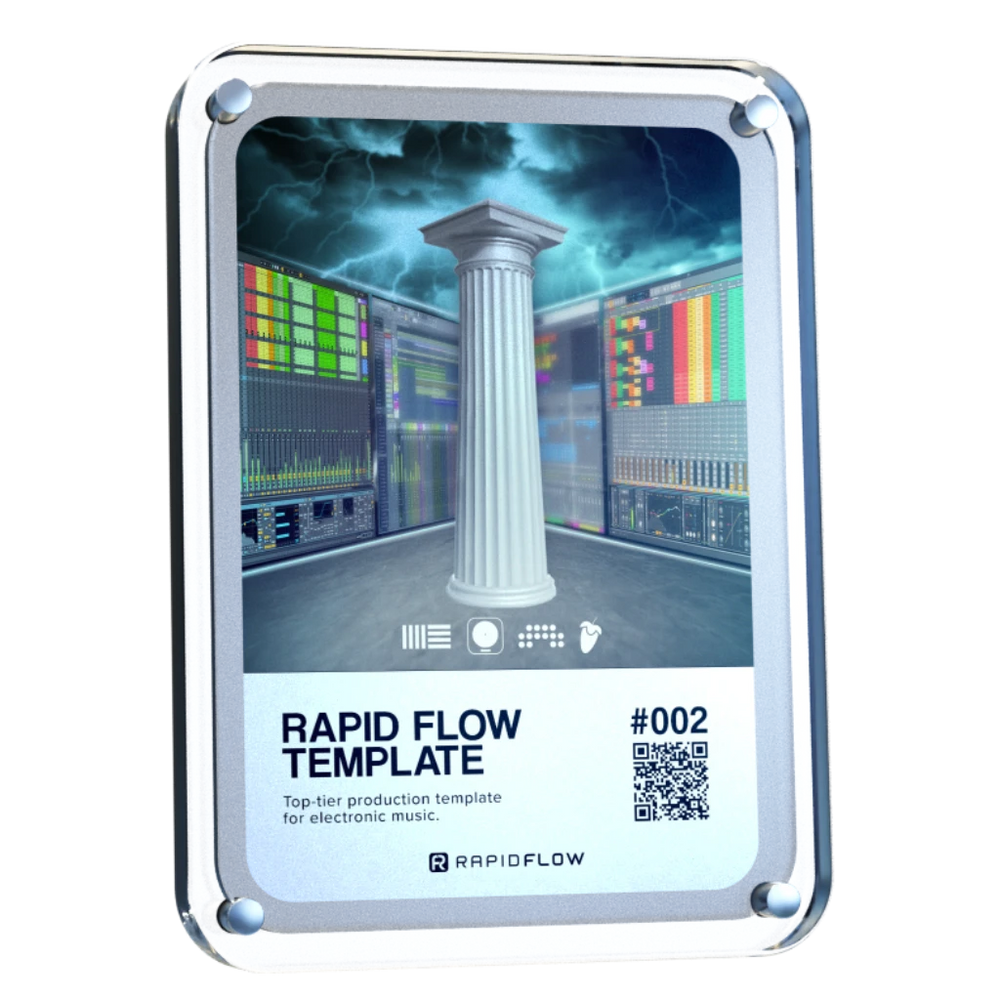
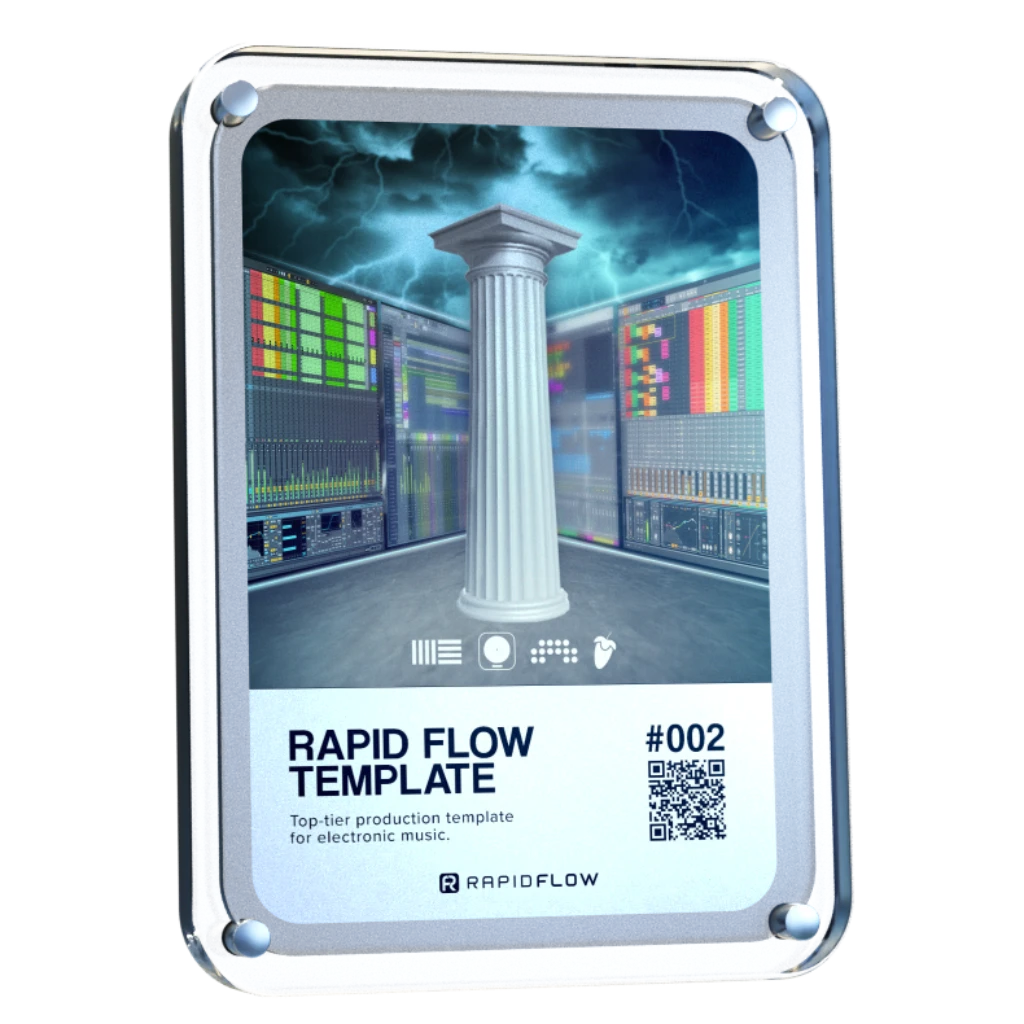
O premiado fluxo de trabalho Rapid Flow que finalmente te permite concluir as tuas faixas.Pensa nele como o teu «botão de finalização». Utilizado diariamente por mais de 15 000 produtores para pôr fim ao ciclo interminável de ajustes nos loops e, finalmente, criar faixas das quais te orgulhas verdadeiramente.
Chega de «quase pronto». Simplesmente pronto.
Arquivos para Ableton Live, Bitwig Studio, FL Studio e Logic Pro incluídos.
A tua melhor música está presa num loop. Vamos libertá-la.
Estás a sentir-te bloqueado criativamente? Vamos ultrapassar isso juntos.
Conheces aquela sensação de quando as tuas faixas simplesmente não parecem estar acabadas? Como se lhes faltasse aquele toque profissional?
É exatamente esse o problema que o Rapid Flow Template resolve. É a estrutura que pega nas tuas ideias sólidas e as transforma em faixas completas e prontas para lançamento.
Pensa nisso como o teu atalho privilegiado. Nós tratamos da configuração técnica — as cadeias de mistura, a masterização, a estrutura — para que te possas concentrar exclusivamente na diversão criativa.
Mesmo que sempre tenhas achado a mistura confusa... Mesmo que te percas depois do primeiro drop... Mesmo que só tenhas plugins básicos...
Este modelo guia-te passo a passo. Em cerca de uma hora, estarás a compor com uma clareza que nunca pensaste ser possível. Vais terminar as faixas não só mais depressa, mas também de forma mais inteligente.
Conta com a confiança dos maiores nomes da tecnologia musical
«Criei a Rapid Flow porque estava farto de ver grandes ideias morrerem num ciclo vicioso.»
Criei este modelo para resolver um problema: dar o toque final às faixas.
Funcionou para mim. Funcionou para milhares de pessoas.
Vê como em 2 minutos.
×
Passa da ideia à faixa final de forma fácil, em 3 passos simples.
Adequado para principiantes
O teu novo estúdio em casa
Abre o projeto. Já está tudo lá dentro: cadeias de mistura, masterização e efeitos em tempo real. Basta introduzires a tua ideia. Foi tudo criado com as próprias ferramentas do Ableton, por isso funciona na perfeição. A tua faixa já soa mais nítida, mais cheia e está pronta para o palco.
Tutoriais rápidos
O seu guia pessoal
Veja este vídeo curto. Vamos mostrar-lhe como configurar o seu controlador, trabalhar rapidamente sem confusão e utilizar truques simples — como consultar faixas com as ferramentas certas — para que as suas decisões sejam sempre tomadas com confiança.
concluir as faixas com confiança
A tua faixa finalizada
É aqui que tudo faz sentido. Vais criar uma faixa pronta para as discotecas numa única sessão. Deixa de começar do zero todas as vezes. Começa a concluir mais músicas e sai daqui com uma faixa com som profissional, pronta para ser tocada ao vivo.
Que versão do Ableton / Bitwig / FL Studio / Logic Pro preciso?
Os modelos e os pacotes de exemplos são compatíveis com o Ableton Standard V11.2.11+, o Bitwig Studio V4.2+, o FL Studio V21.0.3+ e o Logic Pro 10.7.8+
Posso usar os meus próprios sons?
Sem dúvida, é esse o plano! O modelo Rapid Flow é apenas um ponto de partida para te mostrar sons que funcionam. Adicionar os teus próprios sons é muito mais fácil depois de ouvires kicks, baixos, hi-hats, etc., que já deram provas de qualidade, integrados numa cadeia de masterização fantástica. 🚀
Isto vai ajudar-me na mistura?
Sem dúvida! Assim que tiveres um ponto de partida comprovado, é fácil adicionar novos batimentos, baixos, melodias, etc., e perceber quando soam bem. Existem limitadores em todos os canais, pelo que se consegue um bom equilíbrio ao adicionar novos elementos. O vídeo também explica o que se deve procurar no Analisador de Espectro do Ableton. O ingrediente final é o fluxo de trabalho do Crossfader A/B, que permite comparar instantaneamente a tua faixa com faixas de referência. Não vais estar a misturar às cegas.
Isto é para utilização em estúdio ou ao vivo?
Ambos! O modelo Rapid Flow utiliza uma estrutura que é realmente simples e rápida em estúdio, e poderosa para atuações ao vivo. O melhor de tudo: todas as faixas em que trabalhar ficarão imediatamente prontas para serem tocadas no palco. Não é necessária qualquer transferência nem edição adicional.
Não recebi o meu produto?
Se efetuou a encomenda através do Apple Pay ou do Instagram, verifique se o e-mail associado a essas contas está correto. Será que o e-mail enviado por support(at)rapidflow.shop foi para a sua pasta de spam? Ao clicar no e-mail de confirmação da encomenda, acede à página de download. Também pode contactar-me através do chat nesta página ou por e-mail, e iremos garantir que recebe os seus ficheiros o mais rapidamente possível.
Como posso guardar o Rapid Flow como o meu modelo predefinido do Ableton?
Guardar o «Rapid Flow» como o seu modelo predefinido do Ableton Live garante que este seja carregado automaticamente sempre que iniciar um novo projeto. Veja como fazê-lo:
Abrir: Abra o modelo «Rapid Flow» no Ableton Live.
Guardar como modelo: Vá ao menu «Ficheiro» e selecione «Guardar como modelo».
Nomeie o seu modelo: Dê um nome ao seu modelo, como «Modelo Padrão do Rapid Flow», e escolha um local para o guardar.
Definir como predefinido: Na caixa de diálogo «Guardar como modelo», marque a opção «Definir como modelo predefinido».
Guardar: Clique em «Guardar» para guardar o seu modelo como modelo predefinido do Ableton Live.
Agora, sempre que iniciar um novo projeto no Ableton Live, o Rapid Flow será carregado automaticamente como o seu modelo predefinido.
Preciso de um controlador? Funciona com o Push?
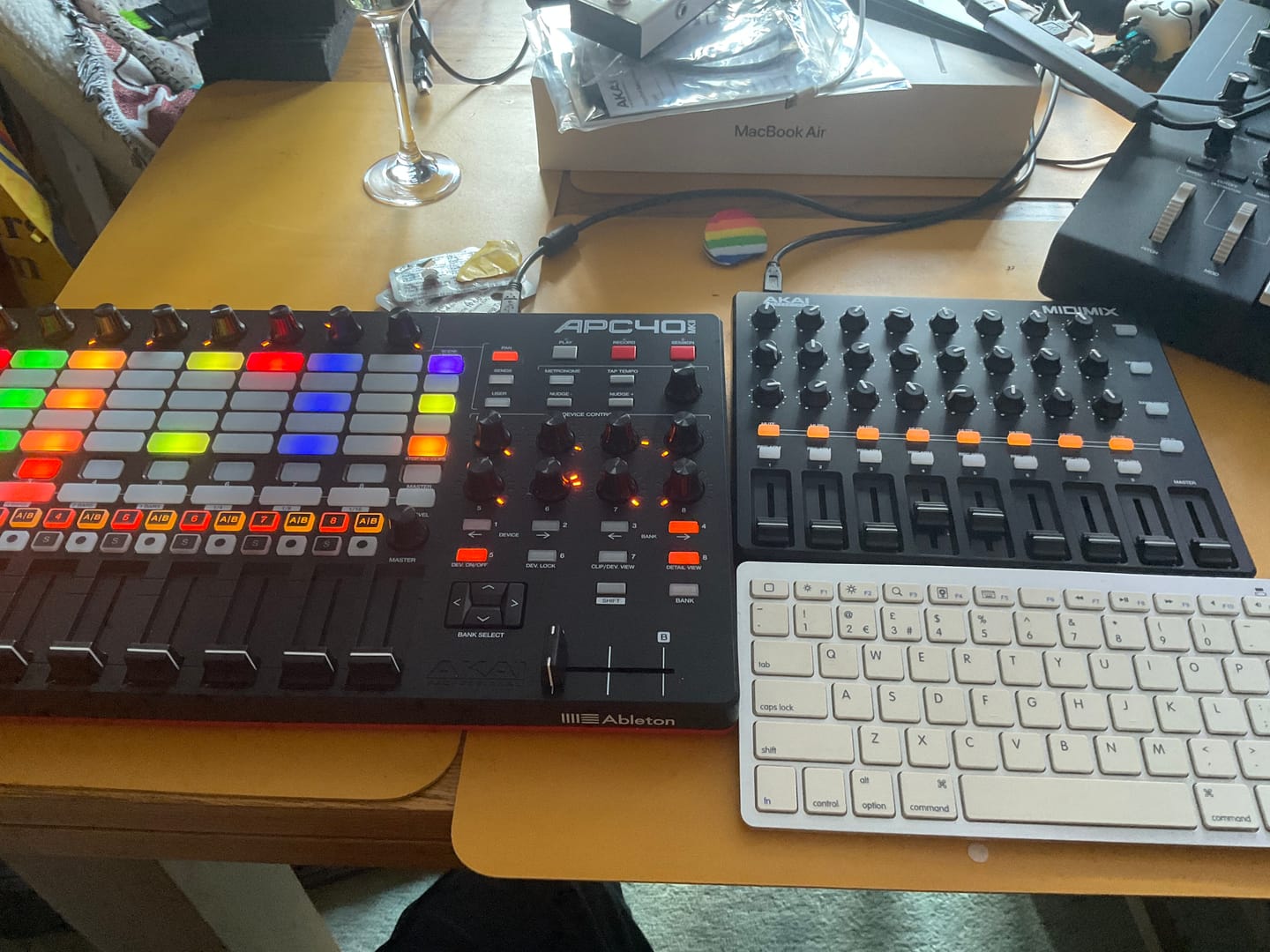
Isto é opcional, mas muito mais divertido. Recomendo o AKAI APC40 MKII ou, se tiveres um orçamento mais apertado, o AKAI MIDIMIX. Basicamente, qualquer controlador com 8 faders e 8 botões rotativos serve. No vídeo, mostro-te como fazer a configuração. (Sobre o uso do Push: como algumas pessoas perguntaram... há quem já o tenha a funcionar.)
Customer Reviews
Overall rating: 4.8 / 5 from 1234 reviews.
As a long time user of the RapidFlow system and Erik's other excellent products the Omega Bundle looked like a perfect fit as part of a program of rationalising my existing suite of production tools in my recently upgraded studio space and it didn't disappoint.
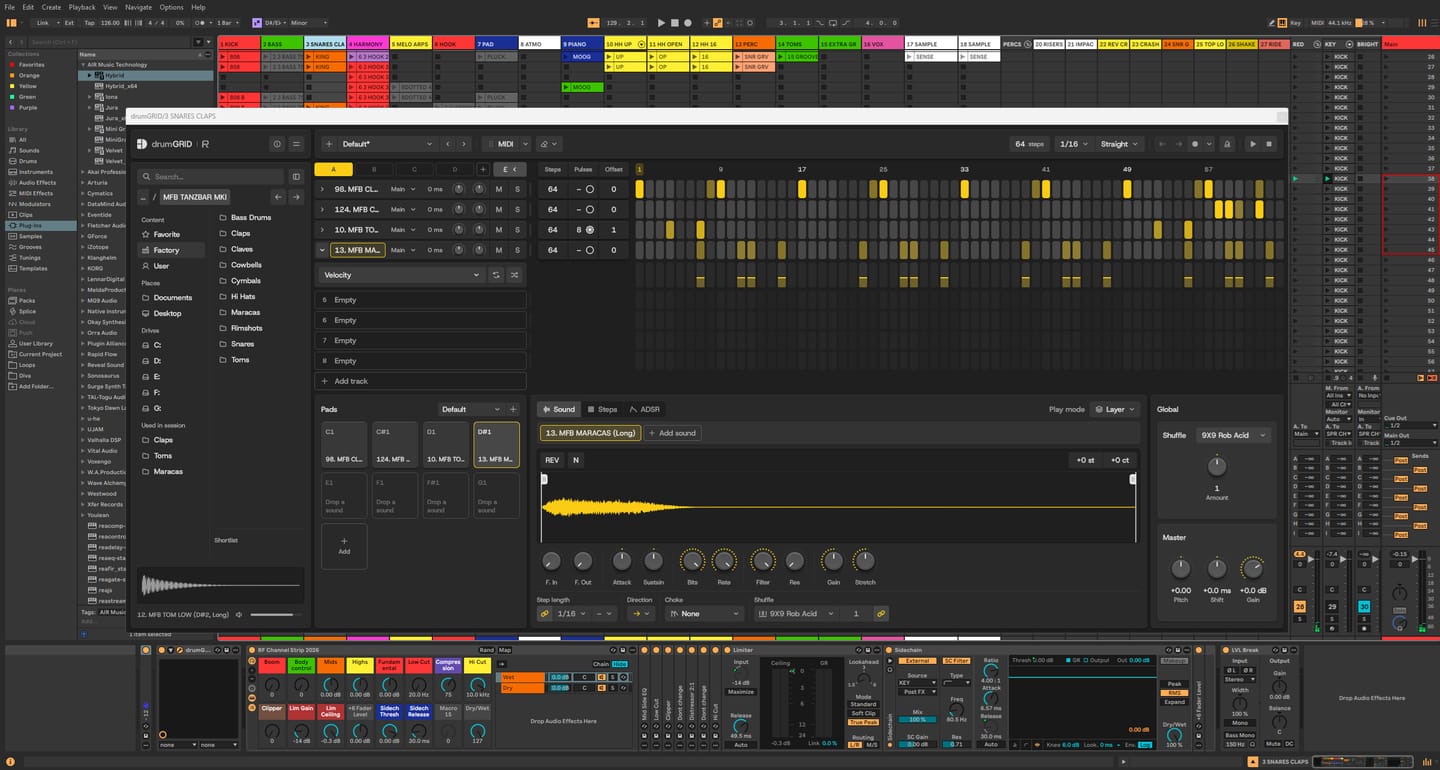
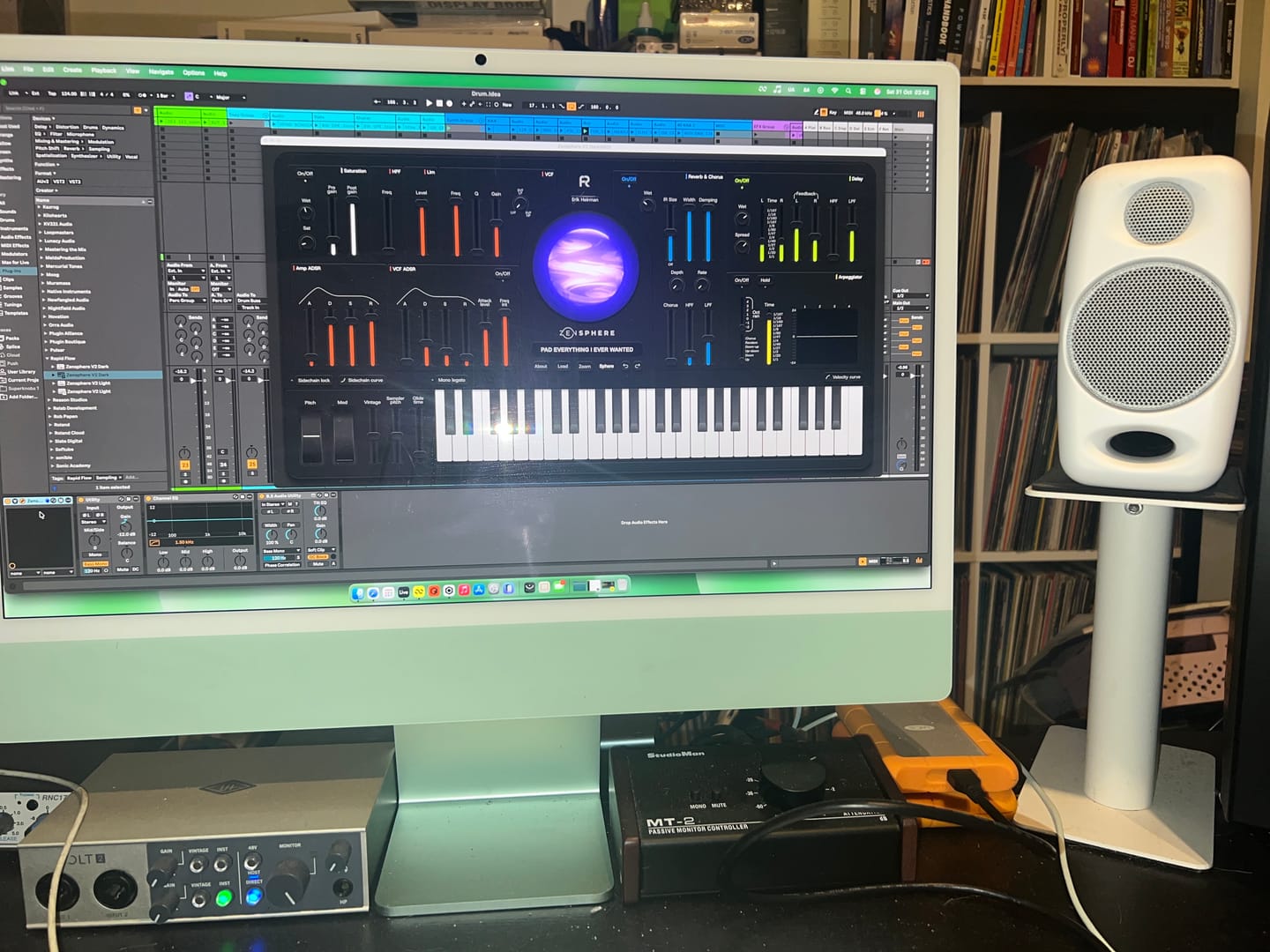
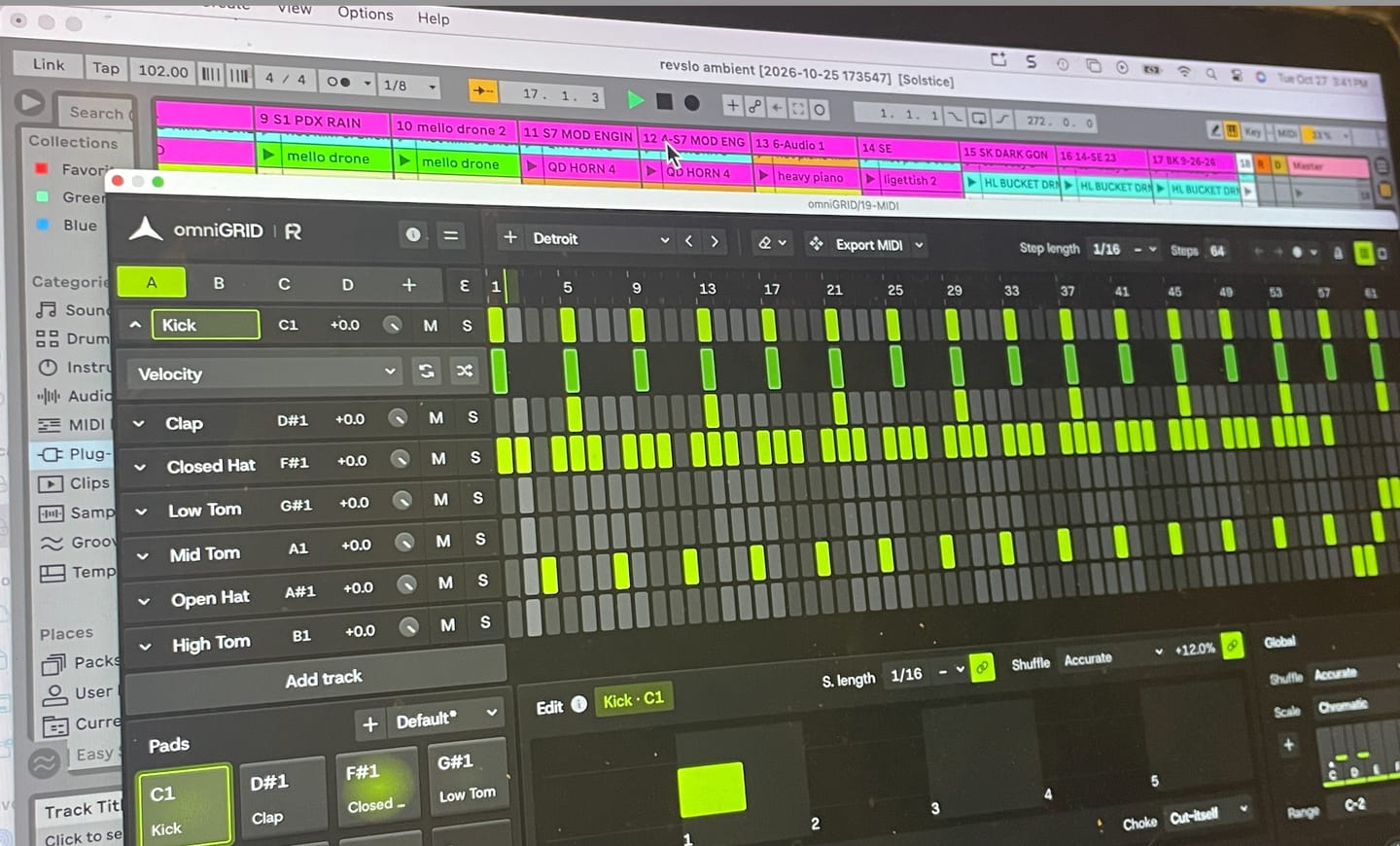
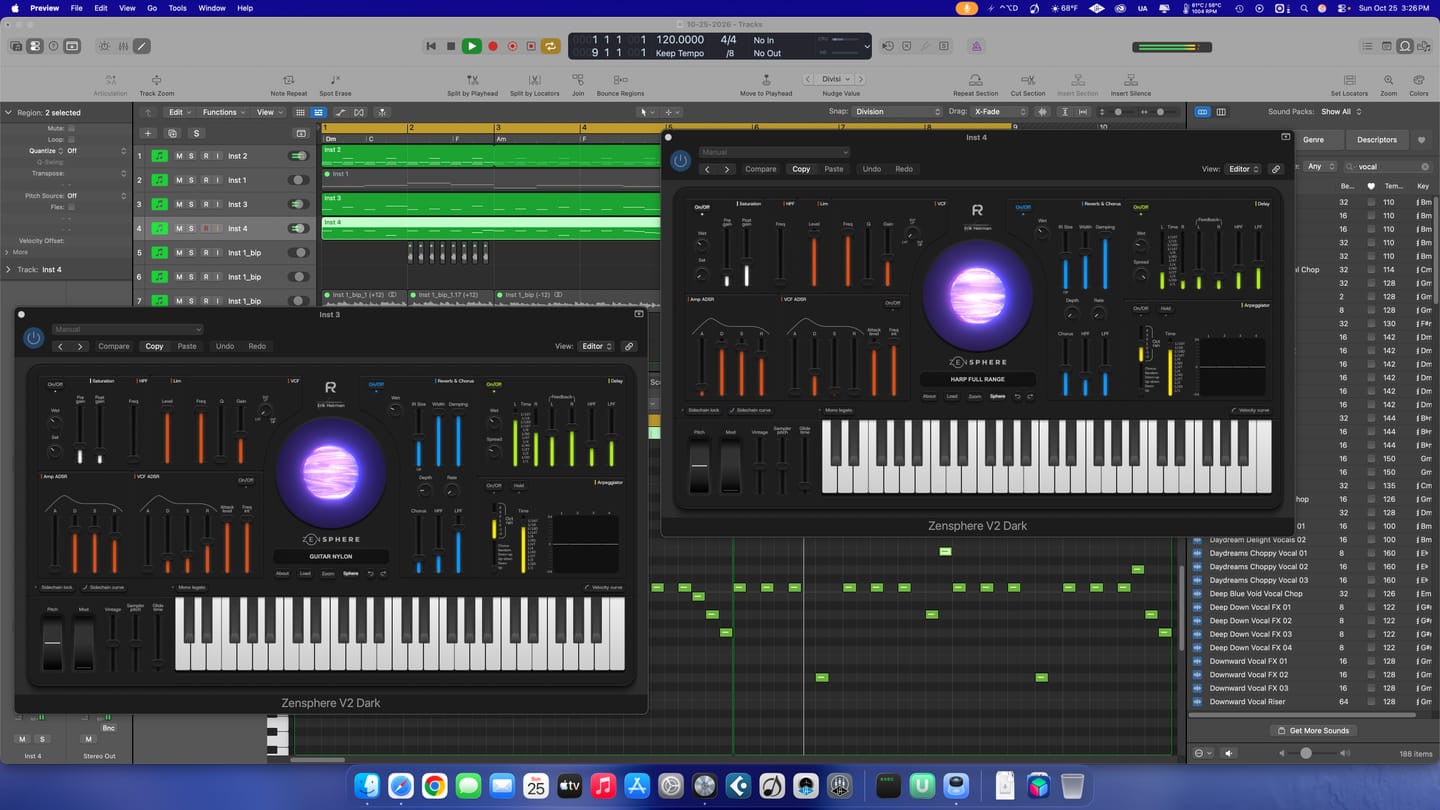
The DNA Suite in particular makes mixing in Ableton Live a breeze and the new sequencing tool's, DrumGrid & OmniGrid are a combination that had me playing around, in my studio for hours especially when the latter was combined with the amazing Zensphere VI which has to be heard to be believed !
A truly top notch product that has my hearty recommendation so well done to Erik and the rest of the RapidFlow Team !
LOVE drumGRID it is my go to for drums!
I have made it my personal favorite Drum plugin!
I have many drum sequencers & they are all good!
drumGRID beats them all IOP, It does what they do!
And is done better overall it is Excellent I only have a few suggestions for improvements that I think will improve the workflow! The first would be that the Grid
of the sequencer should be able to zoom in & out to reveal the entire pattern space & also the plugin should be resizable & be able to keep everything to scale according to size!& some things can maybe fold to save real estate screen space so more can be shown elsewhere & the linking Patterns feature can be clearer to setup but overall still my favorite drum & drum sequencer plugin instantly became my go too!
Much Appreciated RapidFlow
The entire plugin is great for building drums & patterns & grooves!
These guys really know how to make a software drum machine feel like hardware! You can hear how much care has gone into the factory sounds - everything feels thoughtfully chosen and fine-tuned. The grid layout makes programming a killer drum groove so much more enjoyable, and ideas seem to come together effortlessly. Add a great UI and a rock-solid feel, and you’ve got a plugin that’s an absolute joy to use!
I’m having a blast! The quality of the sound samples is phenomenal, allowing me to get the absolute best out of my music. omniGIRD is fantastic, but drumDRID is out of this world!! Even my M-Audio Studiophile AV 40s sound like professional-grade speakers.
Rapid Flow DNA suite is a game changer. Instead of spending hours on scrolling through sounds and FX to pull together an idea, it has allow me to create music with immediacy and fun. DNA suite brings Ableton to life like an instrument on steroids!
Worth every penny!!! Probably the best sounding Synth I now own. Been playing with it for a few days now and I absolutely love it! I highly recommend you purchase it as soon as possible.
I just started. I'm using other stuff at the moment and couldn't give honest detailed review. What I tried, connection with MIDI controllers and overall first impressions are great. Keep up the good work!
Unfortunately, didn't get the time to start the course, but I'll start soon and will let you know about that experience too...
Thanks!
Mikica@xperiment_djs
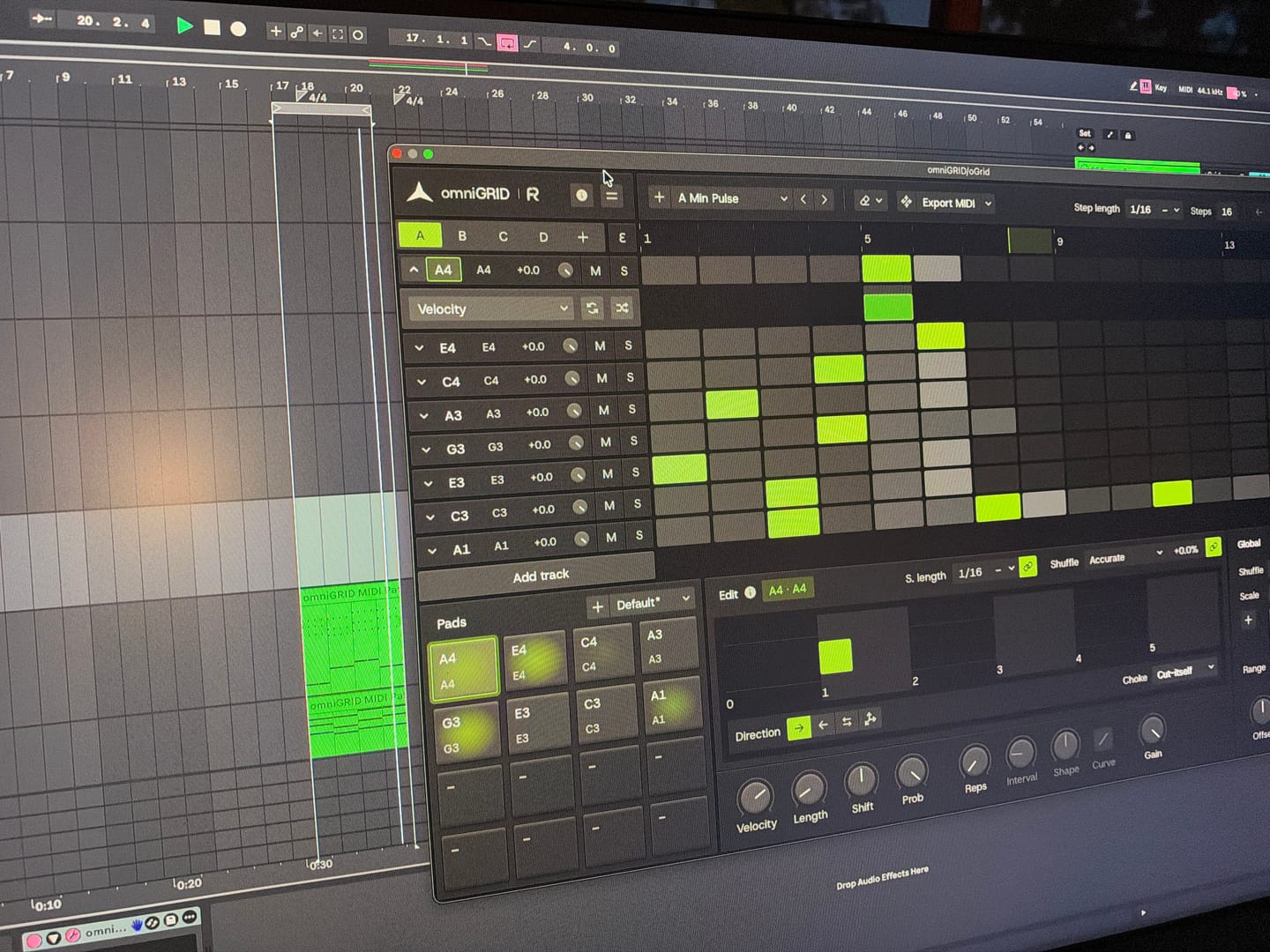
I put this together in just a few minutes; granted, it still needs further development, but the inspiration you get from Omnigrid is truly immense. Thanks!
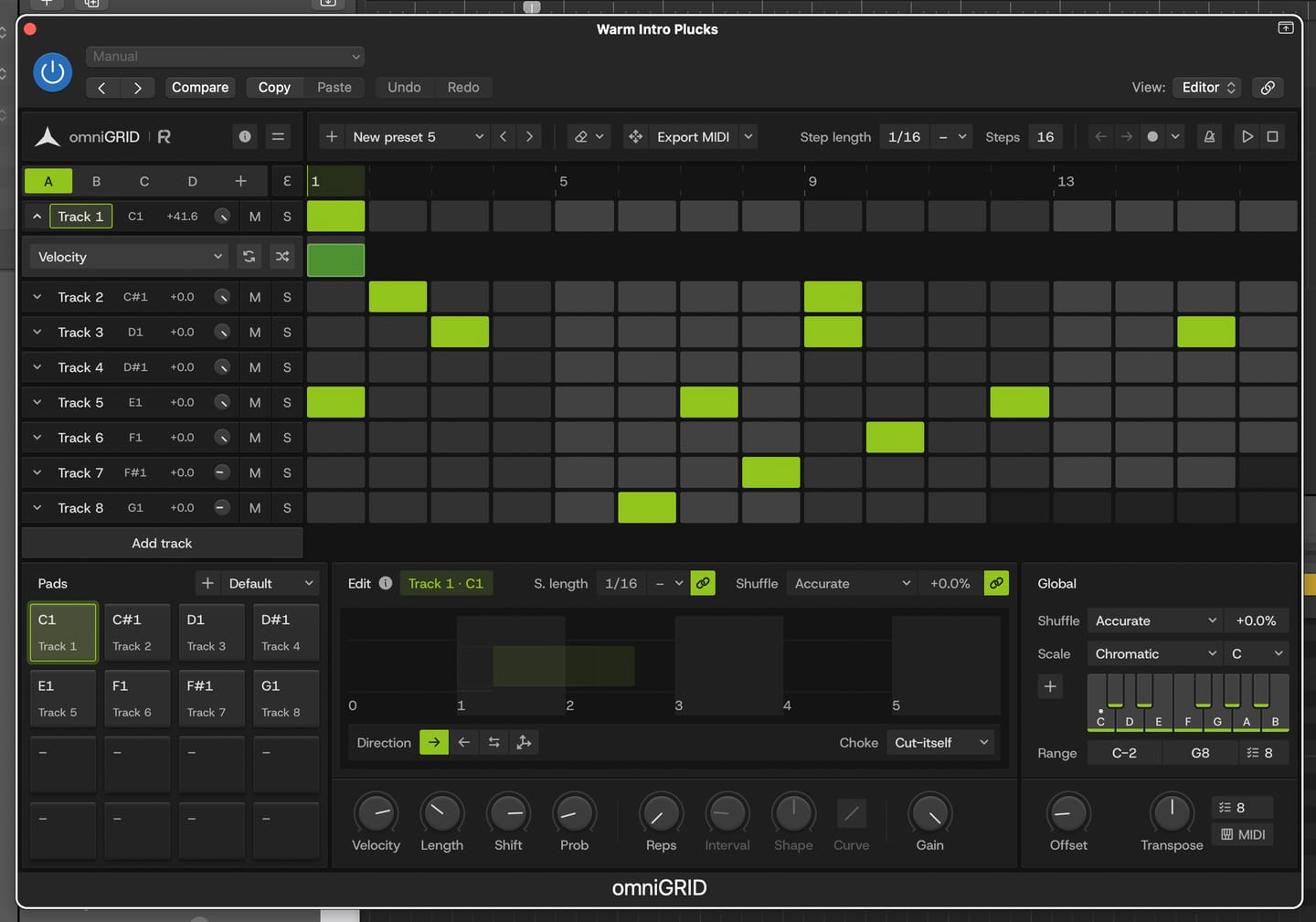
This is by far the best plugin I have bought for a long time. It's absolute fire for creating catchy melodies and basslines that I would never even think of trying to program in piano roll etc. It's also wicked for creating complex drum patterns in just a few clicks. Awesome job guys. Thanks
It's a great tool to have under your belt. Once you get the basic setup is done, it's engaging. Makes it more fun to play around. Also I've received two free updates. That shows team is constantly working on it to improve the features. Great plugin!
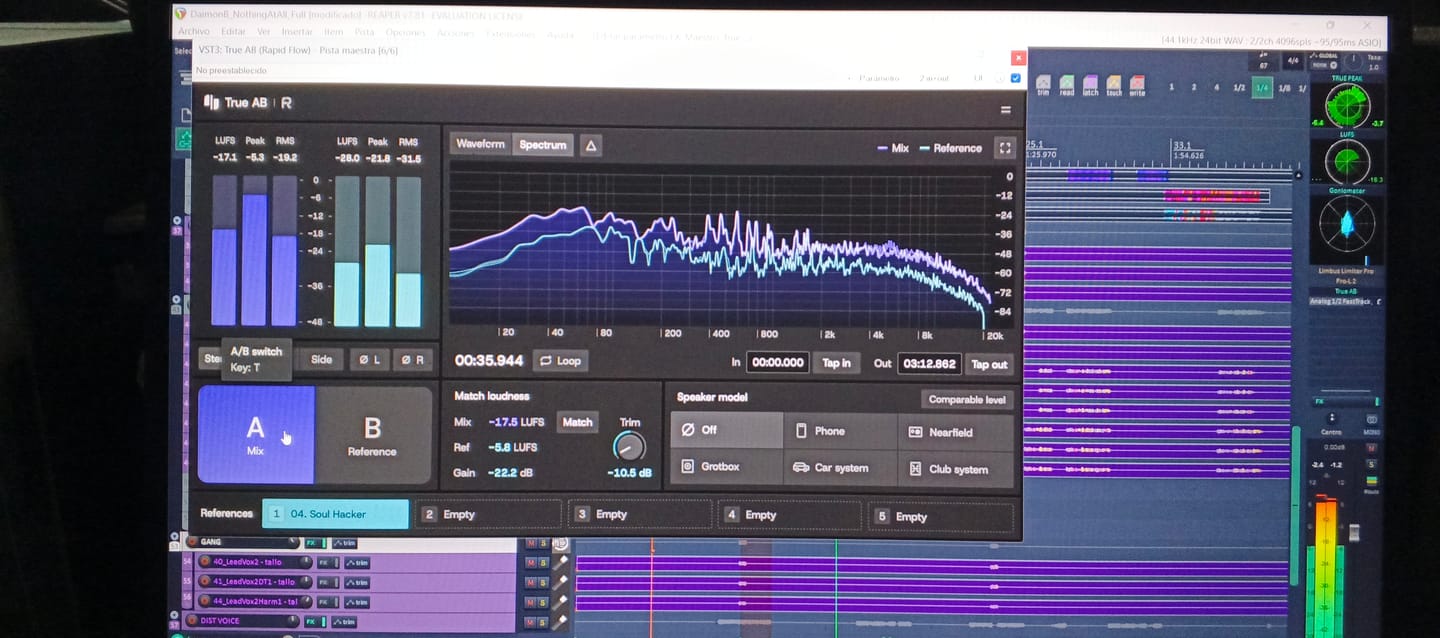
An absolutely essential plugin when it comes to mixing and mastering a track! I love how you can have up to 5 references and play them back in real time by just switching between them. This has doubled my mixing workflow when mixing and made producing the final track so easier! 10 out 10 stars!
Answering requests for feedback is usually not something that I want to waste my time on, but for you I gladly make an exception.
Working with Omnigrid and Zensphere in combination with the DNA master chain and RapidFlow templates has been really enlightening.
What a joy! I am re-discovering working in session view. I used to work in arrangement view most of the time, but I definitely see the advantages of using session view the way you propose.
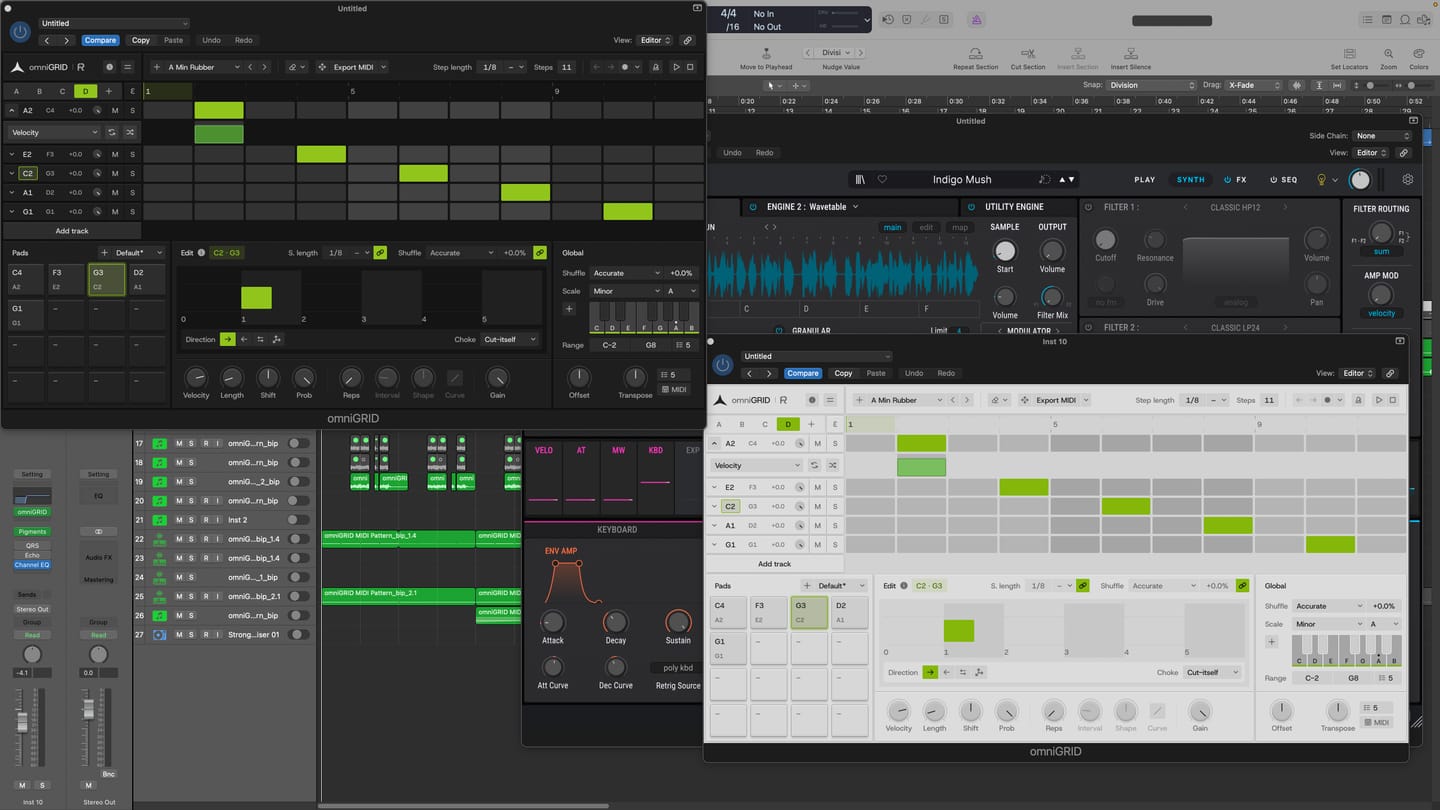
Omnigrid provides an unlimited amount of options for sequencing. I started using it in combination with GrooveAgent for drum sequencing and Zensphere for melodic sequences for example. Omnigrid challenged me to start making more use of midi mapping than I did before so I am getting to know Ableton Live much better too.
I love the extremely low amount of cpu usage of Zensphere compared to Serum and Diva. The included sounds offer enough options to experiment with.
The RapidFlow referencing plugin offers more information at a glance and is way more intuitive to use than what I was used to until now.
There is still a lot to figure out and explore like sound design and customization of the templates and the DNA masterchain to my likings but I can already tell you that I love making music that way. Very inspiring indeed! 🫶🏼
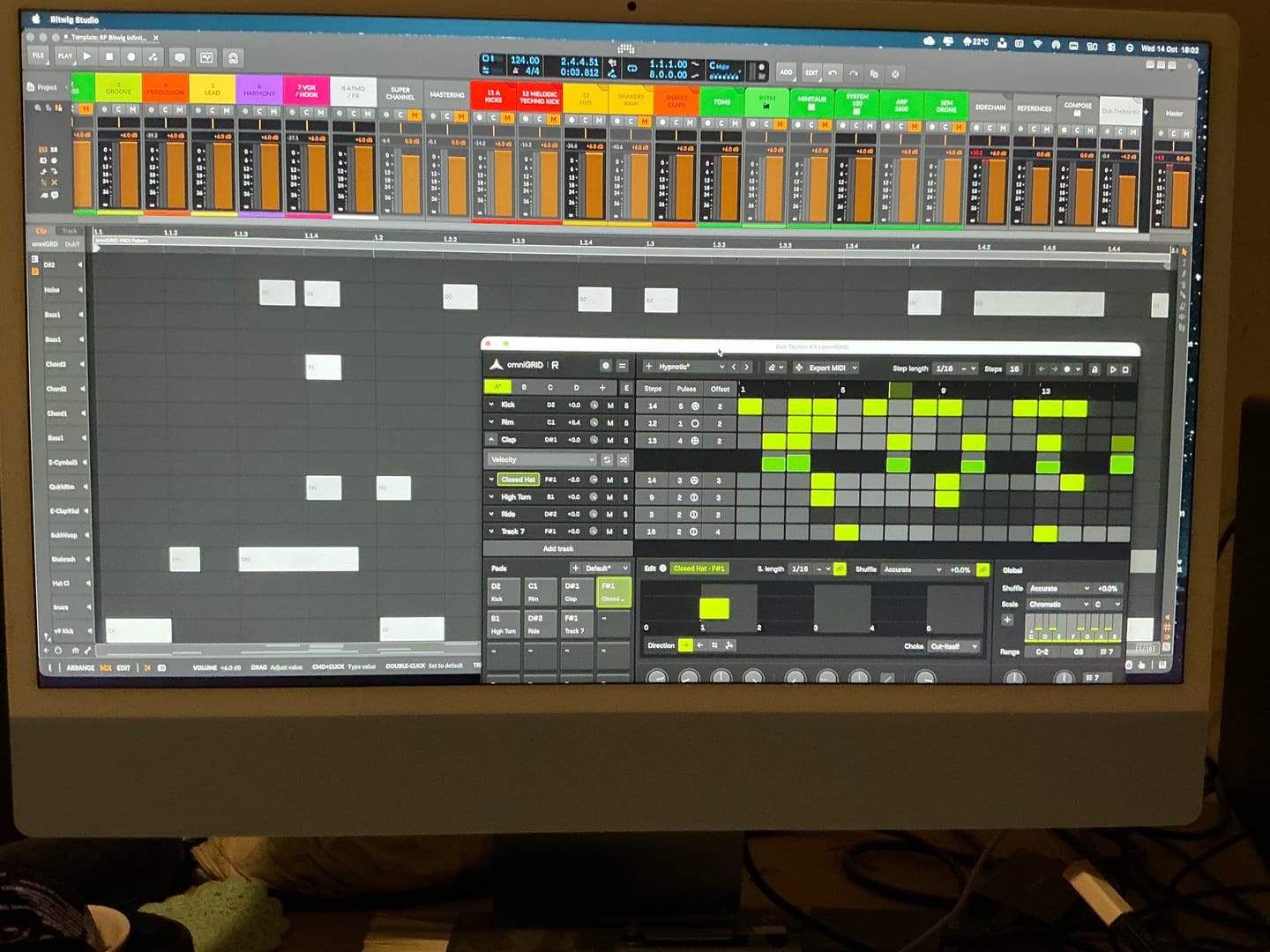
It’s taken me a great deal of tutorial-watching, manual-reading, and hours of just trying crazy stuff, but I’m at the point where I can start to make some headway with OMNIGRID, especially combined with RF’s Infinity Bundle and the DNA Suite (see photo).
I do appreciate the Beginners level videos you’ve made about these new tools just recently. It’s because of those that I had some idea how to get going. Because the written documentation has been almost no use at all. The text refers to features of Ableton that I couldn’t find, even when stepping through those instructions one line at a time.
And please update your instructions on instruments, instrument tracks, MIDI tracks, and audio tracks. I wasted hours and hours trying to figure out exactly where to put everything, and how to get the routing to work. Wasn’t fun. Strongly considered asking for a refund.
HOWEVER, I did get it to work. In the photo I sent, I’m in the process of making dub techno. And it was actually starting to sound about right!
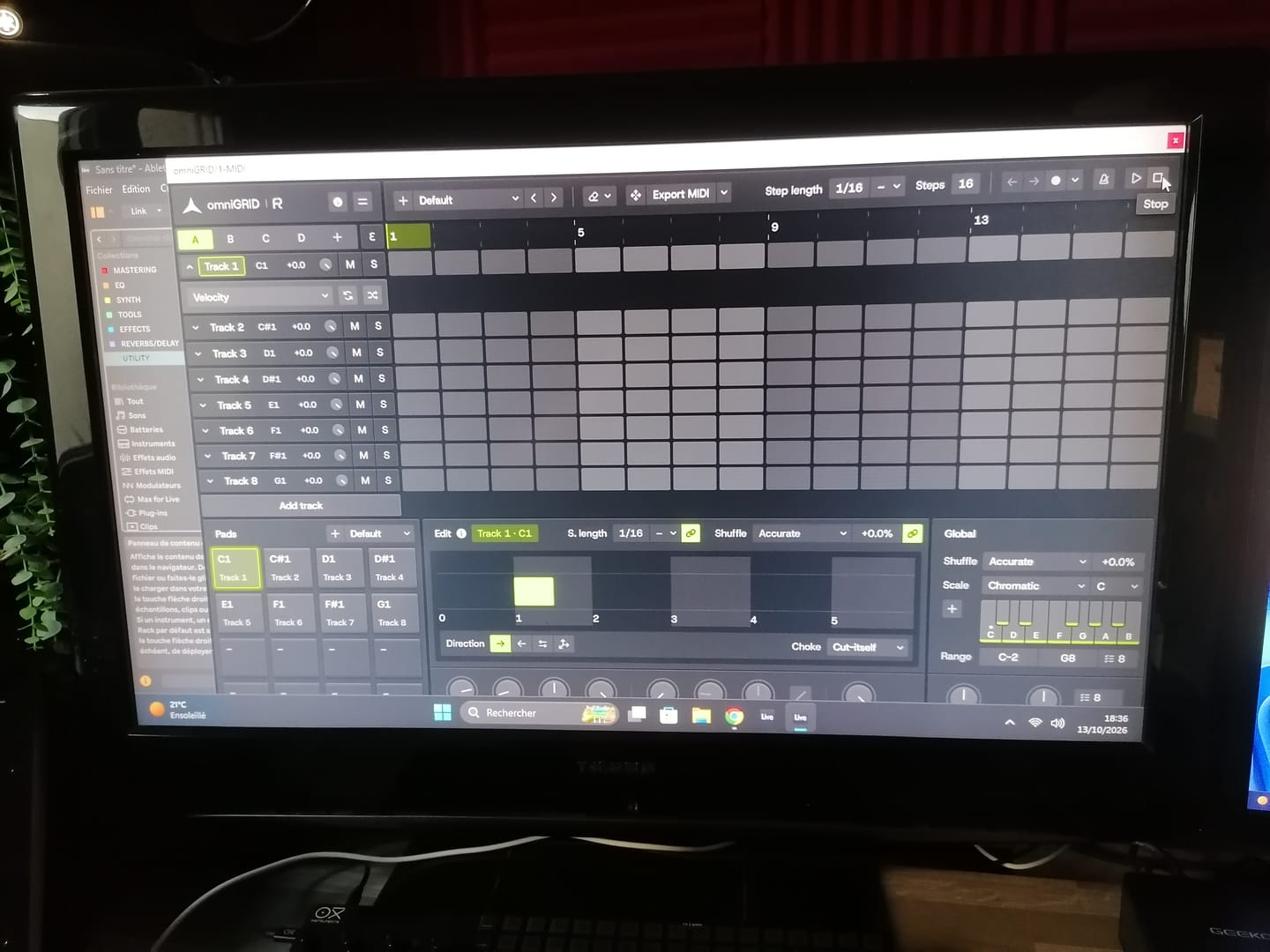
There needs to be an easier way to stop the host and the plugin playing back simultaneously.
Looking forward to version 3.0!
Warmly, Adrian Bedford (who sometimes uses his wife Michelle’s credit card. But it’s all just me. Hi! :)
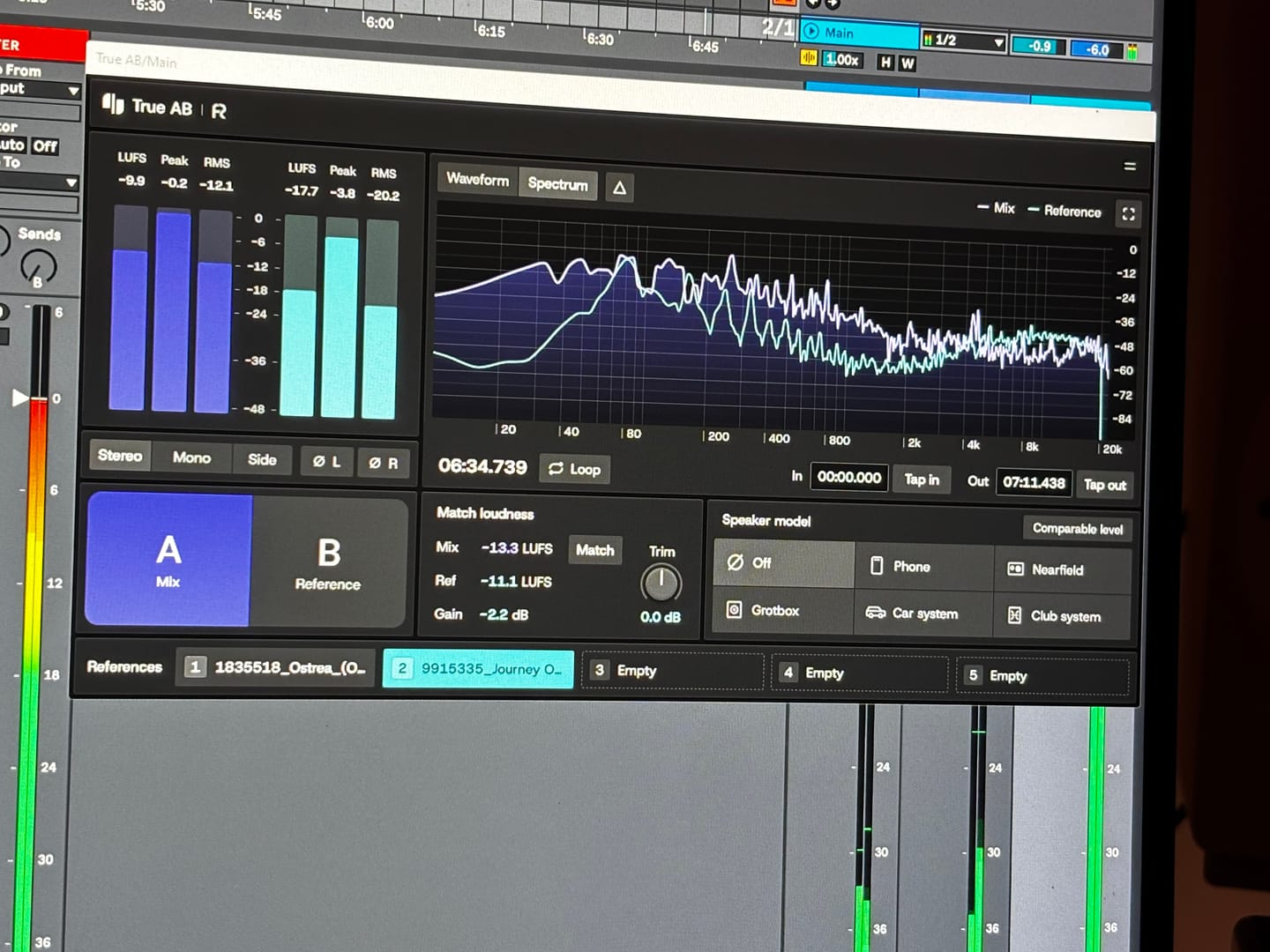
When you’re making dance music, especially trance, progressive house and anything built around a proper low-end, you can spend hours tweaking a mix and convince yourself it sounds incredible. Then you play it against a professionally mastered record, and suddenly you realise your kick is too heavy, your top end is harsh, or your whole mix lacks the weight and definition you thought it had.
That’s where Rapid Flow True AB Referencing comes into its own.
The first thing that stands out is the spectrum comparison. Having two tracks displayed together makes it much easier to spot differences in the overall tonal balance. You can see where your bass energy sits, how the mids are behaving, and whether your high frequencies are getting carried away. It’s particularly useful when you’re working on that tight, driving low end that trance and progressive house depend on.
I also like the fact that it brings several analysis tools together in one place. Spectrum, correlation, stereo image, dynamics and loudness are all accessible from the same interface. Rather than constantly jumping between different plugins, you have a central point for checking how your mix compares with a reference.
The reference library is another practical feature. Being able to load different records and switch between them is useful when you're trying to understand why one track feels huge and open, while another sounds thin or congested. For electronic music, I’d be comparing against properly mastered records in the same ballpark as my own production, not some random track from a completely different genre.
But here's the important bit: the analyser is a guide, not a mixing engineer.
A spectrum curve isn't a recipe for a professional master. A record with a massive bass peak isn't necessarily better than one with a tighter, more controlled low end. Different arrangements, kicks, basslines and mastering choices will produce different curves. And if you haven't level-matched your reference properly, you can end up making the wrong decisions simply because the louder track sounds more impressive.
First of all, giving this to the community as you did is 5 stars alone...especially for those of us in countries with horrendous exchange rates (Kenya). Secondly, to have THIS plugin do more than the other 'popular' one in my arsenal is pure gold. Third, the functionality just pushed my mixing skills to the international stage! Most importantly to me currently is that my old Macbook Pro 2014 on Big Sur, which often flatlines my CPU usage at the sight of a third party plugin is BARELY using any memory. You can literally see it in the screenshot! THANK YOU RAPID FLOW!
It’s absolutely fantastic! I’ve already used it in the creation of my new track. It’s another great release from Rapid Flow!!! Congratulations on the hard work and effort you put into your products.
I won't say where from, but I only just purchase an A/B app and it only just about comes up to scratch to this amazing and FREE release! It will be my go-to for sure!
Loving the swiftness and simplicity of True AB from Rapidflow. There's so many useful features packed into this tool. I especially love how everything is essentially "right there". Nice one!