


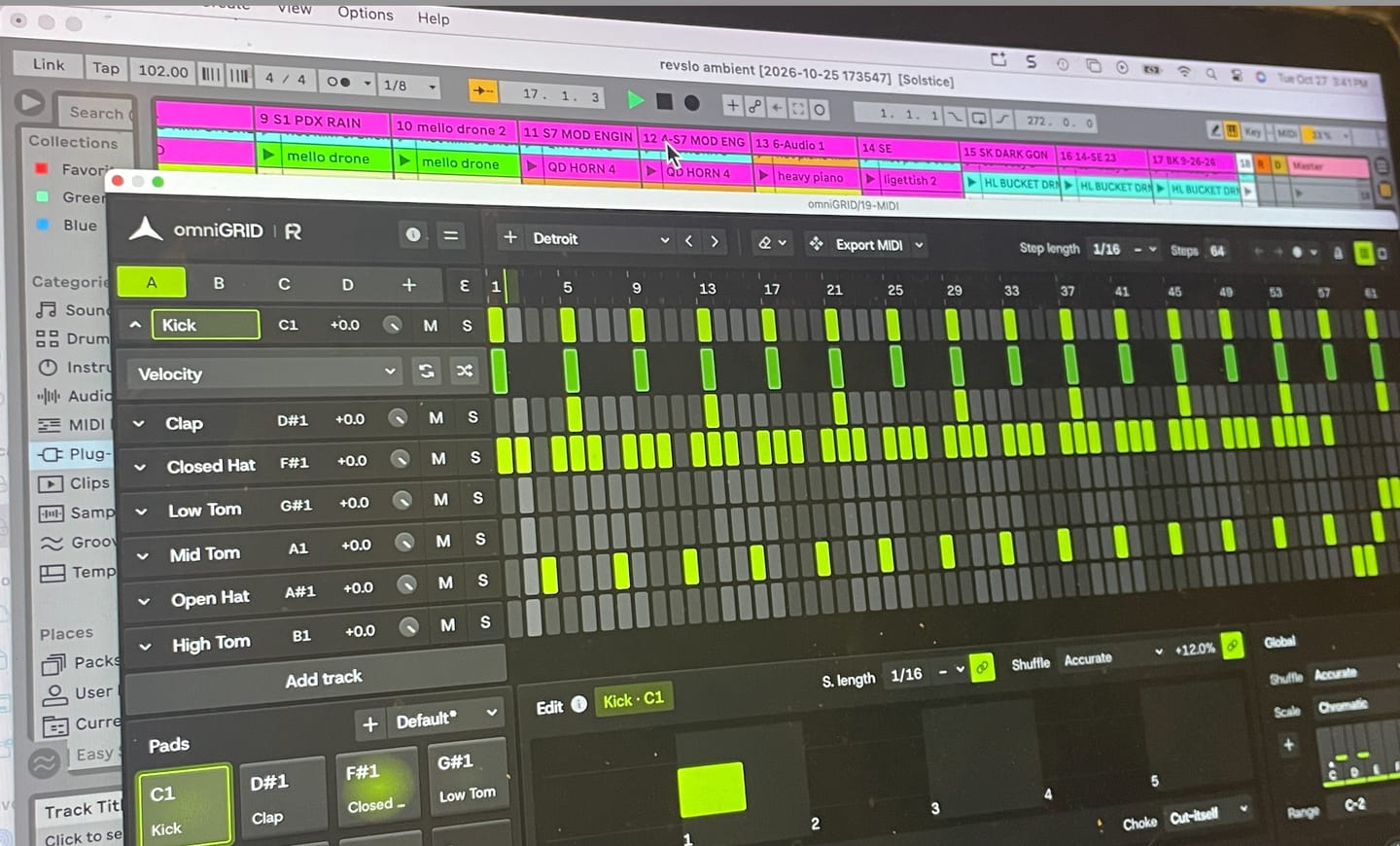
Omnigrid is a really versatile and intuitive tool to use with my DAW. I'm looking forward to discovering all the ways it can improve my music.

デザインはユークリッド的。使い心地は人間的。
簡単なステップを、自分では思いつかなかったようなグルーヴ、ベースライン、アルペジオに変えてみましょう。omniGRIDは「嬉しい偶然」を生み出すために設計されており、ユークリッド・シーケンス、音階を意識した音符生成、そしてハードウェアにインスパイアされたグルーヴを組み合わせることで、制作中に新しいアイデアが次々と湧き出るよう促します。(miniGRIDをお持ちの方へ:ニュースレターに登録していない場合や割引コードを受け取っていない場合は、サポートまでご連絡ください。)
LIMITED TIME OFFER
 30,593
プロデューサー


omniGRID V1.1では、アイデアを形にしたり、パターンを演奏したり、シーケンスに新たな方向性を与えたりするための機能がさらに充実しました。シーケンサーにリアルタイムで直接録音したり、演奏中にシーンを切り替えたり、MIDI入力からパターンを移調したりできるほか、トラックごとの再生方向、3連符や付点音符のステップ長、カスタム音階などを活用して、新たなバリエーションを探求することができます。

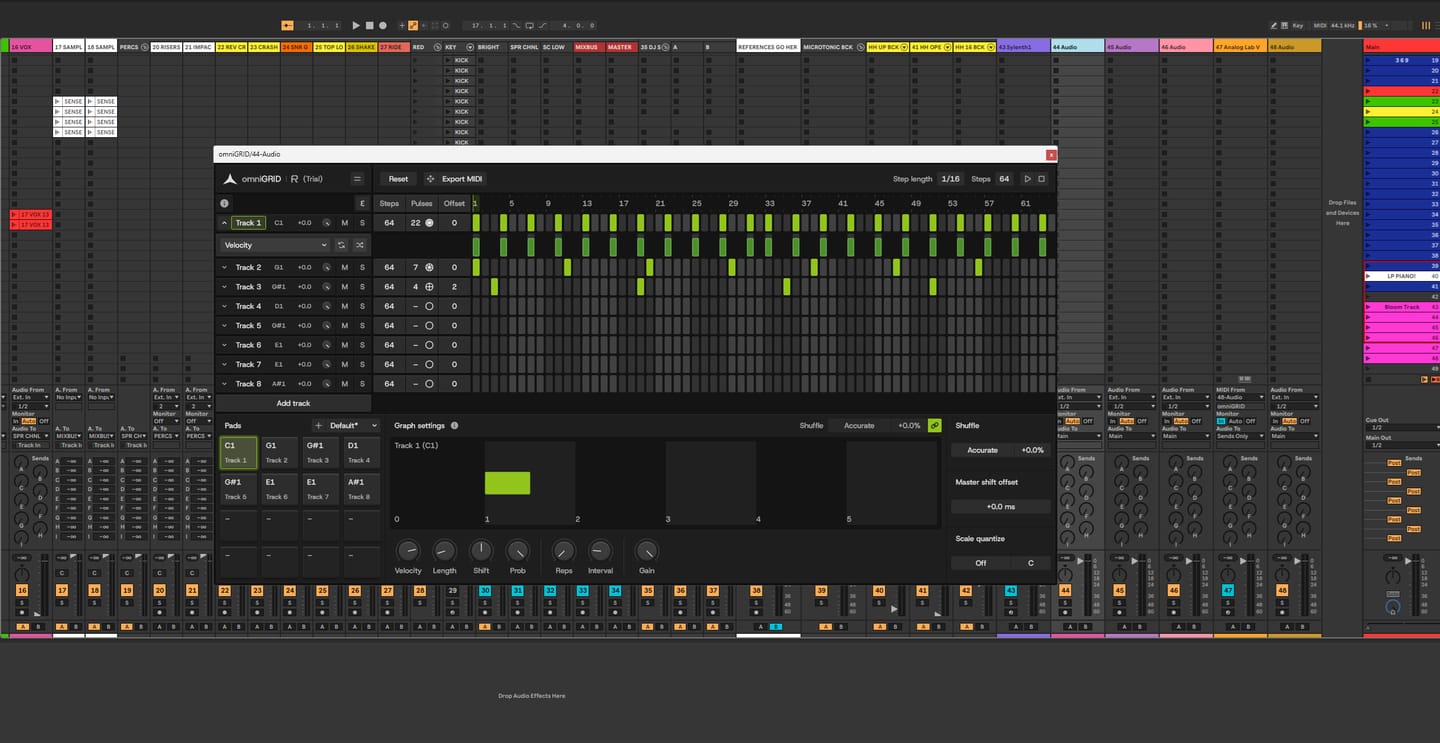
シンプルなパターンを、予想外の形で転がり、変化し、消え、繰り返されるグルーヴに変えましょう。ベロシティ、長さ、タイミング、確率、リピート、間隔を調整して個々のステップを形作り、その結果をMIDIとしてDAWに直接ドラッグして取り込むことができます。
omniGRIDのアルペジオ機能とユークリッド・シーケンシング機能の紹介
カスタム音階、ユーザープリセット、ライブMIDIトランスポーズ、キーボード・ステップ録音、そしてビートに合わせて切り替わる8つのシーン。
OmniGridの始め方:完全初心者向けチュートリアル
Rapid Flow Studioからのライブ・スタジオ・セッション配信:omniGRID 1.1 および The DNA Suite を使用

組み込みのチュートリアルが新しいツールの使い方を順を追って解説するため、すぐに使い始めることができます。その後、編集のために頻繁に作業を中断することなく、リアルタイムでパターンを記録・変形・再生し、パターンを進化させることができます。

1つのグルーヴを全体に適用するか、個々のトラックごとに独自のシャッフルをかけ、その後、±64 msのタイミングシフトを使って、各パートを「これだ」と感じる位置に正確に調整します。

omniGRIDは、すべてのステップを選択したキーとスケールに固定するため、耳を頼りにアルペジオを作ったり、自由に試行錯誤したり、意図してプログラムすることなど決してなかったようなメロディのパターンに偶然たどり着いたりすることができます。

ユークリッド・シーケンシングを活用して、すべてのヒットを手作業で配置することなく、ローリング・ハット、シフトするパーカッション、タム、そしてリズミカルなループを作成しましょう。各トラックのパルスとオフセットを調整することで、自然に循環し、繰り返し、進化していくパターンを素早く見つけることができます。


伝説的なマシンのタイミング特性に着想を得て、外部ハードウェアを使わずに、DAWに伝説的なヴィンテージ・シャッフルの感触をもたらします。

ローランド TR-909

MFB タンツバー

AKAI MPC60

E-MU SP-12

AKAI MPC 3000

オーバーハイム DMX

Linndrum LM-1
ローランド TR-909
MFB タンツバー
AKAI MPC60
E-MU SP-12
AKAI MPC 3000
オーバーハイム DMX
Linndrum LM-1
16トラック。64ステップ。グルーヴを形作る無限の可能性。

標準シーケンサー
omniGRID


omniGRIDは、DAW内に完全な16トラックのシーケンスワークフローを直接組み込みます。1つのインターフェースからパターンの構築、成形、制御が可能で、外部シーケンサーやMIDIコントローラー、追加のハードウェアは一切必要ありません。
omniGRIDの表示倍率を50%から400%まで調整し、ウィンドウをドラッグして幅を広げればステップ間の間隔を広げることができます。また、画面やスタジオの環境に合わせて、ライトテーマとダークテーマを切り替えることも可能です。


Overall rating: 4.9 / 5 from 89 reviews.
Omnigrid is a really versatile and intuitive tool to use with my DAW. I'm looking forward to discovering all the ways it can improve my music.
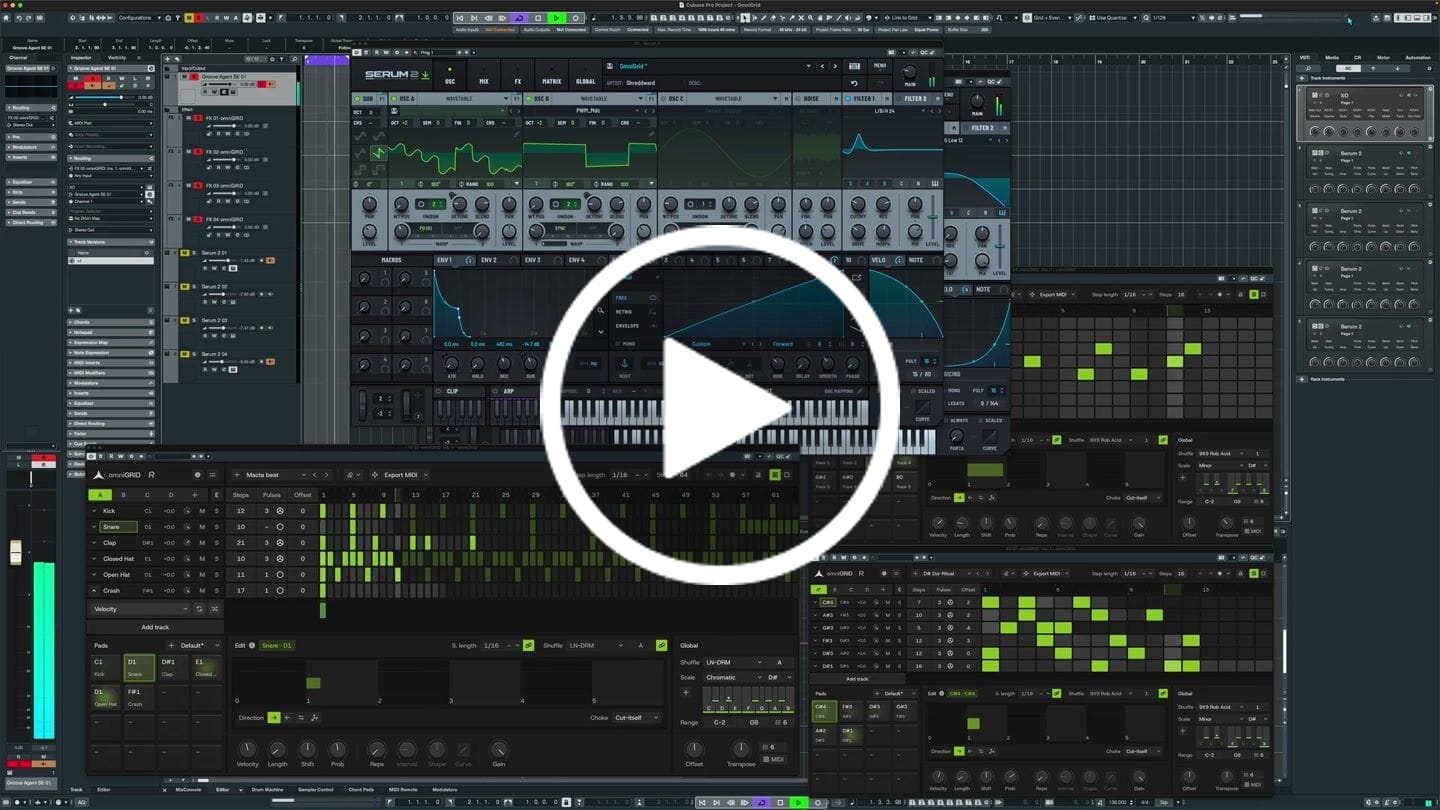
I put this together in just a few minutes; granted, it still needs further development, but the inspiration you get from Omnigrid is truly immense. Thanks!
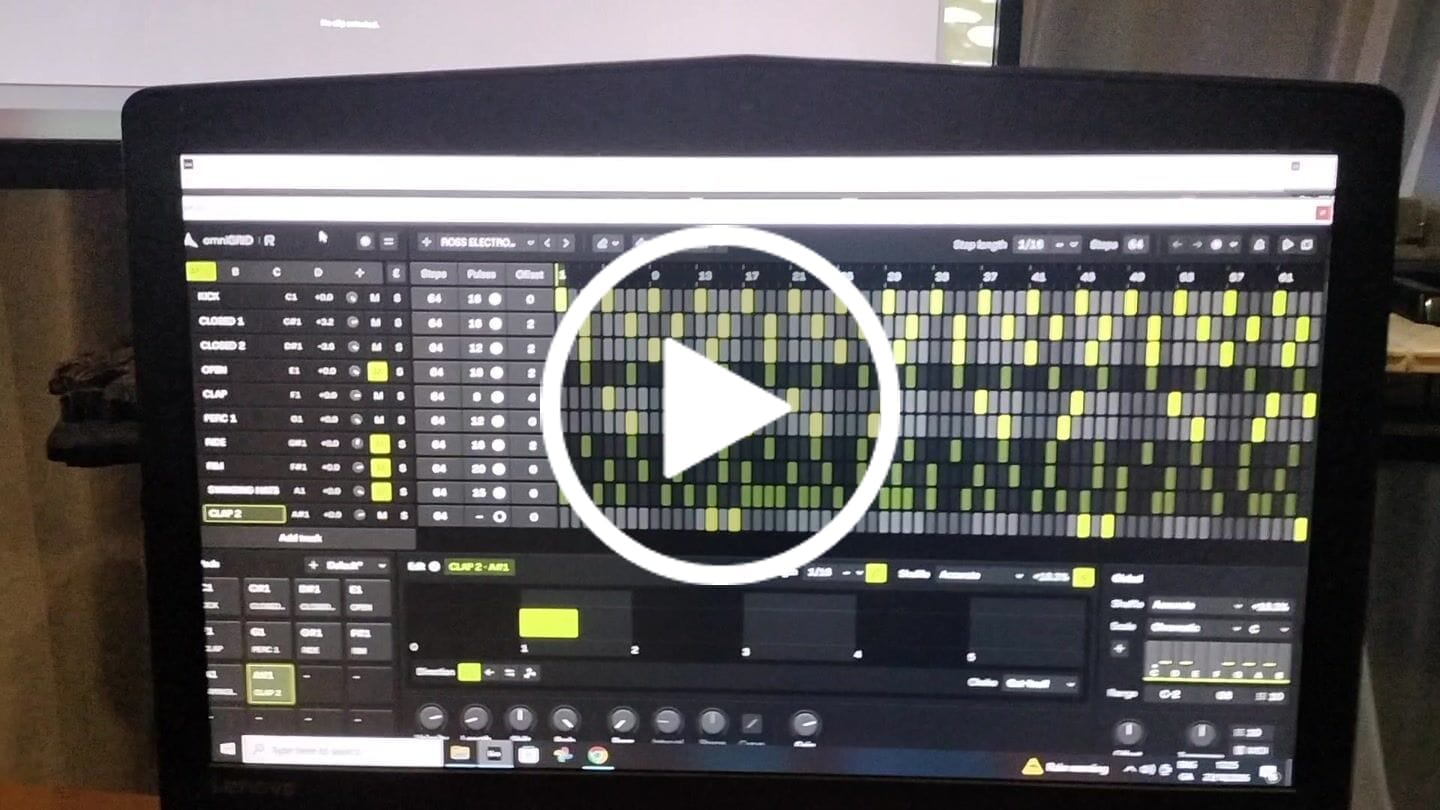
This is by far the best plugin I have bought for a long time. It's absolute fire for creating catchy melodies and basslines that I would never even think of trying to program in piano roll etc. It's also wicked for creating complex drum patterns in just a few clicks. Awesome job guys. Thanks

It's a great tool to have under your belt. Once you get the basic setup is done, it's engaging. Makes it more fun to play around. Also I've received two free updates. That shows team is constantly working on it to improve the features. Great plugin!
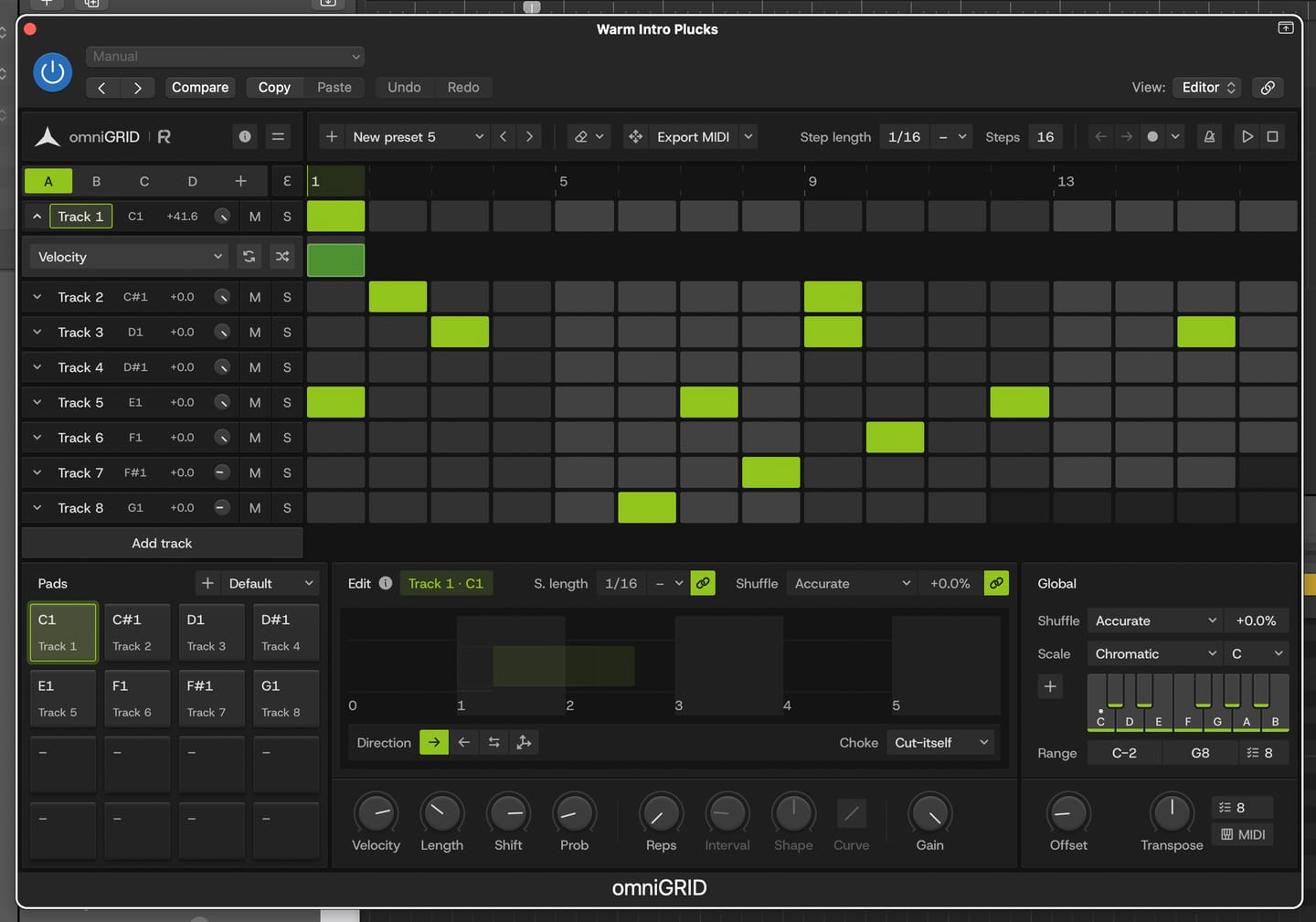
Great for experimenting with melody and drums
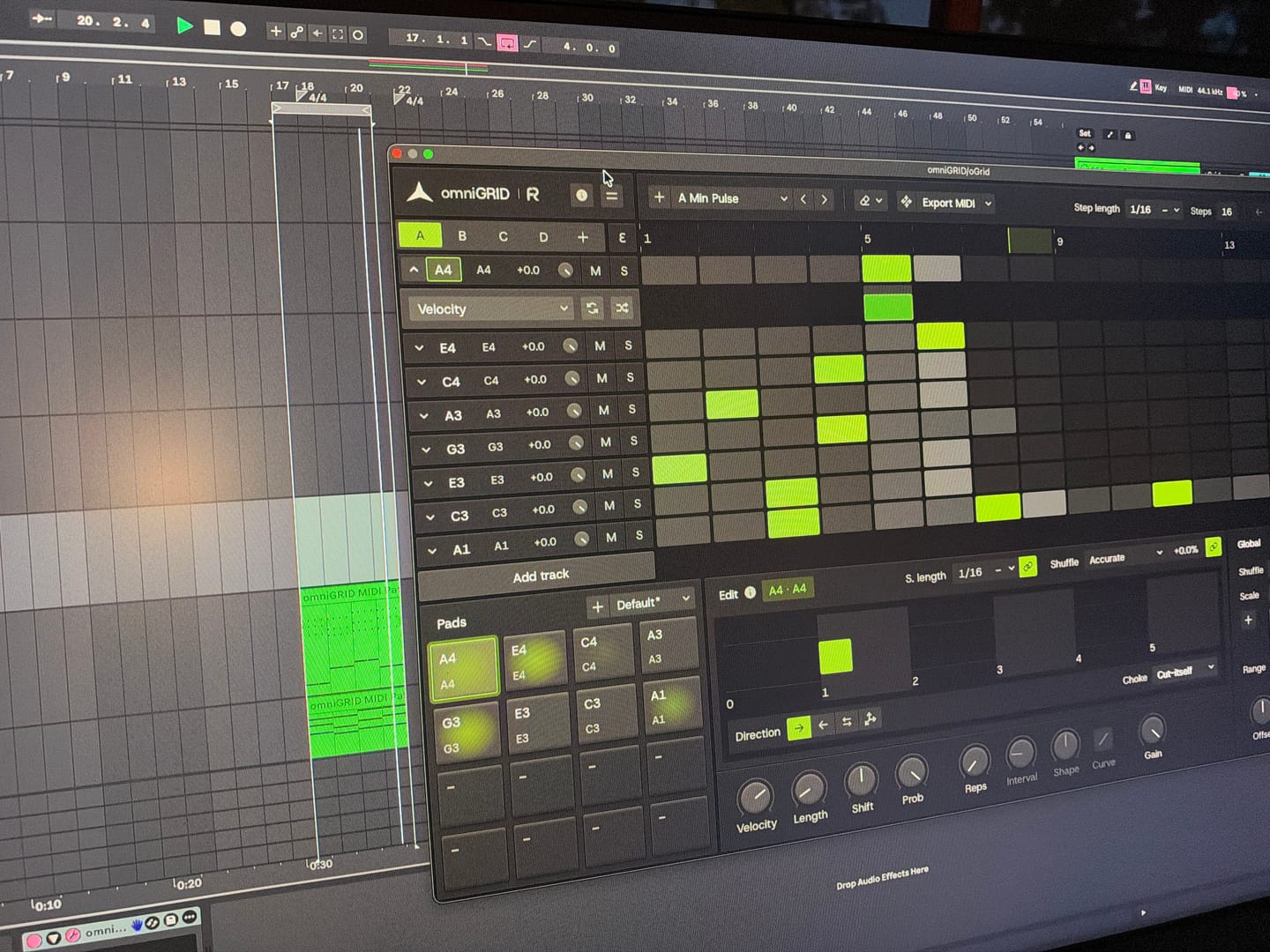
Endless possibilities and inspiration! Would love to see specific tutorials on arranging live!
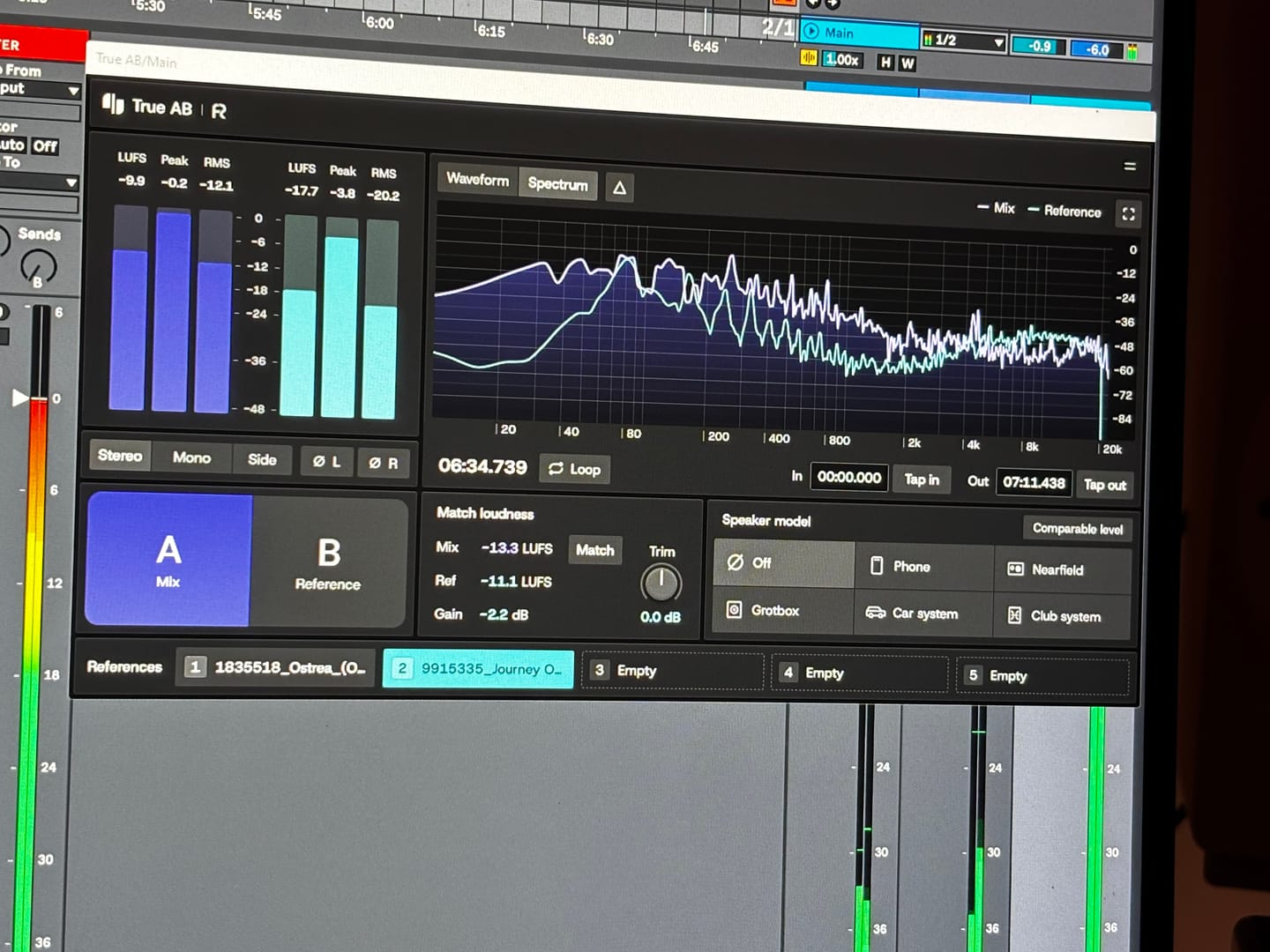
Answering requests for feedback is usually not something that I want to waste my time on, but for you I gladly make an exception. Working with Omnigrid and Zensphere in combination with the DNA master chain and RapidFlow templates has been really enlightening. What a joy! I am re-discovering working in session view. I used to work in arrangement view most of the time, but I definitely see the advantages of using session view the way you propose. Omnigrid provides an unlimited amount of options for sequencing. I started using it in combination with GrooveAgent for drum sequencing and Zensphere for melodic sequences for example. Omnigrid challenged me to start making more use of midi mapping than I did before so I am getting to know Ableton Live much better too. I love the extremely low amount of cpu usage of Zensphere compared to Serum and Diva. The included sounds offer enough options to experiment with. The RapidFlow referencing plugin offers more information at a glance and is way more intuitive to use than what I was used to until now. There is still a lot to figure out and explore like sound design and customization of the templates and the DNA masterchain to my likings but I can already tell you that I love making music that way. Very inspiring indeed! 🫶🏼
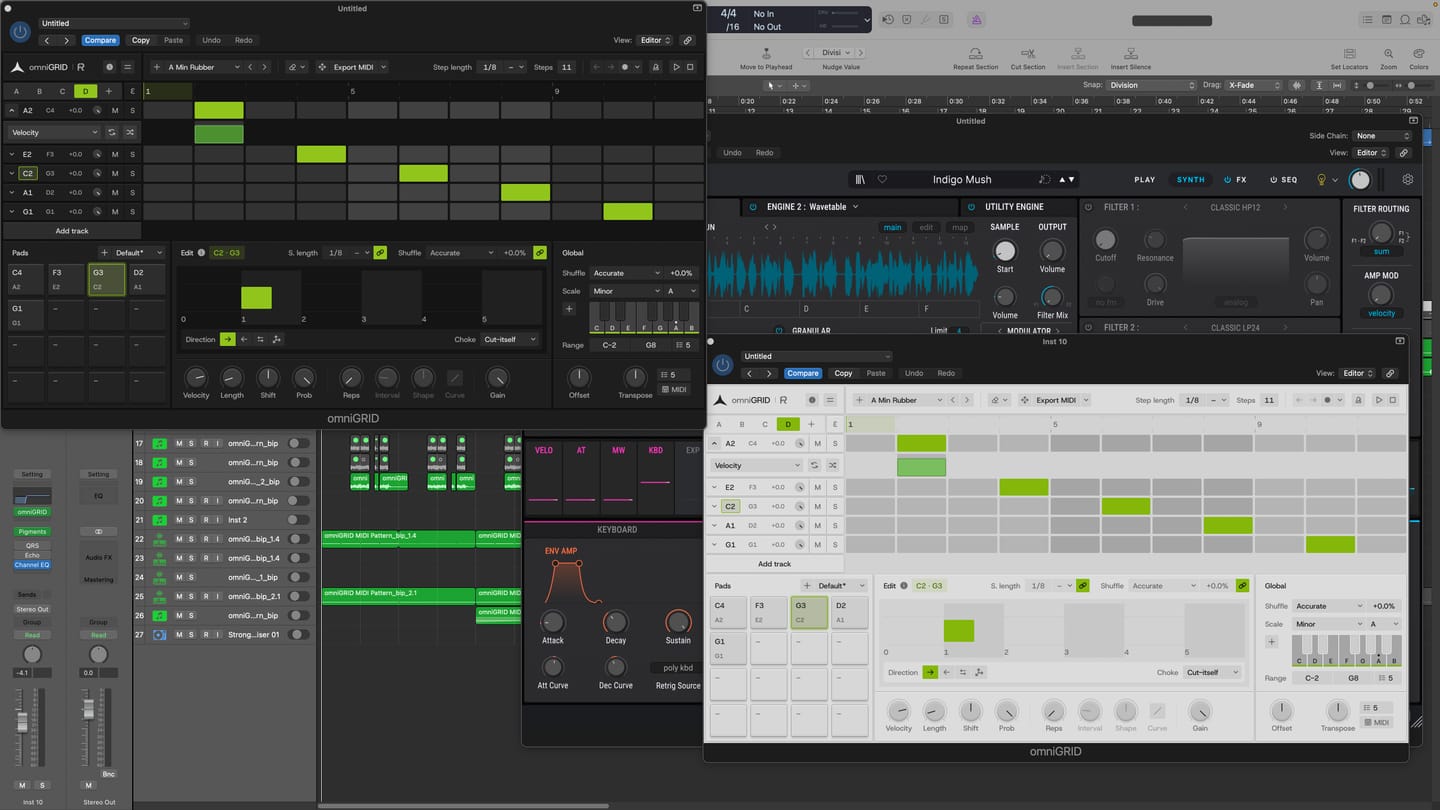
I am thoroughly impressed with the product. It has made the process of creating melodies more fun. BoySquared
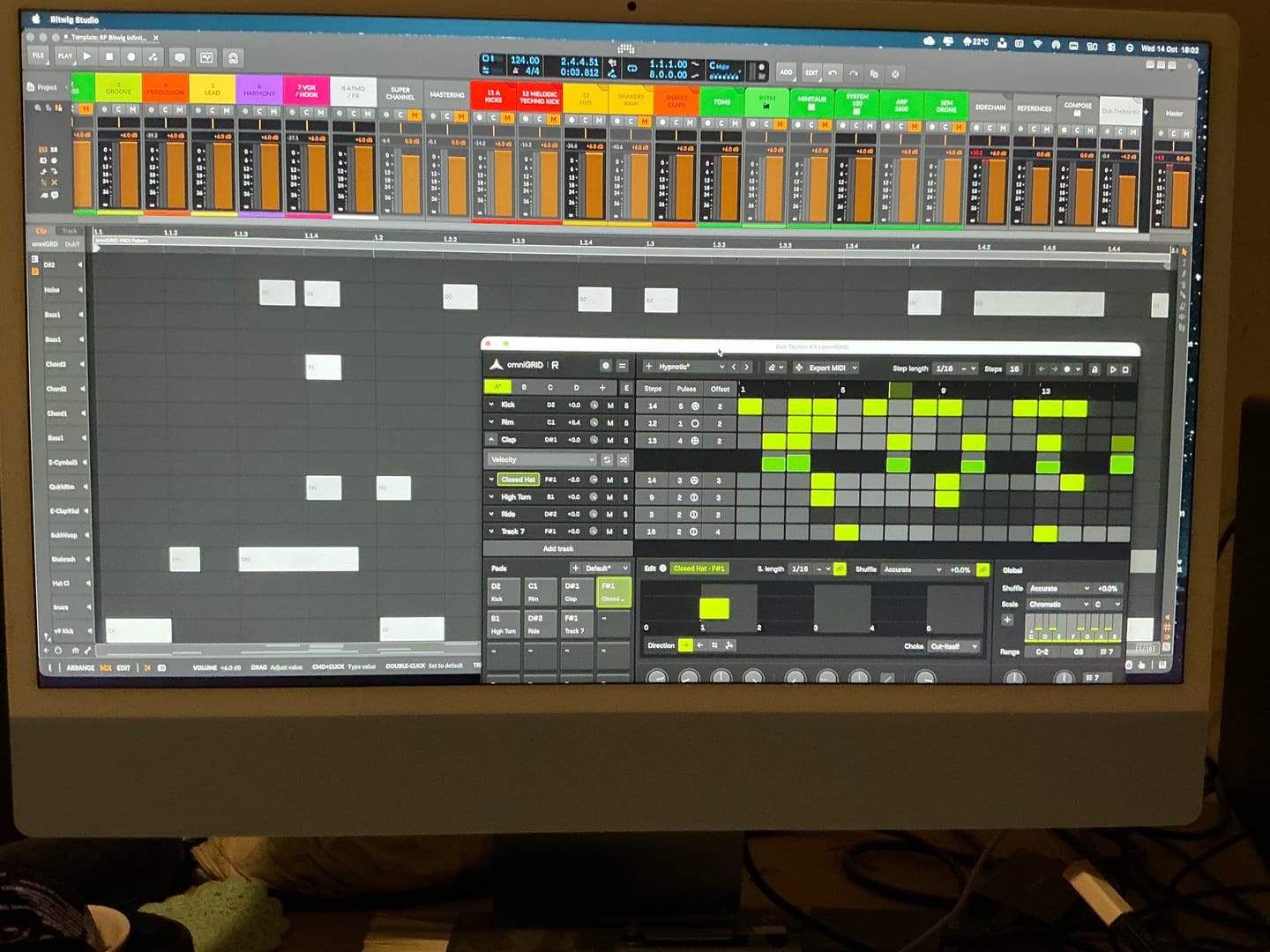
It’s taken me a great deal of tutorial-watching, manual-reading, and hours of just trying crazy stuff, but I’m at the point where I can start to make some headway with OMNIGRID, especially combined with RF’s Infinity Bundle and the DNA Suite (see photo). I do appreciate the Beginners level videos you’ve made about these new tools just recently. It’s because of those that I had some idea how to get going. Because the written documentation has been almost no use at all. The text refers to features of Ableton that I couldn’t find, even when stepping through those instructions one line at a time. And please update your instructions on instruments, instrument tracks, MIDI tracks, and audio tracks. I wasted hours and hours trying to figure out exactly where to put everything, and how to get the routing to work. Wasn’t fun. Strongly considered asking for a refund. HOWEVER, I did get it to work. In the photo I sent, I’m in the process of making dub techno. And it was actually starting to sound about right! There needs to be an easier way to stop the host and the plugin playing back simultaneously. Looking forward to version 3.0! Warmly, Adrian Bedford (who sometimes uses his wife Michelle’s credit card. But it’s all just me. Hi! :)

super de bon produit merci eric pour ton beau travail
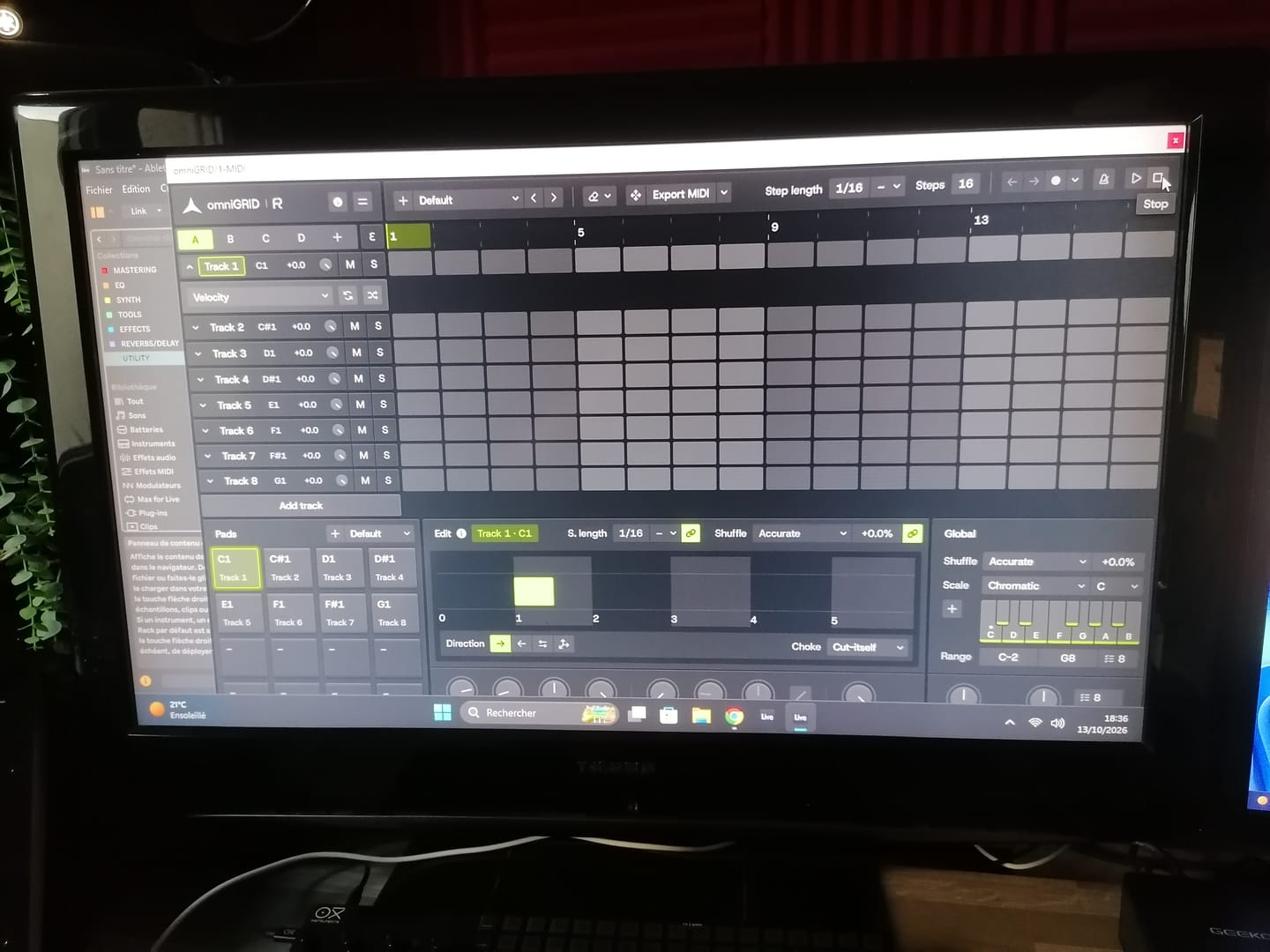
Great tool !! excelent !!
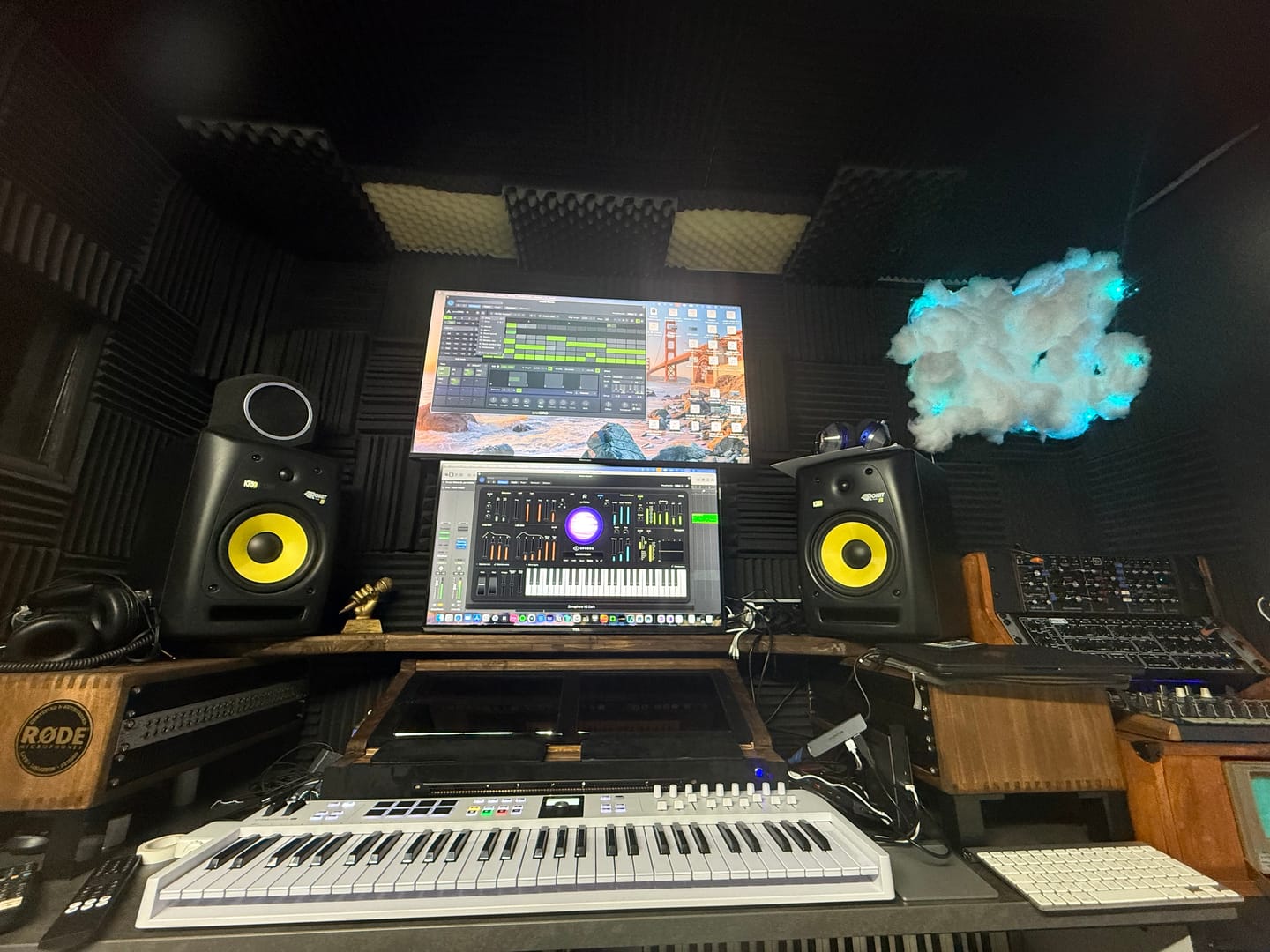
Love it. OmniGrid can control my analog synths as other drum INSTRUMENTS, software instruments….and all perfectly synced. Very helpful
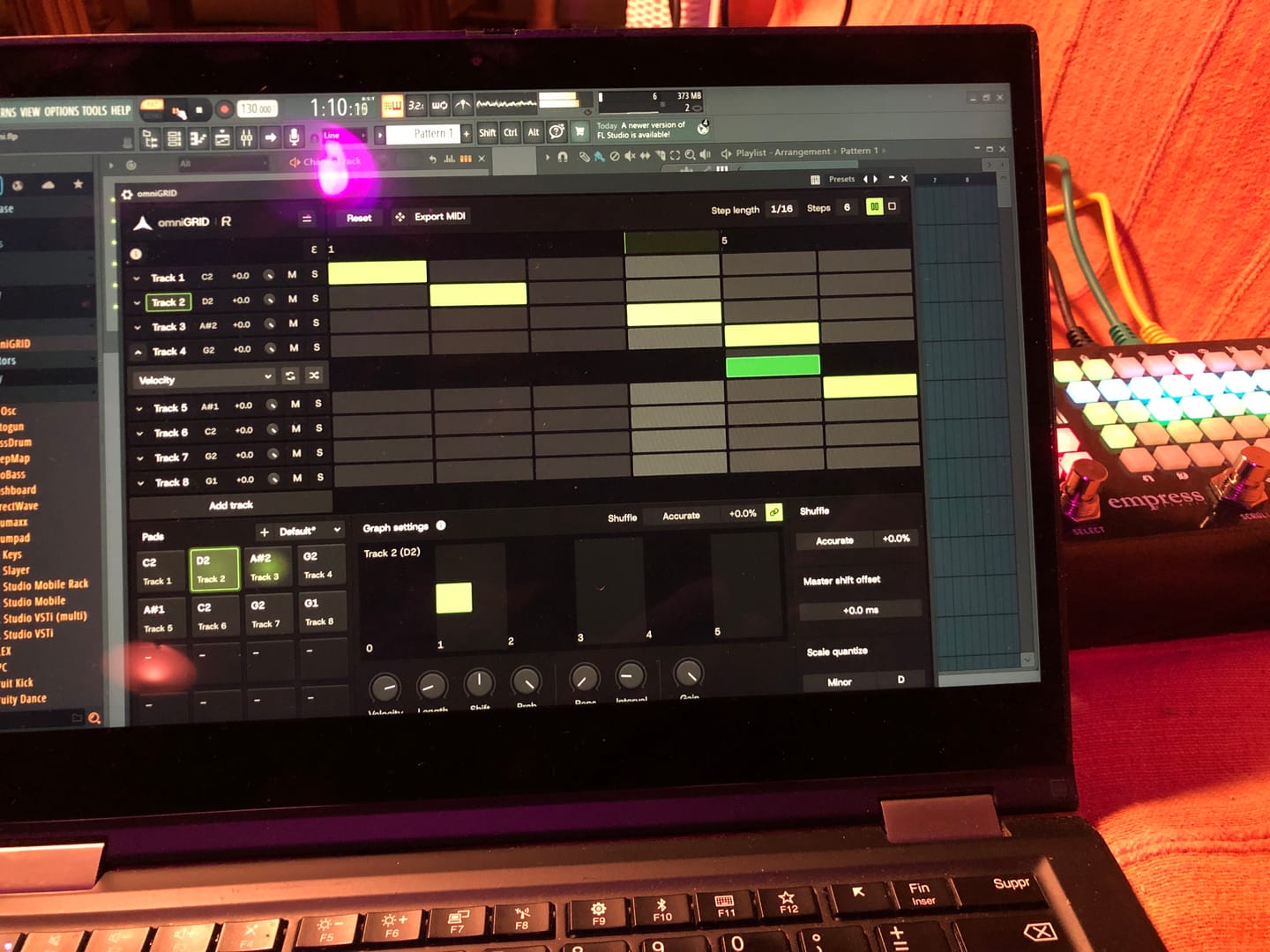
Lots of potential, and just at v1 :)
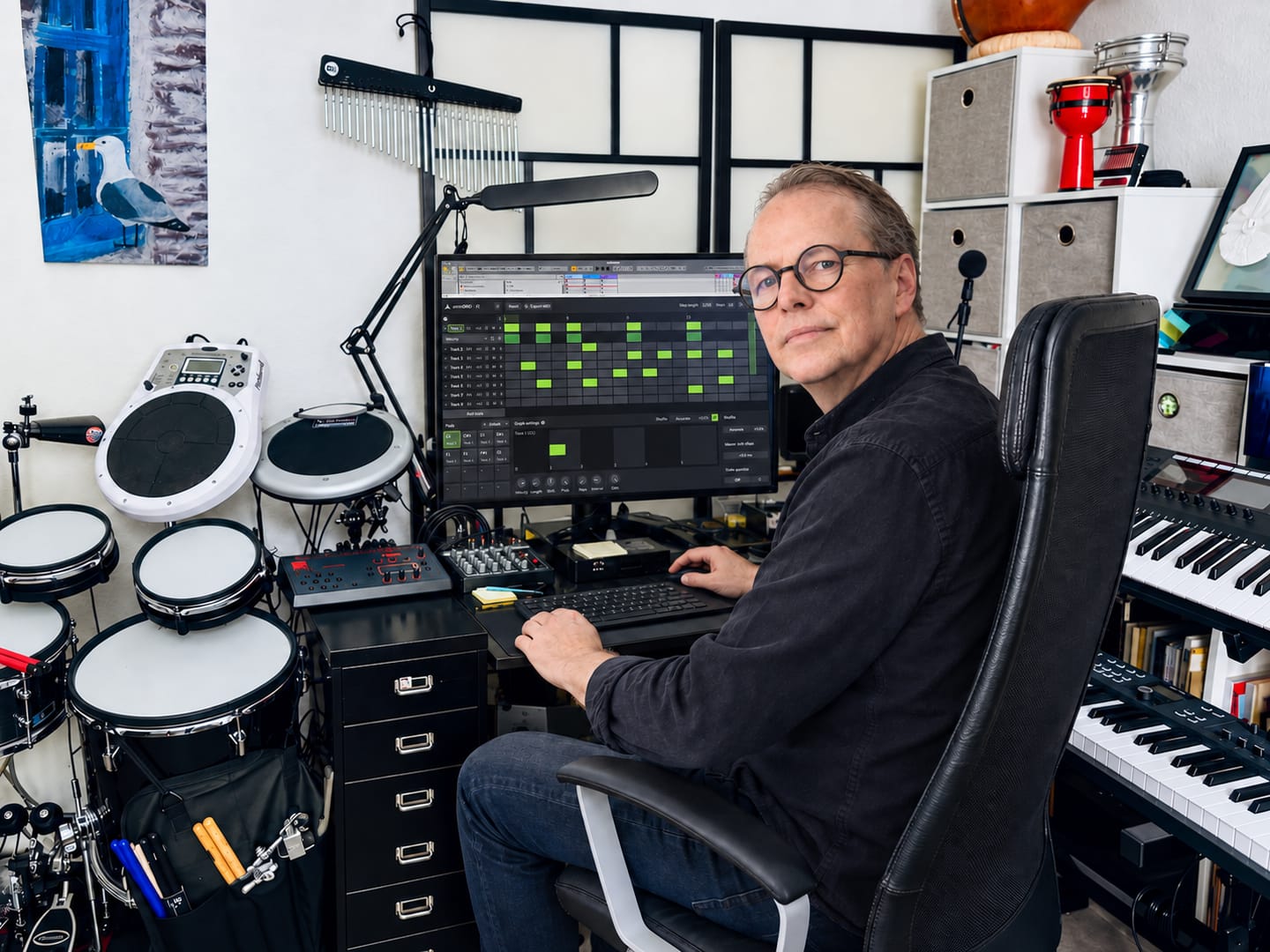
★★★★★ Omnigrid by Rapidflow is clear, fast, and pleasant to use. The features are well structured, the interface feels clean, and working with it is reliable. I especially like how easy it is to find your way around and get results without unnecessary steps. For me, it is a very well-made solution that does exactly what it should.
It’s been fantastic exploring new sequences and combinations! It’s impossible not to love omniGRID; before you know it, you have multiple instances running simultaneously—on the kick, bass, clap, and even synthesizers. It’s definitely a "must-have"!

Love it! Our new go to sequencer. Great for throwing a bit of ‘feel’ in to your loops and patterns. Highly recommend 👍🏻

Omni Grid is very cool, early days of using it but so far I love it, the small amounts of randomization and shuffle that can be applied to anything is something I have been looking far for ages! will post a video when I've finished something. Very exciting!

Amazing

Right! So I’ve had more time to try out omniGRID! I didn’t wait until the end of the trial period to buy it, as this time I was working whilst travelling: I simply used LIVE for a few tracks and LAUNCHPAD X (Novation)! I’ve had some great results… And I’m going to keep experimenting with everything this little gem has to offer! (...)

Finally the good stuff has arrived! Like having an Eurorack sequencer in your DAW thank you so much🔥🔥👌🏻

Omnigrid has all the features that made Minigrid an instant hit. The ability to quickly and easily tweak the midi output so it grooves perfectly for all parts. Omnigrid is the first sequencer I have come accross that perfectly adds euclidean features and normal step sequencing in one interface. Up to 64 steps for any of the 16 tracks shows that this sequencer is intended to be versatile. This sequencer really shines at making your sounds hit the right spot. At present there is no way to record midi or to drop a midi file into Omnigrid to take advantage of the various track controls that transform the midi output. I think something along those lines would be a great addition for a future update.
Waited years for sequencer like this. Easy in use and still full of advanced features.
I am a professional composer / producer since 2002. And I have loads of plugins. But there's nothing like this. I really love using OmniGrid! Keep up the good work!
Definitely having fun, working through my own shortcomings with Ableton but once I figured out the midi and channel thing - with your help - it triggers away fine I wonder how many instances might be possible. Sorry for delay with feedback, trialing the Zensphere and now you've introduced Drumgrid sheesh! Kid in a sweetshop etc. Thank you.
So far, I’m really impressed with OmniGrid. Looks great and not difficult to set up. Still exploring so not fully up to speed but am sure there are many more useful features.
Great sequencer
Very nice tool indeed, I'm loving it
This sequencer brings some stuff others don't like the independent timing tweaks and it does it on a way that's easily accessible and visually supported. I like it. There's some stuff to improve on but it's looking really promising and I'll be following along. Thanks 👍🏻
Don’t get me wrong. I love this device. For studio it’s great. I just wish I could use it Live. Omniclock has completely transformed my live set. The groove I get from it and from this device is amazing. . The only reason I’m giving this 3 stars is because I personally need some Push Integration so that I can punch in the steps without having to make any mouse clicks. Hopefully that’s something that can be integrated in a future update. It does respond to midi inputs via the record and overdub function but since I can’t remove steps without using my mouse I can’t really use it in a live contretext. In the studio and for production however, it gets a solid 5 star
OmniGrid works as described. I really like the flexibility and it's great when I'm tired of using the stock sequencer in Logic. I don't like that Rapid Flow requires an online callback from the software every so often to keep it usable. In my 20+ years in the industry I've seen countless companies making plugins come and go. If Rapid Flow shuts down business one day I will no longer have access to the product I purchased. I will no longer be able to open an old project where I used OmniGrid and continue work. That makes me hesitant to make further purchases from them. I understand it's a security measure to prevent piracy. I'd like to see it replaced with some other security format that would allow their customers to use the products if Rapid Flow servers are powered down at some point in the future.
A great new tool prom a brand that takes good care of its customers. Highly recommended
A very responsive and creative midi tool - get totally different outcomes depending on which instrument you decide to use it with, so a very versatile tool as well - am using it in everything I do as a start up and to then add something a bit different on projects already on the go. A must have for any serious electronic music producer.
OmniGrid has been so much fun!! I've set it up so that the tracks are in a pentatonic scale and then I map the Euclidean pulses to my MidiMix controller which turns the sequencer into a performance machine!
Well thought thru tool for anything rhythmic related like arps or drums as well as a scale connection for us with limited knowledge on that topic.
Fantastic addition to my workflow — V1.1 is a game changer! Rating: 4.5/5 Stars In short: A fantastic addition to my workflow. The V1.1 update really makes a huge difference. Top work on this one. Picked up omniGRID on launchdeal and it has completely transformed my production process. The fact that absolutely everything is MIDI mappable and controllable makes it incredibly powerful. I have mapped it to several hardware controllers in Bitwig Studio 6 using the DrivenByMoss script, creating a massive hands-on sequencing environment: Dual Akai Fire: Maps directly to omniGRID's internal sequencer for instant 32-step programming and per-step parameter locks without looking at the screen. Dual Akai LPD8 MK2s: Acts as a tactical command center, using multi-page setups to tweak dynamic parameters, performance macros, step modifiers, and FX/envelopes in real-time. Dual Akai APC Mini Mk2s: Provides a macroscopic view of the arrangement, easily handling pattern block triggering, scene changes, individual channel volumes, and track mutes for live performances. If I had one piece of constructive feedback or a wish list for future updates, it would be that expanding it up to 32 tracks would have been nice, or perhaps implementing a smart way to link several instances together seamlessly. Highly recommended for anyone looking to build a deeply tactile, hardware-style workflow inside the DAW.
I'm far away from a musician used to Step Sequencer (playing mostly Bass and Guitar), but i must tell, Omnigrid is so simple to understand, so tweakable, it's a real pleasure to use. I use it like a "Super Arpegiator", it's killer ! Thanks Erik. Mitch.
Fun and flexible!
WOW!! Addictive and should be illegal! Brings my music to another level!! I feel so creative
Like a very much
Until now I did not work with it, therefore 3 of 5 stars ( I think it's worth is 5 stars, when knowing how it works ). It would be very helpful if you could offer templates for Cubase in the future, too, to start projects in a more easy way.

omniGRIDは、DAW内で動作する軽量なプラグインであり、お使いのシステムや既存のワークフローとシームレスに統合されるように設計されています。

VST3 64ビット

AU 64ビット、VST3 64ビット

Wine上のWindows版 + YabridgeによるVST3のブリッジング

物理的なドングルは不要です
当社のプラグインは、互換性のあるDAWであればどれでも動作するはずです。以下のDAWで動作確認を行っています:


