Trasforma le tue bozze in brani pronti per la pubblicazione in meno di 15 minuti.
Basta con le regolazioni infinite e i tutorial su YouTube. Basta avviare il software, regolare le manopole e sentire il tuo mix aprirsi: più ampio, più potente, più pulito. Progettato per funzionare velocemente, essere intuitivo e offrire un suono di alta qualità, anche se sei alle prime armi o hai un budget limitato.
Scelta dai nomi più importanti del settore della tecnologia musicale
×
Bassi definiti e ampio campo stereo
Elaborazione EQ Mid/Side
Vuoi che il kick e il basso rimangano ben definiti mentre i sintetizzatori si librano sopra di essi? Questo strumento amplia il mix senza creare confusione, in modo che ogni elemento abbia il proprio spazio.
Incolla il tuo composto
Dinamica multibanda
Ti è mai capitato di avere l'impressione che la batteria sia in contrasto con la voce? La compressione multibanda mette ordine nel caos, unendo gli elementi del mix senza far perdere la potenza del suono.
Aggiungi calore
Saturazione del tubo
Aggiunge calore e carattere senza rendere il mix troppo confuso. Quel tanto di grinta che basta a dargli un tocco analogico, senza mai risultare aspro.
Adattalo
Compressori a doppio bus
Due fasi di leggera compressione che… fanno sì che tutto si incastri alla perfezione. Batteria, basso, sintetizzatori: all’improvviso tutto funziona alla perfezione.
Fatevi sentire!
Ritaglio intelligente
Alza il volume senza distorcere i transienti. Suono potente, nitido e controllato: le tue orecchie te ne saranno grate.
Volume elevato senza distorsione
Limitatori doppi
L'ultimo passaggio che dà davvero alla tua traccia quella sensazione di completezza. Potente, compatta e pulita… senza quel fastidioso rumore grintoso.
Ogni giorno che passi senza utilizzarlo, stai rinunciando a un po’ di qualità.
Confronto tra i migliori brani techno
Confronto tra breakbeat
Hai sentito la differenza. Ora provala nel tuo mix.
Il mastering non dovrebbe rallentarti. Con la catena di mastering Mid/Side, potrai finalmente suonare come l’artista che hai sempre voluto essere: sicuro di te, potente e pronto per il lancio.
Di quale versione di Ableton / Bitwig / FL Studio / Logic Pro ho bisogno?
Il pacchetto "Mastering Chains" è compatibile con Ableton Standard V11.2.11+, Bitwig Studio V4.2+, FL Studio V21.0.3+ e Logic Pro 10.7.8+.
Questo mi aiuterà nel mixaggio?
Assolutamente sì! Una volta che hai un punto di partenza collaudato, è facile aggiungere nuovi kick, bassi, melodie, ecc., e capire quando il risultato suona bene. Su ogni canale sono presenti dei limitatori, che ti consentono di ottenere un buon equilibrio quando aggiungi nuovi elementi. Il video spiega anche cosa cercare nell’analizzatore di spettro di Ableton. L’ingrediente finale è il flusso di lavoro con il crossfader A/B, che ti permette di confrontare istantaneamente la tua traccia con quelle di riferimento. Non ti ritroverai a mixare alla cieca.
Funziona anche con altre DAW?
I principi che adottiamo si applicano a qualsiasi DAW, ma non coprono ancora tutte le DAW disponibili sul mercato... Al momento offriamo prodotti su misura per Ableton Live, Bitwig Studio, FL Studio e Logic Pro.
Non ho ricevuto il mio prodotto?
Se hai effettuato l'ordine tramite Apple Pay o Instagram, verifica che l'indirizzo e-mail associato a tali account sia corretto. L'e-mail inviata da support@rapidflow.shop è finita nella cartella dello spam? Cliccando sull'e-mail di conferma dell'ordine si accede alla pagina di download. Puoi anche contattarmi tramite la chat su questa pagina o via e-mail, e faremo in modo che tu riceva i tuoi file il prima possibile.
Quali sono gli aspetti più importanti nella produzione musicale?
Divertirsi in studio, trovare il modo di raggiungere uno stato di flusso, ottenere risultati affidabili in tempi rapidi e seguire la propria visione, ispirazione e sensazioni per condividere la propria creatività autentica. ❤️ Con immensa gratitudine al mio “guru della produzione musicale”, Sebastian Mullaert, che condivide molte riflessioni su questo argomento nella sua masterclass! https://inbloom.circleof.live/
Customer Reviews
Overall rating: 4.8 / 5 from 1208 reviews.
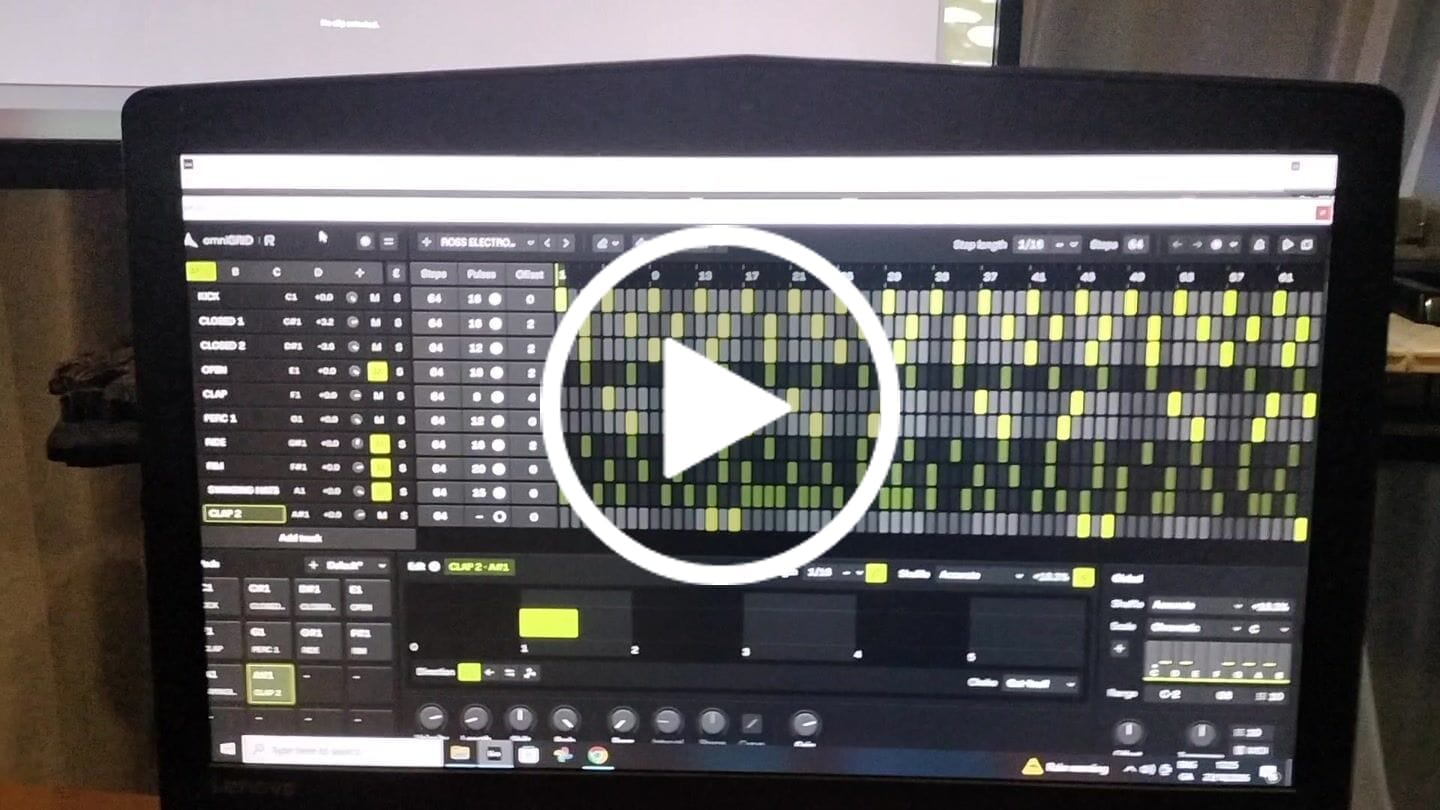
These guys really know how to make a software drum machine feel like hardware! You can hear how much care has gone into the factory sounds - everything feels thoughtfully chosen and fine-tuned. The grid layout makes programming a killer drum groove so much more enjoyable, and ideas seem to come together effortlessly. Add a great UI and a rock-solid feel, and you’ve got a plugin that’s an absolute joy to use!
I’m having a blast! The quality of the sound samples is phenomenal, allowing me to get the absolute best out of my music. omniGIRD is fantastic, but drumDRID is out of this world!! Even my M-Audio Studiophile AV 40s sound like professional-grade speakers.
Rapid Flow DNA suite is a game changer. Instead of spending hours on scrolling through sounds and FX to pull together an idea, it has allow me to create music with immediacy and fun. DNA suite brings Ableton to life like an instrument on steroids!
Worth every penny!!! Probably the best sounding Synth I now own. Been playing with it for a few days now and I absolutely love it! I highly recommend you purchase it as soon as possible.
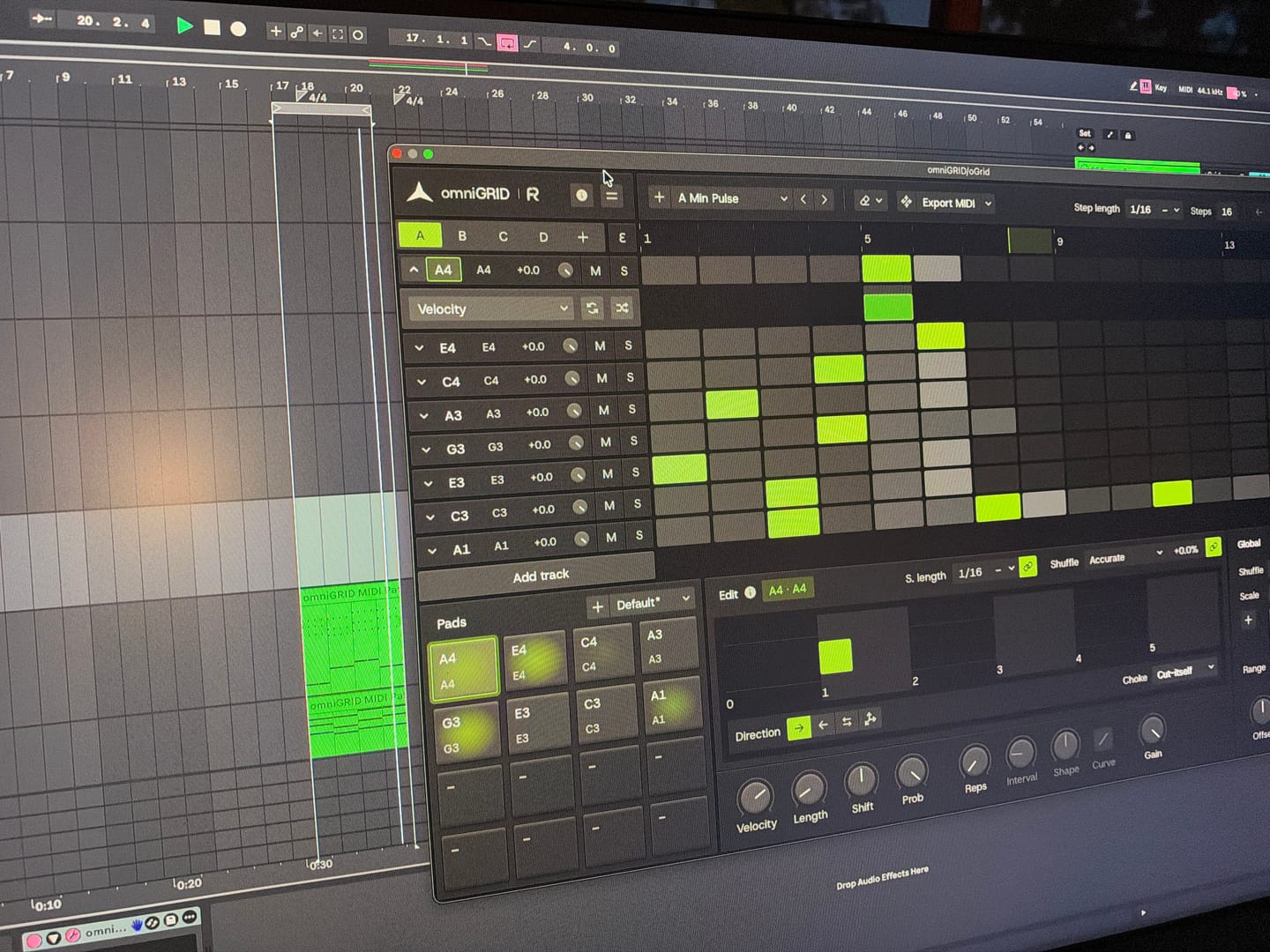
I put this together in just a few minutes; granted, it still needs further development, but the inspiration you get from Omnigrid is truly immense. Thanks!
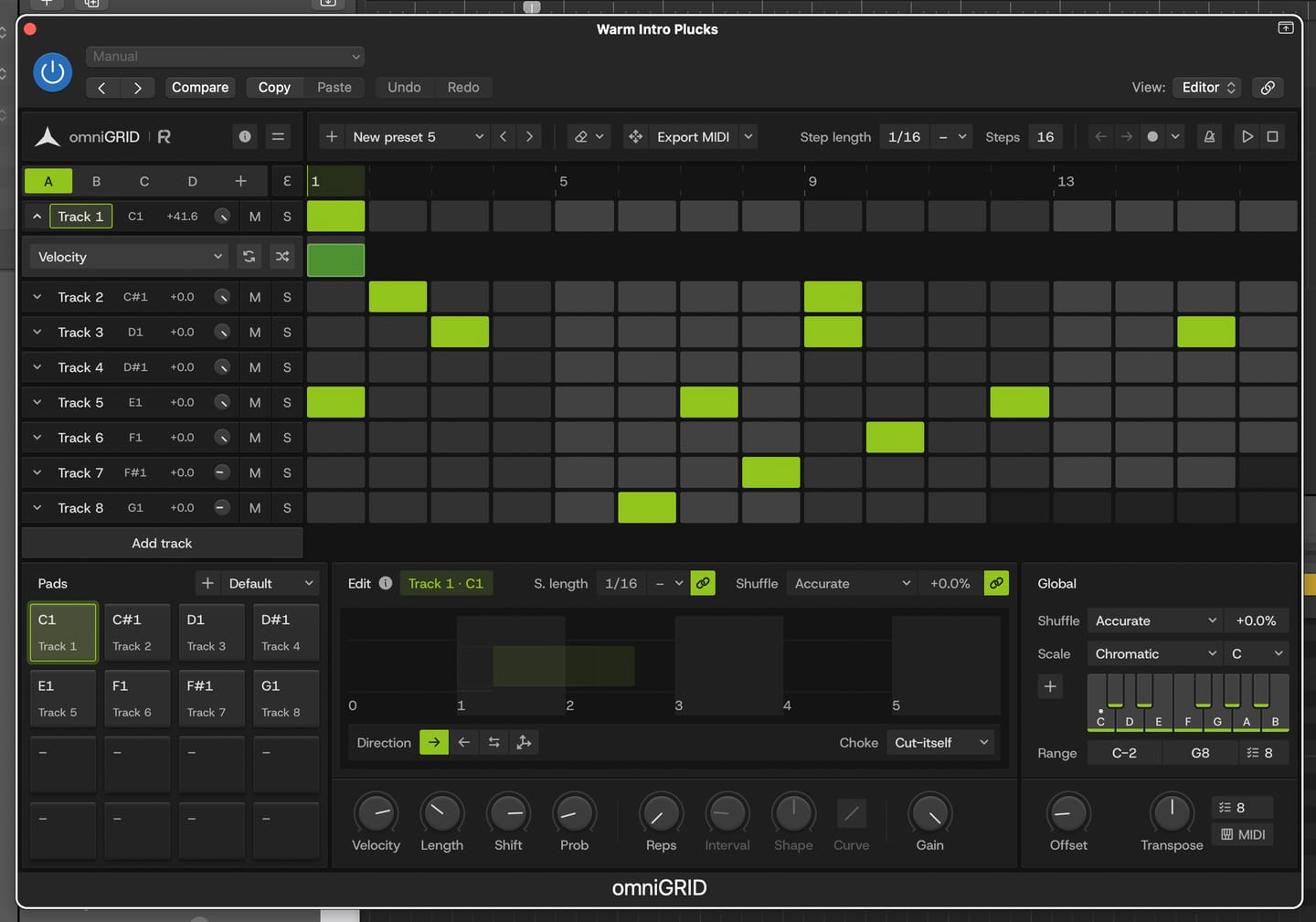
This is by far the best plugin I have bought for a long time. It's absolute fire for creating catchy melodies and basslines that I would never even think of trying to program in piano roll etc. It's also wicked for creating complex drum patterns in just a few clicks. Awesome job guys. Thanks
It's a great tool to have under your belt. Once you get the basic setup is done, it's engaging. Makes it more fun to play around. Also I've received two free updates. That shows team is constantly working on it to improve the features. Great plugin!
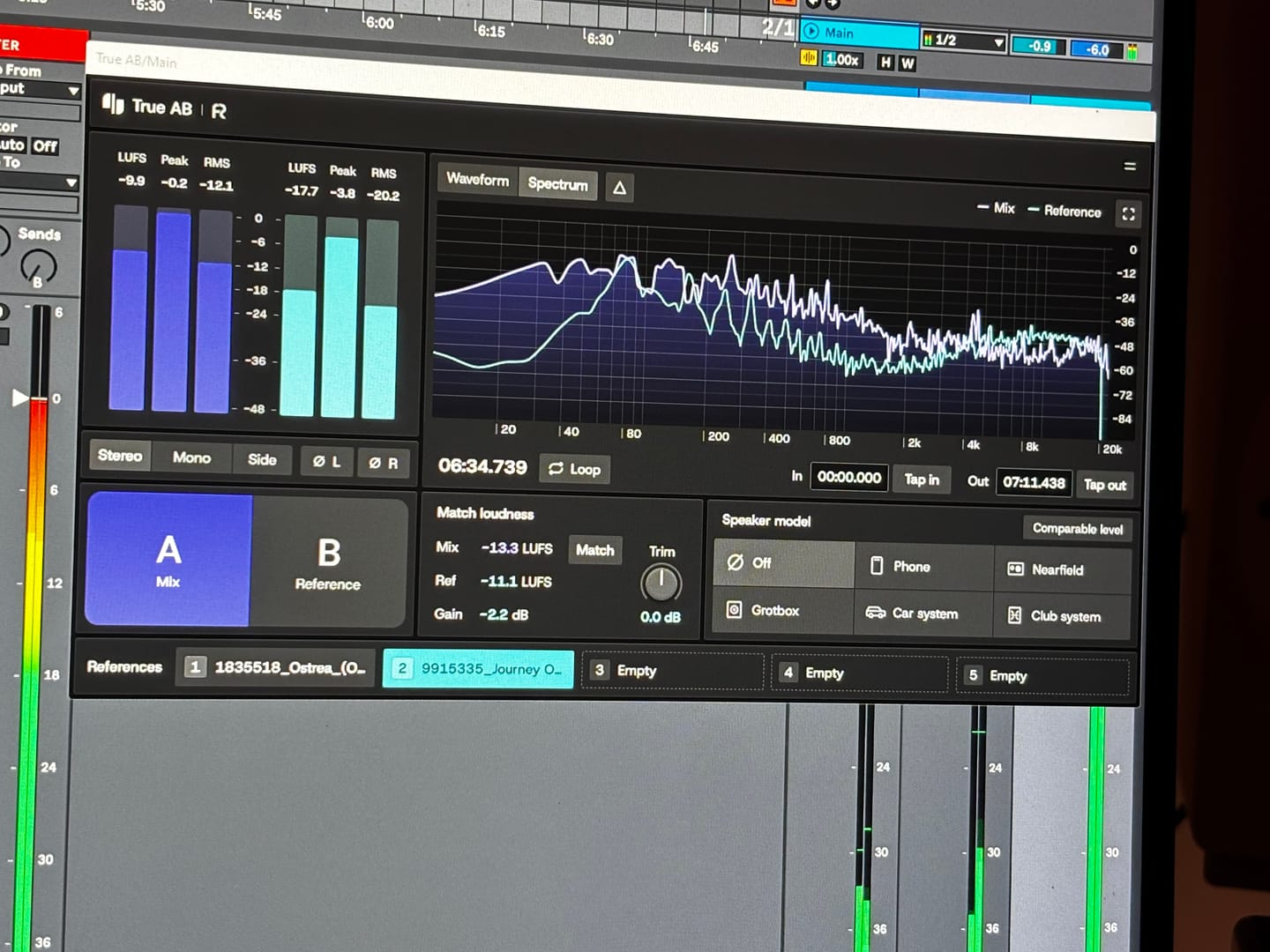
An absolutely essential plugin when it comes to mixing and mastering a track! I love how you can have up to 5 references and play them back in real time by just switching between them. This has doubled my mixing workflow when mixing and made producing the final track so easier! 10 out 10 stars!
Answering requests for feedback is usually not something that I want to waste my time on, but for you I gladly make an exception.
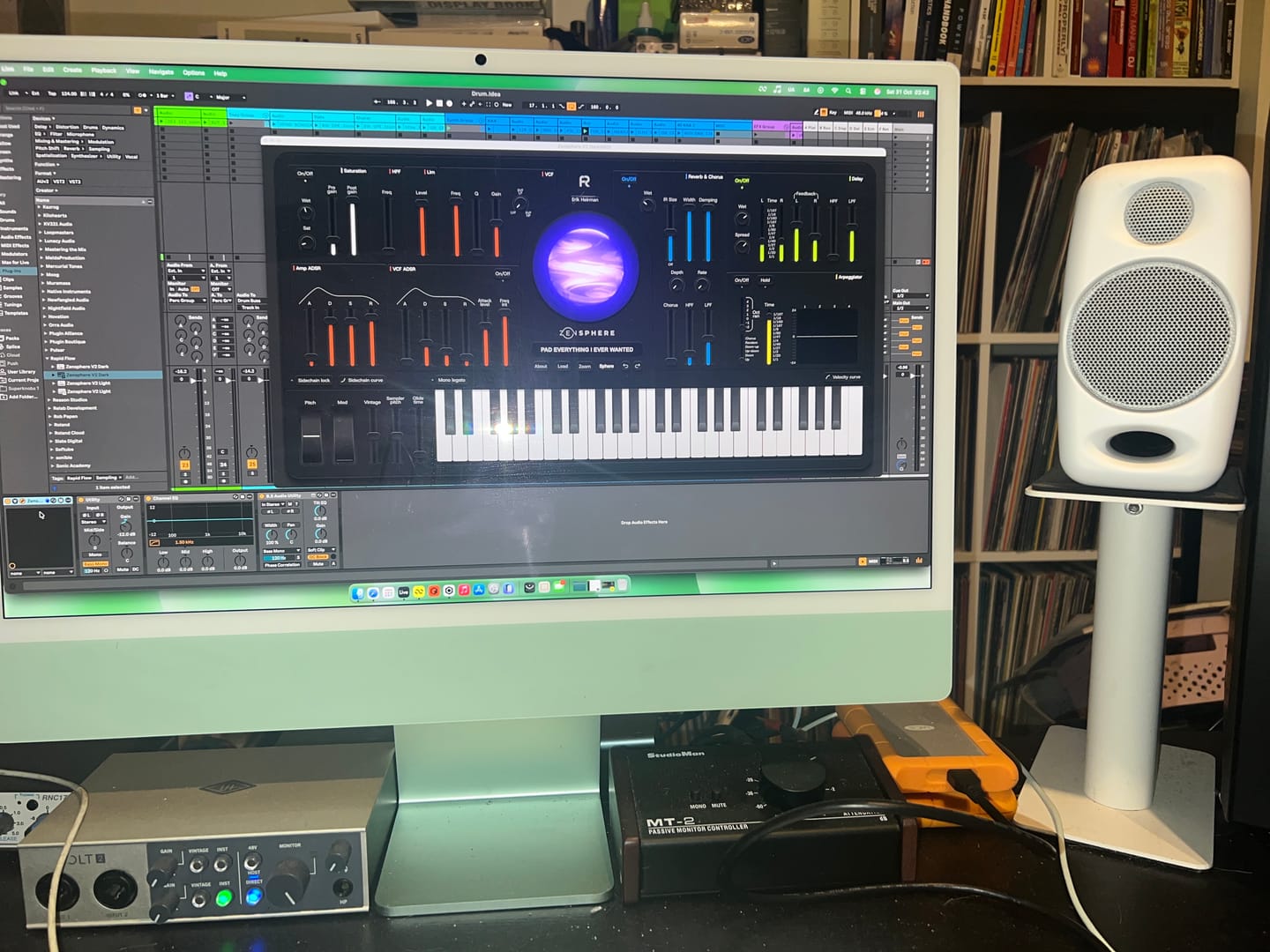
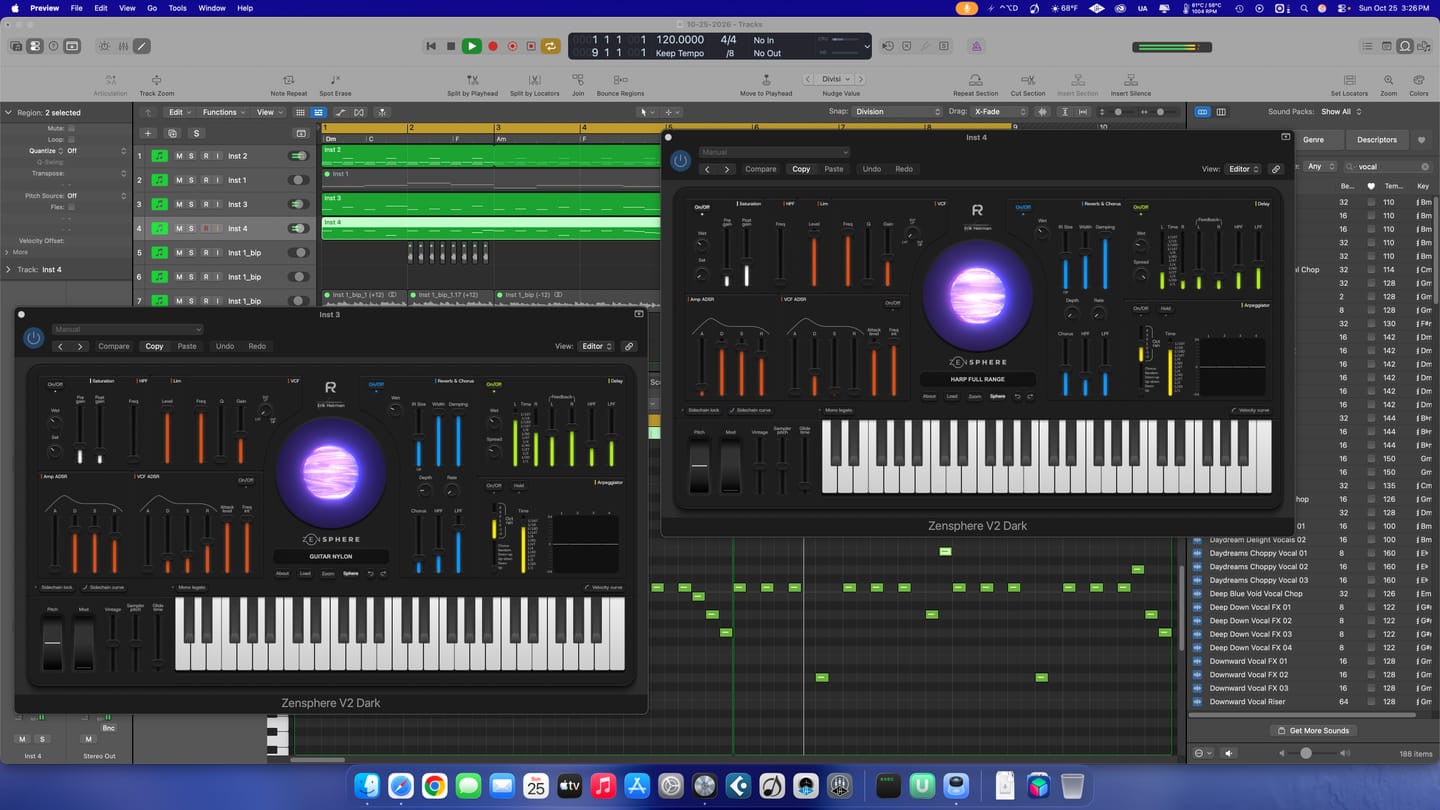
Working with Omnigrid and Zensphere in combination with the DNA master chain and RapidFlow templates has been really enlightening.
What a joy! I am re-discovering working in session view. I used to work in arrangement view most of the time, but I definitely see the advantages of using session view the way you propose.
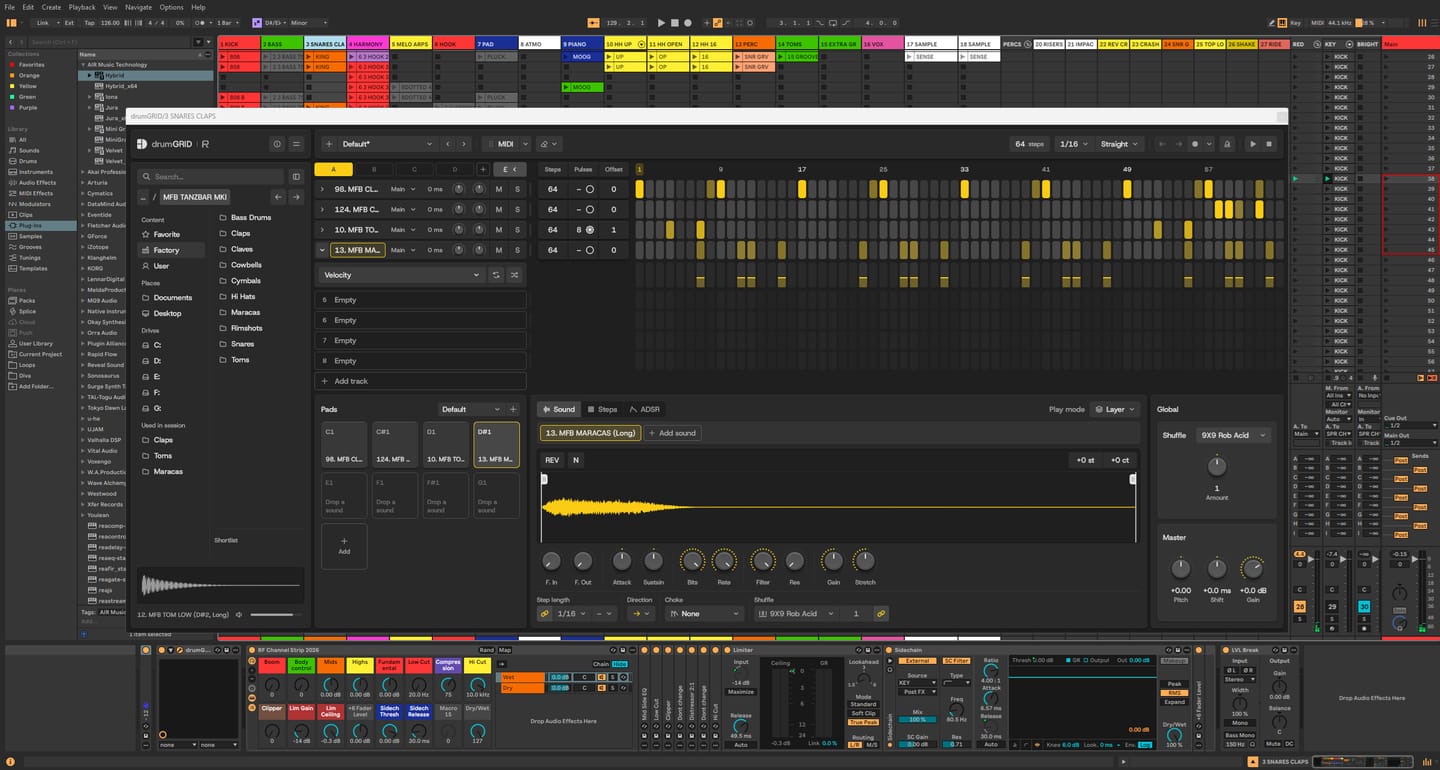
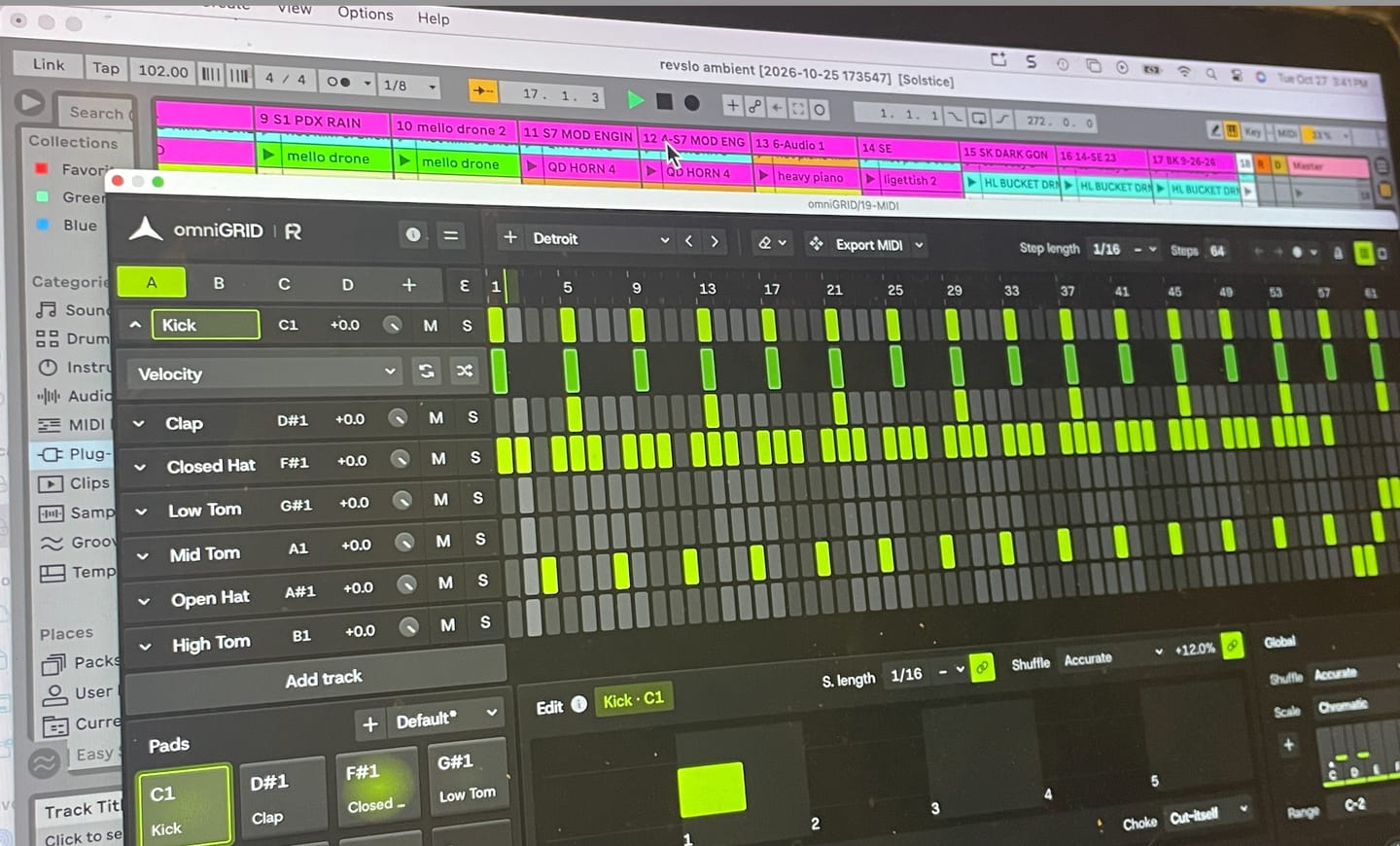
Omnigrid provides an unlimited amount of options for sequencing. I started using it in combination with GrooveAgent for drum sequencing and Zensphere for melodic sequences for example. Omnigrid challenged me to start making more use of midi mapping than I did before so I am getting to know Ableton Live much better too.
I love the extremely low amount of cpu usage of Zensphere compared to Serum and Diva. The included sounds offer enough options to experiment with.
The RapidFlow referencing plugin offers more information at a glance and is way more intuitive to use than what I was used to until now.
There is still a lot to figure out and explore like sound design and customization of the templates and the DNA masterchain to my likings but I can already tell you that I love making music that way. Very inspiring indeed! 🫶🏼
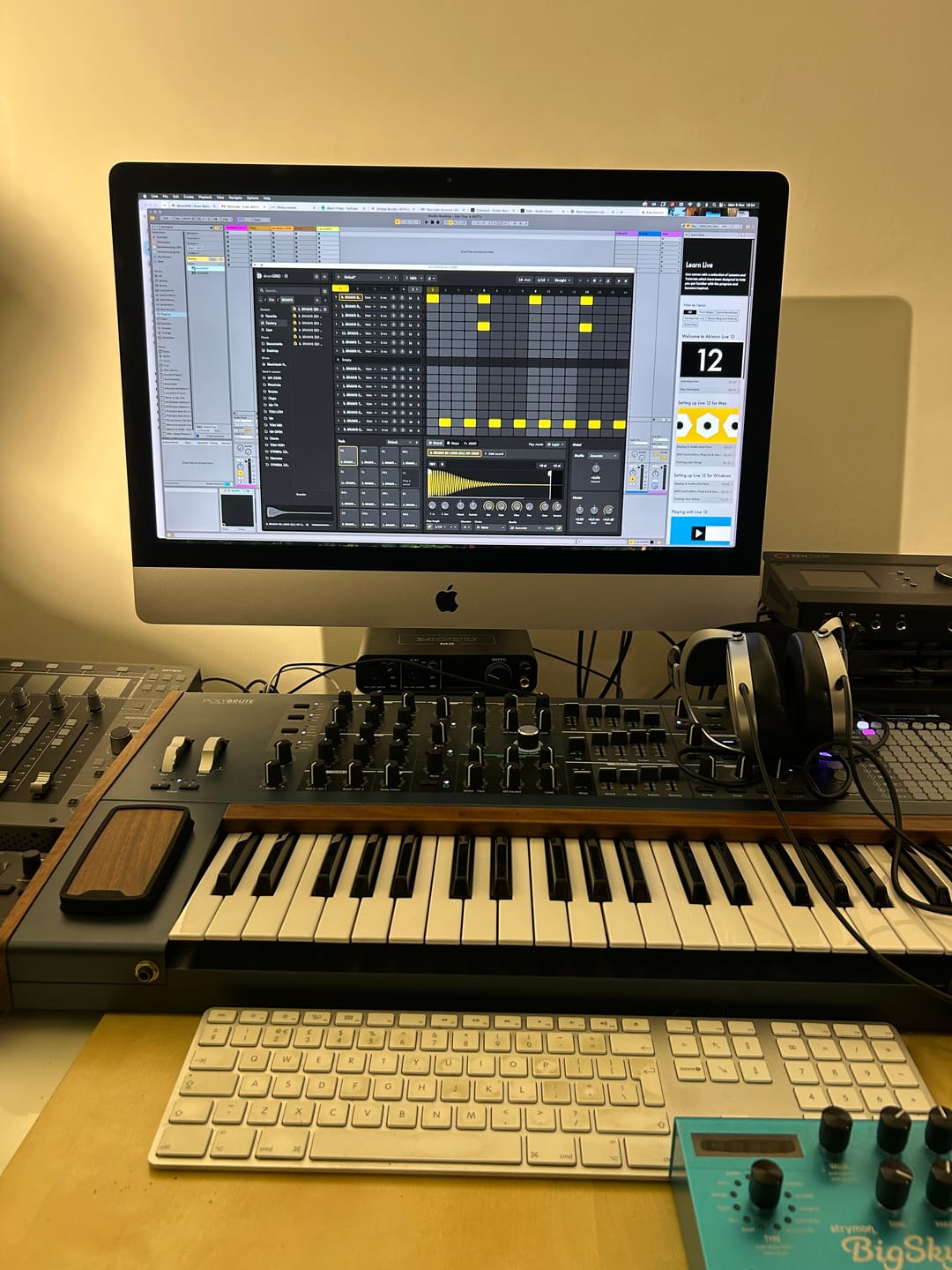
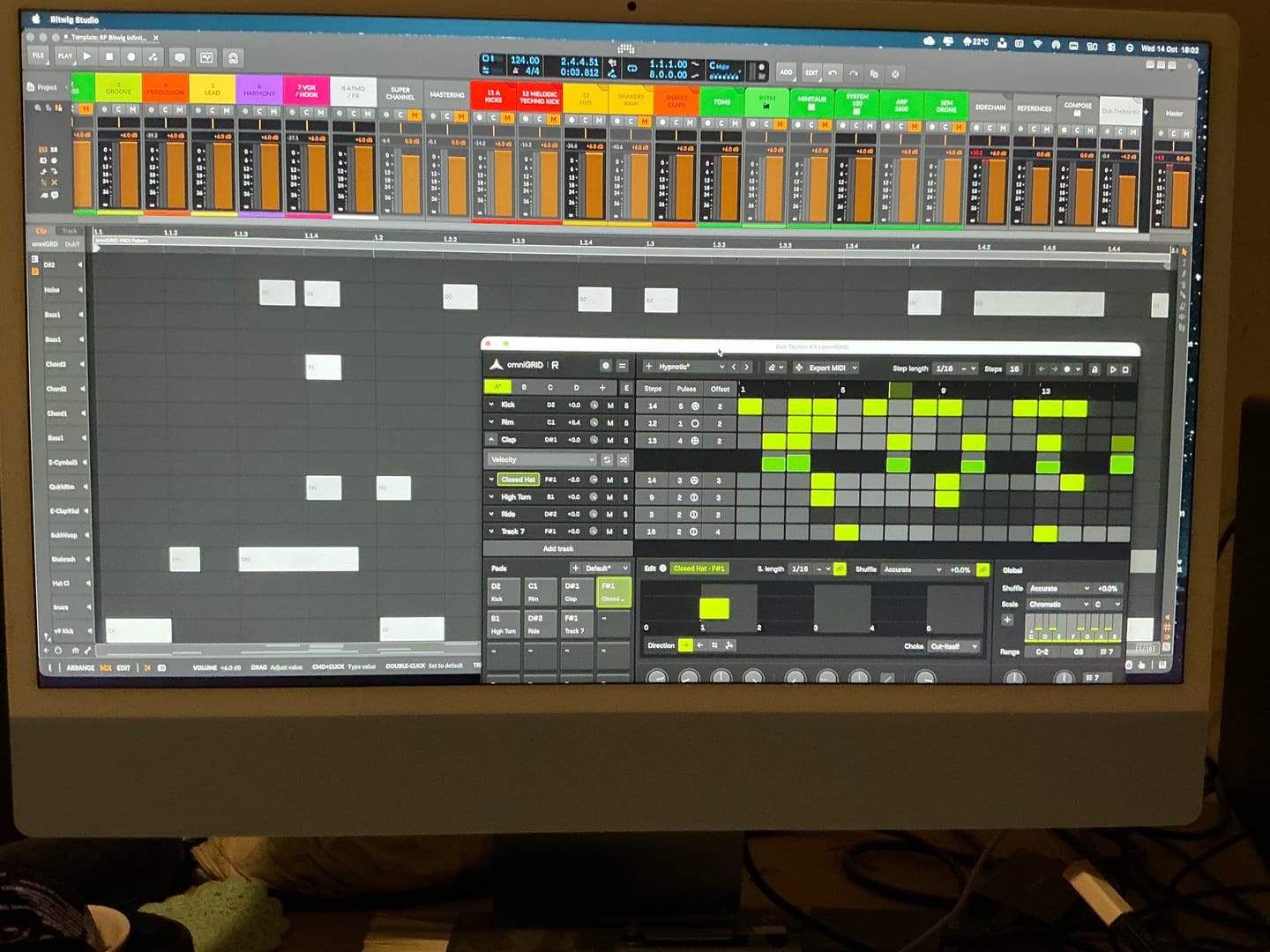
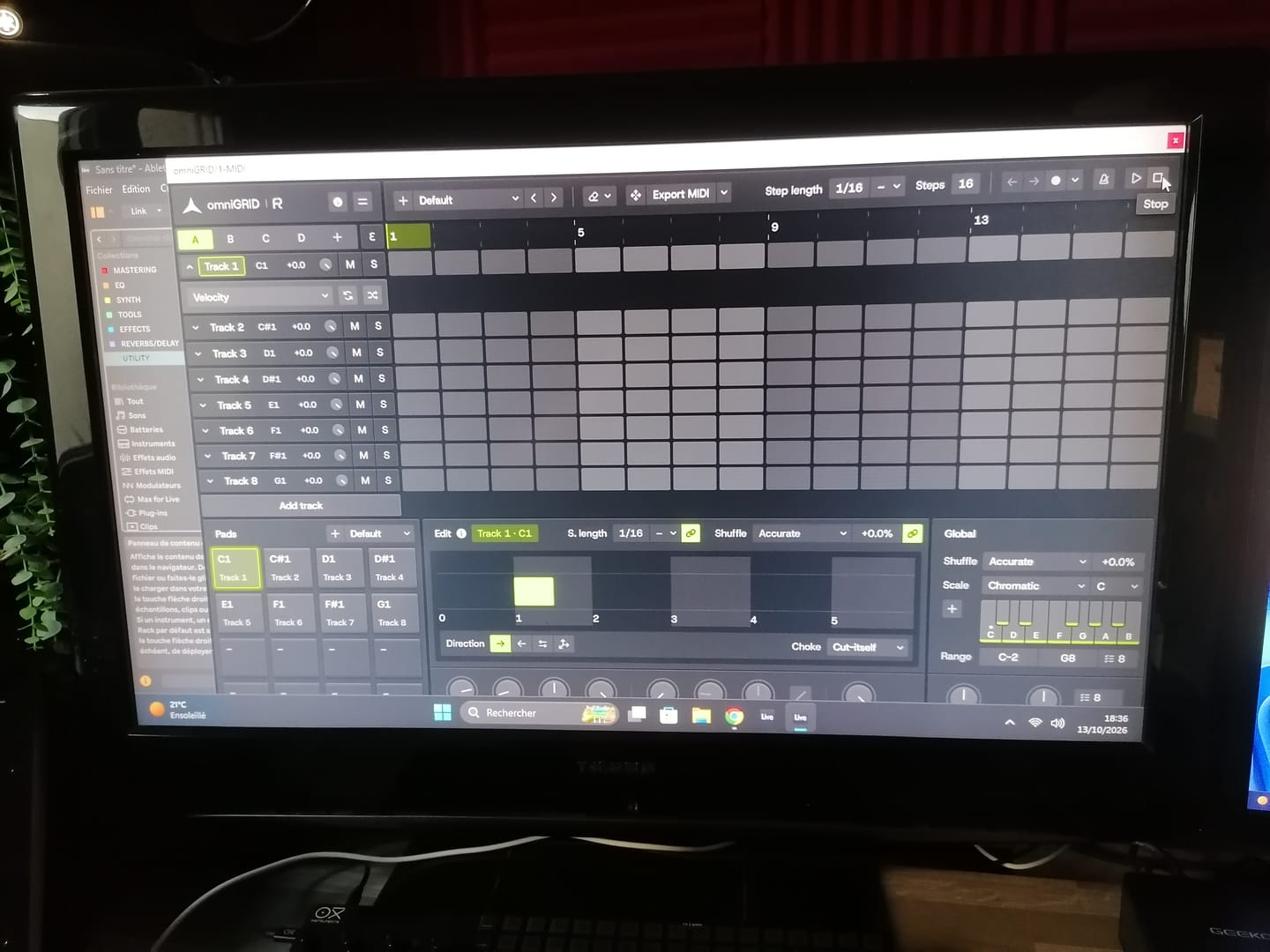
It’s taken me a great deal of tutorial-watching, manual-reading, and hours of just trying crazy stuff, but I’m at the point where I can start to make some headway with OMNIGRID, especially combined with RF’s Infinity Bundle and the DNA Suite (see photo).
I do appreciate the Beginners level videos you’ve made about these new tools just recently. It’s because of those that I had some idea how to get going. Because the written documentation has been almost no use at all. The text refers to features of Ableton that I couldn’t find, even when stepping through those instructions one line at a time.
And please update your instructions on instruments, instrument tracks, MIDI tracks, and audio tracks. I wasted hours and hours trying to figure out exactly where to put everything, and how to get the routing to work. Wasn’t fun. Strongly considered asking for a refund.
HOWEVER, I did get it to work. In the photo I sent, I’m in the process of making dub techno. And it was actually starting to sound about right!
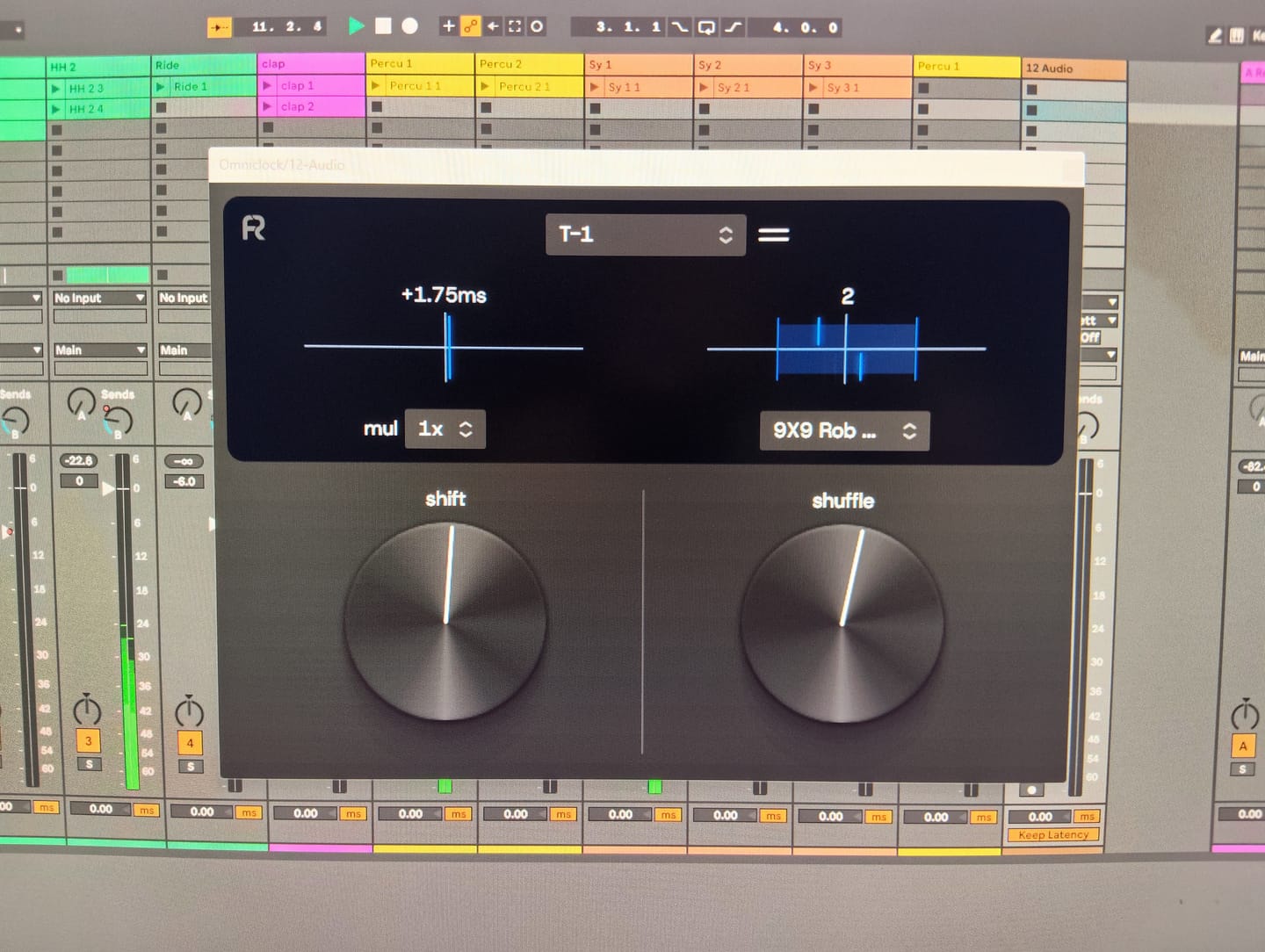
There needs to be an easier way to stop the host and the plugin playing back simultaneously.
Looking forward to version 3.0!
Warmly, Adrian Bedford (who sometimes uses his wife Michelle’s credit card. But it’s all just me. Hi! :)
When you’re making dance music, especially trance, progressive house and anything built around a proper low-end, you can spend hours tweaking a mix and convince yourself it sounds incredible. Then you play it against a professionally mastered record, and suddenly you realise your kick is too heavy, your top end is harsh, or your whole mix lacks the weight and definition you thought it had.
That’s where Rapid Flow True AB Referencing comes into its own.
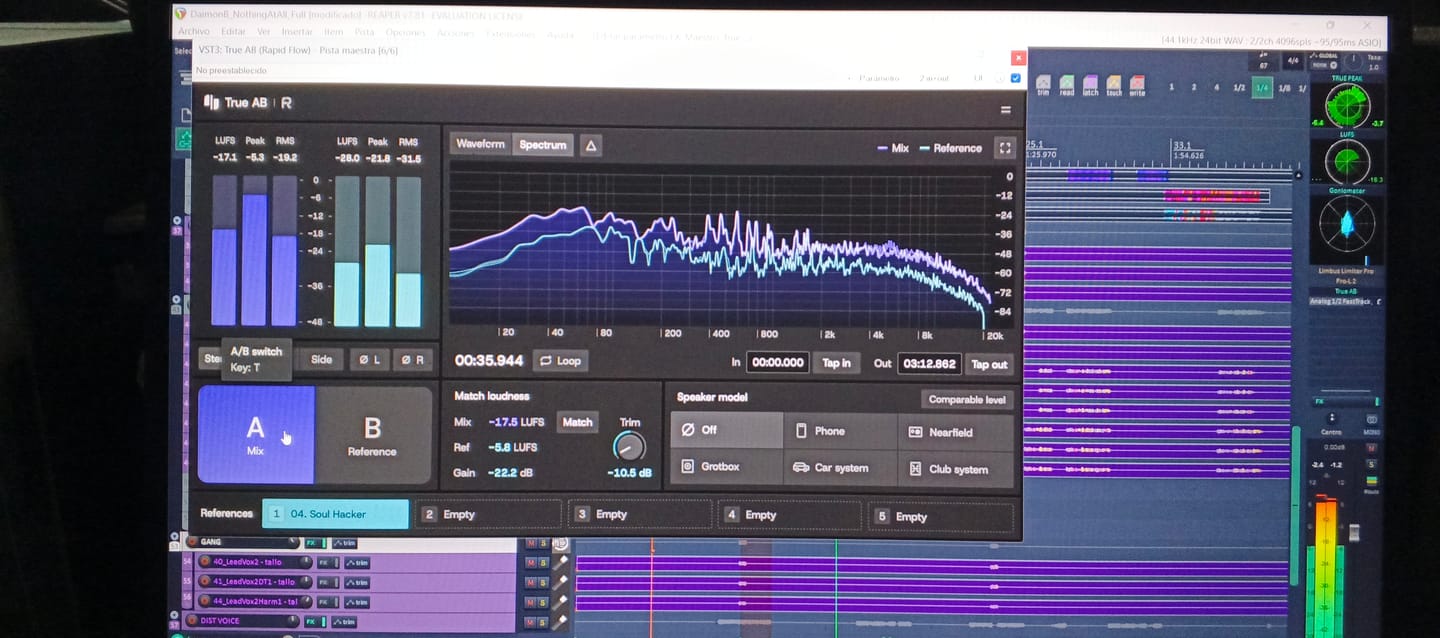
The first thing that stands out is the spectrum comparison. Having two tracks displayed together makes it much easier to spot differences in the overall tonal balance. You can see where your bass energy sits, how the mids are behaving, and whether your high frequencies are getting carried away. It’s particularly useful when you’re working on that tight, driving low end that trance and progressive house depend on.
I also like the fact that it brings several analysis tools together in one place. Spectrum, correlation, stereo image, dynamics and loudness are all accessible from the same interface. Rather than constantly jumping between different plugins, you have a central point for checking how your mix compares with a reference.
The reference library is another practical feature. Being able to load different records and switch between them is useful when you're trying to understand why one track feels huge and open, while another sounds thin or congested. For electronic music, I’d be comparing against properly mastered records in the same ballpark as my own production, not some random track from a completely different genre.
But here's the important bit: the analyser is a guide, not a mixing engineer.
A spectrum curve isn't a recipe for a professional master. A record with a massive bass peak isn't necessarily better than one with a tighter, more controlled low end. Different arrangements, kicks, basslines and mastering choices will produce different curves. And if you haven't level-matched your reference properly, you can end up making the wrong decisions simply because the louder track sounds more impressive.
First of all, giving this to the community as you did is 5 stars alone...especially for those of us in countries with horrendous exchange rates (Kenya). Secondly, to have THIS plugin do more than the other 'popular' one in my arsenal is pure gold. Third, the functionality just pushed my mixing skills to the international stage! Most importantly to me currently is that my old Macbook Pro 2014 on Big Sur, which often flatlines my CPU usage at the sight of a third party plugin is BARELY using any memory. You can literally see it in the screenshot! THANK YOU RAPID FLOW!
It’s absolutely fantastic! I’ve already used it in the creation of my new track. It’s another great release from Rapid Flow!!! Congratulations on the hard work and effort you put into your products.
I won't say where from, but I only just purchase an A/B app and it only just about comes up to scratch to this amazing and FREE release! It will be my go-to for sure!
Loving the swiftness and simplicity of True AB from Rapidflow. There's so many useful features packed into this tool. I especially love how everything is essentially "right there". Nice one!
The speaker model function has been a game changer for me. I really love it. It gives fantastic simulation of different environments, something I've been searching for in a while and found it here.