


Un suono leggendario.
Drum machine straordinarie, registrate con apparecchiature analogiche di alta gamma. Pronte all’uso, senza bisogno di ritocchi.
Scopri le macchineUn suono leggendario. Uno slancio inarrestabile.
Sampler di batteria. Sequencer. Libreria leggendaria
Drum machine iconiche, pronte per il mix fin dal primo colpo. Un sequencer in grado di stare al passo con ogni idea.

Rapid Flow è utilizzato da 15 artisti premiati ai Grammy
Pagamento una tantum
Creare le percussioni da zero richiede troppo tempo. Quando finalmente funzionano, l’idea è già svanita.
Il modo consueto
Con drumGRID
Drum machine straordinarie, registrate con apparecchiature analogiche di alta gamma. Pronte all’uso, senza bisogno di ritocchi.
Scopri le macchine
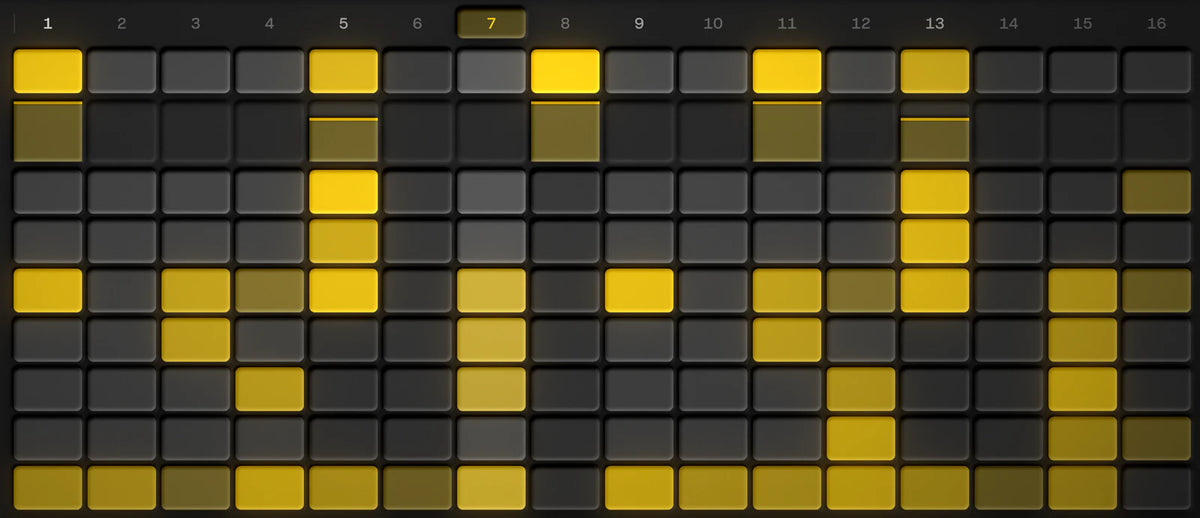
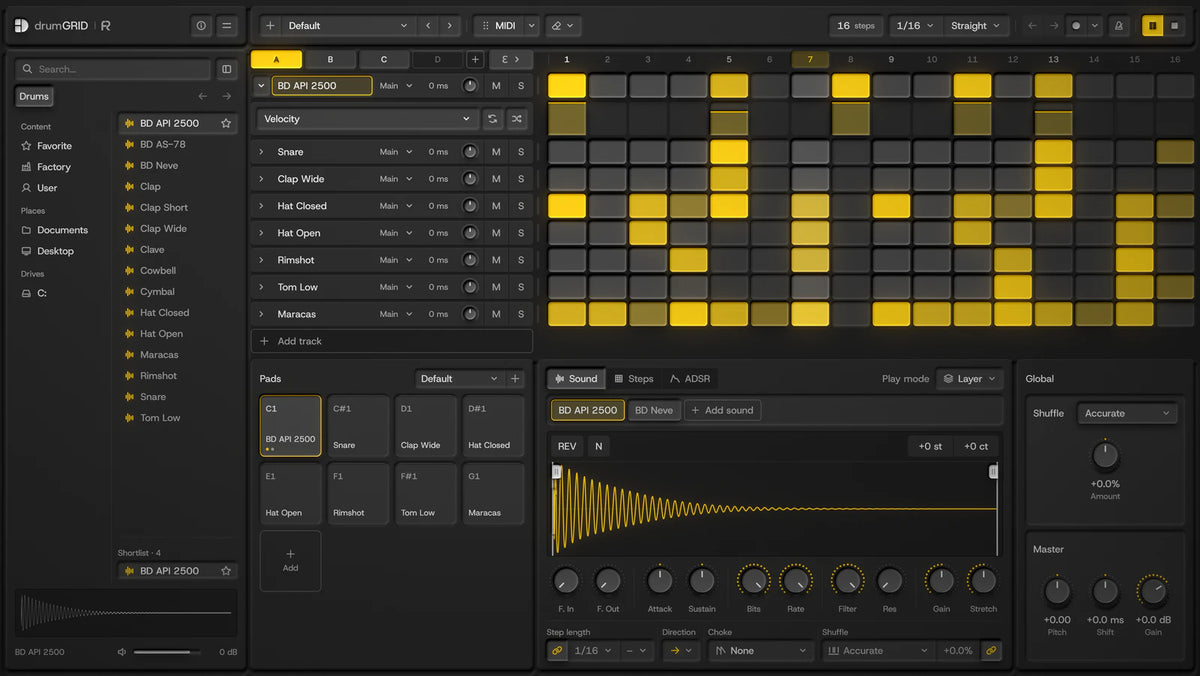
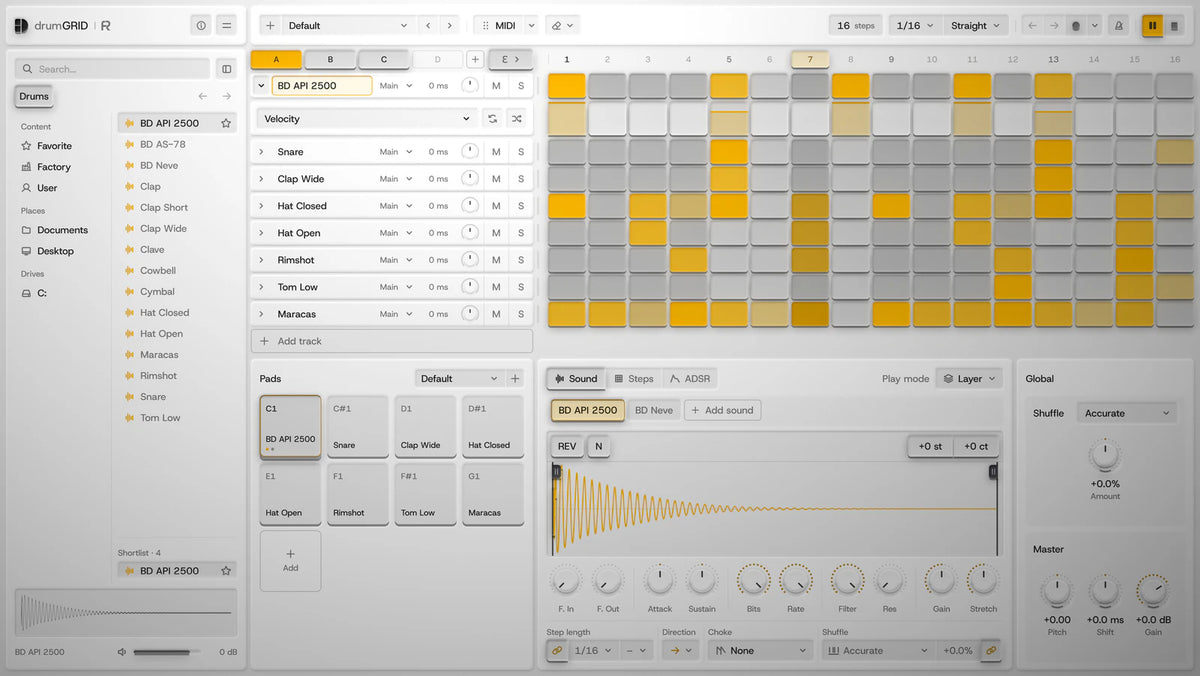
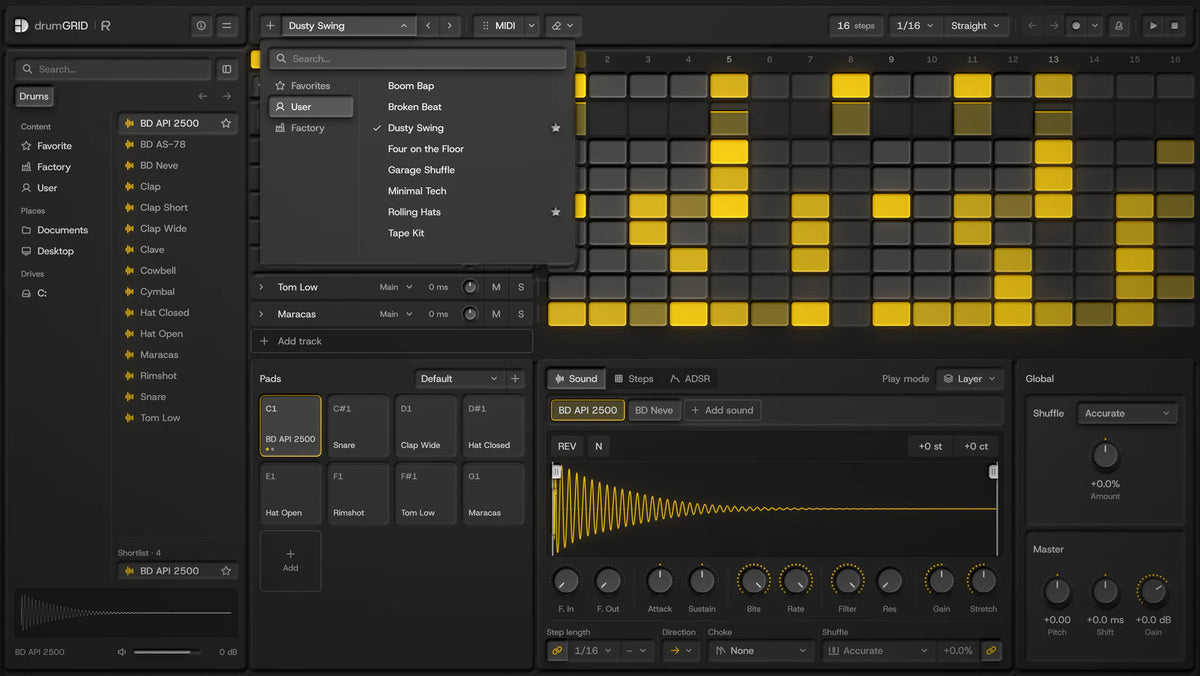
Scegli un suono, inserisci i passaggi, aggiungi le ripetizioni, premi "play". Nessun menu a separarti dalla tua idea.
Guarda il sequencerNei prossimi mesi continueranno ad arrivare nuove macchine in biblioteca.
Ascolta ogni sorgenteAccurate, ovvero 7 mix ispirati a leggendarie drum machine. Scegline uno e osserva come si muovono i ritmi fuori tempo.

La distanza percorsa dai gradini è solo un'illustrazione, non rappresenta la tempistica effettiva.
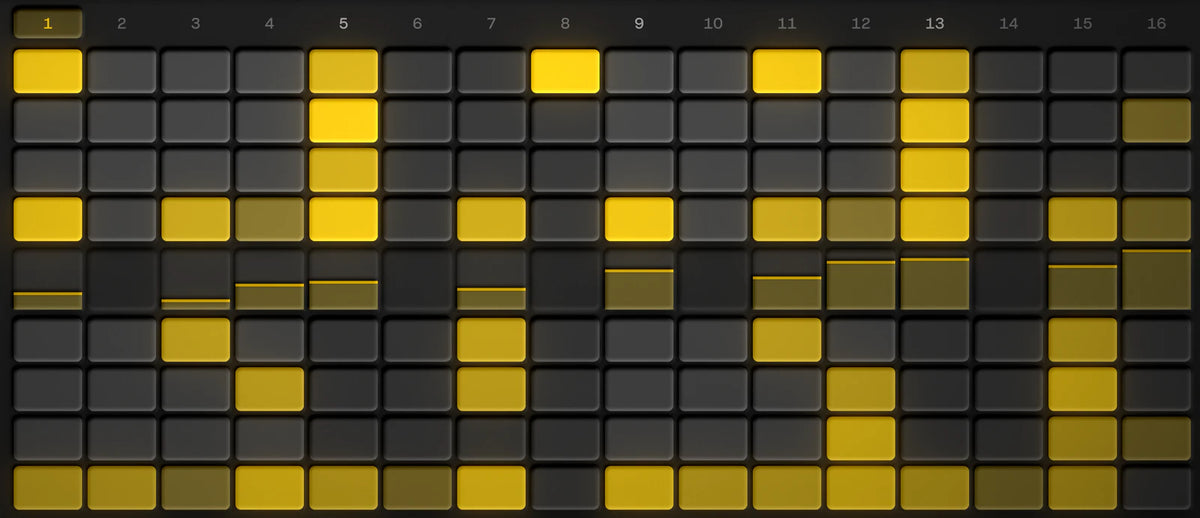
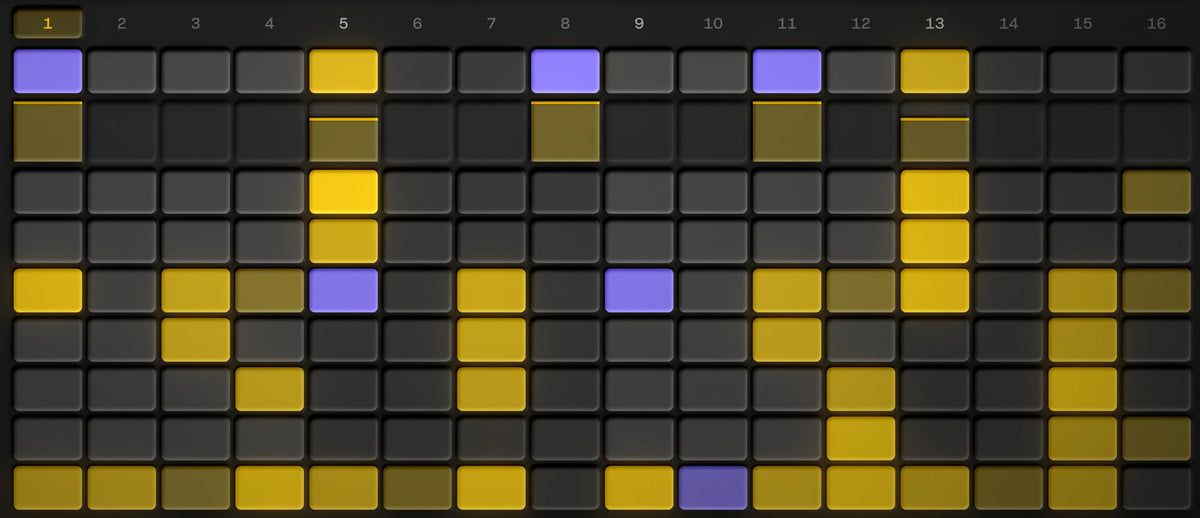
Fai clic per inserire i passi, registrali passo per passo dalla tua tastiera MIDI oppure suonali dal vivo. Ogni traccia può avere una durata e una direzione proprie, e il pattern viene trascinato nella tua DAW come file MIDI.

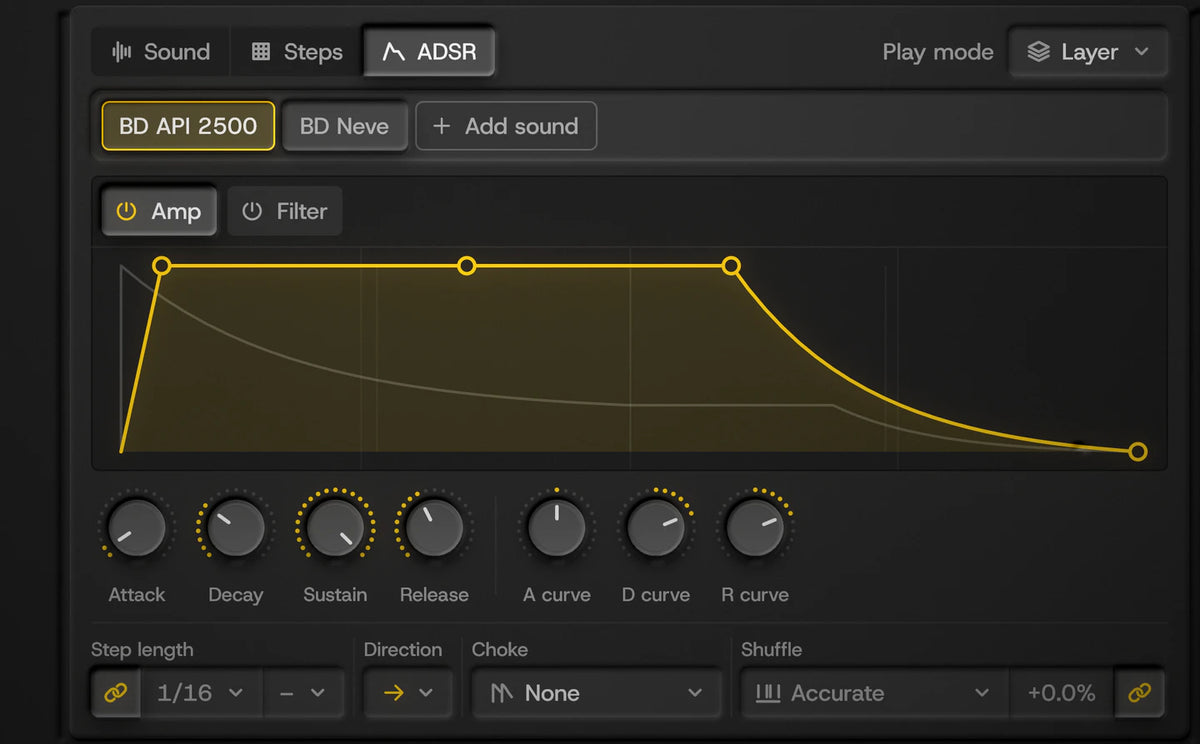
Ogni traccia ha le proprie corsie. Disegna i valori passo dopo passo, rendili casuali oppure seleziona i passaggi tra le tracce e modificali insieme
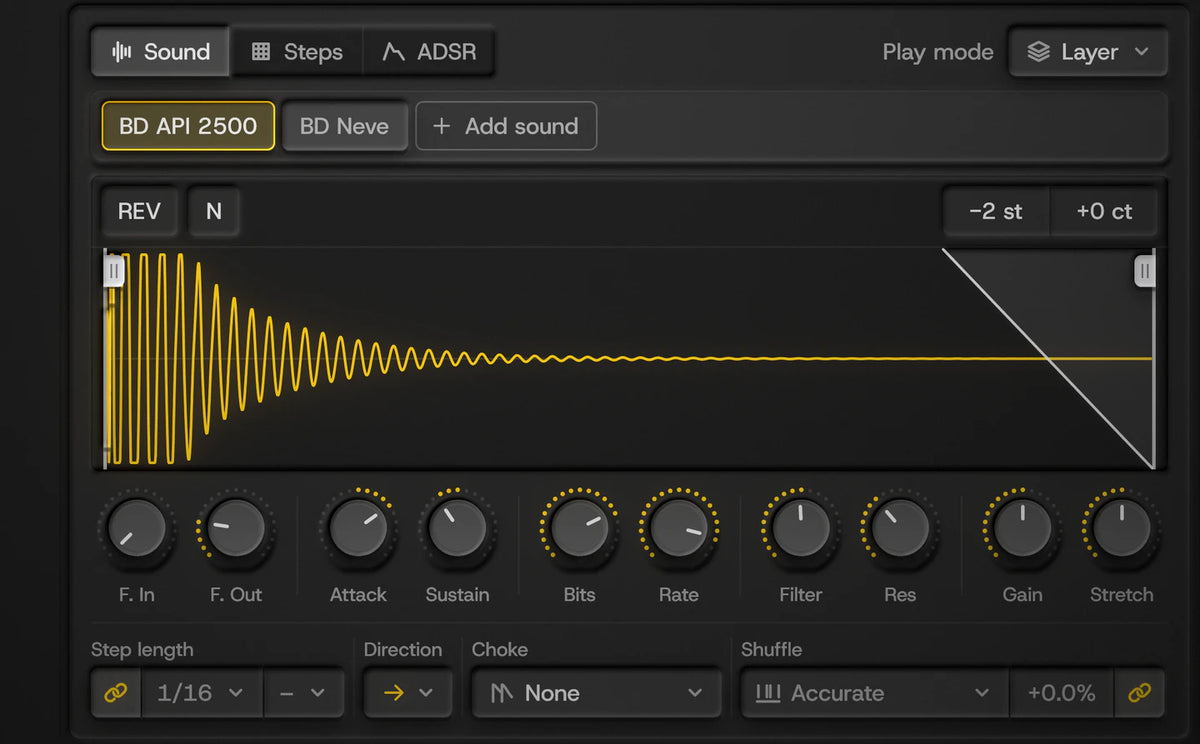
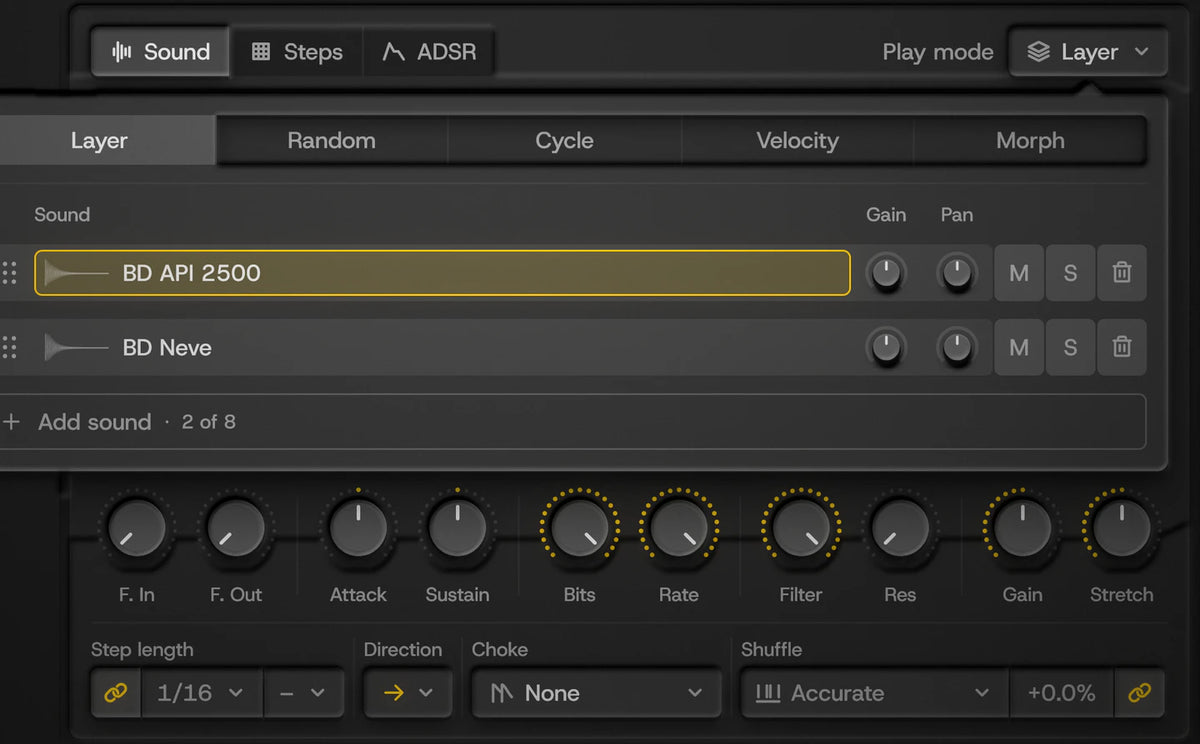
Fino a 8 suoni per pad, ciascuno con un campionatore completo.
Ogni suono presente nella libreria è stato registrato da uno di questi dispositivi. Quelli contrassegnati vengono aggiunti tramite gli aggiornamenti.

Drum machine analogica

Modulo di batteria analogico

Espansore analogico per batteria, tipo 808

Generatore di linee di basso e batteria

Sintetizzatore a percussione

Sintetizzatore a tamburo analogico

Drum machine

Drum machine analogica

Drum machine analogica

Drum machine analogica
Ascolta ogni macchina, poi scopri come è stato registrato ogni suono.


 Controllo finale della qualità a cura di Daniel Söderberg, Earthbound Mastering
Non sono presenti compressori né equalizzatori integrati, di proposito. Invia ogni pad a una traccia separata della tua DAW e usa i plugin che già possiedi.
drumGRID è una novità. Queste sono recensioni verificate su omniGRID.
 omniGRID
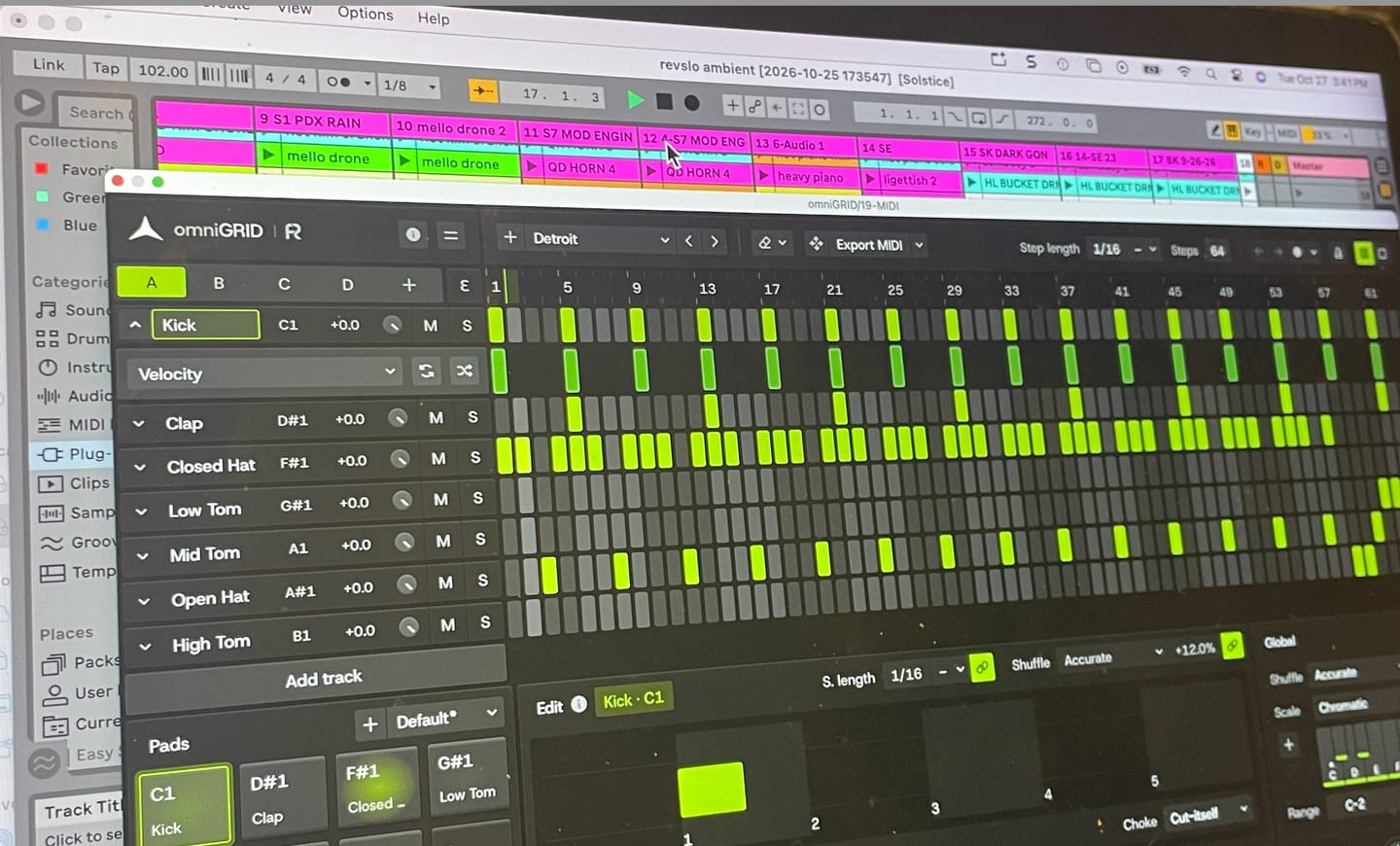
Omnigrid is a really versatile and intuitive tool to use with my DAW. I'm looking forward to discovering all the ways it can improve my music.
 omniGRID
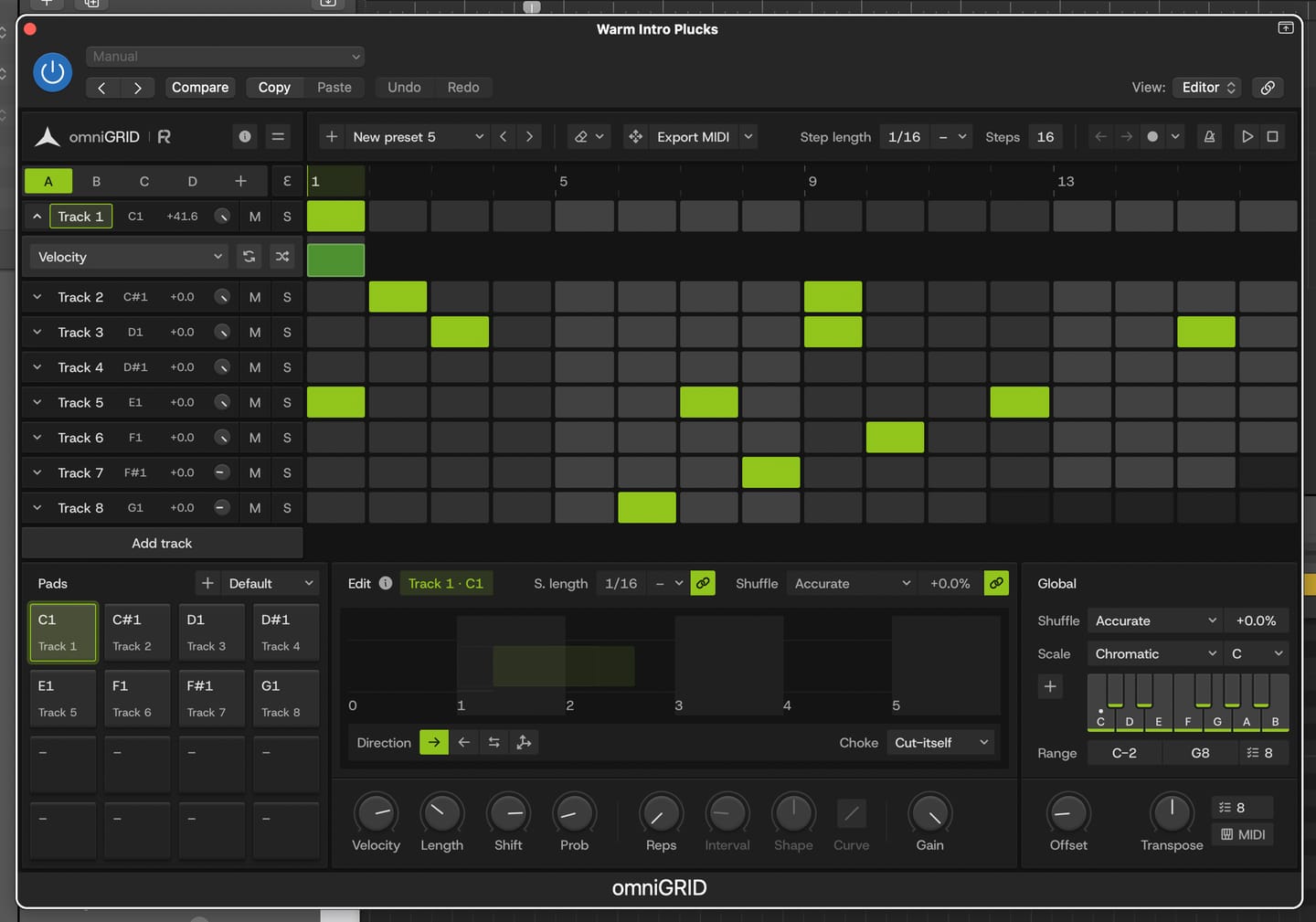
Great for experimenting with melody and drums
 omniGRID
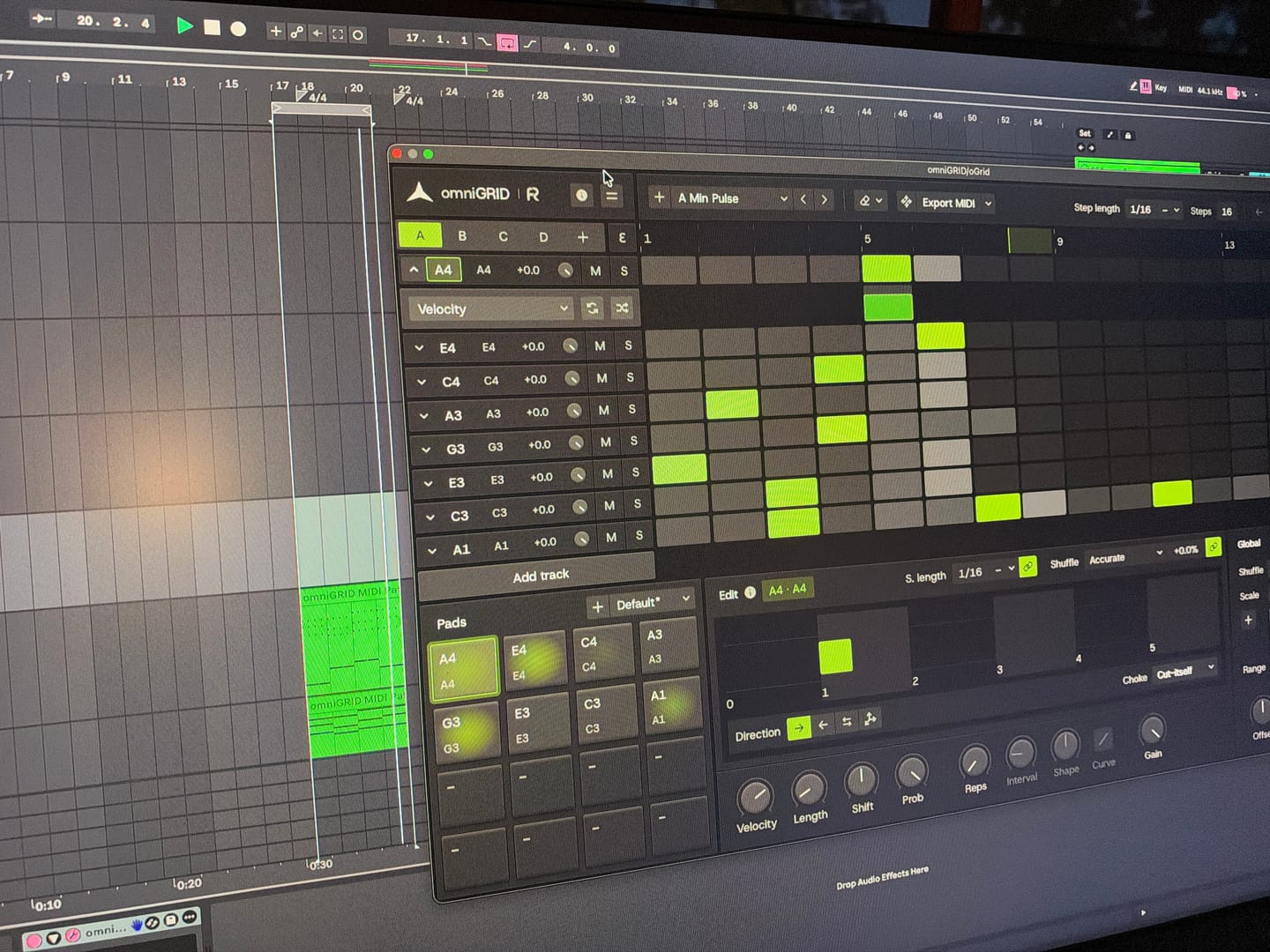
Endless possibilities and inspiration! Would love to see specific tutorials on arranging live!
 omniGRID
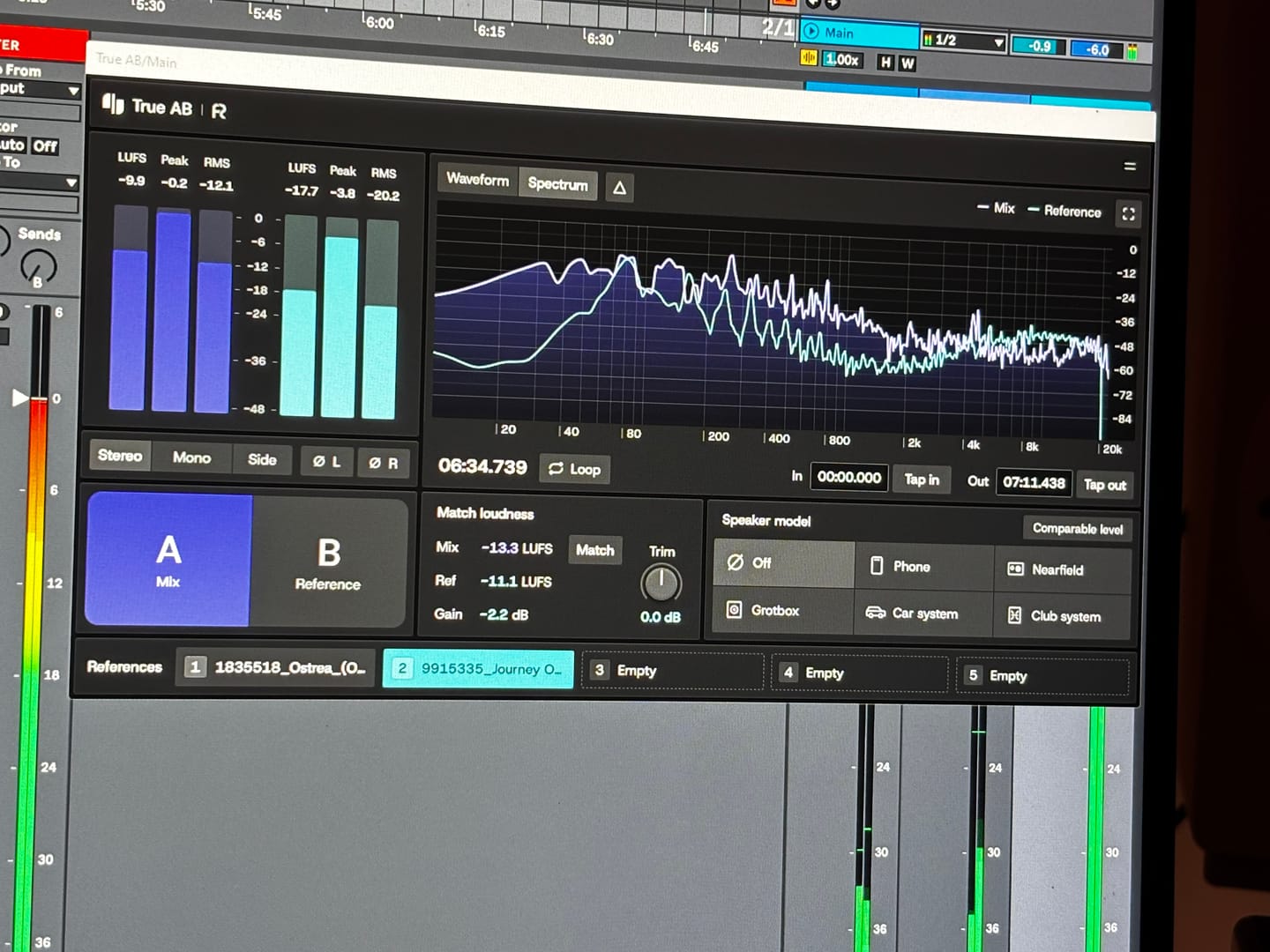
Answering requests for feedback is usually not something that I want to waste my time on, but for you I gladly make an exception. Working with Omnigrid and Zensphere in combination with the DNA master chain and RapidFlow templates has been really enlightening. What a joy! I am re-discovering working in session view. I used to work in arrangement view most of the time, but I definitely see the advantages of using session view the way you propose. Omnigrid provides an unlimited amount of options for sequencing. I started using it in combination with GrooveAgent for drum sequencing and Zensphere for melodic sequences for example. Omnigrid challenged me to start making more use of midi mapping than I did before so I am getting to know Ableton Live much better too. I love the extremely low amount of cpu usage of Zensphere compared to Serum and Diva. The included sounds offer enough options to experiment with. The RapidFlow referencing plugin offers more information at a glance and is way more intuitive to use than what I was used to until now. There is still a lot to figure out and explore like sound design and customization of the templates and the DNA masterchain to my likings but I can already tell you that I love making music that way. Very inspiring indeed! 🫶🏼
 omniGRID
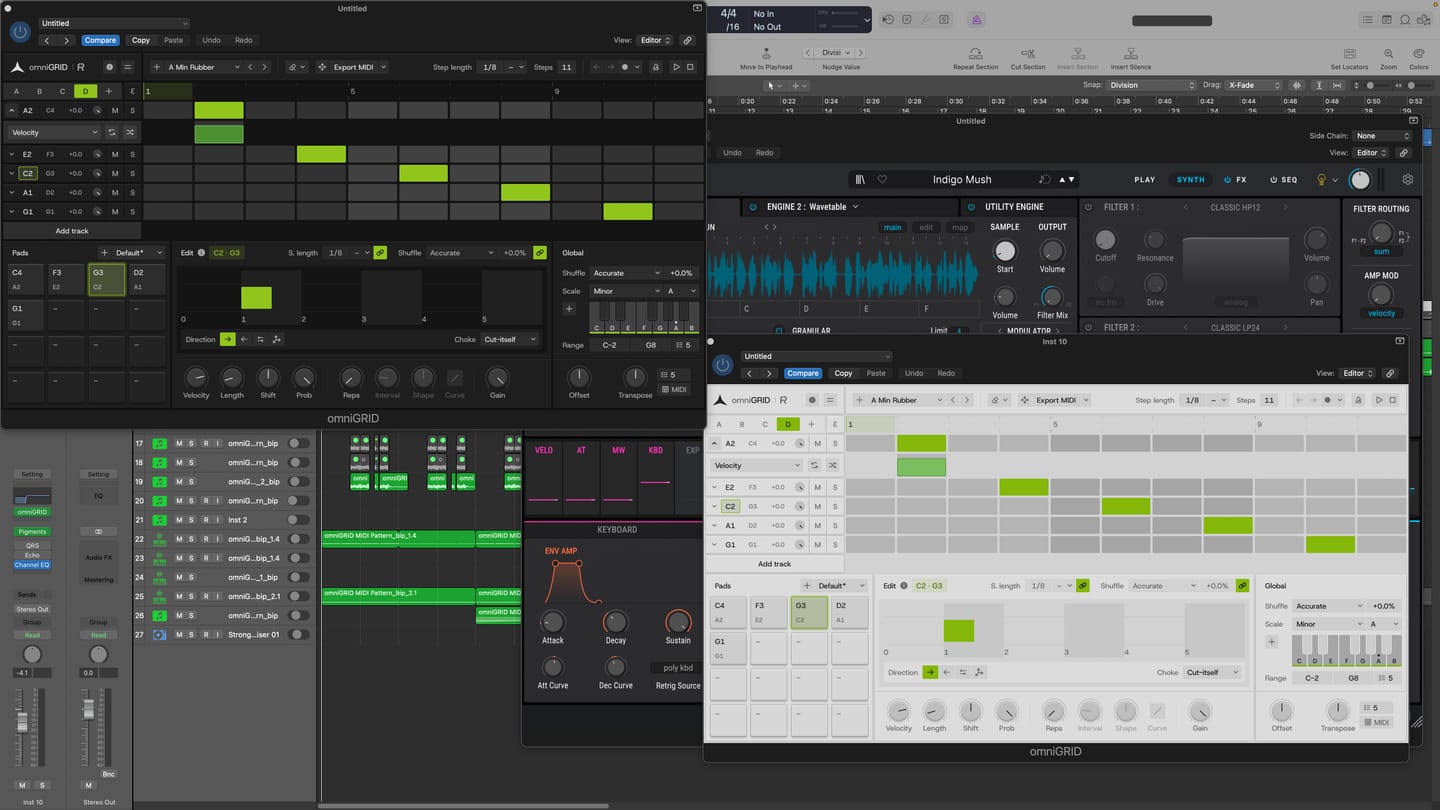
I am thoroughly impressed with the product. It has made the process of creating melodies more fun. BoySquared
 omniGRID
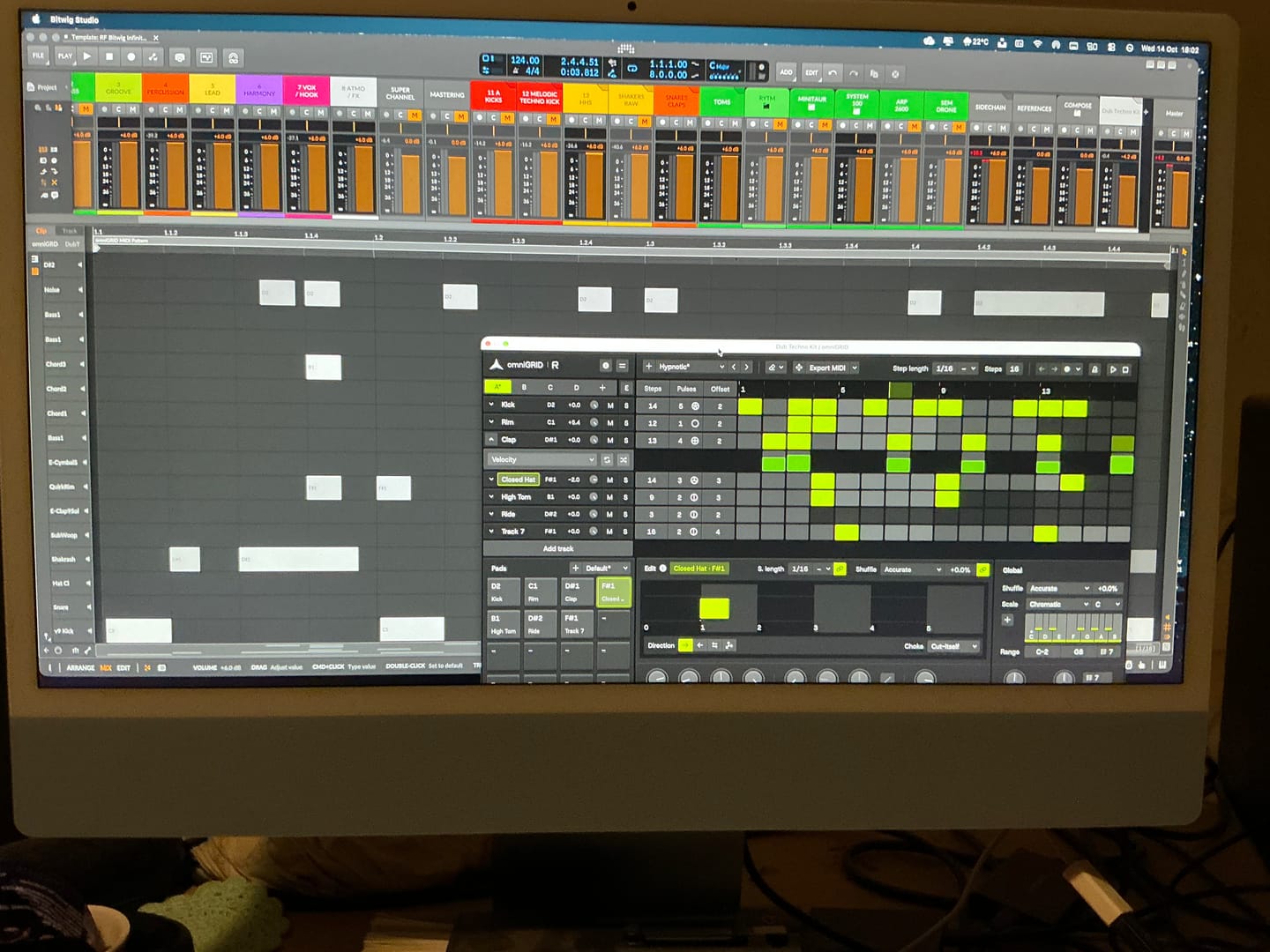
It’s taken me a great deal of tutorial-watching, manual-reading, and hours of just trying crazy stuff, but I’m at the point where I can start to make some headway with OMNIGRID, especially combined with RF’s Infinity Bundle and the DNA Suite (see photo). I do appreciate the Beginners level videos you’ve made about these new tools just recently. It’s because of those that I had some idea how to get going. Because the written documentation has been almost no use at all. The text refers to features of Ableton that I couldn’t find, even when stepping through those instructions one line at a time. And please update your instructions on instruments, instrument tracks, MIDI tracks, and audio tracks. I wasted hours and hours trying to figure out exactly where to put everything, and how to get the routing to work. Wasn’t fun. Strongly considered asking for a refund. HOWEVER, I did get it to work. In the photo I sent, I’m in the process of making dub techno. And it was actually starting to sound about right! There needs to be an easier way to stop the host and the plugin playing back simultaneously. Looking forward to version 3.0! Warmly, Adrian Bedford (who sometimes uses his wife Michelle’s credit card. But it’s all just me. Hi! :)
 omniGRID
super de bon produit merci eric pour ton beau travail
 omniGRID
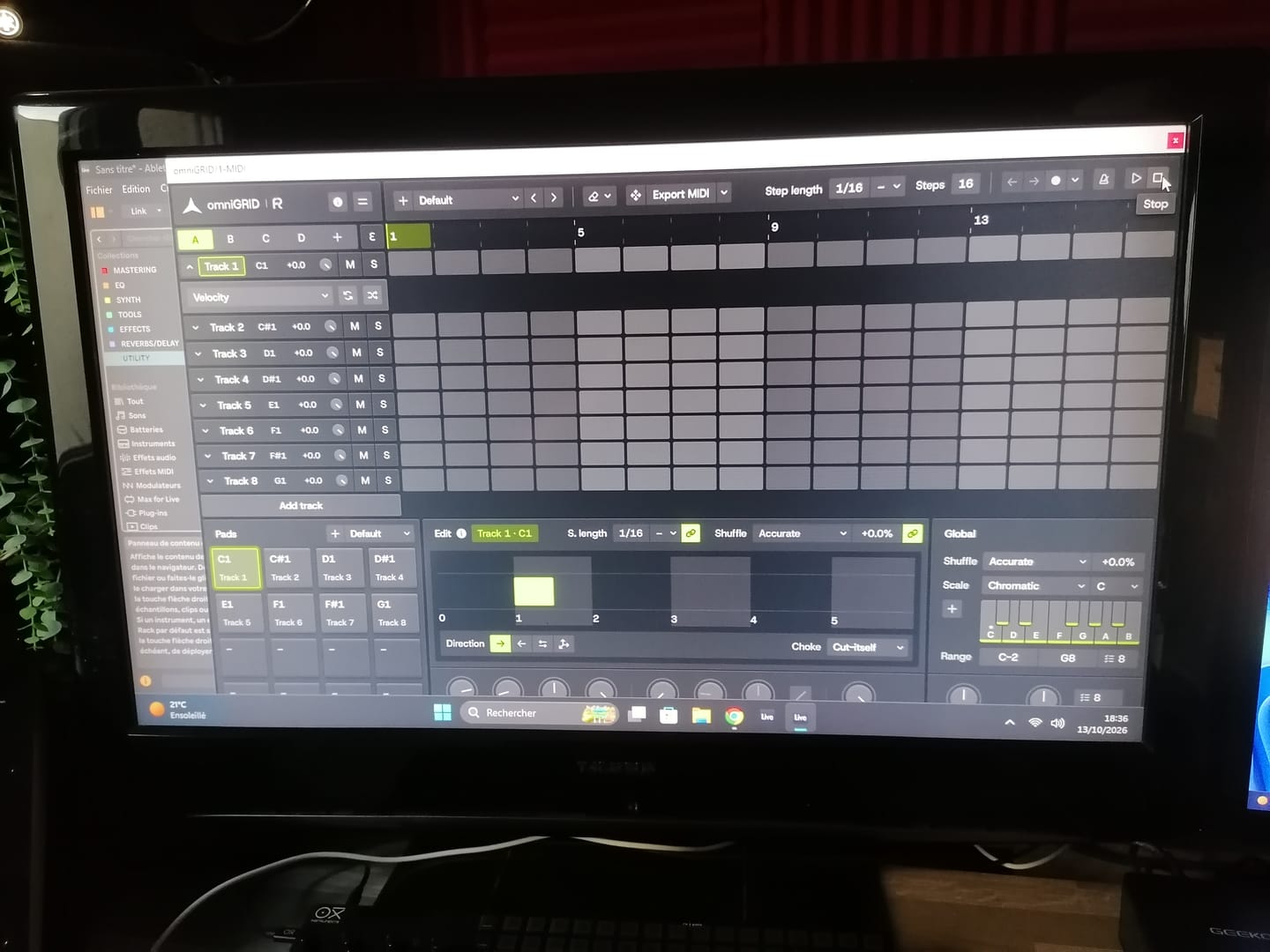
Great tool !! excelent !!
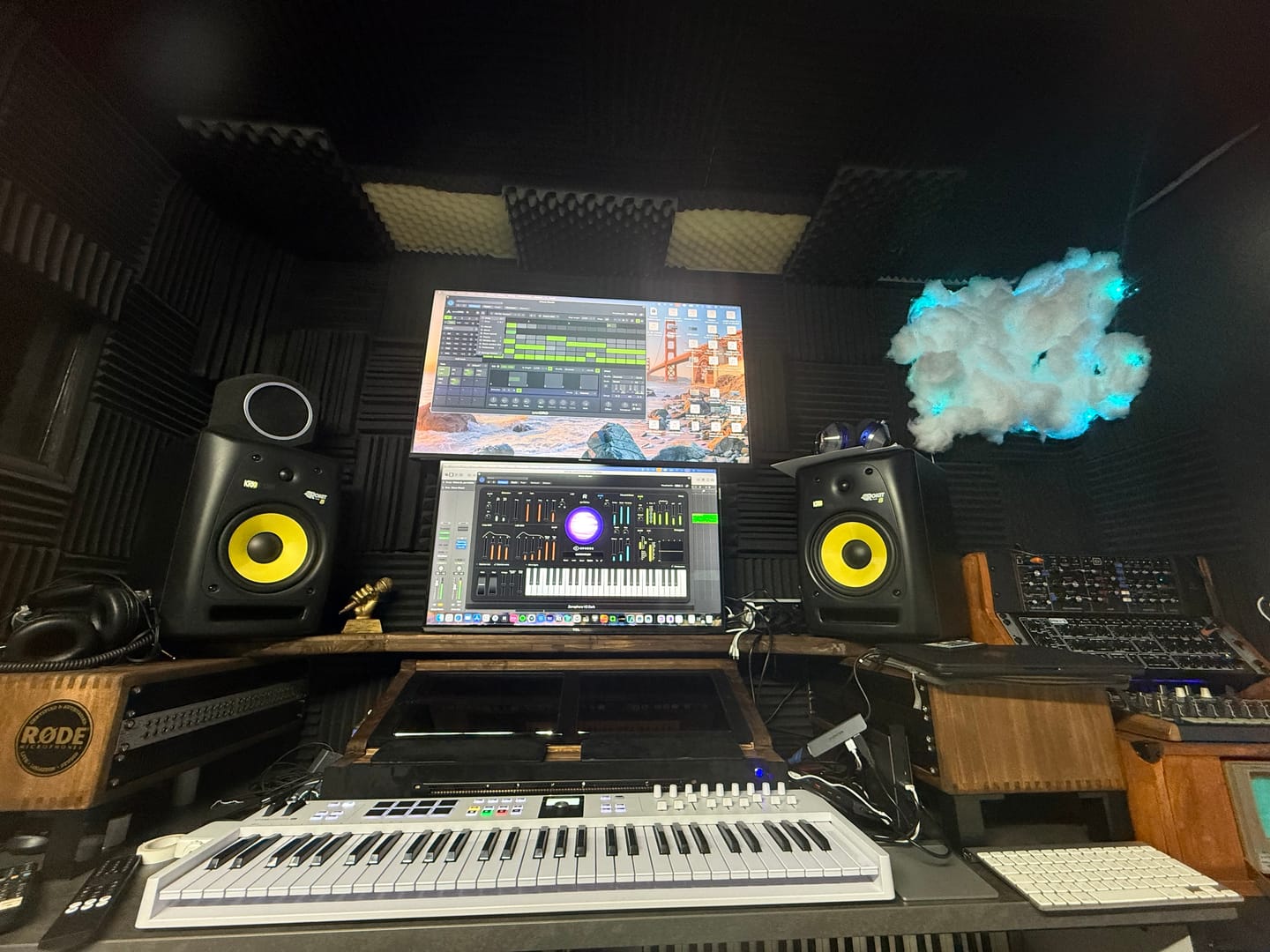 omniGRID
Love it. OmniGrid can control my analog synths as other drum INSTRUMENTS, software instruments….and all perfectly synced. Very helpful
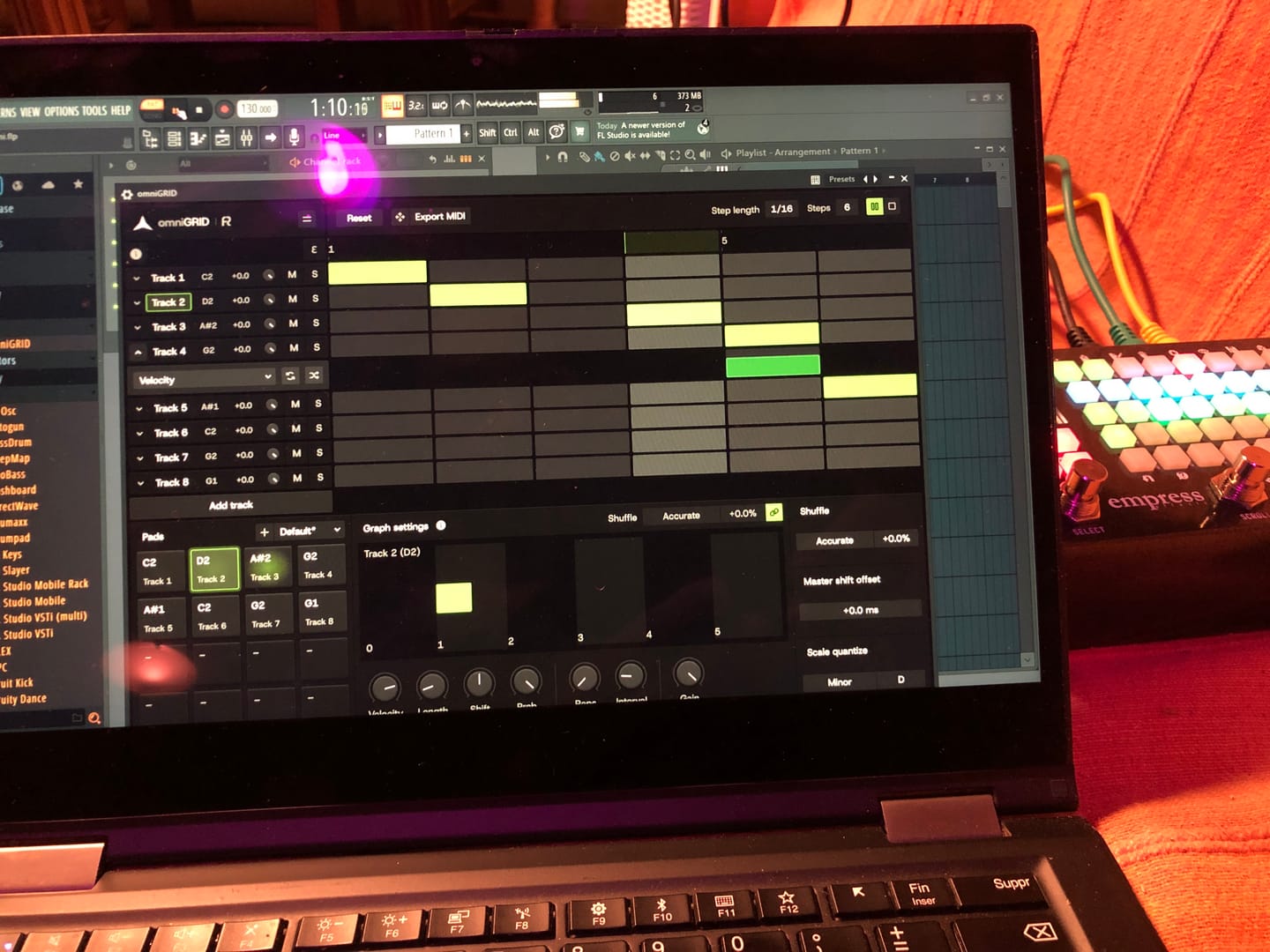 omniGRID
Lots of potential, and just at v1 :)
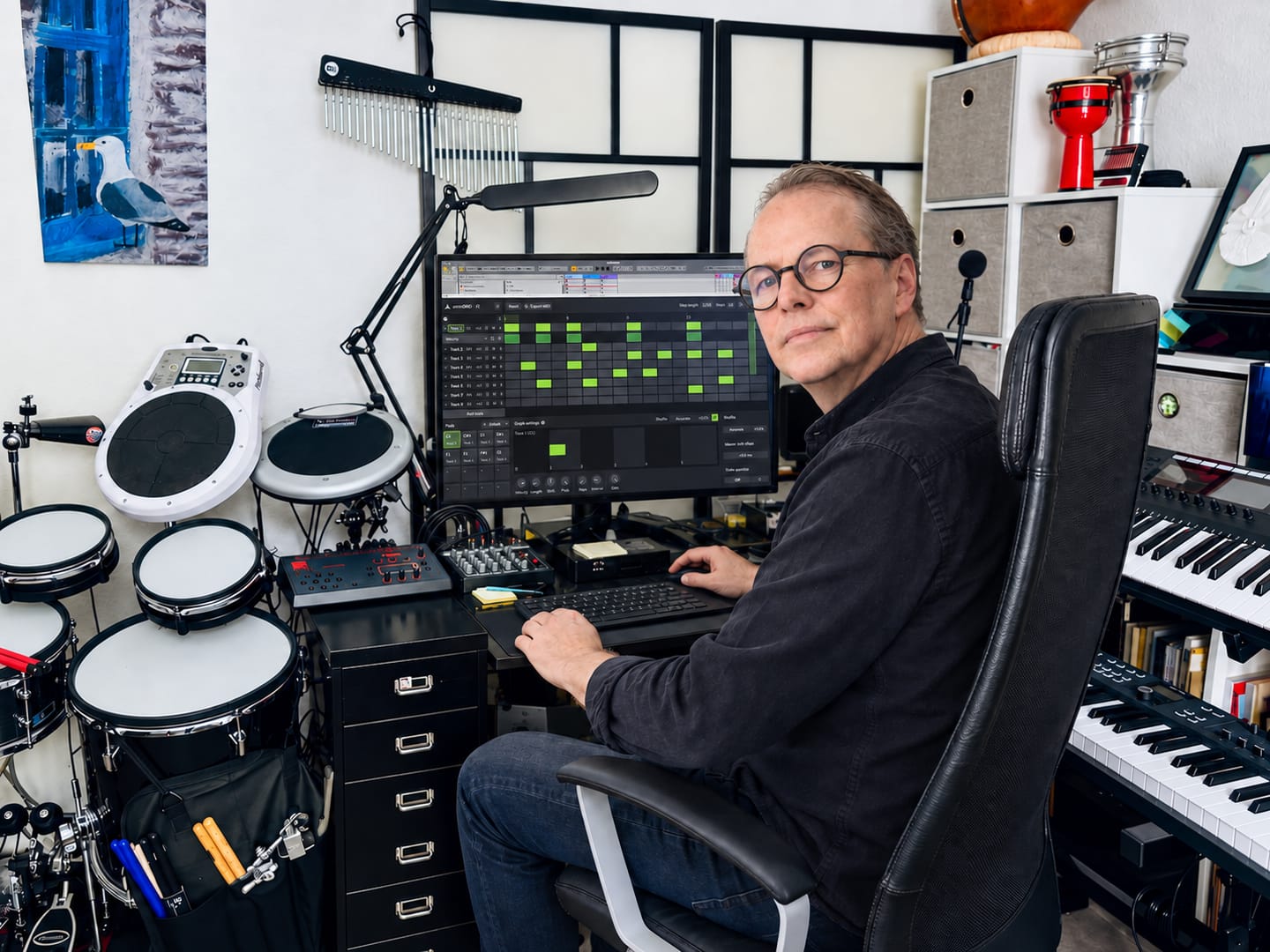 omniGRID
★★★★★ Omnigrid by Rapidflow is clear, fast, and pleasant to use. The features are well structured, the interface feels clean, and working with it is reliable. I especially like how easy it is to find your way around and get results without unnecessary steps. For me, it is a very well-made solution that does exactly what it should.
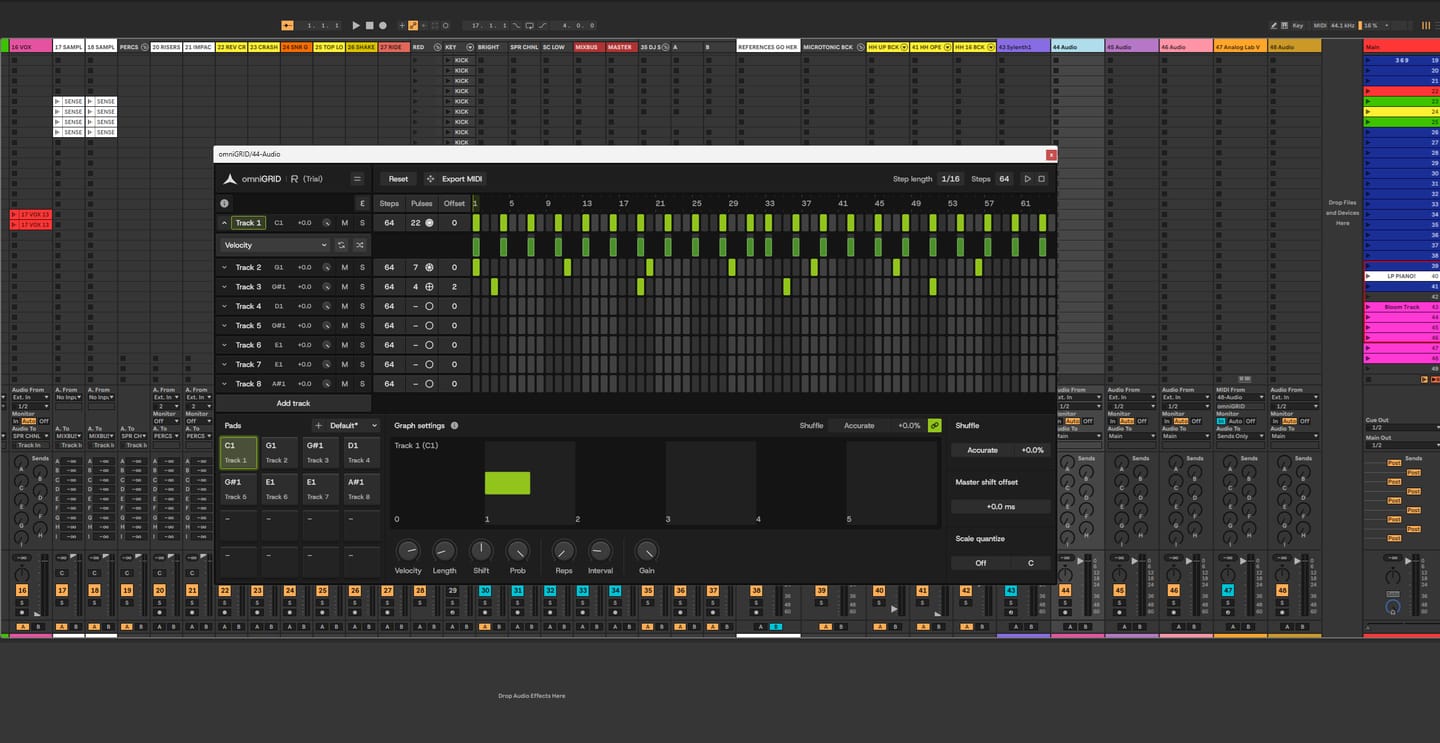 omniGRID
It’s been fantastic exploring new sequences and combinations! It’s impossible not to love omniGRID; before you know it, you have multiple instances running simultaneously—on the kick, bass, clap, and even synthesizers. It’s definitely a "must-have"!


drumGRID riproduce campioni di batteria. omniGRID invia segnali MIDI ai tuoi strumenti.
Sì, senza diritti d'autore: pubblicazioni, streaming, sincronizzazione e esibizioni dal vivo. Non è consentito rivendere i suoni.
Sì. drumGRID fa parte dell'Omega Bundle.
Drum machine classiche campionate tramite apparecchiature analogiche di fascia alta, con un numero di hit che varia da 500 a oltre 1.000 per ogni modello, a seconda delle potenzialità di ciascuna. La MFB Tanzbär MK I, ad esempio, conta oltre 1.000 hit. Ogni hit è selezionato a mano a orecchio e registrato a 96 kHz / 24 bit. La libreria include l’MFB Tanzbär MK I, la Vermona DRM1 MK IV, l’8RAW8 (tipo 808), la Cwejman BLD, la Nord Drum 3P e una drum machine di tipo Syncussion, con altre macchine in arrivo tramite aggiornamenti gratuiti.
Sì. drumGRID non dispone di compressione o equalizzazione integrate, quindi puoi elaborare i suoi suoni con i tuoi plugin. Dispone di 16 uscite stereo: invia ogni pad a una traccia separata nel tuo software musicale e utilizza qualsiasi compressore, equalizzatore, saturatore o riverbero tu abbia già a disposizione, proprio come se si trattasse di una batteria registrata. È anche possibile inviare più pad, ad esempio un clap e un rullante, a un’unica uscita ed elaborarli insieme.
Sì. Registra i passaggi dalla tastiera oppure riproduci i pattern dal vivo, mantenendoli quantizzati o liberi.
Sì. Trascina il pattern su una traccia della DAW come clip MIDI oppure esportalo come file .mid. Il file conserva la velocità, la durata, le ripetizioni, lo shuffle e lo shift di ogni singolo passo. È anche possibile importare clip MIDI.
Sì. Puoi trascinare dal tuo computer i tuoi campioni, kit e loop di batteria, aggiungere i suoni alla lista dei preferiti e salvare i tuoi preset personalizzati. drumGRID supporta inoltre il caricamento e l'esportazione di kit di batteria Hydrogen, mentre i loop di batteria con informazioni sul tempo seguono il tempo della tua DAW.
No. Every sound was recorded at 96 kHz / 24-bit and run through analog compressors, EQs and tape on the way in, so it’s mix-ready from the first hit.
Yes. A fully working 45-day trial: click Start free trial to download it. When you buy, use the same email address and the trial becomes your licence automatically.
No iLok or dongle. You can activate drumGRID on up to 5 computers you own.
Our products are digital templates, samples and instruments, delivered instantly, so they can’t be returned once downloaded. We provide a fully functional 45-day trial for our products and strongly encourage you to test it if you have any doubts before purchasing. At checkout, two checkboxes confirm you agree to our terms and want your download right away; this gives you instant access and waives the standard 14-day cooling-off period. If anything doesn’t work as expected, write to support (at) rapidflow (dot) shop and we’ll help.
drumGRID is an instrument: load it on an instrument (MIDI) track. Every pad plays through the main output. To give a pad its own track, right-click it and choose an Output (or All to own outputs), then open that output in your DAW:
Full steps for every DAW are in the drumGRID manual (PDF).

Trademark and Compatibility Disclaimer
All product names, logos, brands, and imagery of third-party hardware (such as those from Roland, MFB, Pearl, Nord, Vermona, Cwejman, Elektron, Erica Synths, AKAI, Oberheim, E-MU, Linn, or others) featured on this page are the property of their respective owners. These references and images are used solely for illustrative purposes to demonstrate suggested workflows. Use of these names and images does not imply any affiliation with, endorsement by, or sponsorship from the hardware manufacturers. Rapid Flow makes no claim of ownership over these trademarks and acknowledges that the "feel" or timing behavior described is a creative interpretation and not an official collaboration with the original manufacturers.
Photos: Roland TR-808 and TR-909 by Brandon Daniel, derivative work by Clusternote (CC BY-SA 2.0); Roland TR-606 by Midas Wouters (CC BY-SA 3.0); via Wikimedia Commons.
Avoid Hearing Damage
To prevent possible hearing damage, do not play or listen at high volume levels for long periods, whether you’re using headphones, speakers or an acoustic setup. Start at a low volume and turn it up slowly. Wear hearing protection when playing acoustic drums or in loud places. If your ears ring or sound seems muffled, stop and rest your ears.
